
Anker Nebula Capsule 3 Review: Honest Pros, Cons & Who It's For (2026)
Disclosure: We may earn a commission when you buy through links on this page, at no extra cost to you. As an Amazon Associate I earn from qualifying purchases. Learn more
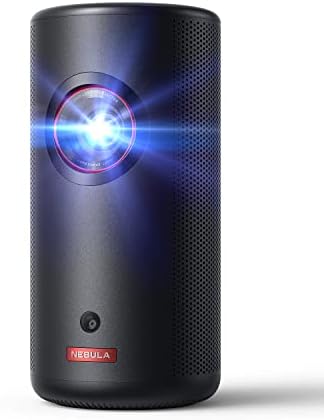
Thinking about the Anker Nebula Capsule 3? Our honest Anker Nebula Capsule 3 review covers everyday pros and cons, who it suits.
A portable projector promises a big picture without a big box taking over your room, and the Capsule 3 is built around that idea. This anker nebula capsule 3 review looks at the model through everyday home use, in a living room, a bedroom, and a home office shared by the whole family. It covers picture, sound, setup, and the cost of living with it. You will find the key points in the comparison table below.
If you are still deciding whether a portable model fits your home at all, start with our guide to the best projector options for different rooms and budgets. Keep that trade in mind, because almost every strength and weakness below comes back to size.
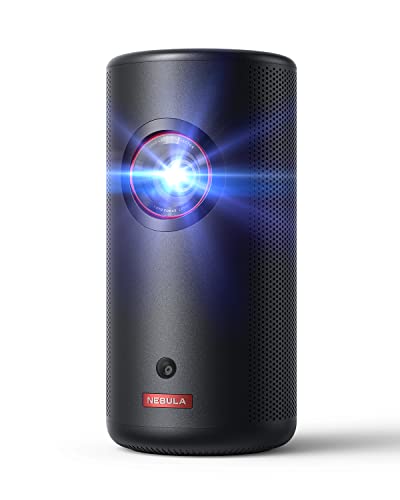

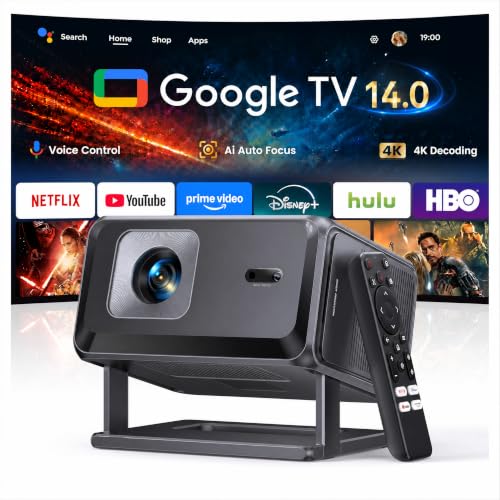

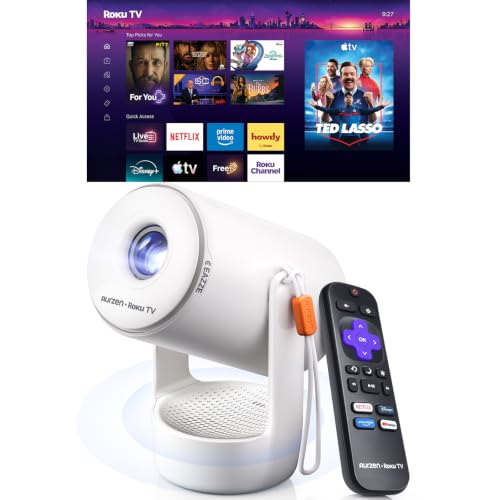
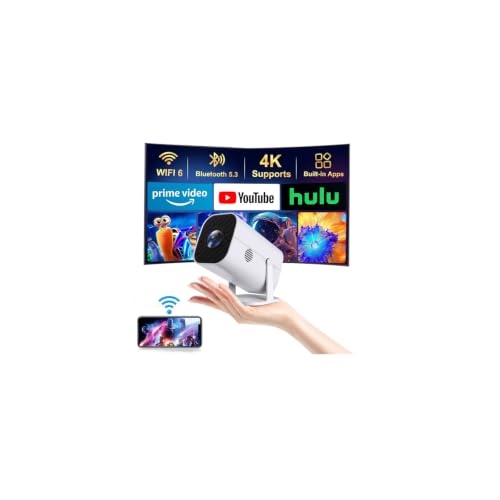
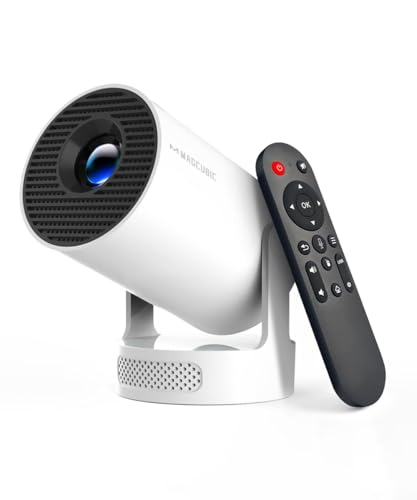
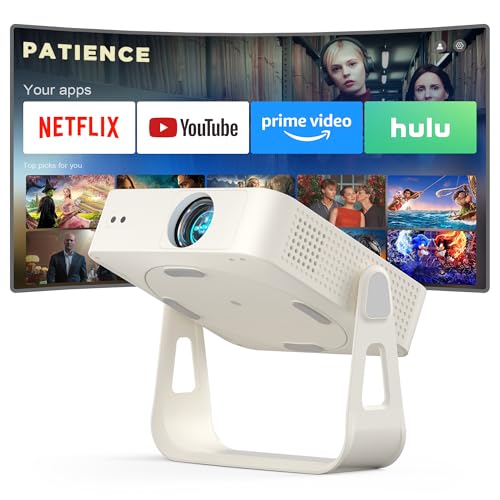
Anker Nebula Capsule 3: Key Specs
The Capsule 3 is a compact portable projector in a tall cylinder shape, designed to sit on a shelf, a side table, or a tripod. It gives you a Full HD 1080p picture, a built in battery for viewing away from an outlet, a built in speaker, and a smart streaming platform with voice control through the remote. Connections include HDMI for a laptop or game console, USB for media and charging, WiFi for streaming and casting, and Bluetooth for an external speaker or headphones.
Automatic focus and automatic keystone correction help square the image when you set the unit down at an angle. There is no zoom lens in the usual home theater sense, so image size is set mostly by how far you place the projector from the wall or screen.
First Impressions and Build
The first thing you notice is how little shelf space the Capsule 3 asks for. The upright body looks more like a smart speaker than a piece of video gear, so it blends into a living room or a bedroom without drawing the eye when it is switched off. That calm look is a genuine plus in a furnished room.
The finish feels neat and the controls are simple, with the real work done by the remote and the on screen menus. Because the lens sits in such a small body, keep fingers off the glass and keep the unit out of reach of small children. A small case helps if you carry it between rooms often.
How It Performs in Everyday Home Use
Picture Quality
At moderate sizes, roughly the span of a large TV, the 1080p image looks clean and detailed enough for films, sports, and streamed drama, with subtitles staying easy to read. Push the image much larger and the same pixels have to cover more wall, so fine detail softens. Color looks pleasing for casual viewing rather than tuned for strict accuracy, which suits family viewing well.
Brightness and HDR
Brightness is the limit you plan around. Like most projectors this small, the Capsule 3 is at its best in a dim or dark room, where contrast holds up and dark scenes keep their depth. Daylight from uncovered windows will wash the image out, because the light source in a body this size is modest by design. HDR content plays, but the effect is gentler than on a bright TV. Treat this as an evening projector and pull the curtains.
Smart Platform and Apps
The built in smart platform is a large part of the appeal, because it removes the need for a separate streaming stick on a normal movie night. You sign in to your usual services, browse from the home screen, and use voice search on the remote when typing a title with arrow keys feels slow. App choice is broad for mainstream services, though lineups change over time, so check that the service your household watches most is present before you buy. HDMI remains the safer route for a laptop or a console.
Sound
The built in speaker is better than you might expect from a body this small, and for dialogue led shows and casual viewing in a bedroom it is often enough on its own. Voices come through clearly at close range, which matters more in a small room than raw volume. What it cannot do is fill a large living room with the low end weight that film soundtracks carry, so action scenes sound thin if you sit far back. Pairing a Bluetooth speaker lifts the whole experience.
Features You Will Actually Use
The features that matter most are automatic focus and keystone correction, because a portable projector gets moved often and nobody wants to spend ten minutes nudging menus before a film. The built in battery matters too, since it lets you watch in a room with no free outlet nearby, or finish an episode on a patio wall on a calm evening.
Lower down the list sit the playful extras in the menus and the finer picture modes, which most households set once and leave alone. Its value is mostly about removing friction. You carry one small unit into the room, place it down, and start watching.
Living With It: Setup, Cleaning and Upkeep
Setup is refreshingly short. Place the projector roughly square to the wall, let the auto focus settle, check that the keystone correction has kept the edges straight, and join your WiFi network. A plain pale wall works, though a smooth screen gives a cleaner result. Keep the unit on a stable surface, since a small body is easy to knock out of line.
Upkeep is light. Dust the vents with a soft dry cloth, keep drinks away from the unit, and do not block the vents during a film, because a small body has little spare room for heat.
What We Like and What We Do Not About the Anker Nebula Capsule 3
On the plus side, the Capsule 3 is genuinely easy to live with. It is small, tidy looking, quick to set up, and complete in one box, with streaming, sound, and a battery all included. On the down side, brightness limits it to dim rooms, the built in sound only goes so far in a big space, and the price is firm for the picture size it does best.
Is the Anker Nebula Capsule 3 Right for Your Household?
It fits households that want a flexible second screen more than a fixed cinema. Renters who cannot drill mounts or run cables will like it, and so will families who move movie night between the living room, a bedroom, and a visiting grandparent. Skip it if your main room is bright all day, if you want a very large image as your only screen, or if you would rarely move the picture.
How the Anker Nebula Capsule 3 Compares
The useful comparison is by type. At one end sit fixed living room projectors that are brighter and larger, built to stay on a mount or a media unit. A dedicated home model covered in our hisense px3-pro review shows that fixed route, where the room is arranged around the unit.
Between those poles, brighter lifestyle models try to serve a main room as well as travel. The approach in our hisense c2 ultra review leans that way, with more brightness and a larger body to house it. The Capsule 3 sits below that class on power and above it on ease of carrying. Reading any anker nebula capsule 3 review with that map in mind keeps the choice simple: pay for brightness if the room demands it, and pay for compact ease if moving the picture is the point.
Price, Deals and Warranty
Expect to pay about $400 to $650 depending on the version, with the price moving during large sale events. That premium buys the battery, the smart platform, and the automatic setup help, rather than a brighter lamp. Warranty terms vary by seller and region, so read the length of cover before you order and keep the receipt.
Common Buying Mistakes to Avoid
- Buying it for a bright room with large uncovered windows, then blaming the projector for a washed out picture that the room caused.
- Planning a huge image as the default size, when this class of projector looks best at a moderate size in a dim room.
- Forgetting sound, and assuming a small built in speaker will fill a large open plan space the way a soundbar does.
- Skipping the check for your main streaming service in the app list, then finding you still need a separate stick every night.
- Placing it on an unstable stack of books, where a small knock ruins focus and alignment halfway through a film.
Cost of Ownership and Care
Running costs are low. The unit uses little electricity compared with a large TV and a separate sound system, and there is no lamp to replace on a schedule in the way older projector designs demanded. Your real extra costs are optional: a screen if your walls are textured, a tripod or stand, a case, and a Bluetooth speaker if the built in sound is not enough.
Charge the battery sensibly rather than leaving the unit plugged in for months, run it on mains power for long films when an outlet is near, and let it cool before you pack it away. Store the remote with the unit so movie night does not start with a search. Treated that way, a portable projector should serve for years of casual use.
FAQ
How do you clean the Anker Nebula Capsule 3?
Switch the unit off, unplug it, and let it cool fully. Wipe the body with a soft dry cloth, and clean the lens only with a lens cloth or a lens pen made for optics, using light strokes and no household sprays. A gentle puff of air clears dust from the vents. Never press hard on the lens coating, and never open the body.
What is a cheaper alternative to the Anker Nebula Capsule 3?
A basic mini projector without a built in battery and without a full smart platform costs much less, and it can suit a fixed spot near an outlet where you already own a streaming stick. The trade is more cables and slower setup. Another cheaper route is a modest TV for a single room, which wins on brightness. Choose that path only if you give up portability willingly.
How long does the Anker Nebula Capsule 3 last?
The light source in this class of projector is rated for many years of normal evening use, far longer than old lamp based designs, so picture life is rarely the limit. The battery is the part most likely to age first, though mains powered viewing still works then. Careful storage and clean vents do more for lifespan than any menu setting.
What are common Anker Nebula Capsule 3 problems?
The complaints that come up most are about the room, not the unit: a washed out picture in daylight, an image too large for the available brightness, and WiFi drops when the projector sits far from the router. Focus drift after a knock is fixed by letting auto focus run again. Check placement and network strength before assuming hardware failure.
Is the Anker Nebula Capsule 3 worth it?
It is worth it when portability is the feature you will use weekly: moving between rooms, watching without a free outlet, and setting up in minutes with no extra boxes. It is harder to justify as a main living room screen in a bright home, where the same money buys more brightness elsewhere. Think of the price as paying for freedom of placement. If the projector would sit in one place forever, it is not worth it.
Final Thoughts
The Capsule 3 does one job very well: it puts a decent sized picture anywhere in your home with almost no fuss. Its limits follow from its size: modest brightness, modest sound, and a best image size that stays moderate. Look back at the product table above and weigh those points against your rooms. If an evening picture that moves with your family sounds right, the anker nebula capsule 3 review verdict is simple: this is a well judged portable choice, bought for ease and used often.


