
Best Smart Garage Door Controllers: A Complete Buying Guide
Disclosure: We may earn a commission when you buy through links on this page, at no extra cost to you. As an Amazon Associate I earn from qualifying purchases. Learn more
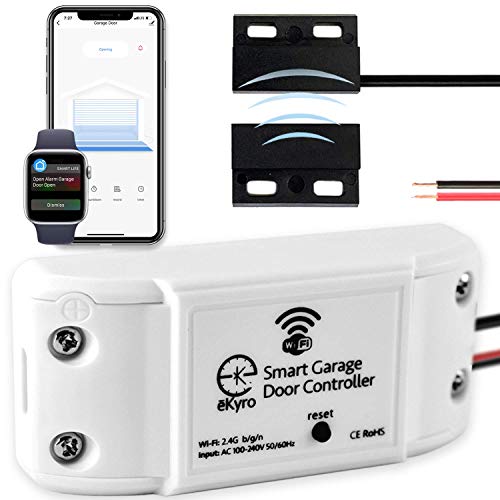
Shopping for the best smart garage door controllers? Learn about Wifi control, opener compatibility, door sensors, and security features before you buy one.
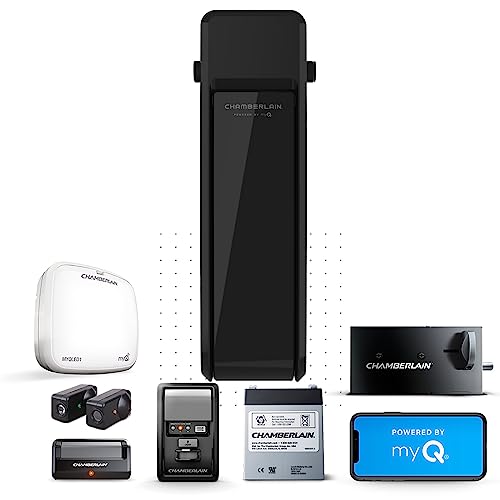
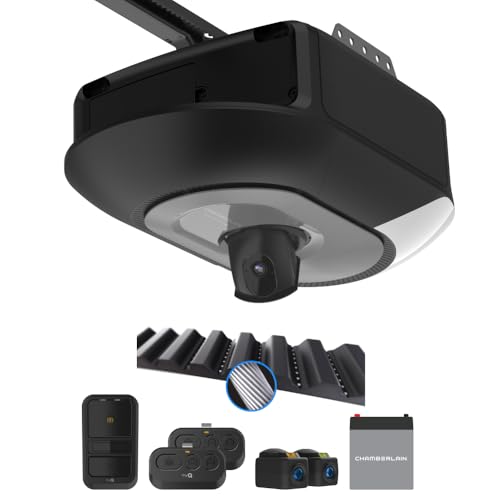
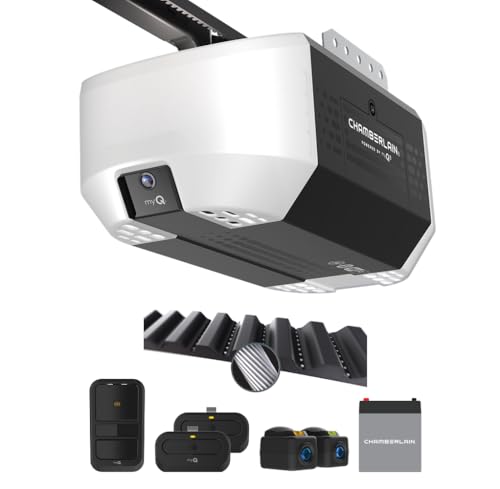
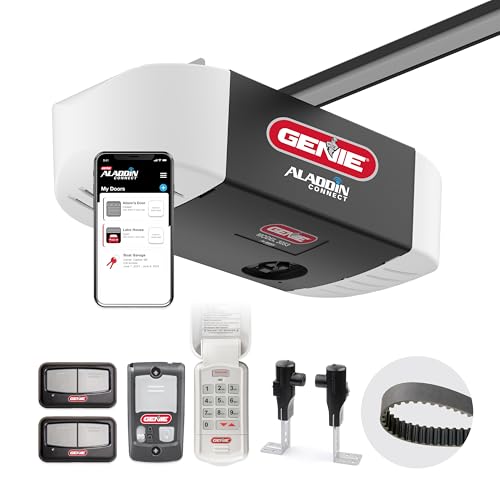
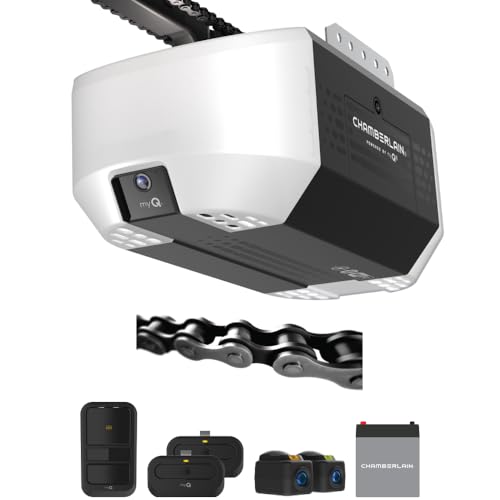
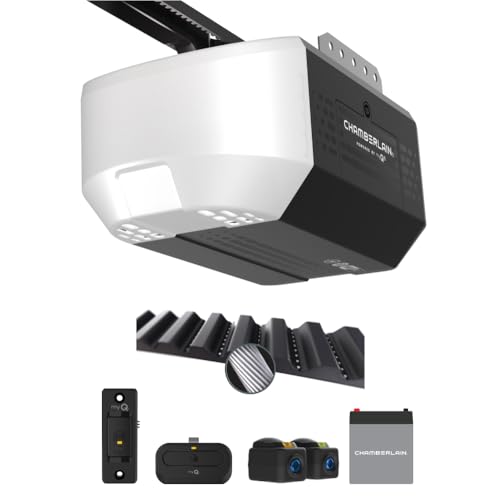
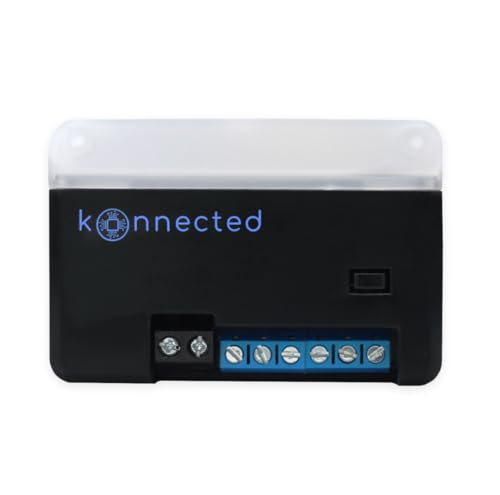
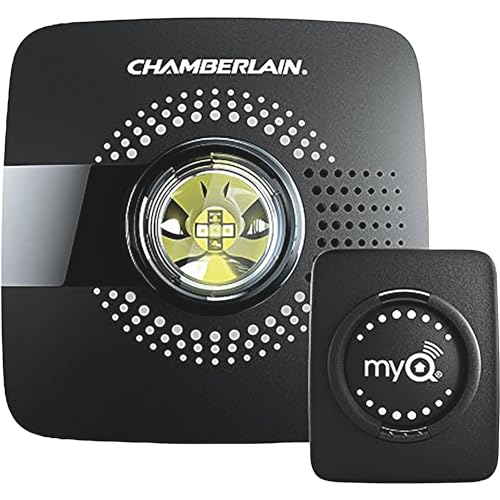
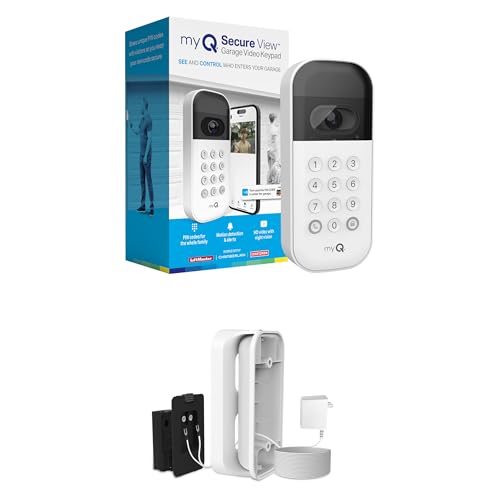
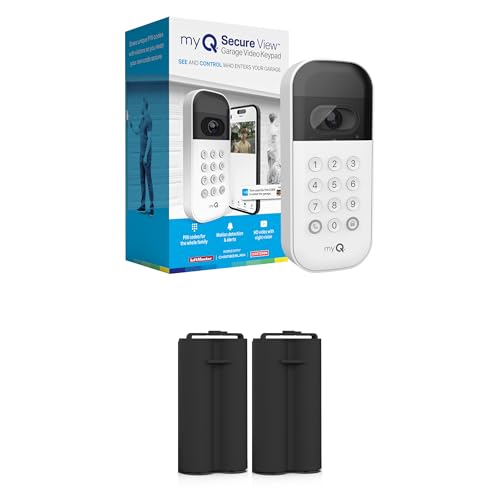
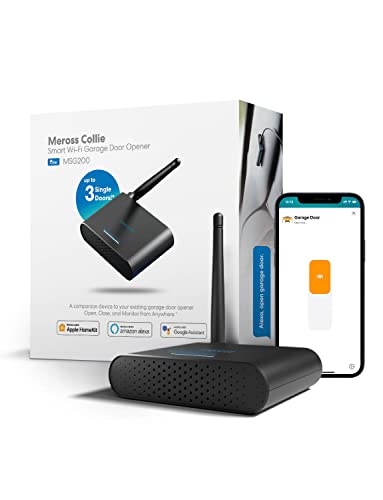
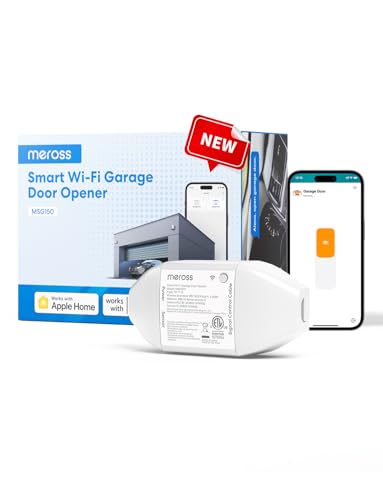
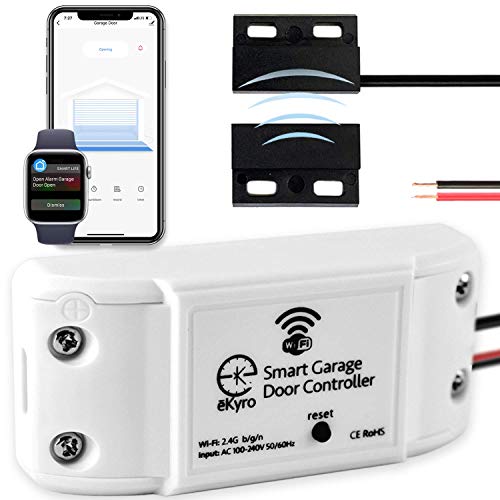
Retrofit Add-On or Built-In Smart Opener: Choosing Your Starting Point
Every homeowner shopping for a smart garage door controller hits the same fork in the road early on. One path keeps the motor already bolted to the ceiling and simply adds a small Wi-Fi module. The other replaces the whole opener with a unit that has smart features built into the motor housing from the factory. Both get you phone control, but they solve different problems.
A retrofit controller is the cheaper, faster route. It wires into the existing wall-button terminals and safety sensor wiring, then talks to an app over your home network. Installation usually takes less than an hour and doesn't require touching the motor itself, which makes it the obvious choice if the current opener still runs quietly and reliably.
A built-in smart opener makes more sense when the motor itself is aging, noisy, or due for replacement anyway. Because the smart logic, battery backup, and sometimes a camera are all engineered into one housing, there's a single app and a single point of support instead of two separate systems working together. That integration comes at a higher upfront cost but removes a layer of potential compatibility headaches.
Confirming Compatibility Before You Buy
Compatibility is where most returns and refund requests originate, so it deserves attention before checkout, not after installation. Most openers manufactured within roughly the last three decades use standard safety sensors and a wall-mounted push button, and the majority of add-on controllers are built to work with that setup out of the box.
The exception worth knowing about is a rolling-code security system that uses a dedicated learn button, often colored yellow on certain opener brands. These systems encrypt the signal between the remote and the motor for extra protection, which means a generic controller may not pair correctly unless the packaging explicitly states support for that protocol. Skipping this check is the single most common mistake buyers make.
- Note the opener's manufacture year and motor type printed on the housing label before shopping.
- Look for explicit language confirming support for rolling-code or encrypted learn-button systems.
- Check whether the garage has strong Wi-Fi coverage, since detached garages and those with metal doors often need a mesh node or extender nearby.
- Confirm how many doors the household needs to control, since multi-door households may prefer a single hub that manages more than one opener.
Security and Auto-Close Features That Actually Matter
A garage door is effectively a second front door, and an unsecured connected controller turns that entry point into a soft target. Encrypted communication between the app and the unit prevents a nearby attacker from intercepting and replaying the open command, so this feature belongs near the top of any comparison.
Two-factor login adds a meaningful second layer, requiring a one-time code in addition to a password before anyone can trigger the door remotely. Combine that with activity logs showing exactly when the door opened and closed, and a stolen or guessed password stops being enough on its own to gain entry.
An auto-close timer solves a different, more everyday problem: the door left open after someone forgets, gets distracted, or misjudges the sensor. Setting a timer that automatically closes the door after a chosen interval, paired with a push notification if it's been open longer than expected, closes one of the most common and preventable security gaps in a typical home.
What to Budget For Beyond the Sticker Price
The unit itself is only part of the real cost. Most controllers rely on a companion app that's free for basic remote open and close functions, but some manufacturers gate features like video history, multi-user sharing, or extended activity logs behind an optional subscription.
Installation is typically a do-it-yourself job for a retrofit controller, since it uses the same wiring already present at the wall button. A built-in smart opener replacement, by contrast, may call for a professional install if the existing rail, springs, or wiring need adjustment, which adds labor cost on top of the hardware price.
Longevity matters too. A controller tied to cloud services stops working the moment that company shuts down its servers or discontinues the app, so it's worth checking how long a manufacturer has supported its existing product line before committing. Weighing these ongoing costs against the sticker price gives a clearer picture of what a smart garage door controller actually costs over its lifespan.
Getting the Most Out of a Connected Garage
A garage door rarely operates in isolation once it's connected. Pairing the controller with a broader smart home hub lets a single routine, for instance, turn on the driveway light and unlock the entry door the moment the garage opens after sunset, instead of managing each device through a separate app.
Delivery security is another common use case. Sharing a temporary digital key with a trusted delivery service or a house sitter avoids leaving a spare key under a mat, and the activity log shows exactly when that access was used. Some households pair this with a video doorbell at the front entry so the same phone notification habit covers both doors.
For households wanting visual confirmation rather than just a status icon, adding an indoor security camera aimed at the garage interior fills the gap that most controllers, which report only open or closed status, don't cover on their own.
Common Questions About Smart Garage Door Controllers
Will a smart controller work with any garage door opener?
Most work with openers that use standard safety sensors and a wall button, but rolling-code security systems need a controller that explicitly lists support for that protocol.
Do these controllers need a professional installer?
A retrofit unit is usually a simple do-it-yourself wiring job at the existing wall button, taking under an hour for most households without special tools.
Can the door still be operated with the original wall button or remote?
Yes, adding smart control typically doesn't disable the existing wall switch or handheld remotes, so the household keeps every prior method of operating the door.
What happens if the internet or Wi-Fi goes down?
Local controls like the wall button and physical remotes keep working during an outage, though remote app access and notifications pause until the connection returns.
Is a subscription required to use the basic features?
Basic open, close, and status notifications are usually free, while extras such as video history or extended activity logs are sometimes locked behind an optional paid tier.
How long does the battery backup last during a power outage?
This depends entirely on the model and whether the backup lives in the controller or the opener itself, so check the listed runtime before assuming coverage.
Is it safe to share access with a delivery driver or guest?
Temporary digital keys that expire automatically are generally safer than sharing a permanent code, and the activity log lets the household confirm exactly when access was used.
Bringing It All Together
Choosing the right smart garage door controller comes down to weighing a retrofit add-on against a full opener replacement based on the condition of the current motor and how much the household is willing to spend upfront. Compatibility with the existing safety sensors and any rolling-code learn button deserves a five-minute check before purchase, since that single detail causes most return requests.
From there, prioritize encrypted communication, two-factor login, and an auto-close timer over flashier extras. Those three features address the actual security risk of a connected garage door rather than just adding convenience. Pairing the controller with a wider smart home hub setup rounds out the system, turning a single connected door into part of a coordinated routine for the whole house.