
13 Best Silent Computer Mice for 2026
Disclosure: We may earn a commission when you buy through links on this page, at no extra cost to you. As an Amazon Associate I earn from qualifying purchases. Learn more

A loud, clicky mouse becomes genuinely annoying fast, whether you're working late next to a sleeping partner, sharing an office, or just tired of hearing every single click. A good silent computer mouse looks and works like a standard mouse but swaps in muted switches that eliminate most of that noise without sacrificing responsiveness.
Here's what actually separates a genuinely quiet mouse from one that's only marginally quieter, followed by three standout picks and a full lineup of other strong options to compare.

![TECKNET Wireless Mouse with LED Display,Tri-Mode Bluetooth Mouse for Laptop | [BT5.2+BT5.0+2.4G]...](https://images-na.ssl-images-amazon.com/images/I/31TkIvx5XSL.jpg)
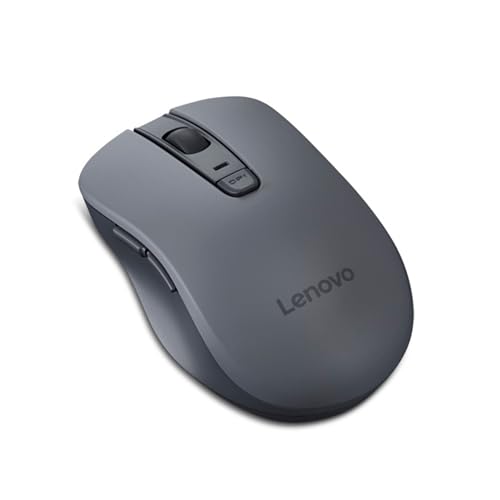
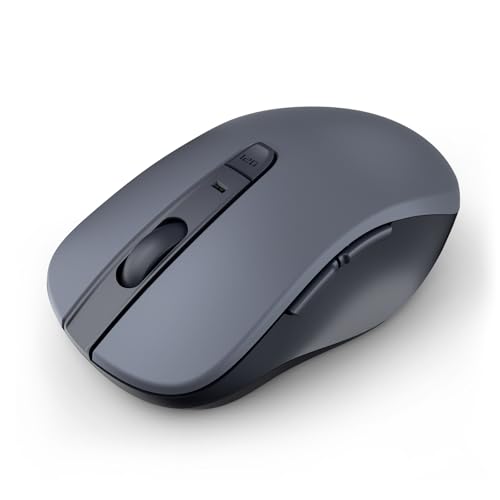
What to Look for in a Silent Computer Mouse
Switch technology is the core of what makes a mouse quiet. Silent mice use specially dampened mechanical switches that cut the audible click sound dramatically compared to standard switches, while still providing the tactile feedback needed to register a click reliably.
Connectivity type affects both convenience and reliability. Bluetooth mice pair directly without a USB receiver, saving a port, while 2.4GHz wireless mice use a small USB dongle that generally offers more consistent, lower-latency performance for everyday use.
DPI and sensor quality determine tracking precision and smoothness. Adjustable DPI settings let you switch between higher sensitivity for quick navigation and lower sensitivity for precise work, which matters more for detailed tasks like photo editing or design work.
Battery life varies significantly between models, with some silent mice running for many months on a single set of batteries thanks to efficient sleep modes, while others need more frequent recharging or battery swaps.
Ergonomics and grip style should match how you actually hold a mouse. Options range from compact, travel-friendly designs to larger ergonomic shapes built for extended desk use, so consider hand size and typical usage duration.
Button count and programmability add real function beyond basic left, right, and scroll clicks. Extra side buttons for back and forward navigation are especially useful for browsing and productivity work.
Build quality and brand reliability matter for a mouse you'll use daily. Established brands with a strong track record generally offer more consistent switch durability and better long-term click-silence retention over years of use.
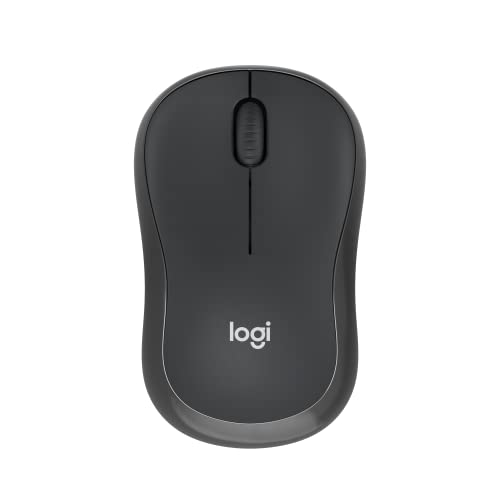
Best Overall: Logitech M330 Silent Plus Wireless Mouse
With tens of thousands of reviews, far more than any other silent computer mouse in this lineup, the Logitech M330 Silent Plus has become the category benchmark for good reason. Logitech's proprietary silent-click technology cuts noise by up to 90% compared to a standard mouse while still feeling responsive.
- Connectivity: 2.4GHz wireless with USB receiver
- Noise reduction: Up to 90% quieter clicks
- Best for: Buyers who want a proven, widely trusted everyday pick
Pros:
- Massive review base reflects long-term consumer trust
- Genuinely significant noise reduction without losing tactile feedback
- Full-size ergonomic shape suits extended daily use
Cons:
- Uses a USB receiver rather than Bluetooth, occupying a port
- Fixed DPI settings offer less customization than higher-end models
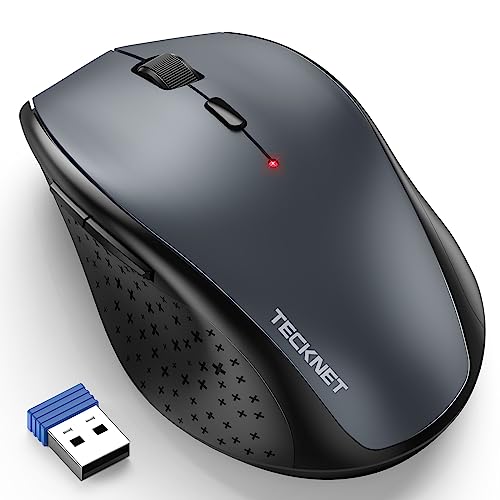
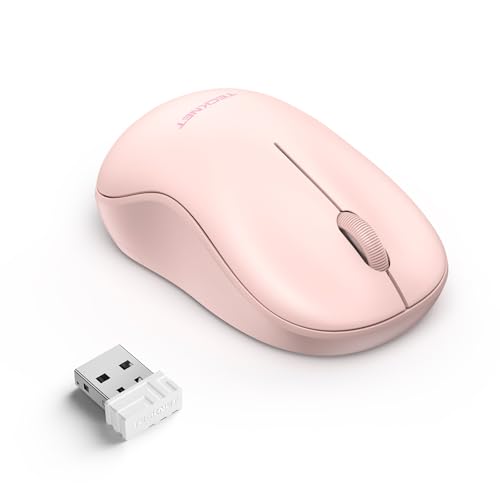
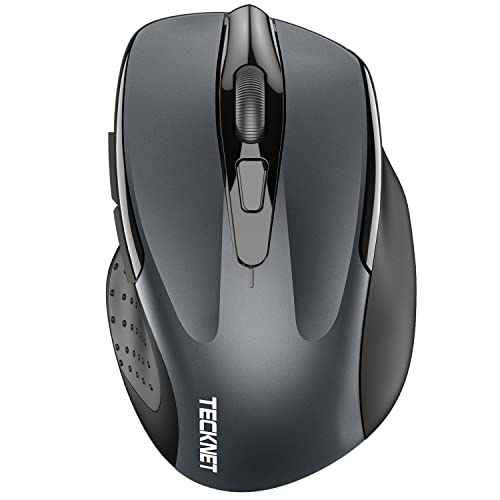
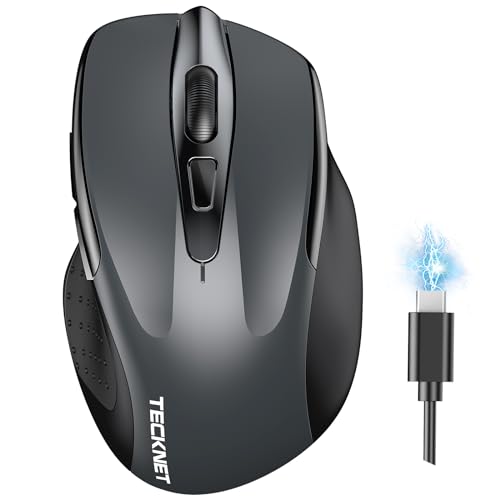
Best Budget: TECKNET 2.4G Wireless Silent Click Mouse
At a genuinely low price backed by tens of thousands of reviews, this TECKNET mouse proves silent clicking doesn't require a premium budget. Six adjustable DPI levels add real flexibility, and up to 30 months of battery life means you'll rarely think about replacing batteries.
- DPI levels: 6 adjustable settings (800-4800)
- Battery life: Up to 30 months
- Best for: Budget-conscious buyers who still want real quality
Pros:
- Extremely affordable for the feature set and review count
- Exceptionally long battery life reduces maintenance hassle
- Adjustable DPI adds flexibility for different tasks
Cons:
- Design feels less premium than higher-priced ergonomic options
- Fewer programmable buttons than productivity-focused models
Best Premium: Lenovo 600 Bluetooth Silent Mouse
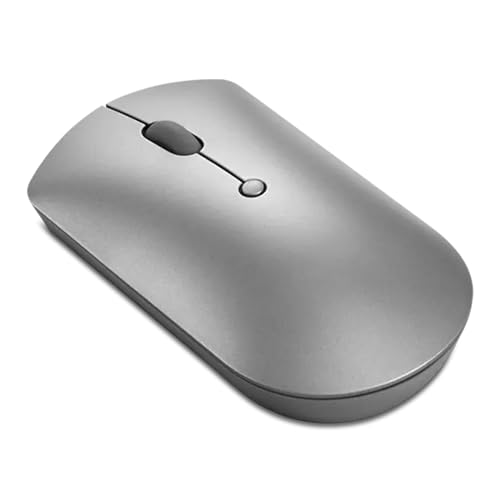
Backed by nearly 8,000 reviews, this Lenovo model pairs Bluetooth convenience with a genuinely refined blue optical sensor for smooth, accurate tracking. Four programmable buttons and adjustable DPI settings give it more everyday versatility than simpler silent mice in this lineup.
- Connectivity: Bluetooth, no USB receiver needed
- Buttons: 4 programmable buttons
- Best for: Buyers who want Bluetooth convenience with more features
Pros:
- Bluetooth connectivity frees up a USB port entirely
- Blue optical sensor delivers genuinely smooth, accurate tracking
- Extra programmable buttons add real productivity value
Cons:
- Higher price than basic silent mice in this lineup
- Bluetooth pairing can occasionally be less consistent than a USB receiver
Bluetooth vs. 2.4GHz Wireless: Which Silent Mouse Fits You?
Bluetooth mice pair directly with your device without needing a USB receiver, which is especially convenient for laptops with limited ports or when traveling light.
2.4GHz wireless mice with a USB dongle generally offer more consistent, lower-latency performance, since the connection isn't competing with other Bluetooth devices for the same wireless spectrum.
For a primary desktop setup where port availability isn't a concern, a 2.4GHz wireless mouse is often the more reliable everyday choice, while Bluetooth makes more sense for laptops, tablets, or minimizing the number of devices plugged in.
Some premium mice actually support both connection types, letting you switch based on the situation, which is worth considering if you regularly move between a desktop setup and a laptop.
Frequently Asked Questions
How much quieter is a silent mouse compared to a regular one?
Most silent mice reduce click noise by a significant margin, often cited around 90% quieter than standard mechanical switches, though the exact reduction varies by brand and specific switch design. The clicks are still audible up close but far less noticeable in a shared or quiet space.
Do silent mice feel different to click compared to regular mice?
Most silent mice are designed to preserve similar tactile feedback to a standard click, just with dampened sound, so the physical feel of pressing the button is very similar. Some users do notice a slightly softer or mushier feel depending on the specific switch design.
Does silent mouse technology wear out over time?
Like any mechanical switch, the components in a silent mouse can wear down after extensive use, sometimes resulting in a slightly louder click after a few years of heavy daily use. Choosing an established, reputable brand generally means more durable switches that retain their silence longer.
Conclusion
The Logitech M330 Silent Plus is the best overall pick for a proven, widely trusted everyday choice. If you're on a budget, the TECKNET mouse delivers genuine silent clicking without the higher price. And for buyers who want Bluetooth convenience with more features, the Lenovo 600 is worth the investment. Whichever you choose, a good silent computer mouse makes a real difference in a shared or quiet workspace.


