Best Robot Vacuum Cleaner With Alexa: A Complete Buying Guide
Disclosure: We may earn a commission when you buy through links on this page, at no extra cost to you. As an Amazon Associate I earn from qualifying purchases. Learn more
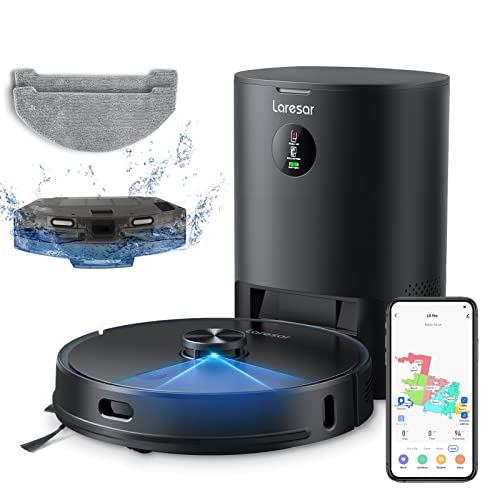
You're halfway through cooking dinner when you notice the kitchen floor could use a pass, but your hands are full and your phone is buried under grocery bags. That's the exact moment voice control on a robot vacuum earns its keep. Pairing a robot vacuum with Alexa lets you start, pause, or send it back to the dock without touching an app, and it's one of the easier smart home upgrades to actually use every day. Finding the best robot vacuum cleaner with alexa compatibility isn't just about a sticker on the box, though. This guide walks through what the Alexa badge really means, how the setup works, which commands actually do something useful, and where voice control still falls short of what people expect.
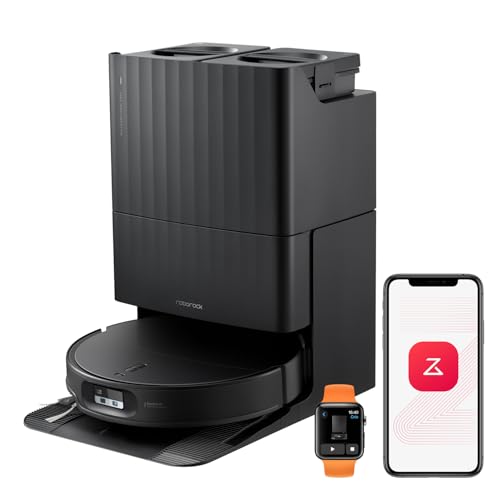
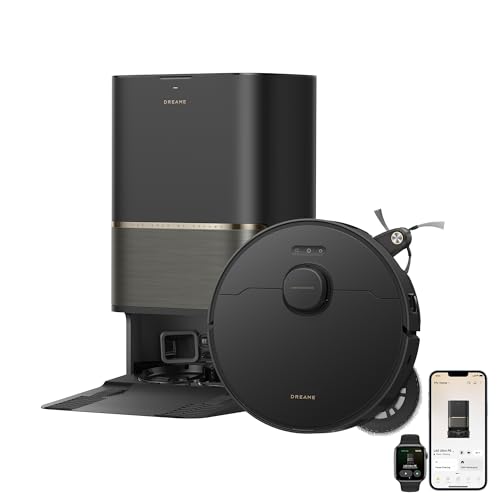

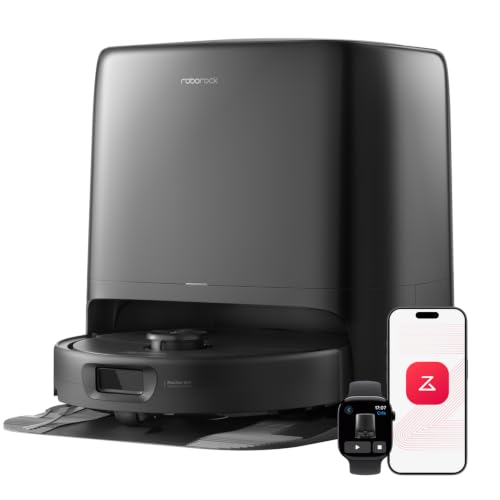
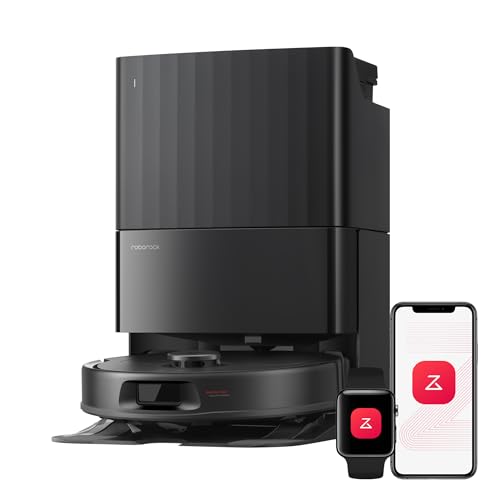




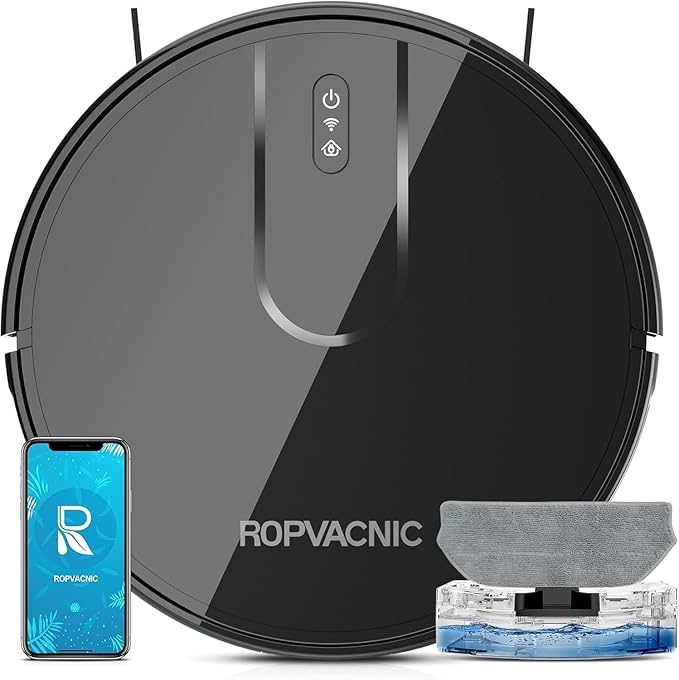
What "Works with Alexa" Actually Means
Nearly every current robot vacuum connects to Wi-Fi and has a companion app, but that alone doesn't mean it talks to Alexa. Voice compatibility depends on the manufacturer building and maintaining an actual Alexa skill, and only vacuums that pass Amazon's certification carry the Works with Alexa badge on the box or product listing. If you don't see that badge, don't assume voice control will show up later through a firmware update. That one detail is what makes a model a genuine robot vacuum cleaner with alexa support, so treat it as a feature you either have on day one or don't have at all.
The Badge vs. Basic Wi-Fi Connectivity
A Wi-Fi robot vacuum lets you view maps, set schedules, and get cleaning reports from your phone. Alexa compatibility is a separate layer on top of that connection, one that translates spoken commands into the same instructions the app sends. Some budget models skip this layer entirely to keep costs down, so check the listing specifically for Alexa support rather than assuming Wi-Fi means voice control comes with it.
Why the Skill, Not Just the App, Matters
Every Alexa-compatible robot vacuum brand publishes its own skill in the Alexa Skills library. This skill is what lets Alexa recognize commands aimed at your vacuum instead of ignoring them or routing them to the wrong device. Without enabling and linking that skill, having a compatible vacuum and an Echo speaker in the same house still won't produce a working voice command.
Connecting a Robot Vacuum to Your Alexa App
Turning a compatible model into a working robot vacuum cleaner with alexa control is a two-step process, and skipping the first step is the most common reason it doesn't work.
Pairing the Robot With Its Own App First
Before Alexa enters the picture, the vacuum has to be fully set up in its manufacturer's own app and connected to your home Wi-Fi network. Most robot vacuums only support 2.4GHz networks, not 5GHz, so if your router broadcasts both bands under the same name, you may need to temporarily split them to get a clean connection. This step has nothing to do with Alexa yet. It just gets the vacuum online.
Enabling the Skill and Linking Your Account
Once the vacuum is online, open the Alexa app, go to Skills and Games, and search for the vacuum brand's Alexa skill by name. Enabling it prompts you to log into the same account used in the manufacturer's app, which links the two systems together. After linking, Alexa runs a device discovery scan and adds the vacuum as a controllable device. It helps to rename the device something short and generic, like "vacuum" or "robot," rather than a name that sounds like a person, since that can cause Alexa to misfire on unrelated requests.
Voice Commands That Actually Work on a Robot Vacuum
Once the skill is linked, the actual value comes down to what you can say and have happen. This is really what separates a vacuum that merely qualifies for a badge from the best robot vacuum cleaner with alexa support built into daily use.
Commands Nearly Every Compatible Model Supports
Across brands, a small set of commands works almost universally: starting a cleaning cycle, pausing it, resuming it, and sending the vacuum back to its dock. These are simple on and off style instructions that don't require the vacuum to understand your home's layout, which is why they stay reliable even on entry-level models. You'll typically phrase these as asking Alexa to tell the vacuum's assigned name to clean, pause, or go home.
Room-Specific Commands (and What They Require)
Asking Alexa to clean just the kitchen, or skip the bedroom, is a different tier of command entirely. It only works if the vacuum has already built a map of your home through the manufacturer's app, and if the rooms on that map are named the exact same way in both the vacuum app and the Alexa app. Mismatched room names are one of the most common reasons room-specific voice commands fail even on vacuums that technically support the feature. In a larger, multi-room home, getting this mapping and naming right matters even more, since there's more room for the two apps to disagree.
Where Voice Control Hits Its Limits
Voice control is convenient, but it isn't a full replacement for the app, and knowing where it stops helps set realistic expectations.
Settings That Still Require the App
Even a well-reviewed robot vacuum cleaner with alexa support still leaves some settings to the app. Alexa can start and stop a cleaning cycle, but changing suction power, switching between vacuuming and mopping modes, or adjusting a schedule usually requires it. Some higher-end models expose more of these settings to voice control, but on entry-level and budget-friendly robot vacuums, voice support is often limited to the basic start, pause, and dock commands.
Response Lag and Broken Skill Links
It's common to notice a short delay between finishing a command and the vacuum actually responding, especially compared to instant-feedback devices like smart plugs or lights. Because the request has to travel from your speaker to Alexa's servers, then to the vacuum brand's servers, then back down to the robot itself, a slow home network can turn a half-second delay into a noticeably longer one. Account links can also break silently after an app update on either side, which shows up as Alexa saying it can't find a device it successfully controlled the day before. If that happens, unlinking and re-enabling the skill usually fixes it faster than troubleshooting the network.
Alexa Routines and Hunches: Cleaning Without Saying a Word
The most useful part of Alexa integration often has nothing to do with talking to the vacuum directly. Alexa Routines let you set the vacuum to start automatically based on a trigger, rather than a spoken command every time.
A typical routine on a robot vacuum cleaner with alexa support might send the vacuum out when everyone's phone leaves the house, or run it at the same time every weekday morning before anyone's up to get in its way. Alexa Hunches goes a step further by using patterns from your other connected devices, like door locks or motion sensors, to infer that you've left and trigger a cleaning cycle without you setting an explicit schedule.
This is also where a robot vacuum starts to feel like part of a broader smart home instead of a standalone gadget. If your household already has a smart home security system with door and motion sensors, those same triggers can double as the cue for a cleaning routine, since Alexa can act on any connected device's status change, not just a spoken request. Setting this up takes a few extra minutes in the Alexa app's Routines menu, but it's the difference between remembering to ask for a clean floor and simply getting one.
Alexa or Google Home: Which Handles a Robot Vacuum Better
If you're choosing a voice platform specifically because of the vacuum, the two aren't identical. Alexa has the larger overall skill library and tends to get first-day support when a new robot vacuum brand adds voice control, since it's still the most common smart speaker platform in US homes.
Google Home has an edge in one specific area: room-specific and zone commands tend to be more consistently reliable across brands, partly because Google's smart home platform handles device attributes, like named rooms, a bit more uniformly than Alexa does. That said, this advantage only shows up if your vacuum's manufacturer has built solid room mapping support into both platforms equally, which isn't guaranteed.
For most households, the practical answer for choosing between the best robot vacuum cleaner with alexa or Google Home support is checking which platform your model handles best, not picking a platform first and hoping the vacuum keeps up. Many current mid-range and higher-end models support both, so the choice often comes down to whichever smart speaker ecosystem you're already using for lights, thermostats, and other devices, rather than the vacuum being the deciding factor on its own.
Frequently Asked Questions
Are all robot vacuums compatible with Alexa?
Not all of them. Compatibility for the best robot vacuum cleaner with alexa support depends on whether the manufacturer built and published an official Alexa skill, which is usually indicated by a Works with Alexa badge on the packaging or product page. A vacuum having Wi-Fi and an app doesn't automatically mean it supports voice commands.
Do I need Alexa to use a smart robot vacuum?
No. Alexa adds a voice layer on top of the vacuum's own app and physical controls, but the vacuum runs fine without it. Voice control is a convenience feature, not a requirement for the vacuum to clean.
Can Alexa tell my robot vacuum to clean one specific room?
On models with mapping support, yes, as long as the rooms are named identically in both the manufacturer's app and the Alexa app. On simpler models without mapping, Alexa can only start a full cleaning cycle rather than targeting one room.
Can Alexa control suction power or cleaning mode?
Sometimes, but not always. Basic start, pause, and dock commands work on nearly every compatible vacuum, while changing suction strength or switching cleaning modes by voice depends on how much control the manufacturer built into its skill.
Why did my robot vacuum stop responding to Alexa?
The most common cause is a broken account link after an app update on either the vacuum or Alexa side. Disabling and re-enabling the skill, then relinking your account, usually resolves it faster than troubleshooting your Wi-Fi network.
Is Alexa or Google Home better for a robot vacuum?
Alexa generally has broader day-one support when new vacuum brands add voice control, while Google Home tends to handle room-specific commands a bit more consistently. When shopping for the best robot vacuum cleaner with alexa or Google Home support, the better choice usually comes down to which platform your specific vacuum model supports best.
Do self-emptying or mopping robot vacuums still work with Alexa?
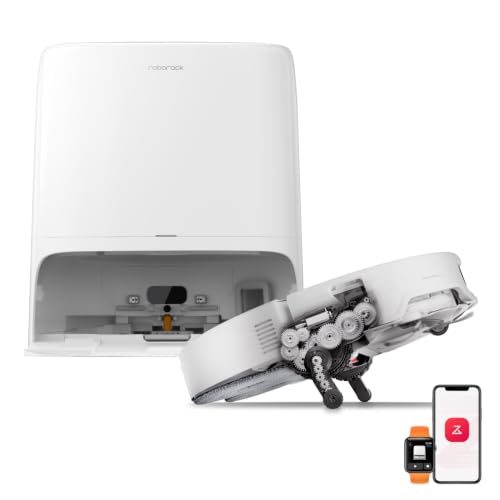
Yes, as long as the model itself carries Alexa support. A self-emptying or mopping robot vacuum cleaner with alexa built in still relies on the same skill and account link described above. The dock or mopping function doesn't change whether voice commands work, it just adds more settings that may still require the app rather than voice.
Making Your Decision
Voice control is a genuinely useful layer on a robot vacuum, but it works best when you go in with realistic expectations about what it can and can't do. Look for an explicit Works with Alexa badge rather than assuming Wi-Fi means voice support, plan for a two-step setup between the manufacturer's app and the Alexa skill, and don't expect every setting to be voice-controllable. Once it's linked, the biggest payoff usually isn't the commands you speak out loud, it's the routines that run without you thinking about them. Judged that way, the best robot vacuum cleaner with alexa support is the one that fits into a routine you'll actually use, not just the one with the most features on paper.