Best Projector Under $1000 (2026 Buying Guide)
Disclosure: We may earn a commission when you buy through links on this page, at no extra cost to you. As an Amazon Associate I earn from qualifying purchases. Learn more
Under $1,000 is where home theater projectors stop feeling like a compromise and start genuinely competing with a mid-range TV for picture quality — with the added benefit of a 100+ inch image that no TV in this price range can match. This budget tier typically buys real 4K support (or high-quality 4K-compatible resolution via pixel-shifting), HDR, and brightness levels usable outside a fully blacked-out room.
The tradeoff at this price point is picking the right feature priorities for your setup — a dedicated home theater room has very different needs than a living room with ambient light, or a portable unit you move between rooms. This guide breaks down what actually matters at this budget so you don't overpay for specs you won't use, or undershoot on the one spec that matters most for your space.

![Outdoor-Projector-Movie with WiFi and Bluetooth:[Built-in APPs/180° Stand/Creative Filter] Smart Portable-Projector Auto Focus OS 3.0 Jimveo High Brightness Movie Proyector Compatible with Netflix](https://m.media-amazon.com/images/I/41lUFsBZW9L.jpg)
Native 4K vs. Pixel-Shifting "4K Compatible"
True native 4K chips are still mostly reserved for projectors well above $1,500-2,000. Below $1,000, most "4K" projectors use pixel-shifting technology (rapidly displaying overlapping lower-resolution frames to simulate higher detail) — and modern implementations of this are genuinely good, often hard to distinguish from native 4K at normal seating distances. Check specifically whether a listing says "native 4K" or just "4K support/compatible" — the latter is pixel-shifted, which is fine at this budget but worth knowing rather than assuming.
Brightness (Lumens) and Room Lighting
This is the single most important spec for how your projector will actually perform in your room. A fully dark, dedicated theater room can work well with 1,500-2,000 ANSI lumens. A living room with some ambient light or windows needs 2,500-3,500+ lumens to keep the image from looking washed out. Note that manufacturer "lumens" claims aren't always measured the same way — ANSI lumens (a standardized measurement) are more trustworthy than generic "lumens" figures, so prioritize listings that specify ANSI lumens when comparing brightness claims.

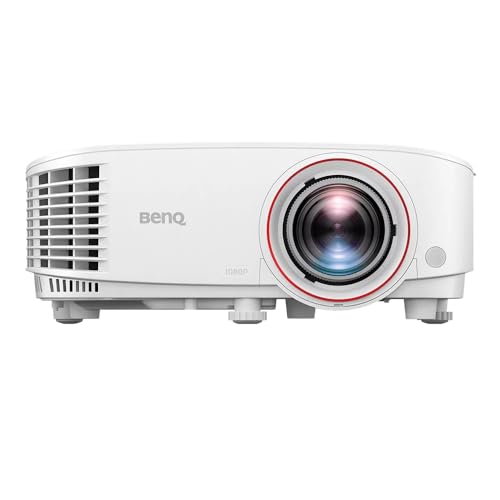
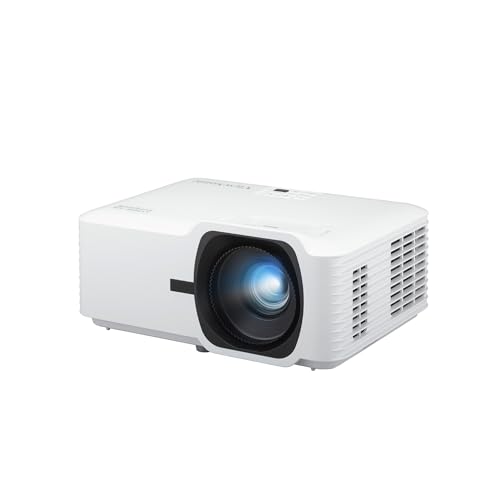
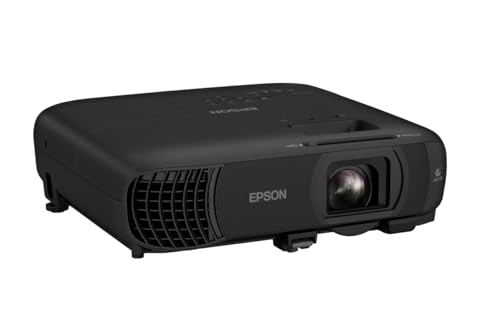
The BenQ TH671ST is a short-throw 1080p projector with 3,000 lumens, built specifically to handle rooms with some ambient light rather than requiring a dedicated blackout setup. BenQ's home entertainment line consistently gets strong marks for color accuracy out of the box, which matters if you don't want to spend time manually calibrating picture settings.
Throw Distance: Standard, Short, and Ultra-Short
Standard-throw projectors need real distance (often 8-12+ feet) between the projector and screen to fill a large image, which works well ceiling-mounted or on a rear shelf. Short-throw and ultra-short-throw (UST) models can produce the same size image from just a few feet — or even inches — away, which matters a lot if your room layout doesn't have space for a standard throw distance, or if you want the projector on a console right below the screen instead of ceiling-mounted.

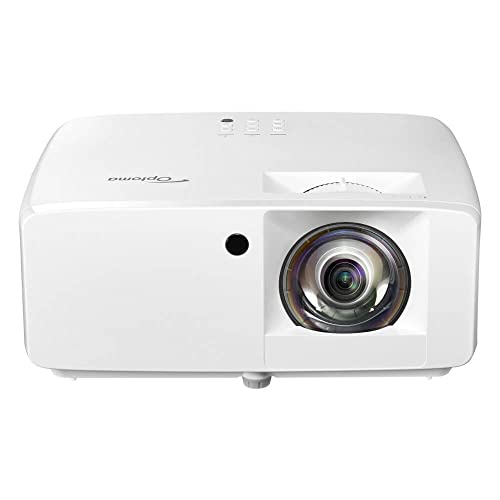
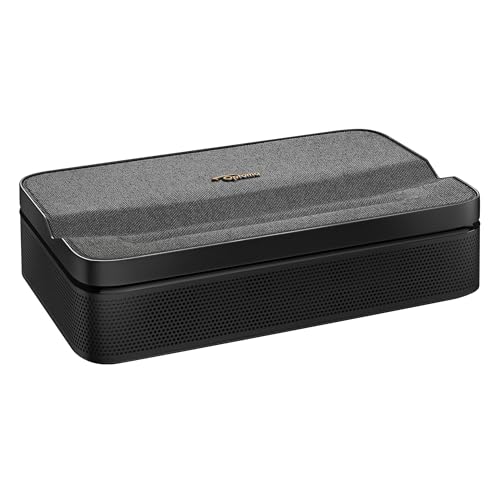
The Optoma GT2000HDR is an ultra-compact short-throw model, which makes it a good fit for smaller rooms or setups where a standard-throw projector's required distance simply doesn't fit. It supports HDR, adding real contrast improvement over standard dynamic range content when your source material supports it.
Portable vs. Fixed-Installation Projectors
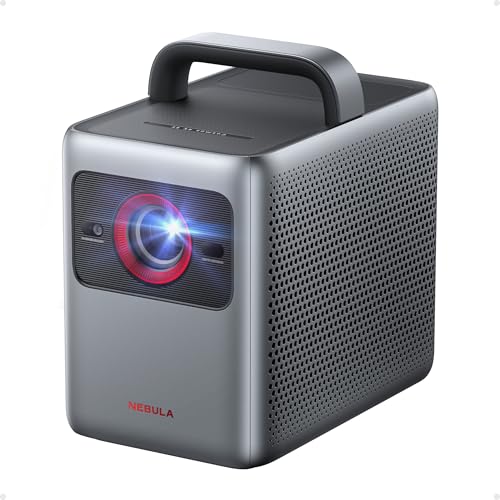
A growing segment of this price range is genuinely portable projectors — built-in batteries, compact housings, and sometimes even a built-in stand or gimbal for outdoor movie nights. These trade some peak brightness and image size for real flexibility, and increasingly include smart platforms (built-in streaming apps) so you don't need a separate streaming device plugged in.

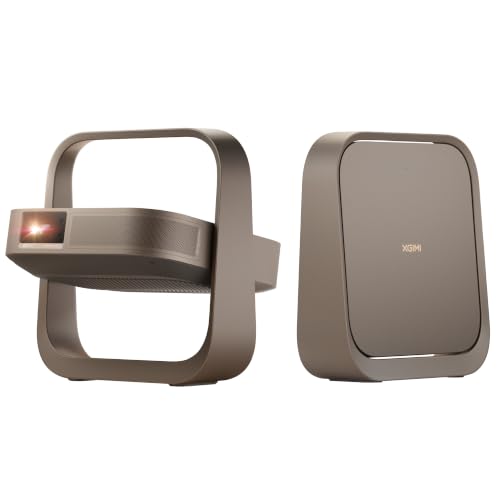
The XGIMI Elfin Flip is built around this portable use case, with a flip-up design and 4K support in a genuinely movable housing — a good fit if you want one projector that works for both an indoor movie night and an outdoor setup in the backyard, rather than committing to a fixed home theater installation.
Smart Platform vs. External Streaming Device
Some projectors in this range include a full smart TV platform (Google TV, Roku, or a proprietary system) with built-in streaming apps, while others are "dumb" displays that need an external Fire TV Stick, Roku, or Apple TV plugged in via HDMI. Built-in smart platforms are more convenient but add another piece of software that can feel dated in a few years; an external streaming device is easy to swap out and upgrade independently of the projector itself.
Speakers and Audio
Built-in speakers on projectors at this price point are usually serviceable for casual viewing but noticeably weaker than even a basic soundbar — if home theater audio quality matters to you, budget for a separate sound system rather than relying on the projector's speakers, which are constrained by the compact housing regardless of brand or price within this range.
Keystone Correction and Lens Shift
If the projector can't sit perfectly centered and level with the screen, keystone correction (digitally squaring off a skewed, trapezoid-shaped image) becomes important. Digital keystone correction is standard even on budget models, but it does slightly reduce effective resolution since it's cropping and reshaping the image electronically. Physical horizontal and vertical lens shift, found on some higher-end models in this range, adjusts the image position optically instead — preserving full resolution and generally producing a sharper result than digital correction alone. If your mounting position won't be perfectly centered, checking for lens shift specifically is worth the extra look.
FAQs
Do I need a special screen, or can I project onto a wall?
A dedicated projector screen (even a basic pull-down or fixed-frame model) noticeably improves image quality, contrast, and color accuracy compared to a painted wall, which absorbs and scatters light differently than a purpose-built screen surface. That said, a smooth, neutral-colored wall can work as a reasonable starting point before investing in a screen.
How long do projector lamps or light sources last?
Traditional lamp-based projectors typically rate 3,000-5,000 hours before the lamp needs replacing (a real ongoing cost to factor in). Laser and LED light sources, increasingly common even in this price range, commonly rate 20,000-30,000+ hours — often outlasting the projector's useful life entirely, which is worth checking for if you plan to use it heavily.
Can these projectors handle 4K gaming with low input lag?
Many models in this range do support 4K input, but input lag varies significantly — gaming-focused models specifically advertise low input lag (often under 20ms in a dedicated gaming mode), while models optimized purely for movie watching may have noticeably higher lag that's fine for film but noticeable in fast-paced games.
Is HDR worth prioritizing at this price point?
Yes, if your source content (streaming services, 4K Blu-ray) supports it — HDR meaningfully improves contrast and color range on capable projectors. Just note that HDR performance depends heavily on brightness; a lower-lumen HDR projector in a bright room won't show the same improvement as the same projector in ideal dark-room conditions.
Conclusion
At the top of the sub-$1,000 range, you're getting genuinely capable home theater performance — HDR support, strong pixel-shifted or entry-level native 4K detail, and brightness that works in more than just a pitch-black room. Prioritize ANSI lumens and throw distance based on your actual room layout first, then decide between a fixed home-theater setup and a portable model based on how you'll actually use it, since those two priorities matter more to real-world satisfaction than chasing the highest resolution number on the spec sheet.