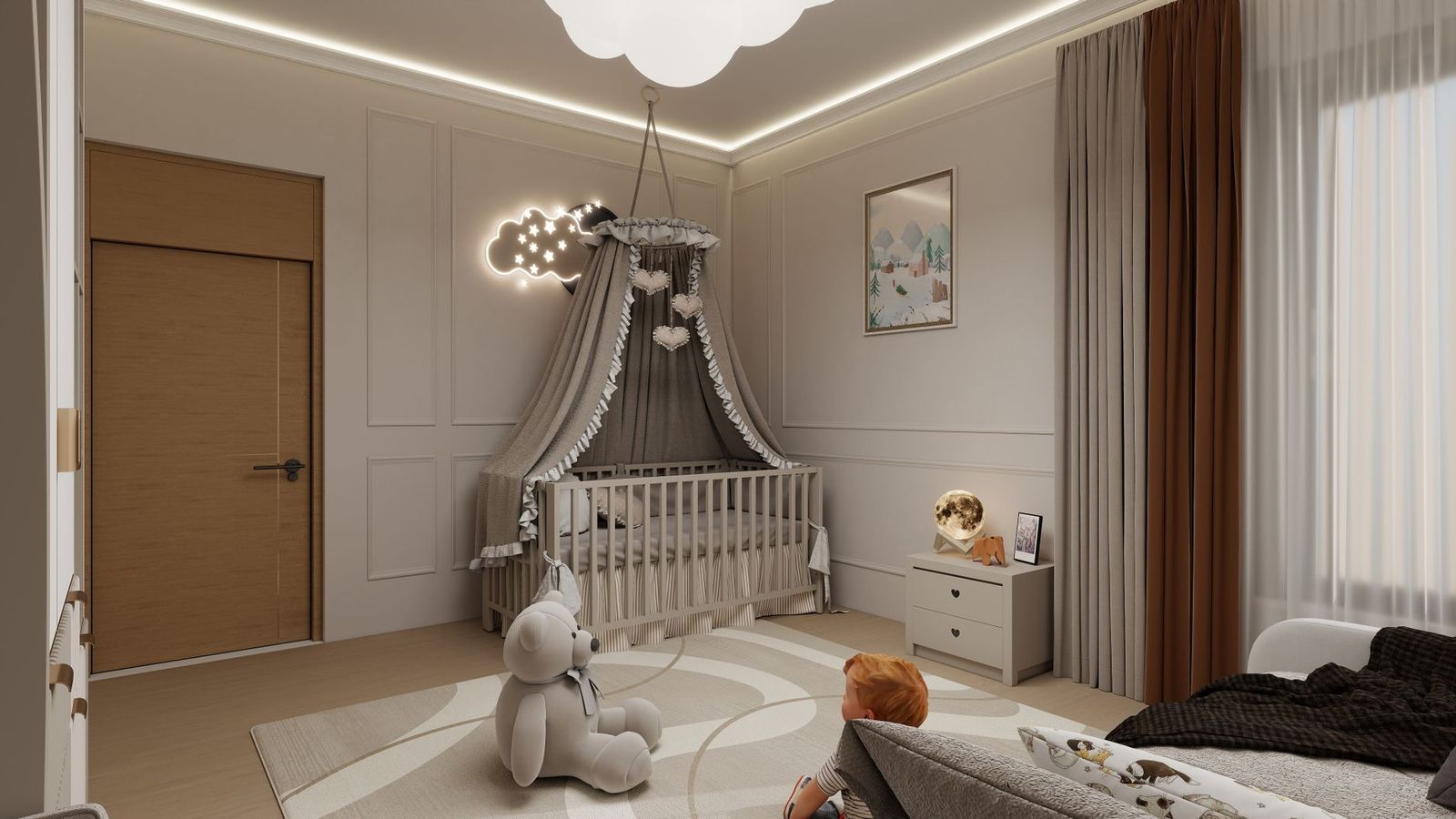
Best Nanny Cam: A Complete Buying Guide
Disclosure: We may earn a commission when you buy through links on this page, at no extra cost to you. As an Amazon Associate I earn from qualifying purchases. Learn more
Choosing the best nanny cam for your home means balancing discretion, video quality, and peace of mind. Whether you want a camera disguised as a household object or a visible unit placed with intention, the right pick lets you check in on a caregiver without disrupting your daily routine. A nanny cam serves a narrower purpose than a general home security system: it exists to give you a clear view of how your child is cared for while you're away, not to watch your front door or driveway. This guide walks through the features, storage options, and legal considerations that matter most before you buy, along with placement mistakes worth avoiding.

What Makes a Nanny Cam Different from a Standard Security Camera
A nanny cam and a general indoor security camera often use similar hardware, but the intent behind them differs. Security cameras are usually placed in plain sight to deter intruders and watch entry points. Nanny cams, by contrast, are chosen specifically to observe caregiving moments, sometimes discreetly, inside living rooms, playrooms, or nurseries.
This is also where a nanny cam parts ways with a baby monitor. A video baby monitor is built around watching a sleeping or resting child, often with a small handheld receiver and lullaby features. A nanny cam is built around watching the interaction between your child and whoever is caring for them, which usually calls for a wider field of view and app-based access rather than a dedicated receiver.
Understanding this distinction helps you avoid buying a device that technically records video but misses the angle or context you actually need.
Key Features to Look for in a Nanny Cam
Video resolution is the first thing to check. A camera in the 1080p range or higher will let you make out faces and actions clearly, even when you zoom in on a recorded clip. Anything lower tends to produce blurry footage that is hard to review after the fact.
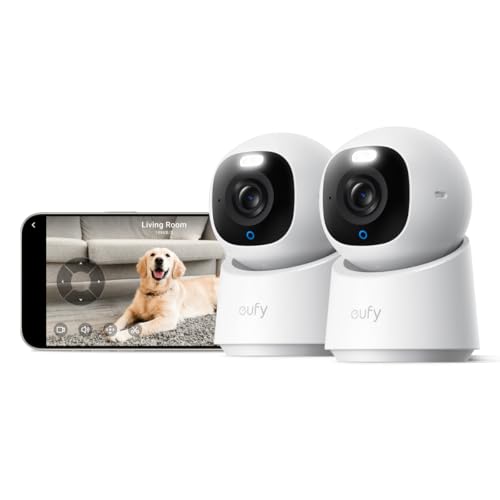
Field of view matters just as much as resolution. A wide-angle lens covering most of a room means fewer blind spots, so you are not stuck guessing what happened just outside the frame. Two-way audio is another feature worth prioritizing since it lets you speak through the camera if needed, whether that's checking in or giving a quick instruction.
Night vision, motion alerts, and person detection round out the list. These features help the camera flag actual activity instead of sending constant notifications for shadows or pets moving through the room, which makes the footage easier to use when you search for the best nanny cam for your specific layout.
Cloud Storage vs Local Storage: What to Consider
Cloud storage keeps recordings on a remote server, which protects your footage even if the camera itself is damaged, unplugged, or tampered with. Most cloud plans also make it easy to pull up clips from a phone app days after they were recorded, though many require an ongoing subscription for extended history.
Local storage, usually a memory card inside the camera, avoids subscription costs and keeps your footage off outside servers. The tradeoff is that anyone who finds the camera can also remove the card, and a card can fill up or fail without warning.
Some households split the difference by choosing a camera that supports both, recording locally as a backup while also syncing key clips to the cloud. Think about how long you realistically need to keep footage before deciding which setup fits your routine.
Discreet and Hidden Camera Options
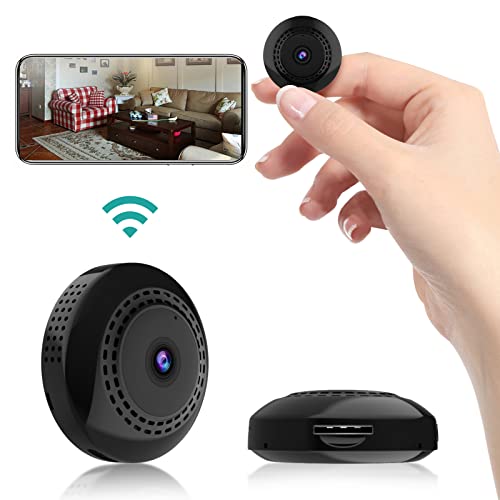
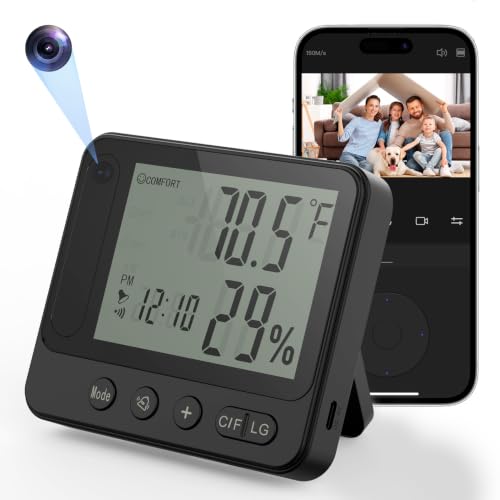
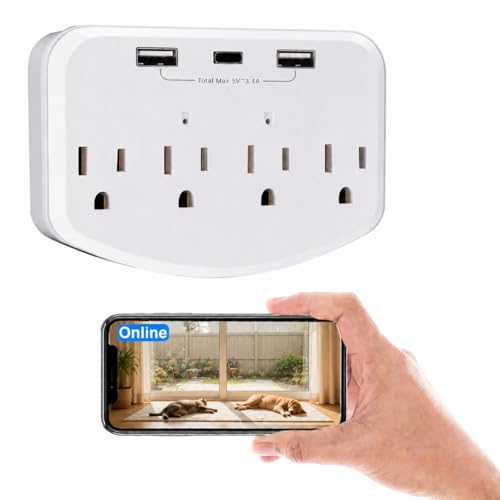
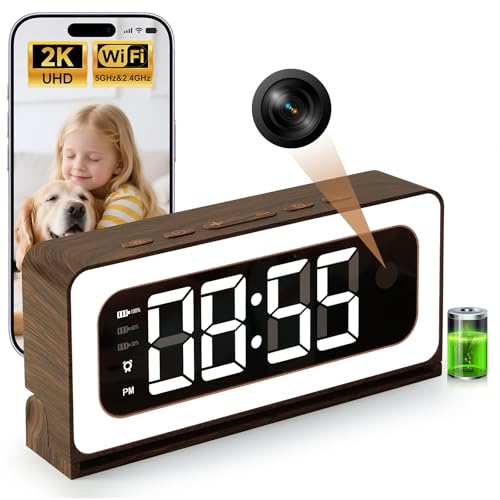
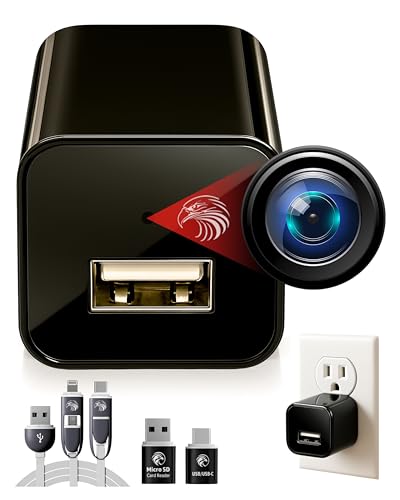
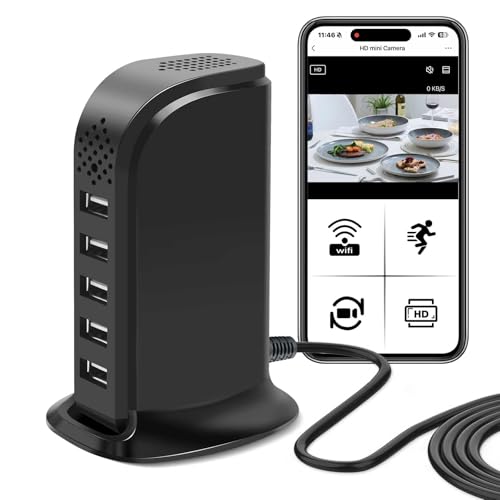
Hidden or disguised nanny cams are built into everyday objects like clocks, picture frames, or small decor pieces, so they blend into a room without drawing attention. These work well when you want footage of natural, unguarded moments rather than behavior that changes because someone knows they're being filmed.
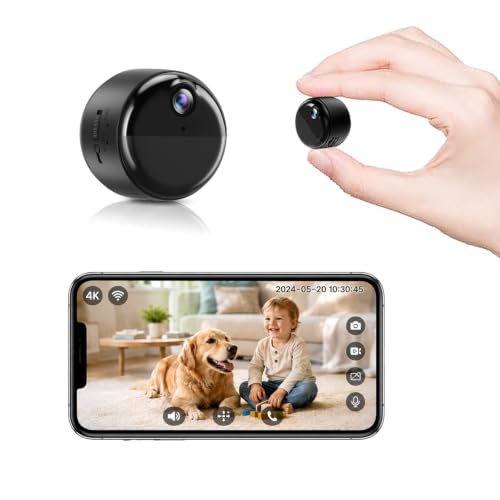
Discreet but visible cameras are a middle ground. They're small and unobtrusive rather than fully hidden, often mounted on a shelf or in a corner where they're easy to overlook but not actively concealed. This category tends to be simpler to set up and reposition since you're not working around a disguise.
Which style makes sense depends on your goals and, importantly, on the legal considerations covered next, since a hidden device raises different questions than one placed openly in a shared living space.
Recording Laws and Consent: What US Parents Should Know
Recording laws in the US generally separate video from audio, and the rules are not identical. Video recording inside your own home is broadly allowed without notifying anyone, as long as the camera avoids areas where a person has a reasonable expectation of privacy, such as a bathroom or a private bedroom.
Audio recording is where things get more complicated. Some states only require one person involved in a conversation to consent to being recorded, while others require every party to agree. Because you are typically not present for the conversations your nanny cam might capture, audio can fall into a legal gray area depending on where you live.
Laws vary by state and can change, so this guide is not a substitute for legal advice. Before you rely on audio recording, or before placing a camera in a caregiver's private space, it's worth checking your specific state's rules or speaking with a local attorney, and being upfront with a caregiver about monitoring is often the simplest way to avoid disputes later.
Placement Tips and Common Mistakes to Avoid
Placement determines how useful your footage actually is. Aim for a spot that captures where care happens most, such as a play area or kitchen, rather than an empty hallway that rarely sees activity. Elevated placement near a corner usually covers more of the room than a camera set at eye level.
A common mistake is relying on a single camera to cover an entire floor. One unit rarely captures every angle, so consider whether a second camera in another frequently used room would close the gap.
Weak wifi signal is another frequent problem. A camera placed too far from your router can drop connection or delay alerts, so test the signal strength in the exact spot before mounting anything permanently. Skipping local recording laws while choosing a spot is the last mistake worth flagging, since even a well-placed camera can create legal headaches if it captures audio in a state that requires all-party consent.
Frequently Asked Questions
Is it legal to use a nanny cam in my own home?
Video recording in common areas of your own home is generally allowed in all states. Audio recording rules vary more, so it's worth checking your state's consent laws before you rely on sound as part of your monitoring.
Do I have to tell my nanny about a hidden camera?
You are not always legally required to disclose a camera in your own home, but many parents choose to mention it anyway. Being upfront tends to reduce misunderstandings and can make conversations easier if an issue ever comes up.
Where should I place a nanny cam for the best coverage?
Choose a room where caregiving actually happens, like a living room or playroom, and mount the camera high in a corner for a wider view. Avoid pointing it at a single narrow area since that limits what you can see if activity moves around the room.
Should I choose cloud storage or a local SD card?
Cloud storage protects footage even if the camera is removed or damaged, while local storage avoids subscription fees. Many parents choose a camera that supports both so they have a backup either way.
How is a nanny cam different from a baby monitor?
A baby monitor is designed to watch a sleeping or resting child, usually with a dedicated receiver. A nanny cam is built to observe caregiving activity more broadly, typically through a phone app with a wider field of view.
Can a nanny find or disable a hidden camera?
It's possible, especially with cameras placed in obvious spots or objects that look out of place. Choosing a camera with a design that fits naturally into the room, and keeping firmware updated, reduces the chance of it being noticed or tampered with.
Does a nanny cam need wifi to work?
Most modern nanny cams rely on wifi for live streaming and cloud uploads, though some can still record locally without a connection. If your home has weak signal in certain rooms, that's worth testing before you commit to a permanent placement.
Finding the Right Fit for Your Family
There's no single setup that works for every household, so weigh video quality, storage, and discretion against how your family actually uses the space you're monitoring. Taking the time to understand recording laws in your state now can save you from headaches later. With the right features in place, the best nanny cam for your home is simply the one that fits your space and gives you a clear, honest view of your child's care without adding stress to your day.