Best Indoor TV Antenna: Buying Guide
Disclosure: We may earn a commission when you buy through links on this page, at no extra cost to you. As an Amazon Associate I earn from qualifying purchases. Learn more
Cutting cable does not mean losing access to local channels. A good indoor antenna picks up free over the air broadcasts, including the major networks in full high definition, and most models cost less than a single month of a typical cable bill. Once purchased, there are no subscription fees at all, which makes an antenna one of the fastest ways to recoup the cost of cutting the cord.
The category is crowded, though, and a lot of listings use nearly identical marketing language and inflated range claims that make it hard to tell which antenna will actually work well in your specific home. This guide walks through everything that genuinely affects reception for an indoor TV antenna, then highlights a few standout picks across budget, everyday, and long range use so you can match a model to your actual distance from broadcast towers rather than guessing.
How Antennas Actually Work, in Plain Terms
Broadcast television stations transmit their signal from towers, usually clustered somewhere near a metro area's downtown or a tall geographic point. An antenna is a passive receiver that captures those radio waves and passes them to your television's built in tuner, which decodes the signal into the picture and sound you actually see. The antenna itself does nothing to improve picture quality beyond capturing signal reliably; all of the actual decoding, including resolution and audio processing, happens inside your TV.
This matters because it explains why two people with the exact same antenna model can have very different experiences: reception depends on the combination of distance from towers, terrain, obstructions, and even weather, not on the antenna's brand name or marketing claims alone.
Range and Realistic Expectations
Antenna packaging often advertises range in miles, sometimes well over a hundred, but that number assumes a best case scenario: flat terrain, no obstructions, and a clear line of sight to broadcast towers. In practice, hills, dense trees, and nearby buildings all reduce effective range considerably, sometimes by half or more compared to the advertised figure.
Before buying anything, it is genuinely worth looking up your specific address on a broadcast signal locator tool, which most antenna manufacturers and several independent sites offer for free. These tools show which stations are broadcasting near you, their distance, and their broadcast direction, which turns antenna shopping from a guessing game into an informed decision. If the tool shows your nearest towers are forty miles away in one direction, a budget thirty five mile range antenna is very unlikely to perform well no matter how good the reviews look.
Amplified vs Non Amplified Antennas
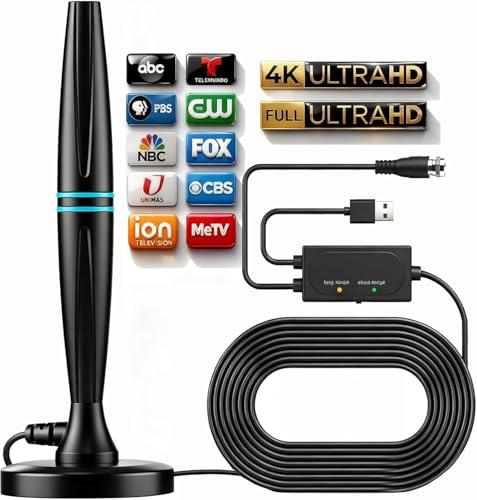
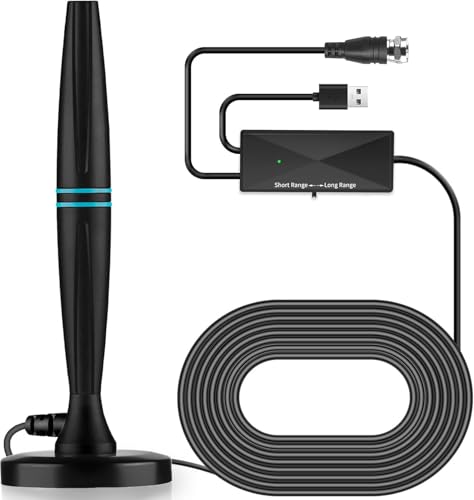
Amplified antennas include a small powered booster, usually plugged into a wall outlet via USB, that strengthens weak incoming signals before passing them to your TV. This genuinely helps in suburban or rural areas positioned farther from broadcast towers, where the raw signal arriving at the antenna is already weak.
In dense urban areas close to towers, however, amplification can actually cause a problem called signal overload, where the boosted signal is too strong for the tuner to process cleanly, resulting in pixelation or channels dropping out entirely, ironically similar to what happens with too weak a signal. If you live within roughly ten to fifteen miles of your local towers with no major obstructions, a non amplified antenna, or one with adjustable gain that lets you dial back the amplification, is often the more reliable choice.

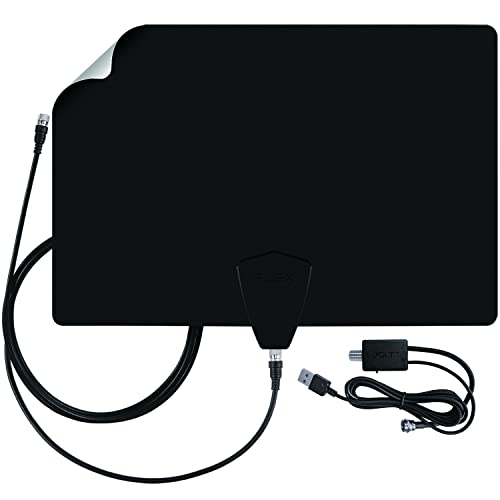
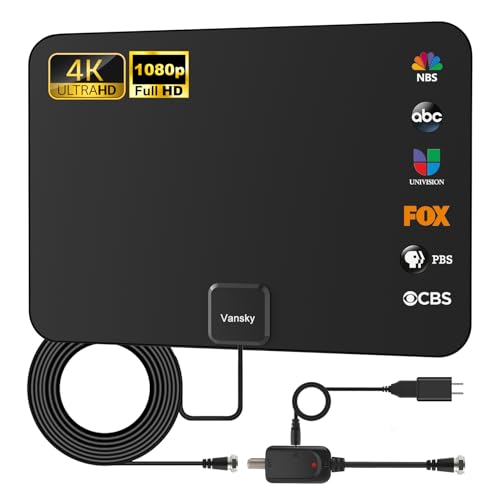
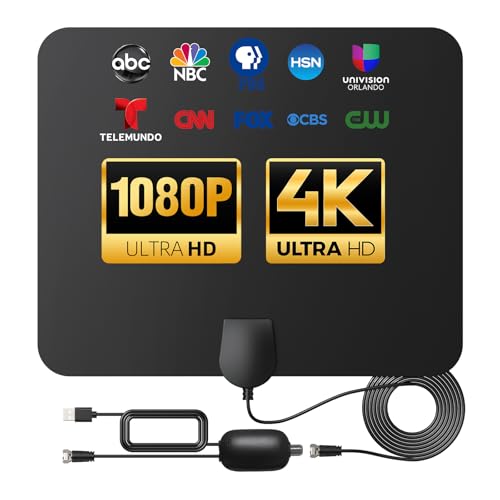
The category is dominated by thin, paper style panel designs, and models like this one pair a built in amplifier with a reasonably long coaxial cable, giving you flexibility to mount it near a window or high on a wall for the clearest possible line of sight to nearby towers rather than being stuck near the TV itself. For most suburban households positioned a moderate distance from towers, this style of amplified panel antenna is the most practical default choice, and it is worth buying one with a longer cable specifically so placement is not constrained by proximity to the television.
Placement Matters More Than the Antenna Itself
Where you place the antenna often affects reception more than which specific model you buy, and this is the single most underrated factor in antenna shopping. Higher placement generally helps, since it reduces the number of obstructions between the antenna and distant towers. Proximity to an exterior facing window helps for the same reason, since walls, insulation, and especially foil backed insulation or stucco with metal lath can meaningfully attenuate signal.
Metal objects and appliances near the antenna, including large mirrors, metal blinds, and major appliances, can also interfere with reception in ways that are easy to overlook. It is genuinely worth testing two or three different locations during initial setup, running a channel scan at each spot, and comparing the number of channels found and their signal strength reading (most TVs show a signal strength bar in the channel setup menu) before settling on a permanent spot.
Channel Scanning and Rescanning
After connecting an antenna for the first time, your TV needs to run a channel scan, usually found in the broadcast or antenna settings menu, to detect which stations are actually reaching your location. This scan should be repeated periodically, since broadcasters occasionally change transmission frequencies for regulatory or technical reasons.
If channels you previously received suddenly disappear or start showing a "weak or no signal" message, rescanning is the first troubleshooting step before assuming the antenna itself has failed or degraded. Many reception complaints that look like a defective antenna are actually solved by a simple rescan.

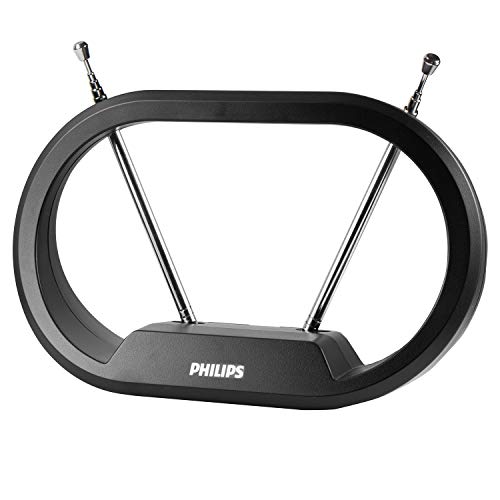
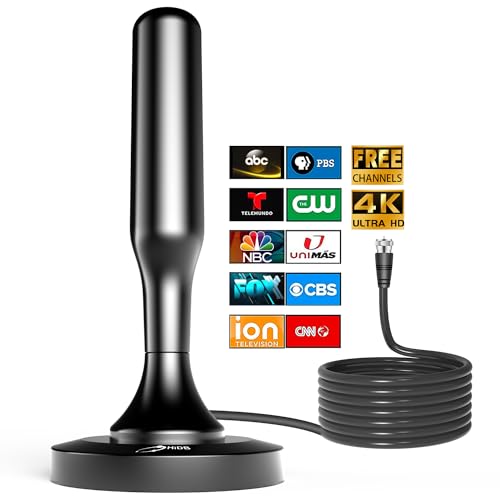
For anyone who mainly wants a simple, inexpensive way to test whether an antenna works well in their specific home before investing more in an amplified model, the Philips Indoor Rabbit Ears Antenna keeps things minimal with a classic dial style design and no amplifier to worry about. It is a genuinely reasonable low cost starting point in areas reasonably close to broadcast towers, and a useful baseline to compare against before spending more on an amplified panel model, since it establishes what your reception looks like without amplification in the mix.
4K, HD, and ATSC 3.0 Compatibility
A common point of confusion is whether an antenna itself needs to support a certain resolution or broadcast standard. It does not: antennas are passive receivers with no electronics that decode video, so an antenna cannot be "4K compatible" or "HD compatible" in any meaningful technical sense, regardless of what packaging claims. All of the actual decoding happens inside your television's tuner or a separate tuner box.
What does matter is whether your television's built in tuner, or an external ATSC 3.0 tuner box if you have an older TV, supports the broadcast standard being used in your market. ATSC 3.0, sometimes marketed as NextGen TV, is gradually rolling out in more markets and offers improved picture quality and additional features, but a basic antenna works identically well for both ATSC 1.0 and ATSC 3.0 broadcasts, since the antenna's only job is capturing the radio signal.
Multi Directional vs Directional Antennas
Most compact indoor antennas sold today are multi directional, meaning they receive signal reasonably well from all directions at once. This is convenient if the broadcast towers serving your area are spread across different compass directions relative to your home, which is common in many metro areas with multiple transmission sites.
If most of your local towers cluster in roughly one direction, which a signal locator tool will show you, a directional antenna specifically aimed that way can sometimes pull in a noticeably stronger, more reliable signal than a multi directional model covering all directions at reduced strength each. The tradeoff is that a directional antenna needs to be physically oriented correctly and re aimed if you rearrange your room, which is a small extra step some households prefer to avoid.
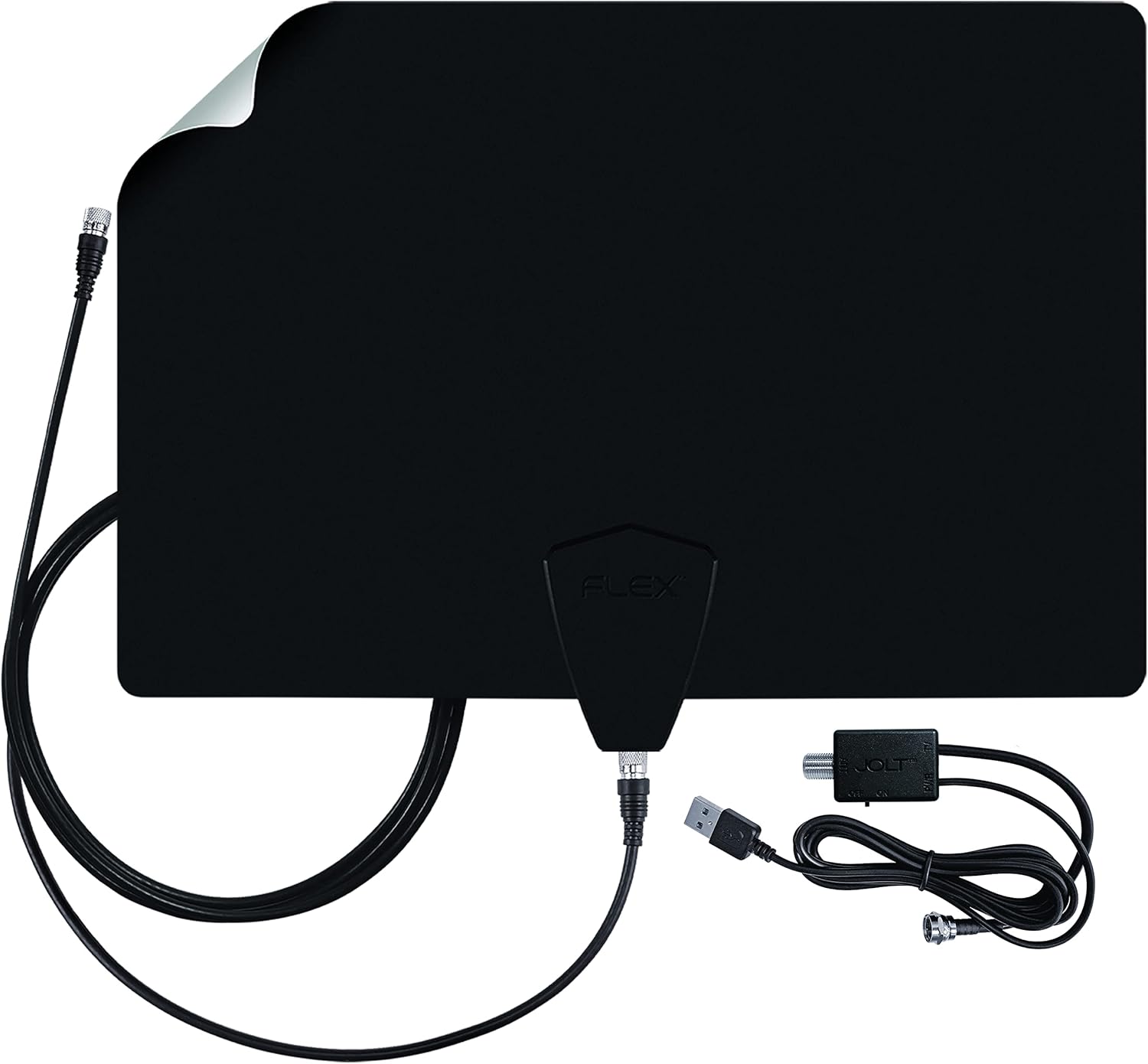
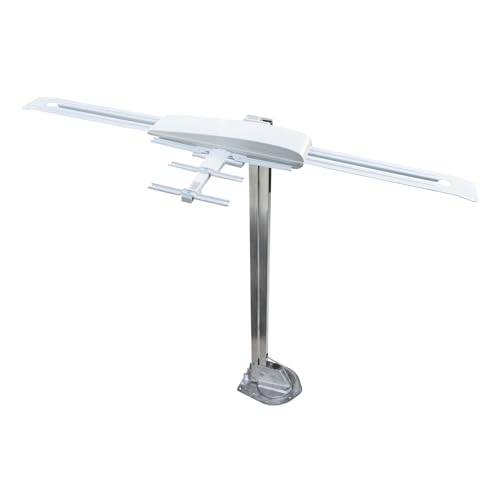
For households in fringe reception areas who need more range than a basic panel antenna can realistically deliver, the Antennas Direct ClearStream Flex is built around a well regarded, longer standing design from a brand with a strong reputation specifically for fringe area performance, with adjustable amplification to fine tune signal strength for less than ideal locations rather than applying a fixed amount of boost regardless of need. It costs more than entry level panel antennas, but for households right at the edge of reliable reception, that extra reach and tunability can genuinely be the difference between a usable, stable signal and one that drops out during bad weather.
Weather and Seasonal Reception Changes
Reception quality can shift with the seasons even without moving the antenna at all. Leaves on trees between your home and the towers absorb and scatter signal noticeably more than bare branches, so some households find reception is measurably better in winter than in summer. Heavy rain, snow, and severe storms can also temporarily degrade signal strength, similar to how satellite TV can experience weather related interruptions, though the effect on antenna TV is usually smaller and shorter lived.
Frequently Asked Questions
Do I need an amplified antenna?
Only if you live reasonably far from broadcast towers or have significant obstructions like hills or dense trees between your home and the transmitters. Households close to towers often get better, more stable results from a non amplified antenna or one with adjustable gain, since amplification can occasionally overload an already strong nearby signal and cause the same kind of pixelation as a weak signal would.
Why did my channels disappear after working fine before?
Broadcasters occasionally change transmission frequencies for regulatory or technical reasons, which can cause previously working channels to drop out even though nothing changed in your home. Running a fresh channel scan on your TV is the correct first troubleshooting step before assuming the antenna itself has failed or degraded over time.
Does antenna placement really make that much of a difference?
Yes, often a bigger difference than which specific antenna model you buy. Higher placement, proximity to an exterior window, and distance from metal objects, large appliances, and foil backed insulation all meaningfully affect how much usable signal actually reaches the antenna.
Can I mount an indoor antenna outside or in an attic instead?
Most indoor antennas are not weatherproofed for permanent outdoor exposure and are not designed for it, though an attic installation is a reasonable middle ground some households use to get better line of sight while keeping the antenna protected from direct weather. If you are considering an attic install, check the specific product's documentation, since some models explicitly support it while others do not.
Final Thoughts
A good indoor TV antenna is genuinely one of the simplest, lowest cost ways to access local broadcast channels without a monthly bill, as long as you match amplification and range to your actual distance from broadcast towers rather than chasing the highest advertised mileage number. An amplified panel antenna with a long cable covers most suburban households well, a simple non amplified model is worth testing first in areas close to towers, and a dedicated fringe area antenna like the ClearStream Flex is worth the extra cost for households genuinely struggling with weak or inconsistent signal. Whichever style you choose, spend a few minutes checking a signal locator tool for your address first; it will save far more frustration than any single feature on the antenna itself.