
Best Home Weather Stations: A Complete Buying Guide
Disclosure: We may earn a commission when you buy through links on this page, at no extra cost to you. As an Amazon Associate I earn from qualifying purchases. Learn more
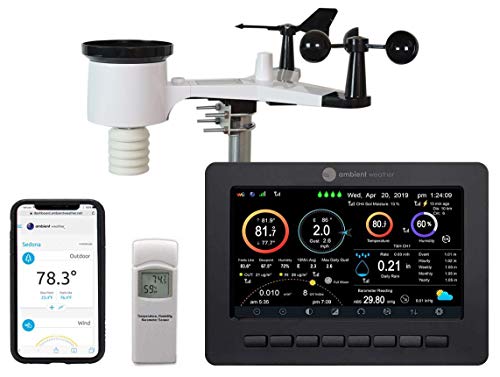
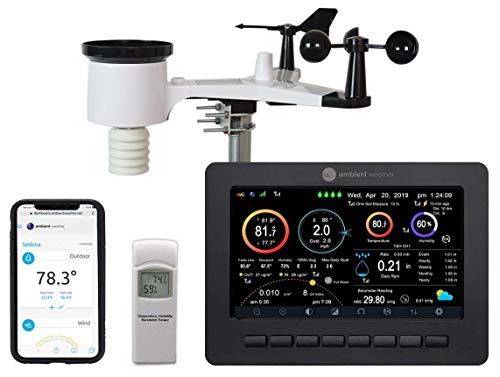
You check the weather app before you leave the house, and it still gets your morning wrong. The airport reporting station ten miles away doesn't know that your yard sits in a low pocket that holds frost longer, or that your patio catches afternoon sun your neighbor's doesn't. A home weather station fixes that gap by measuring conditions exactly where you live instead of wherever the nearest official sensor happens to be. This guide walks through what actually affects accuracy, how placement and wifi setup work together, and what to weigh before you buy.
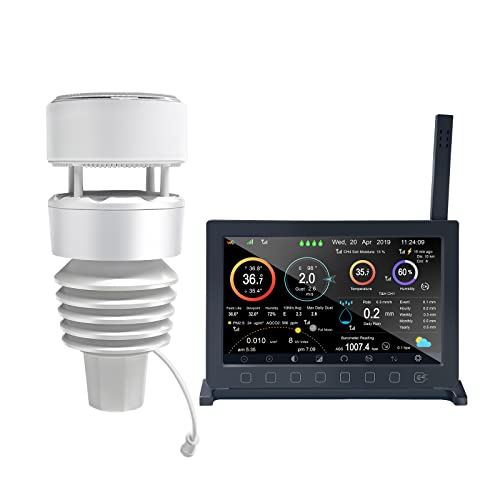
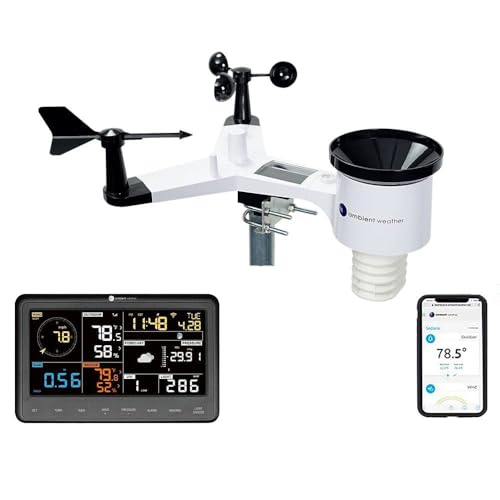

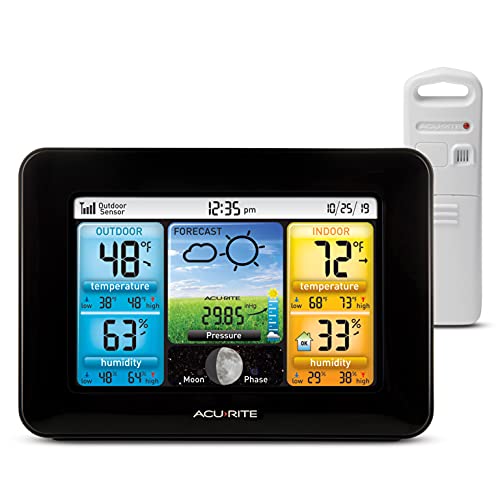
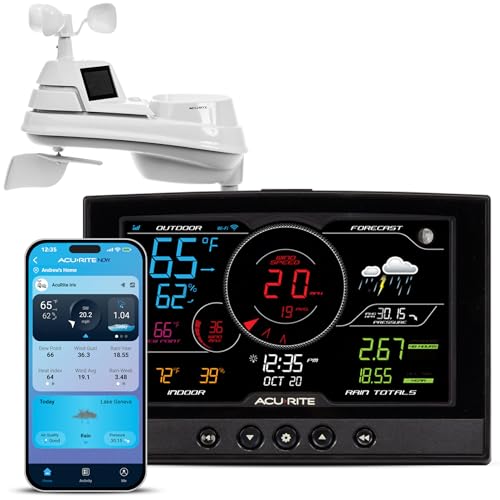
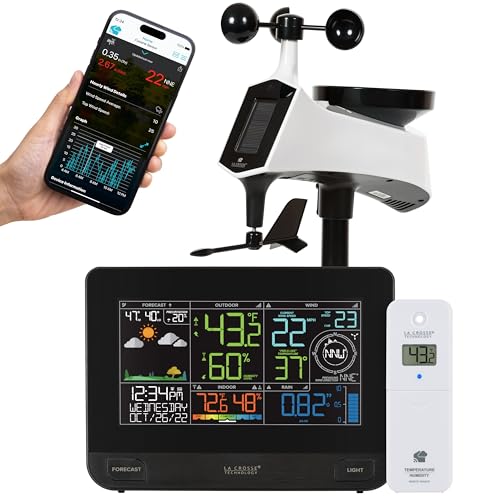
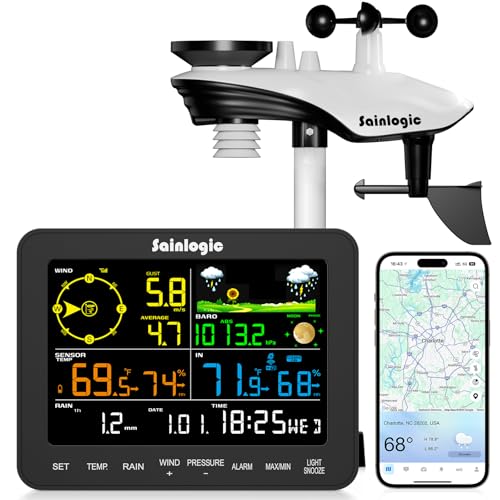
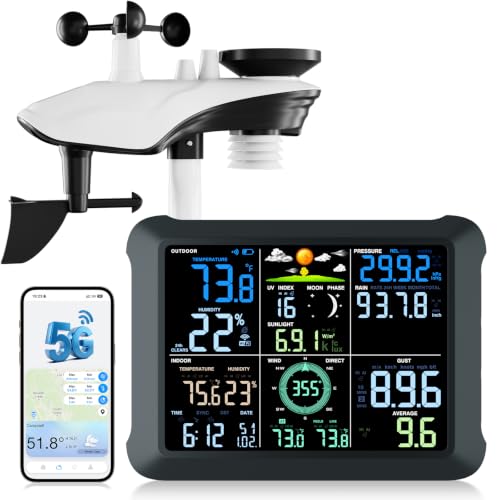
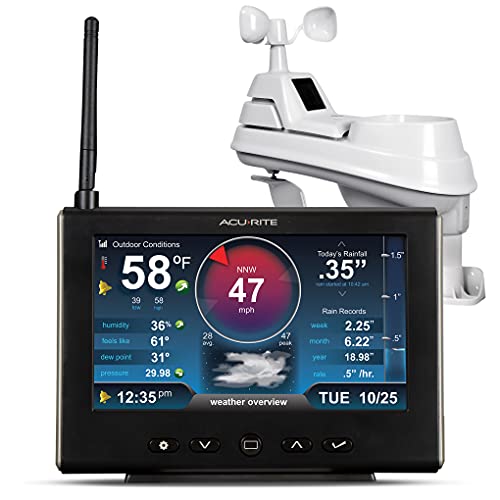
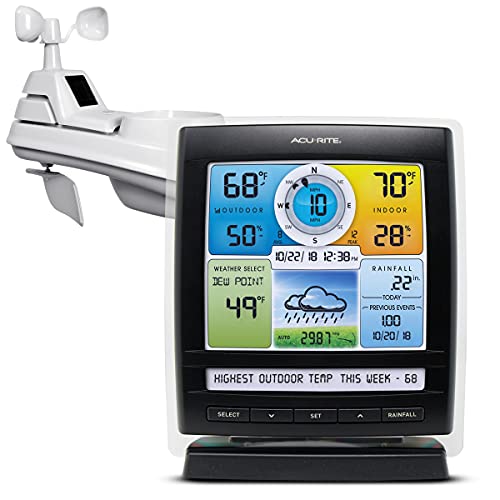
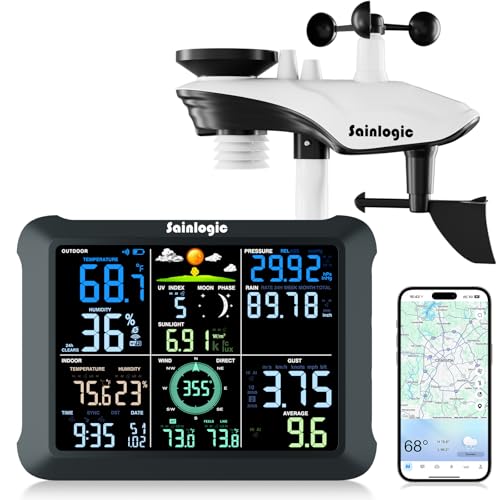
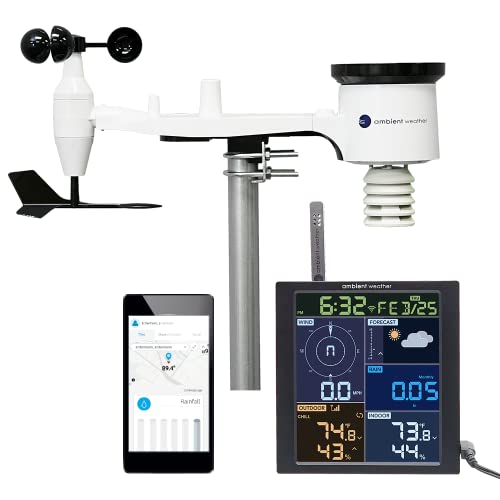
What Your Own Sensor Can Tell You That an App Can't
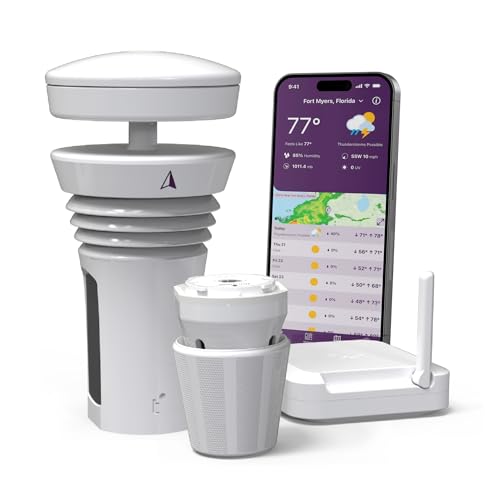
Weather apps pull from a network of official stations that can sit miles apart, and a lot can change in that distance. Hills, tree cover, pavement, and nearby water all create small pockets of weather that differ from the regional forecast, sometimes by several degrees or a full category of wind. A home weather station reports from your actual property, which matters if you garden, run a pool, work outdoors, or just want to know whether it's really safe to grill before the rain starts.
That local accuracy comes with a tradeoff, though. A single backyard sensor measures one spot, not an average, so its readings can look "off" compared to the forecast even when both are correct for their own location. Once you understand that difference, the numbers on your console start making a lot more sense.
This is also why owners of home weather stations tend to check them more often than they check a weather app. A quick glance at the console tells you what's happening right now in the exact spot where your kids play or your tomatoes grow, not what a forecast model expects for a ten-mile radius an hour from now.
Siting and Placement: The Single Biggest Factor in Accuracy
Two units with identical specs can produce very different readings depending on where the outdoor sensor sits. Placement, not the price tag, is usually what separates a station that earns your trust from one you stop checking after a month.
Keeping the Sensor Away from Heat-Retaining Surfaces
Concrete, asphalt, and dark roofing all absorb heat during the day and release it slowly afterward, which skews temperature readings warmer than the actual air. Mount the sensor over grass or open ground where possible, and keep it clear of walls that reflect sunlight back onto it. A spot with morning shade and afternoon airflow tends to read more honestly than one baking against a south-facing wall.
Giving the Anemometer Room to Read Wind Correctly
Wind sensors need open space to work properly. A unit mounted below roofline or tucked behind a fence will consistently underreport gusts because structures block and redirect airflow before it reaches the sensor. If a rooftop or open pole mount isn't practical, treat the wind numbers as a rough estimate rather than gospel.
Why a Mounting Pole and Radiation Shield Are Worth the Extra Cost
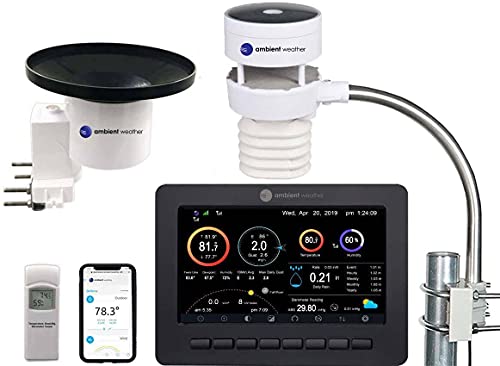
Most kits ship with basic hardware, but a sturdy mounting pole and a proper solar radiation shield make a bigger difference to accuracy than almost any spec on the box. The shield keeps direct sunlight off the temperature sensor while still letting air circulate, and a taller, more stable pole gets the whole array further from ground-level heat and obstructions. Budgeting a little extra for both is one of the few upgrades that reliably pays off.
Sensor Range, Wifi, and Getting Your Data Online
Even a perfectly sited sensor is only useful if its readings actually reach your display or your phone, so range and connectivity deserve real consideration before you buy.
How Far the Outdoor Sensor Can Realistically Transmit
Manufacturer range claims are measured in open, obstruction-free conditions. Walls, trees, and metal siding all cut into that number, sometimes substantially. If your outdoor sensor needs to sit far from the house, look for a station with a longer rated range than you think you'll need, and expect real-world performance to land noticeably under the spec sheet.
Connecting to Wifi and Publishing to Weather Services
A wifi weather station can push its readings to services like Weather Underground so you can check conditions from anywhere, not just from the console on your kitchen counter. Setup usually means joining the console to your home network, which typically requires a 2.4GHz connection since most consoles don't support 5GHz bands. If your router already struggles to cover the house, that's worth solving before you add another connected device; a mesh wifi router built for a larger home can make console dropouts far less common.
Some owners also route their station's data into a broader setup alongside a smart home hub so weather triggers automations like closing smart blinds when a storm rolls in.
Power Source Tradeoffs: Solar, Battery, and Backup Options
Outdoor sensors run on solar panels, batteries, or a combination of both, and the choice affects both maintenance and winter reliability. Solar-charged sensors need very little upkeep in sunny climates but can lag in short winter days or heavily shaded yards, especially without a battery backup to bridge the gap. Battery-only sensors are simpler and unaffected by cloud cover, but they need periodic replacement, more often in freezing temperatures that drain batteries faster.
The mounting logic isn't unique to weather stations either. Anyone who has sited an outdoor solar powered security camera already knows the drill: enough direct sun to keep a panel charged, but not so much heat exposure that it cooks the electronics or, in this case, skews the readings. If your yard has deep shade for most of the day, lean toward a station with strong battery backup rather than relying on solar to carry it through.
Console Features and Data You'll Actually Use
Most stations measure a similar core set of readings, but how that data gets presented varies a lot between models. Common measurements include:
- Outdoor and indoor temperature
- Relative humidity, both indoor and outdoor
- Barometric pressure and short-term trend arrows
- Wind speed, gusts, and direction
- Rainfall totals, often broken down by hour and by day
Look for a console with clear at-a-glance readouts, adjustable alerts for things like frost or high wind, and enough onboard memory to review trends without needing the app open constantly. Some consoles also log historical highs and lows, which is genuinely useful if you garden or track seasonal patterns year over year.
If all you actually want is an outdoor and indoor temperature reading, a full multi-sensor array may be overkill. A simpler wireless thermometer covers that narrower need for less money and less setup, while a full station makes more sense once you care about wind, rain, or barometric trends too. Matching the feature set to what you'll actually check day to day matters more than chasing the longest spec list.
Frequently Asked Questions
Do I really need a home weather station if I already check a weather app?
Apps are accurate for the region but not for your specific yard. If your property has a microclimate, sits near water, or is on a hill or in a low spot, a home weather station will consistently give you more useful local readings than a regional forecast can.
How accurate are home weather stations really?
When properly sited, most consumer stations are reasonably accurate for everyday use, though not precise enough for professional climate reporting. Rainfall totals are typically the least reliable measurement, while temperature and humidity tend to be the most consistent.
Does a home weather station need wifi to work?
No. The outdoor sensor and console communicate over their own wireless connection regardless of wifi. Wifi is only needed if you want to view data remotely on your phone or publish readings to an online weather service.
How far can the outdoor sensor be from the display?
It depends on the model, but expect real-world range to fall well short of the manufacturer's rated distance once walls and trees are factored in. Line-of-sight placement always performs better than a sensor tucked around a corner from the console.
What's the better power setup, solar or battery?
Solar with a battery backup is the most reliable combination for most climates, since the battery covers cloudy stretches and short winter days. Battery-only setups work fine too, but plan on replacing batteries more often in cold weather.
Where exactly should I mount the outdoor sensor?
Aim for open ground away from concrete, asphalt, and reflective walls, with clear airflow for the wind sensor and enough height to avoid ground-level heat. A dedicated mounting pole away from the house almost always outperforms mounting directly to a wall or roofline.
Setting Realistic Expectations Before You Buy
A home weather station won't replace your regional forecast, and it isn't meant to. What it does well is fill in the gap between the official numbers and what's actually happening outside your door, as long as you put real thought into where the sensor goes and how it connects. Get placement and power right, and the accuracy tends to take care of itself.
Before you commit to a specific unit, walk your own yard and note where a sensor could actually go: how far from the house, how much sun that spot gets across the day, and whether wifi will reach it reliably. Those three answers narrow down your options far more than any spec sheet will.