
Best Printer Paper for Documents: A Practical Buying Guide
Disclosure: We may earn a commission when you buy through links on this page, at no extra cost to you. As an Amazon Associate I earn from qualifying purchases. Learn more
A practical guide to choosing printer paper for documents, covering weight, brightness, opacity, laser vs. inkjet compatibility, and how to stop jams before they start.
You hit print on a contract or a resume, and the page comes out streaky, curled at the corners, or jammed halfway through the tray. Most people blame the printer, but the paper is often the real culprit. Finding the best printer paper for documents comes down to a handful of specs, not brand loyalty or guesswork. In this guide, you'll learn how weight, brightness, and opacity affect print quality, how to match paper to a laser or inkjet printer, and how simple storage habits stop jams before they start.

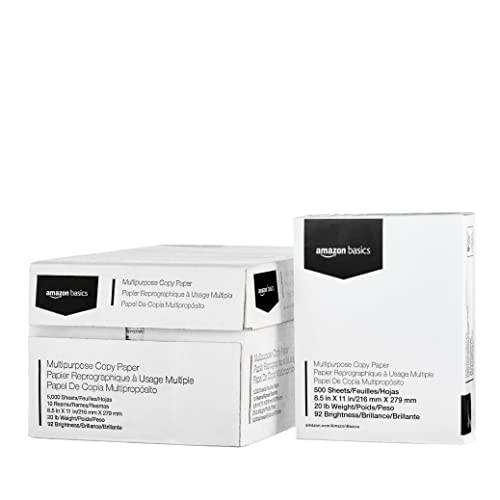
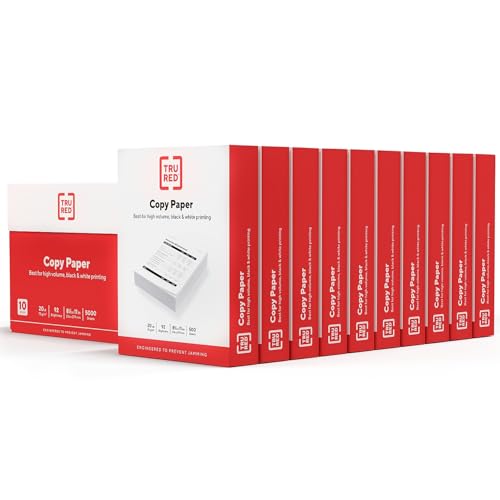
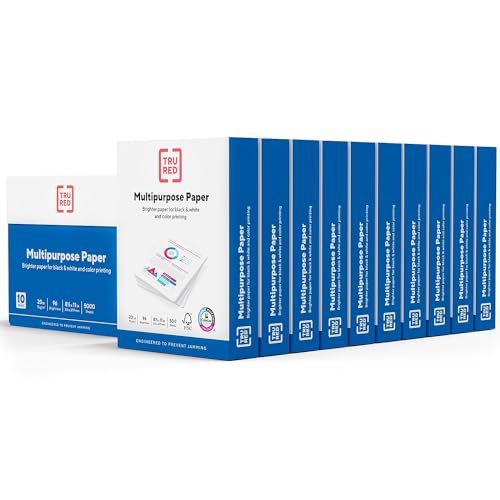
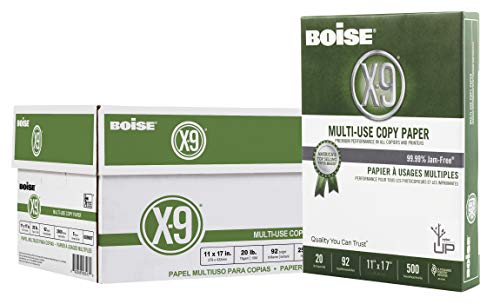
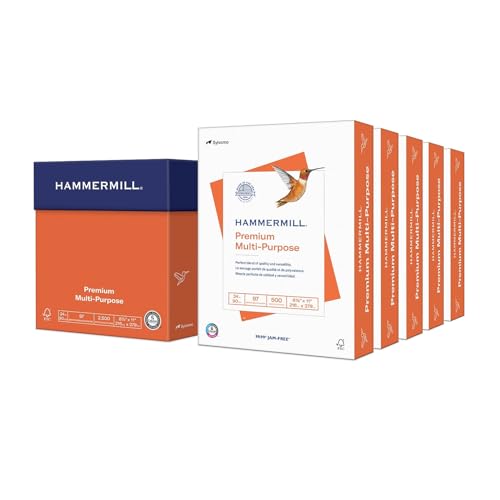

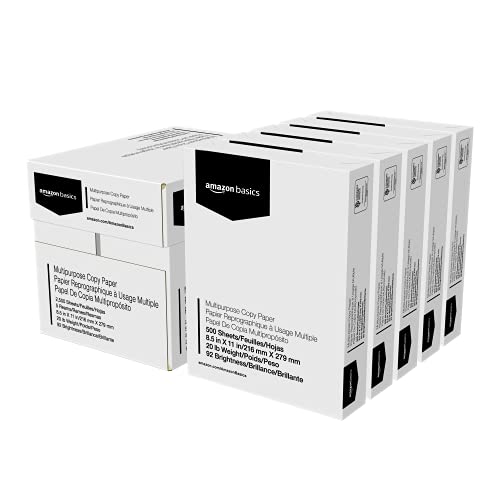
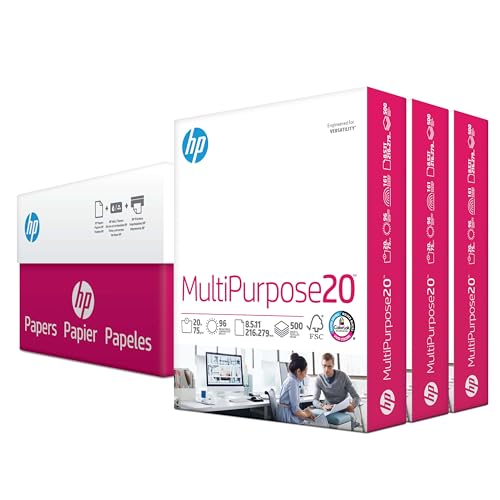

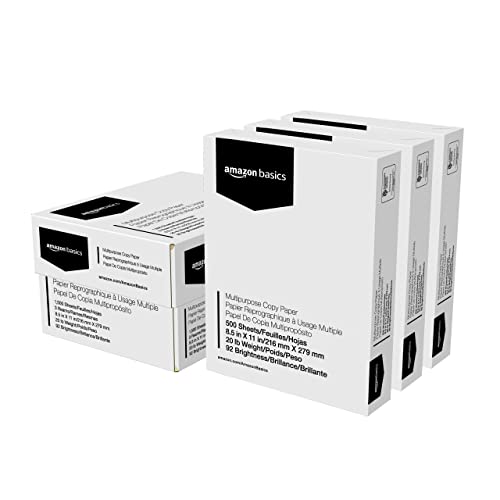
What Actually Makes Paper Good for Printing Documents
Three specs decide whether a sheet of paper prints clean text or muddy, see-through pages. Once you understand them, choosing the best printer paper for documents stops being a guessing game.
Paper Weight (lb and GSM)
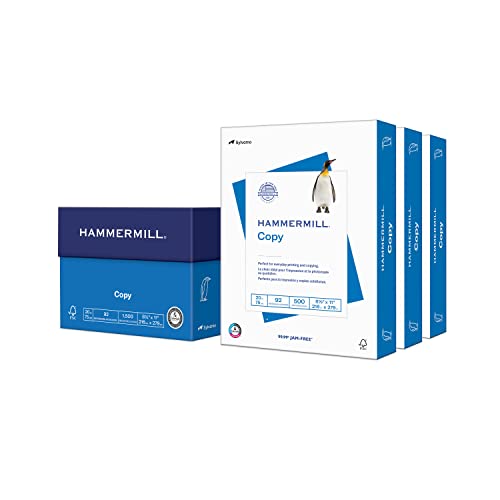
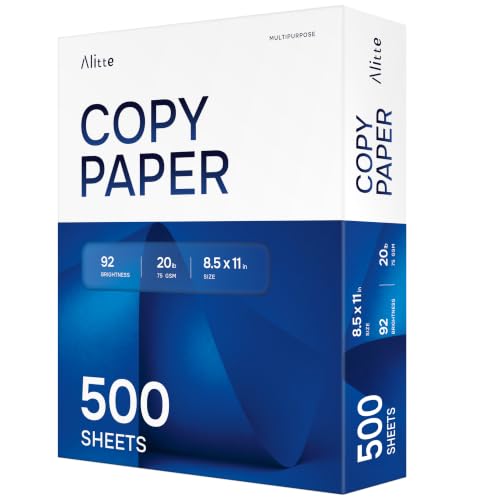
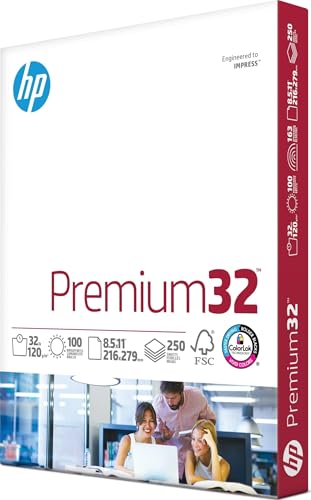
Paper weight is usually listed in pounds (lb) in the US and grams per square meter (GSM) everywhere else, and the two scales don't line up in an obvious way. Standard copy paper runs around 20 lb (75 GSM), which is fine for internal memos and drafts. Once you move into anything you'll hand to a client or file for the record, 24 lb (about 90 GSM) feels noticeably sturdier and holds up better to handling.
Brightness Rating
Brightness measures how much light a sheet reflects, on a scale that tops out around 100. A higher number means more contrast between the white background and printed text, which is why premium paper for reports and presentations usually sits in the 92 to 100 range. Everyday printer paper often lands closer to 88 to 92, which still looks perfectly fine for routine documents.
Opacity
Opacity is how much text from the back of a page shows through to the front, and it matters most for double-sided printing. Thin, low-opacity paper lets ink or toner "ghost" through, making both sides harder to read. Heavier paper naturally has higher opacity, which is one more reason to size up for anything printed on both sides.
Matching Paper to a Laser or Inkjet Printer
Paper isn't universal, and finding the best printer paper for documents starts with knowing which type of printer sits on your desk. Laser and inkjet printers work in fundamentally different ways, and the paper coating that suits one can cause real problems in the other. If you're still deciding on hardware, our guide to choosing a home printer breaks down how laser and inkjet models differ beyond just paper handling.
What Inkjet Printers Need
Inkjet printers spray liquid ink onto the page, so the paper needs a slightly absorbent surface that keeps ink from bleeding or smearing before it dries. Standard multipurpose paper works well for most inkjet documents, and it's the safer default if you print a mix of text and the occasional photo or graphic.
What Laser Printers Need
Laser printers fuse toner to the page using heat, which means the paper needs to be smoother and drier than inkjet stock. Paper marketed for laser use resists curling under that heat and helps toner bond evenly, so text comes out crisp instead of smudged or flaky at the edges.
Choosing Paper Weight for Everyday Reports vs. Formal Documents
Not every document needs the same paper, and matching weight to purpose is the fastest way to land on the best printer paper for documents without overspending on stock you don't need.
Everyday Printing and Internal Reports
For drafts, internal memos, and anything that gets read once and filed away, standard 20 lb multipurpose paper is the practical choice. It's inexpensive, widely available, and more than good enough for text-heavy pages that don't need to impress anyone.
Resumes, Contracts, and Client-Facing Documents
When a document represents you professionally, whether it's a resume, a signed contract, or a proposal, step up to 24 lb or heavier paper with a higher brightness rating. The thicker stock feels more substantial in someone's hands, and higher opacity keeps double-sided pages from ghosting through, which matters for longer contracts printed on both sides.
Why Paper Jams and Curls (and How Storage Prevents It)
Jamming and curling get blamed on the printer or the paper brand, but even the best printer paper for documents will misfeed if storage conditions are working against it.
Common Causes of Jams
Humidity is the biggest offender. Paper left in a damp room, near a window, or in an open ream absorbs moisture from the air, which makes sheets stick together, curl slightly, and feed unevenly. Loading paper the wrong side up or overfilling the tray past its marked line causes the same kind of feed issues, even with paper in perfect condition.
Storing Paper the Right Way
Keep unopened reams in their original wrapper until you need them, and store opened paper flat in a closed tray or drawer away from windows, vents, and exterior walls. If a ream has been sitting untouched for a while, fan through the stack before loading it, which separates any sheets that have started to stick together and helps the printer grab one page at a time.
Frequently Asked Questions
What weight paper is best for printing documents?
For everyday text documents, 20 lb paper is perfectly adequate. For resumes, contracts, or anything client-facing, 24 lb or heavier gives you a sturdier feel and better print quality.
Is 20 lb or 24 lb paper better for printing?
Neither is universally better. 20 lb is fine and cost-effective for routine printing, while 24 lb is worth the extra cost for professional or double-sided documents where thickness and opacity matter more.
What does GSM mean for printer paper?
GSM stands for grams per square meter, a weight measurement used outside the US. It's a more precise way to compare paper thickness than the pound (lb) system, since lb ratings can vary depending on the type of paper being measured.
Can you use laser paper in an inkjet printer?
You can, but it isn't ideal. Laser paper is smoother and less absorbent, which can cause ink to smear or take longer to dry in an inkjet printer. Standard multipurpose paper is the safer choice for inkjet use.
Why does my printer paper keep jamming?
Jamming is usually caused by humidity, improper storage, or overloading the paper tray rather than a flaw in the paper itself. Storing paper flat, in its original packaging, away from moisture solves most recurring jam problems.
What paper is best for double-sided printing?
Look for paper with higher opacity, generally 24 lb or heavier, so text and images from one side don't show through on the other. This matters most for longer contracts or reports printed on both sides.
Does paper brand really matter for printing quality?
Brand matters less than most people assume. Weight, brightness, and proper storage have a bigger impact on print quality than which company made the ream, as long as you're buying paper rated for your printer type.
Making the Right Call for Your Printer
Picking the best printer paper for documents really comes down to matching weight and brightness to how the document will be used, then storing it somewhere dry so it feeds cleanly every time. Get those two things right, and most of the streaking, jamming, and curling complaints disappear on their own, no matter which brand ends up in your cart.