Best Drone Under $700: A Complete Buying Guide
Disclosure: We may earn a commission when you buy through links on this page, at no extra cost to you. As an Amazon Associate I earn from qualifying purchases. Learn more
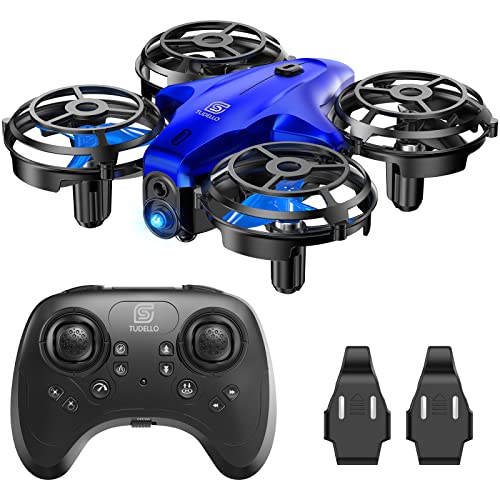
You've probably already flown something cheap, maybe a $100 toy quadcopter that crashed into a tree on day two, or you've spent a weekend reading spec sheets and realized entry-level drones just don't shoot the footage you're after. Either way, you're now looking at the best drone under 700 dollars, and you want to know what that extra budget actually buys before you spend it. This guide breaks down where the real upgrades happen at this price, which specs are worth chasing, and which ones are just marketing noise, so you can walk into a purchase knowing exactly what you're paying for.

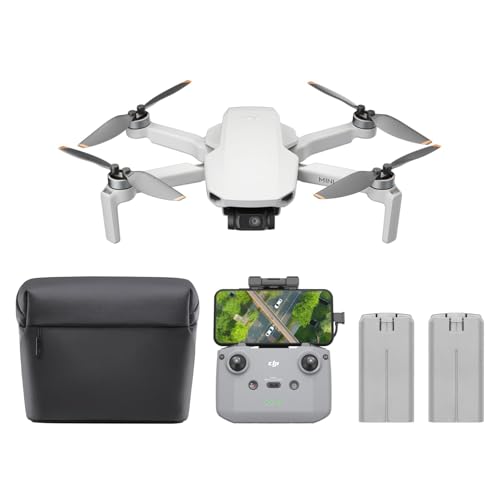
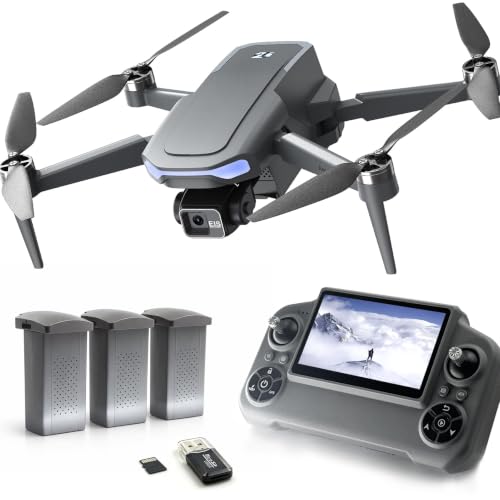
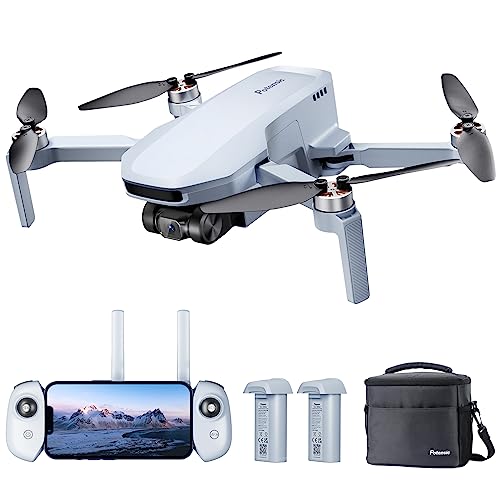
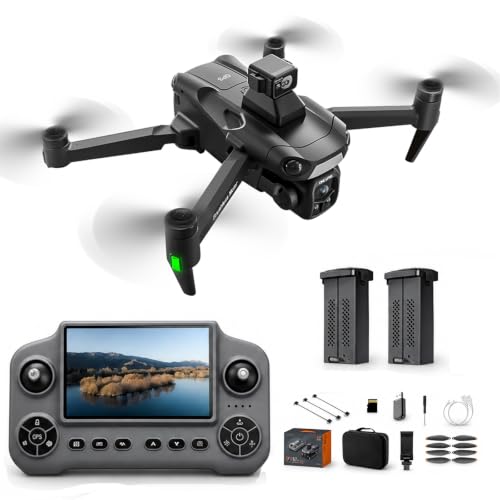
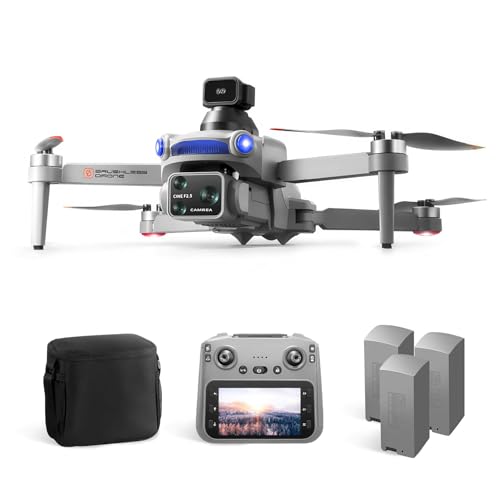
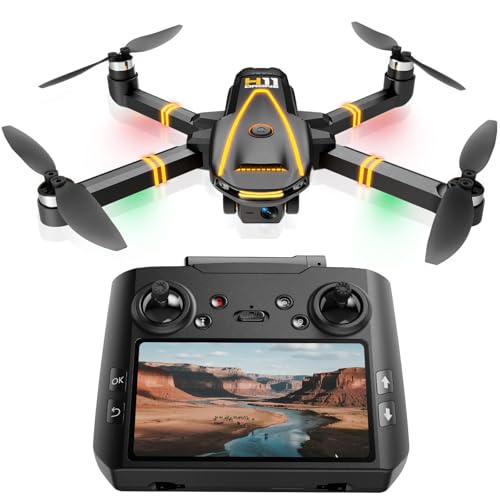
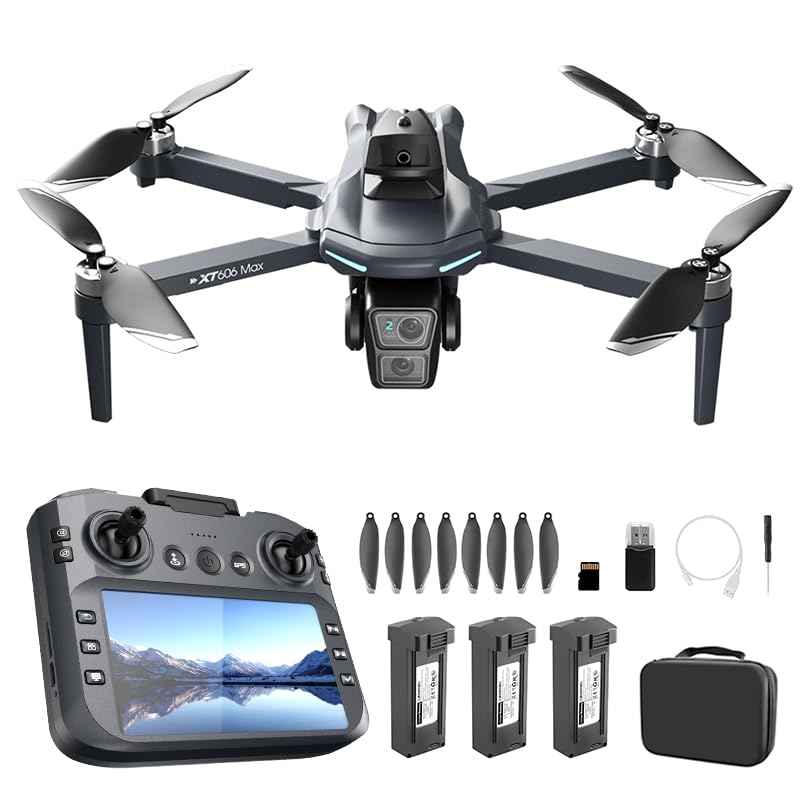
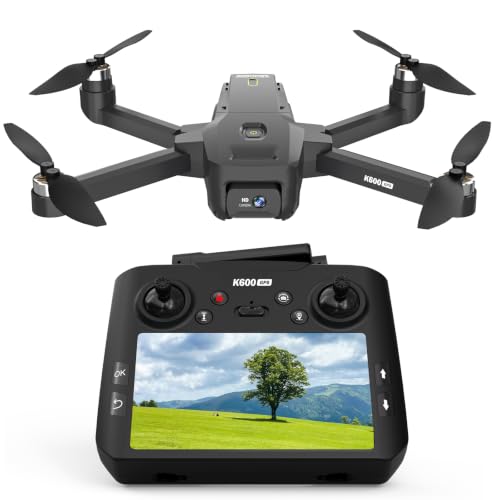
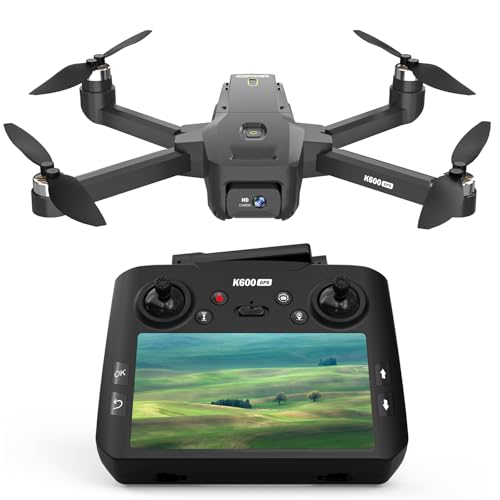
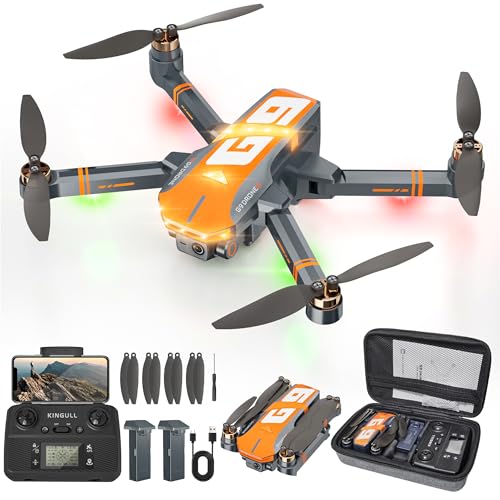
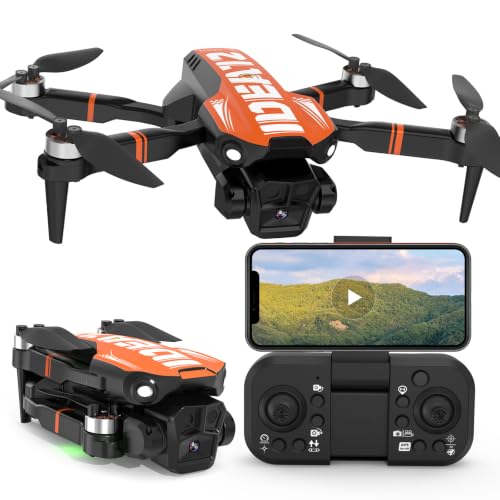
How a $700 Drone Differs From Entry-Level Models
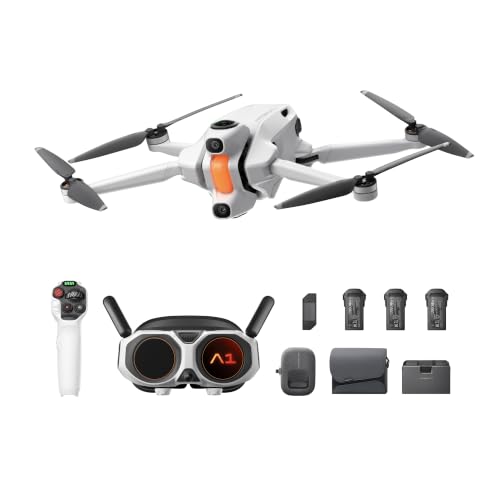
The jump from a sub-$300 drone to a drone under $700 isn't just a bigger number on the price tag. It's usually the point where you start getting mechanical gimbal stabilization instead of software-based smoothing, noticeably better wind handling, and flight controllers that don't panic in a light breeze. If you're still deciding whether flying is even a hobby you'll stick with, it's worth looking at a drone under $300 first rather than committing this much money upfront.
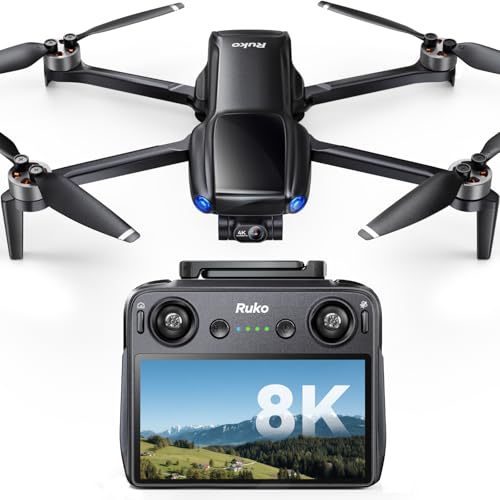
On the other end, this price tier isn't the top of the market either. If you already know you need broadcast-ready color science, extended obstacle sensor coverage in every direction, or the longest possible transmission range, a drone under $2000 will get you closer to that ceiling. Shopping for the best drone under 700 dollars means accepting a middle ground: it's built for someone who has outgrown a toy but doesn't need professional-grade gear, and understanding that trade-off up front will save you from buyer's remorse either way.
Camera and Gimbal Quality Worth Paying For
Camera quality is usually the single biggest reason people upgrade into this price range. At the budget end, footage often looks shaky or "jittery" in anything but perfectly still air, because cheaper drones lean on electronic image stabilization rather than a physical gimbal. At $700, you're generally looking at a real three-axis mechanical gimbal, which corrects for pitch, roll, and yaw in hardware instead of cropping and smoothing the video after the fact.
Mechanical Gimbals vs. Electronic Stabilization
A mechanical gimbal physically counteracts drone movement in real time, so footage stays level even when the aircraft itself is tilting or fighting a gust. Electronic stabilization, by contrast, corrects the image digitally after it's captured, which usually means a cropped field of view and visible artifacts when the wind picks up. If smooth, usable video is your main goal, this is the spec to prioritize over almost anything else on the list, including resolution numbers.
Flight Time, Range, and Battery Life to Expect
Most drones in this price bracket land somewhere between 20 and 34 minutes of flight time per battery, which is a real step up from the 10 to 15 minutes typical of cheaper models. That extra time matters more than it sounds, since it's the difference between getting one usable shot before you have to land and actually having room to experiment with an angle or wait out a cloud passing overhead. It's one of the clearest reasons flight time keeps coming up in almost every comparison of a drone under $700 against cheaper alternatives.
Transmission range also tends to improve at this tier, though it's worth remembering that manufacturer range figures are almost always measured in open, interference-free conditions. In practice, expect noticeably less range in a city or anywhere with buildings, trees, or other wireless signals nearby. Battery health also fades over repeated charge cycles, so ask how many charge cycles a battery is rated for before it starts losing capacity, since that affects the real cost of ownership over a year or two of regular flying. Buying a second battery, if one isn't already included, is usually a better use of leftover budget than chasing a slightly longer single-flight time on paper.
Intelligent Flight Modes and Obstacle Sensing
This is where the $700 tier starts to feel meaningfully smarter than cheaper drones, though it's not the full package you'd get from a prosumer model. Many drones in this range include basic subject tracking, automated flight paths, and GPS-based return to home, and these features tend to work reliably enough for casual use, not just as a checkbox on a spec sheet.
Obstacle sensing is more of a mixed bag. Some drones at this price include forward or downward sensors, which help during takeoff, landing, and simple hover situations, but full 360-degree coverage is still mostly reserved for pricier models. Treat any obstacle avoidance at this tier as a helpful safety net rather than something that lets you fly aggressively through tight spaces without paying attention.
Weight Class, Registration, and Remote ID
Weight becomes a more relevant factor once you're shopping in this range, because many drones under $700 weigh more than 250 grams, the threshold where U.S. rules change. Anything above that weight generally needs to be registered with the FAA and must broadcast Remote ID while in flight, whereas plenty of sub-250g drones are exempt from registration for recreational use. It's worth checking the exact weight of any model you're considering before you assume the rules don't apply to you.
If a smaller, lighter footprint matters more to you than maxing out every spec, particularly for travel, it's worth comparing against a foldable drone built specifically around portability rather than raw performance. Some drones in the $700 range fold down reasonably well, but that's usually a secondary feature, not the main design goal.
Frequently Asked Questions
What's the difference between a $300 drone and a $700 drone?
The biggest differences are usually gimbal type, wind handling, and flight time. A $700 drone typically adds a mechanical three-axis gimbal, better stability in light wind, and roughly double the flight time per battery compared to budget models.
Is a 3-axis gimbal worth it?
Yes, if smooth video is a priority. A mechanical gimbal stabilizes footage in hardware rather than correcting it digitally afterward, which produces noticeably steadier video in real-world conditions, especially any amount of wind.
Do I need to register a drone under $700 with the FAA?
It depends on the drone's weight. If it weighs more than 250 grams, which many drones in this price range do, you'll typically need to register it with the FAA and enable Remote ID before flying.
How much flight time does a $700 drone typically get?
Most models in this range offer between 20 and 34 minutes per battery, depending on conditions and flying style. Wind, temperature, and aggressive maneuvers will all reduce that number in practice.
Do drones under $700 have obstacle avoidance?
Some do, though it's usually limited to certain directions rather than full 360-degree coverage. It's a helpful safety feature at this price point, but it shouldn't replace careful, attentive flying.
Are intelligent flight modes reliable at this price?
Generally, yes, for casual use. Subject tracking, automated flight paths, and return to home tend to work well enough for everyday flying, even if they're not as refined as the versions found on higher-end drones.
Is This the Right Upgrade for You
A drone in this range makes sense once you've outgrown the limitations of a cheap starter model and want footage and flight performance you can actually rely on. It's not the top of the market, and it doesn't need to be for most people. If you're comparing options and want the best drone under 700 dollars for your specific needs, focus on gimbal type, real-world flight time, and the weight-related rules that come with it rather than headline specs alone, and you'll be well positioned to pick a model that matches how you actually plan to fly.