Best Drone Under $300: A Complete Buying Guide
Disclosure: We may earn a commission when you buy through links on this page, at no extra cost to you. As an Amazon Associate I earn from qualifying purchases. Learn more
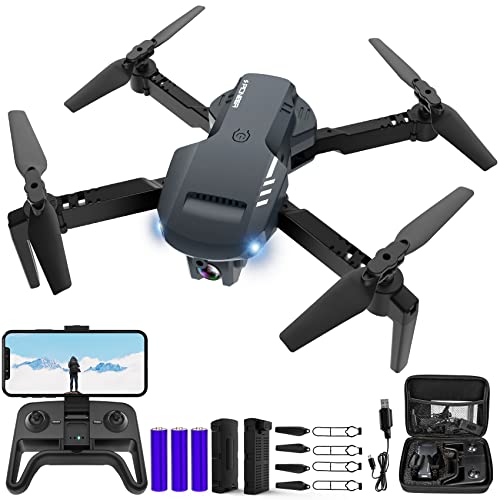
Shopping for the best drone under $300? Compare camera quality, GPS return-to-home, and flight time before you buy your first drone.
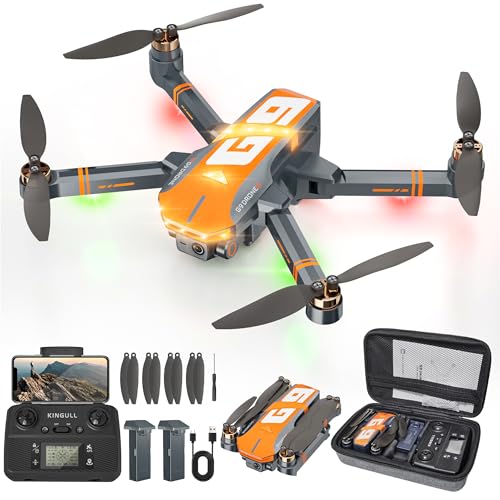
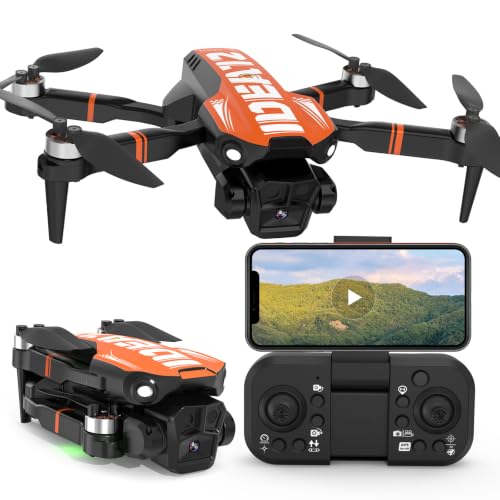
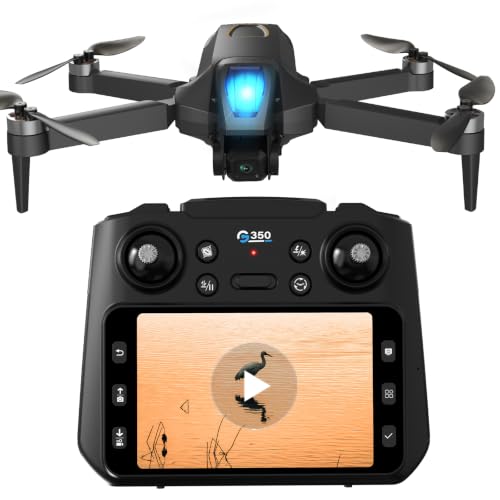
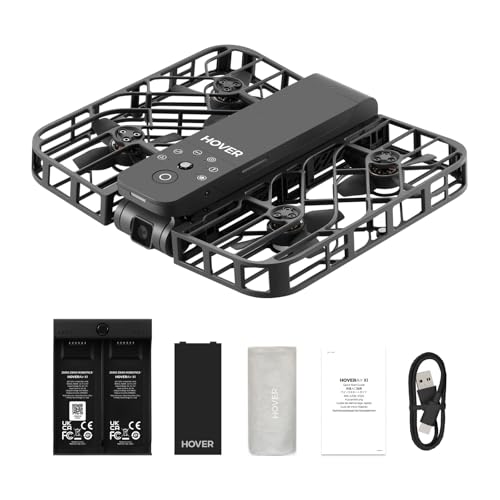
Finding the best drone under $300 means walking into the search already knowing what this price tier can and cannot do. Three hundred dollars buys a machine built to teach you the fundamentals of flight, not one that rivals professional aerial photography gear. At this budget, every brand compromises somewhere, usually in camera resolution, transmission range, or battery life, so the real skill is figuring out which tradeoffs matter for how you'll actually fly. Most shoppers here are new to drones entirely, looking for something forgiving enough to survive a rough first month. This guide breaks down what actually matters at this price, where the corners get cut, and how to avoid buying something you outgrow in a weekend.


Who This Price Range Actually Fits
This tier is built for people who have never flown a drone before and want to learn without risking serious money. It also suits parents buying a first drone for a teenager, casual travelers who want aerial shots of a hike or a beach trip, and anyone testing whether the hobby is worth pursuing further before spending on a higher-end model. If your goal is client work, real estate listings, or anything where footage quality has to hold up under scrutiny, shopping for the best drone under $300 will feel limiting fast.
- A first-time pilot who expects to crash a few times while learning
- Someone who wants casual photo and video, not commercial-grade footage
- A buyer testing interest in the hobby before committing more money
- A gift for a teenager or a curious family member
If any of those describe you, this budget makes sense. If you already know you need long range, obstacle avoidance, or broadcast-quality video, it's worth saving up rather than settling here first.
Staying Under the FAA's 250 Gram Line
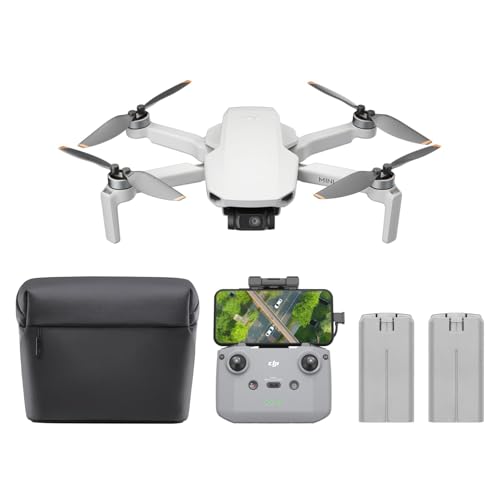
Weight matters more than most new buyers expect. In the United States, any drone weighing 250 grams or more used for recreational flying has to be registered with the FAA, tagged with the registration number, and flown by a pilot who has passed the free TRUST safety test. Plenty of drones in this price range sit right around that threshold, some just under it and some just over, so checking the exact weight before you buy saves you an extra step later.
Registration itself is not difficult or expensive, but it does add friction that some beginners would rather skip entirely. A sub-250 gram drone lets you fly at parks and open spaces with fewer restrictions in mind, which matters if you're still building confidence and don't want paperwork slowing down your first flights. Either way, check your local rules too, since some parks and cities restrict drone flight regardless of weight.
Beginner Safety Features That Actually Reduce Crashes
Headless mode
Headless mode makes the drone move relative to your position rather than its own nose direction. New pilots often lose track of which way the drone is facing once it gains altitude or distance, and a wrong-direction stick input in that moment is one of the most common ways beginners crash. Flipping on headless mode removes that confusion while you're still learning to read orientation at a glance.
Auto-hover and altitude hold
A drone that hovers steadily when you let go of the sticks gives you time to think instead of overcorrecting. Altitude hold uses a barometric sensor to keep the drone at a consistent height, so you can focus on left-right and forward-back movement one skill at a time rather than juggling all three axes at once.
Prop guards and one-key return
Physical prop guards absorb minor bumps against walls, furniture, or tree branches without snapping a propeller. Paired with a one-key return-to-home function, which sends the drone back to its takeoff point on a low battery or lost signal, these features turn a panicked beginner mistake into a minor inconvenience instead of a lost drone.
What Realistic Camera Quality and Flight Time Look Like
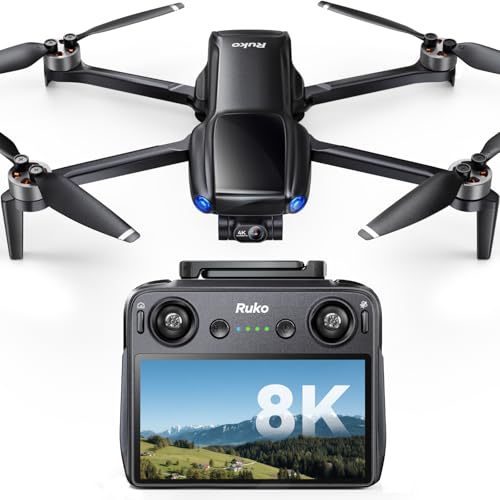
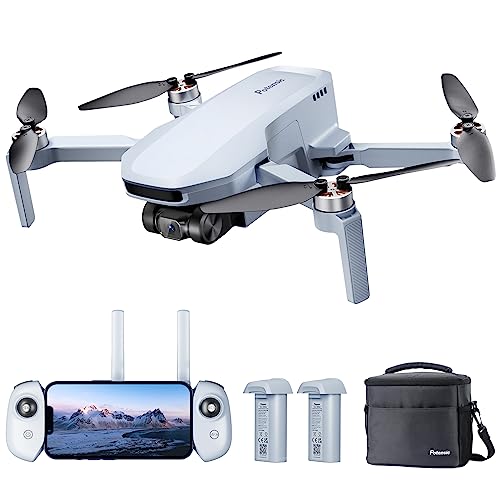
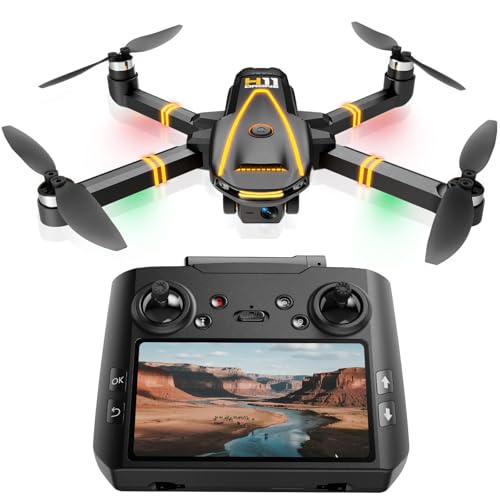
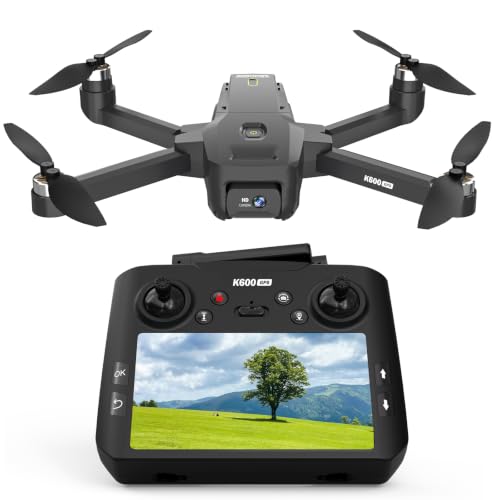
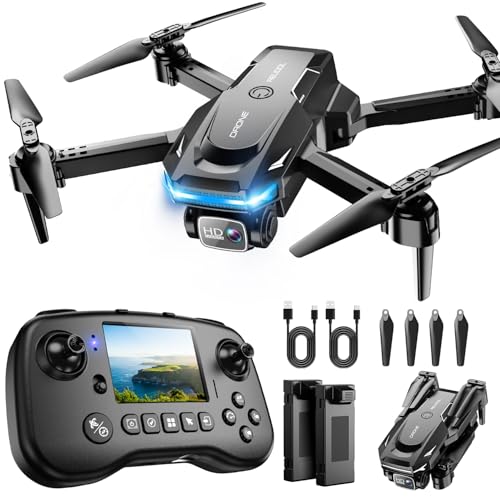
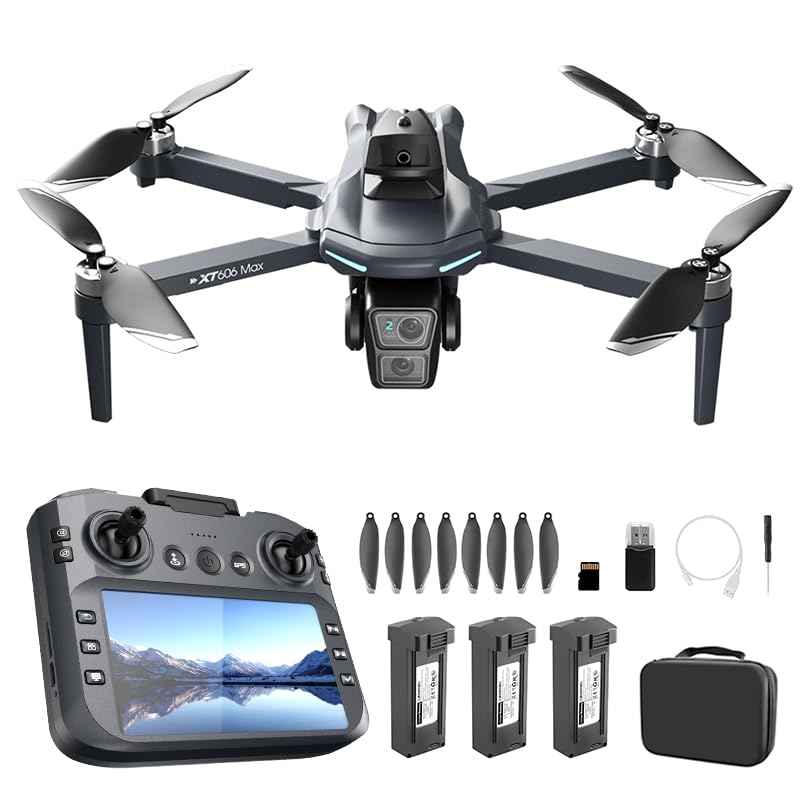
Camera expectations need a reality check when shopping for the best drone under $300. Many models offer a wide-angle lens with digital image stabilization rather than a true mechanical gimbal, which means footage can look choppy in wind or during fast turns. Some do include a basic gimbal, and those are worth prioritizing if video quality matters to you, but resolution and low-light performance still trail far more expensive drones.
Flight time typically lands between 15 and 25 minutes per battery, which sounds short until you realize most beginners aren't flying nonstop anyway between practice breaks and recharging. A second battery is one of the smartest add-ons you can make, since it effectively doubles your flying time for a fraction of the drone's own price and keeps a short first outing from ending too soon.
Where This Budget Cuts Corners
Every drone in this range gives something up compared to pricier options. Transmission range is usually shorter, often a few hundred meters instead of several kilometers, which is plenty for line-of-sight flying but limiting if you want to push distance. Obstacle avoidance sensors, a common feature on higher-end models, are largely absent here, so you're relying on your own eyes and the beginner safety features above rather than automatic collision detection.
Build quality also tends toward more plastic and less wind resistance, meaning a breezy day can push a lightweight drone around more than you'd like. If you're weighing whether to spend more, it helps to compare against a step up in category, like a higher-end drone built for more demanding shooting, to see exactly what the extra money buys before deciding this tier is the right fit.
Frequently Asked Questions
Do I need to register a drone that costs under $300?
Only if it weighs 250 grams or more and you're flying recreationally. Many budget models sit right around that line, so check the listed weight before buying if avoiding registration matters to you.
Is a mechanical gimbal necessary at this price?
It's a nice bonus but not universal. A gimbal produces smoother footage than digital stabilization alone, so if video quality is your priority, look specifically for models that include one rather than assuming every drone here has it.
How long can I expect to fly before recharging?
Most beginner drones in this range offer 15 to 25 minutes per battery. A spare battery is a common and inexpensive upgrade that noticeably extends a single outing without adding much to the total cost.
Can beginner drones handle windy conditions?
Not well. Lighter, plastic-heavy builds get pushed around easily in moderate wind, so plan early flights for calm mornings or indoor spaces until you're comfortable reading conditions.
Do I need a spare battery right away?
Not for your first flight, but plan on buying one soon after. It's the single upgrade that most extends how much actual flying you get done per session.
What's the fastest way to avoid crashing during the first few flights?
Practice with headless mode enabled in an open, obstacle-free area first, then turn it off once you're comfortable reading the drone's orientation without help.
Will a drone this cheap work for real estate or client photography?
Generally not well. Camera resolution, stabilization, and range at this price are built for casual use, not the consistency and image quality that paid client work demands.
Getting the Most Out of an Entry-Level Purchase
A drone at this price is a learning tool first and a camera second. Treat the first few weeks as practice, lean on the beginner safety features to keep mistakes cheap, and you'll get a clear sense of whether the hobby is worth a bigger investment down the line.