
Best Door Locks by Budget: Smart Picks for 2026
Disclosure: We may earn a commission when you buy through links on this page, at no extra cost to you. As an Amazon Associate I earn from qualifying purchases. Learn more

The best door locks by budget: Wyze, Kwikset Aura and Schlage Encode picks plus security grades and smart features.
Your front door lock is your home's first line of security, and today's options range from simple keyed knobs and deadbolts under $30 per door to Wi-Fi smart locks with fingerprint scanners, keypads and video cameras that cost several hundred dollars. More money buys convenience features like remote access and guest codes, but not every upgrade adds real security. This guide to the best door locks compares options at every price point so you can see what you get at budget, midrange and premium levels and where spending more pays off.
We cover three top picks, what your money gets at each price tier, the features worth paying for, long term costs and answers to common questions. Every lock in the table above is sold new on Amazon US. Follow installation instructions carefully, keep a physical key or backup entry method, change default codes right away and consider a locksmith for doors that need drilling or alignment work.


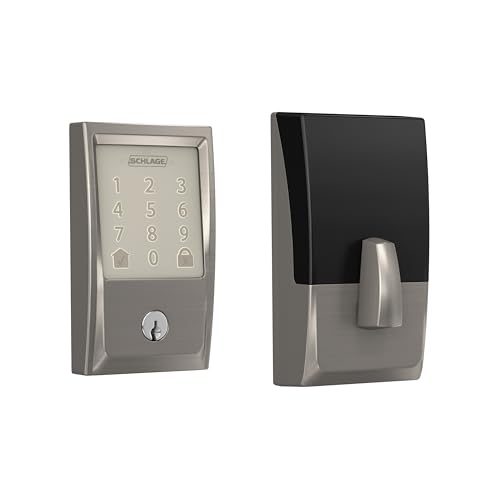
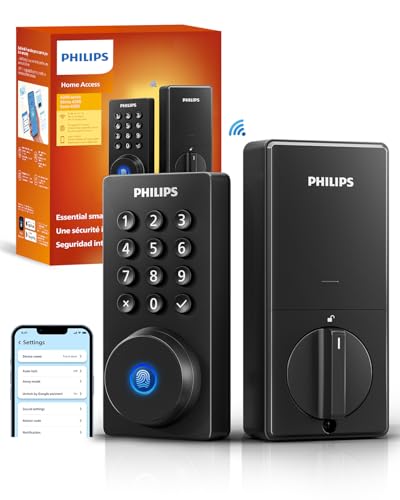
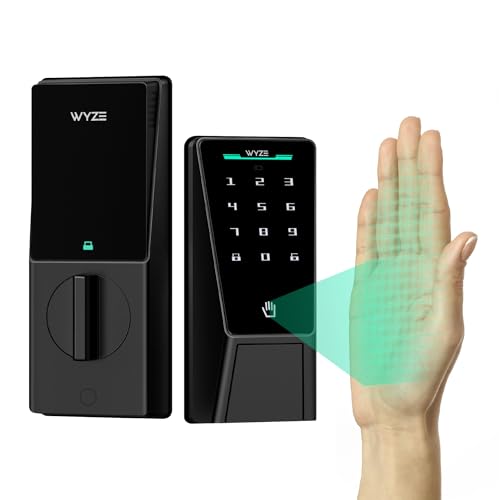

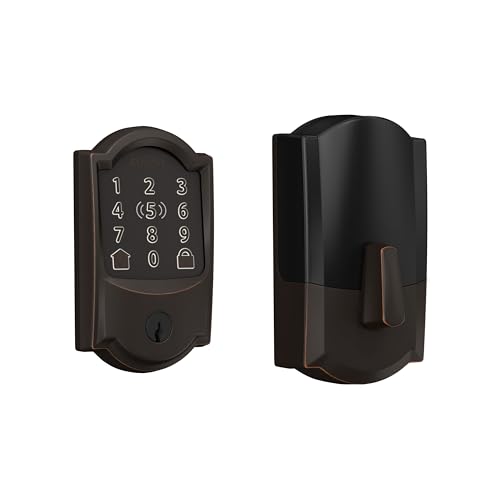

Top 3 Picks by Budget
Our picks are the Wyze Auto-Lock Bolt v2 Fingerprint Smart Lock as the budget pick, the Kwikset Aura Bluetooth Programmable Keypad Deadbolt as the midrange pick and the Schlage Encode Smart WiFi Deadbolt as the premium pick.
We compared security ratings, entry methods, connectivity, battery life, installation, warranty and price, along with the overall pattern in owner feedback. We did not install these locks ourselves; the notes reflect maker specifications.
Best Budget Pick: Wyze Auto-Lock Bolt v2 Fingerprint Smart Lock
The Wyze Auto-Lock Bolt v2 suits budget minded homeowners and renters who want keyless entry, at around $79. Wyze lists a fingerprint scanner that unlocks in about 0.5 seconds with scratch resistant tempered glass, AI learning that improves recognition over time, built in Wi-Fi for remote control in the Wyze app, auto lock, 8 AA batteries included for up to 8 months of use, a USB-C emergency power port and physical keys as a backup.
Two strengths stand out: fast fingerprint entry at a low price and multiple backup methods if batteries run low.
The limitation is a newer brand ecosystem than legacy lock makers. Skip it if you want a traditional brand with decades of lock history.

Best Midrange Pick: Kwikset Aura Bluetooth Programmable Keypad Deadbolt
The Kwikset Aura is for families who want a reliable keypad deadbolt from an established lock brand, at around $180. Kwikset lists phone control in Bluetooth range, a backlit keypad with up to 250 access codes, scheduled and one time guest codes in the Kwikset app, activity history, auto lock, installation with a screwdriver for doors 1 3/8 to 2 inches thick, SmartKey security that resists advanced break in techniques and lets you re key the lock yourself and a lifetime mechanical and finish warranty with a 1 year electronics warranty.
Its strengths are guest code management and SmartKey rekeying.
The trade off is Bluetooth only control without remote access away from home.

Best Premium Pick: Schlage Encode Smart WiFi Deadbolt
The Schlage Encode suits homeowners who want remote access and top residential security ratings, at around $240. Schlage lists built in Wi-Fi with no hub, up to 100 access codes, lock history and notifications, Alexa and Google Home voice control, a built in alarm for door movement and forced entry attempts, a fingerprint resistant touchscreen, certification to the highest residential security standards, auto lock and 4 AA batteries with up to six months of typical use.
The appeal is strong security credentials with full smart features and no extra hub.
The limitation is price and shorter battery life than some Bluetooth locks.

What Your Money Gets You at Each Price Tier
Door locks fall into three rough price tiers. Here is what to expect.
Budget Tier: What to Expect
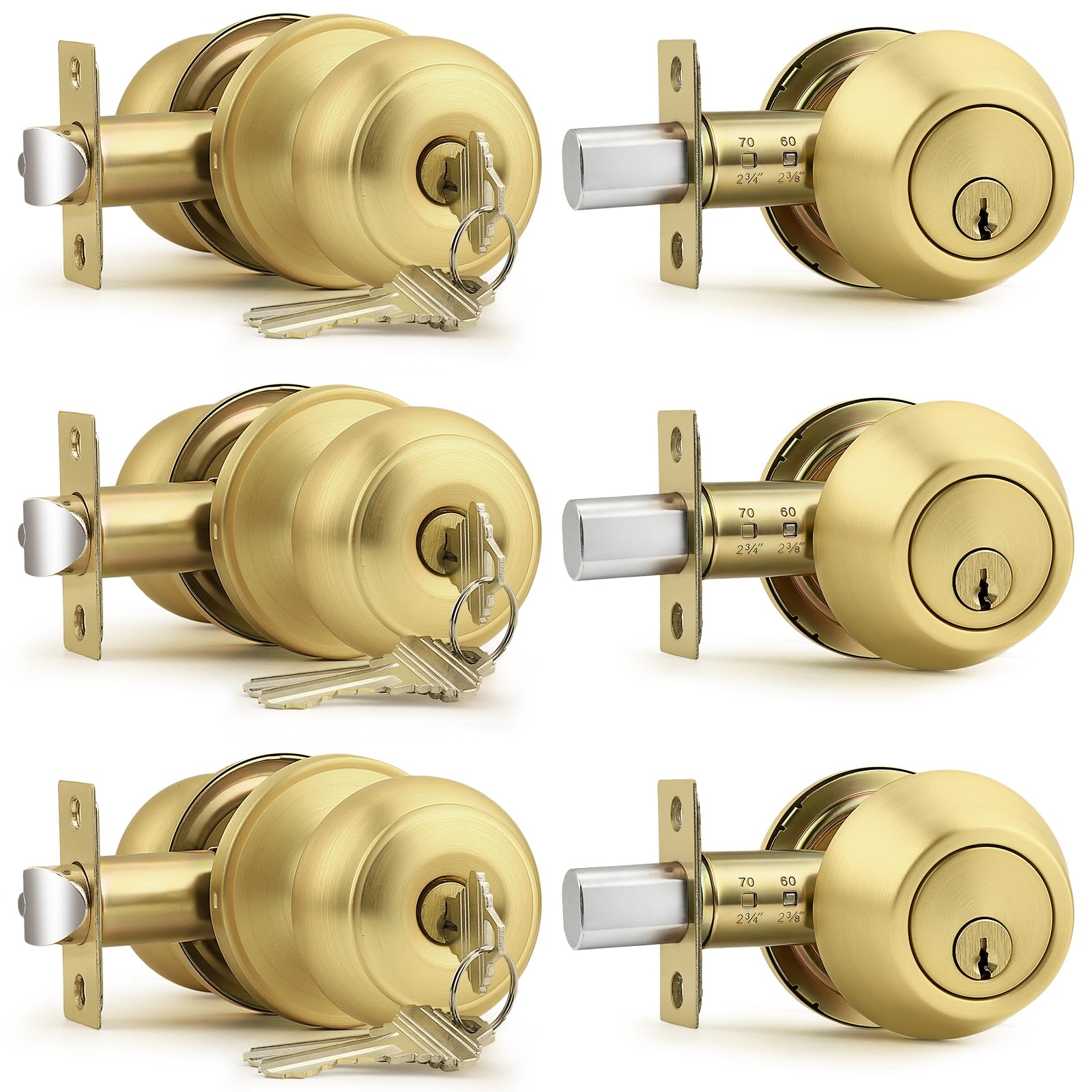
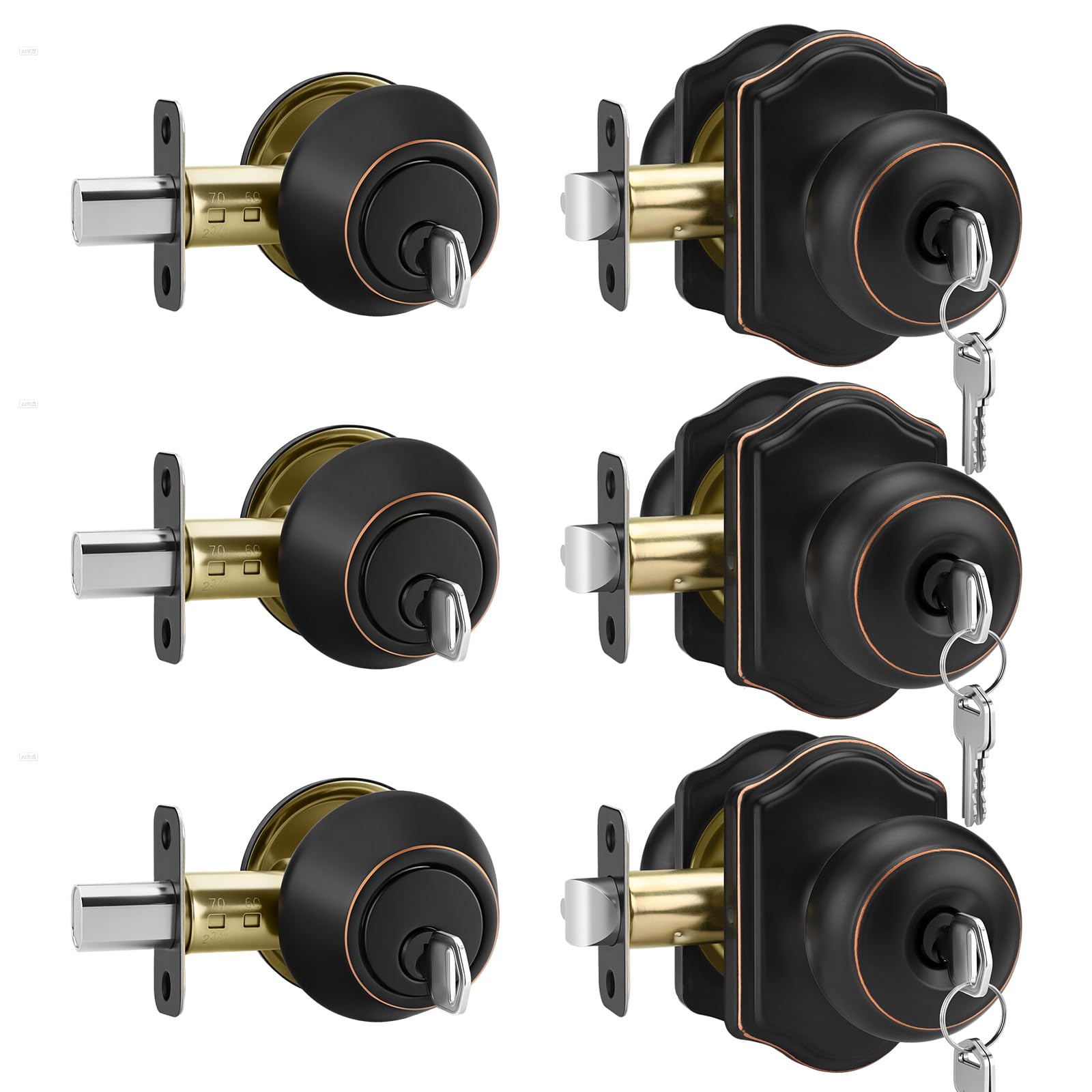
Under around $100, you get mechanical knob and deadbolt sets and entry level smart locks. The Probrico 3 pack entry knob and single cylinder deadbolt combo, at around $82, keys all three doors alike, which simplifies keys for front, back and garage doors. Budget smart locks like Wyze's Lock Bolt v2 and the Philips Wi-Fi Smart Deadbolt at around $80 add fingerprint and app access.
This tier suits renters, secondary doors and first smart lock buyers.
Midrange Tier: The Sweet Spot for Most Buyers
Between around $100 and $200, you get keypad and smart locks from established brands, like the Kwikset Aura and Kwikset SmartCode 888 touchpad deadbolt at around $200. The Wyze Palm Lock, at around $130, uses palm vein recognition, a dual battery system and up to 50 guest codes, according to Wyze.
Wyze also lists mmWave radar on the Palm Lock, which wakes the reader as you approach. Midrange locks usually add proper app management, guest codes and activity logs, so this is the tier most families should start with.
Premium Tier: When Spending More Pays Off
Above around $200, you get Wi-Fi smart locks with top security ratings and advanced features. The Schlage Encode Plus, at around $297, adds Apple Home Key tap to unlock and up to 250 codes, and Schlage lists Grade 1 AAA certification. The Lockly Vision, at around $350, adds a video camera and two way audio doorbell.
Spending more pays off when you need remote access for guests, rental check ins or package deliveries, or when you want the highest security grade. It pays off less if you only lock and unlock the door yourself every day.
Features Worth Paying For in the Best Door Locks (and Ones to Skip)
Strong security ratings, reliable entry methods, good battery life and easy installation are worth paying for. Novelty features you will not use are not.
Security Ratings and Build Quality
ANSI and BHMA grades rate lock strength, with Grade 1 the highest residential rating; Schlage lists Grade 1 AAA for the Encode Plus. Solid metal construction, reinforced strike plates and longer screws into the door frame add real security. Kwikset says its SmartKey cylinder resists advanced break in techniques.
Ease of Use and Entry Methods
Keypads let family members enter without keys. Fingerprint scanners, like Wyze's and Philips', unlock in a touch. Phone apps add remote access and guest codes. A physical key backup is valuable if batteries or electronics fail.
Philips lists five ways in on its Wi-Fi Smart Deadbolt: app, code, fingerprint, key and voice. More entry methods mean fewer lockouts for kids, older relatives and guests.
Door Fit and Installation
Most deadbolts fit standard doors 1 3/8 to 1 3/4 inches thick with standard bore holes; Kwikset lists doors up to 2 inches. Schlage says the Encode installs with only a screwdriver. Measure backset and bore size before buying.
Check your door before ordering. Note the thickness, the backset from the door edge and whether the existing deadbolt hole lines up. Most smart deadbolts replace a standard deadbolt in under an hour with basic tools. Doors that stick or sag can jam an auto locking bolt, so fix alignment first.
Connectivity and Smart Features
Bluetooth locks, like Kwikset Aura, work when you are near the door. Wi-Fi locks, like Schlage Encode, Philips and Wyze, allow remote control and alerts from anywhere. Voice assistants and auto lock add convenience.
Intended Use and Who It's For
Families benefit from keypads and guest codes. Rental hosts benefit from Wi-Fi locks with time limited codes. Renters may prefer locks that keep the existing exterior hardware or are easy to swap back.
Back doors and garage entry doors are good spots for a keyed alike mechanical set like Probrico's, while the front door often gets the smart lock. Matching the lock to each door keeps costs down.
Long Term Costs to Factor In
Smart locks need batteries; Schlage lists up to six months and Wyze up to 8 months. Rekeying or replacing cylinders costs extra unless the lock supports DIY rekeying like Kwikset SmartKey. Some locks need hubs or subscriptions for advanced features, so check before buying. Quality mechanical parts last for years, while electronics may need replacement sooner.
Battery swaps are the most frequent cost. Four or eight AA batteries several times a year add up, so rechargeable batteries can save money if the maker allows them. Most smart locks warn you in the app well before the batteries run out.
Plan for a locksmith visit if your door needs new holes, a deeper strike or alignment work. Kwikset's lifetime mechanical and finish warranty reduces long term repair costs for the hardware itself.
Door Locks: Your Questions Answered
How do I maintain a door lock?
Lubricate the lock with a graphite or lock specific lubricant once or twice a year, tighten loose screws, replace smart lock batteries when alerts appear and update lock firmware through the app.
How much should I spend on a door lock?
Expect around $25 to $100 for mechanical locks and budget smart locks, around $100 to $200 for midrange keypad and smart locks and around $200 to $350 for premium Wi-Fi and video locks.
How long does a door lock last?
Quality mechanical locks often last a decade or more. Smart lock electronics may last several years, and brands like Kwikset offer lifetime mechanical warranties.
Keep the exterior keypad clean and dry, and replace weatherstripping that lets rain reach the lock.
What features matter most when buying door locks?
Security grade, reliable entry methods, physical key backup, battery life and a proper fit for your door matter most.
Are expensive door locks worth it?
Expensive smart locks are worth it if you value remote access, guest management and alerts. For basic security, a well installed Grade 1 or Grade 2 deadbolt provides strong protection.
Our Verdict
The best door locks balance security, convenience and budget. The Wyze Auto-Lock Bolt v2 offers fingerprint entry at a low price, the Kwikset Aura is a dependable midrange keypad deadbolt and the Schlage Encode delivers premium Wi-Fi control with top security credentials.
For more home security guides, see the best keyless entry door locks, the best camera doorbells, the best wireless video doorbells and the best home surveillance cameras. Then compare current prices in the product table above.


