Best Computer Speakers for Teachers: Types Compared and How to Choose for 2026
Disclosure: We may earn a commission when you buy through links on this page, at no extra cost to you. As an Amazon Associate I earn from qualifying purchases. Learn more
Compare types to find the best computer speakers for teachers, with guidance on classroom coverage, voice clarity, durability, setup, and fair value.
Classrooms are unforgiving places for sound. A video that seems loud at your desk can vanish by the third row, and a speaker that survives one school year of daily moves is worth more than a fragile one with finer sound. This guide compares types to help you find the best computer speakers for teachers for your room and routine.
We compare each type by who it suits, what it does well, and where it falls short. Then the comparison table below lets you check specific models against the type that fits your classroom.

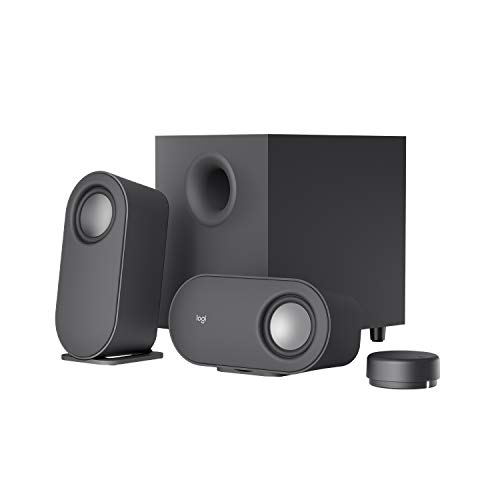
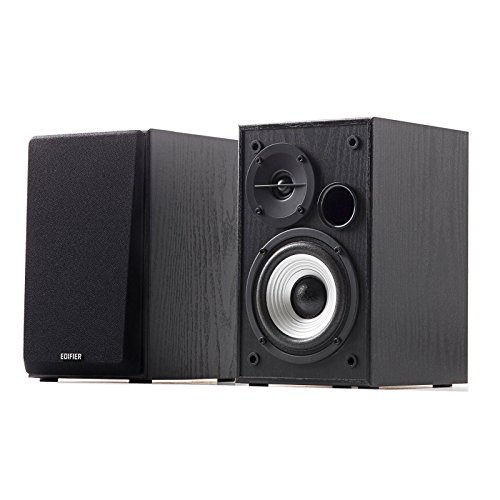

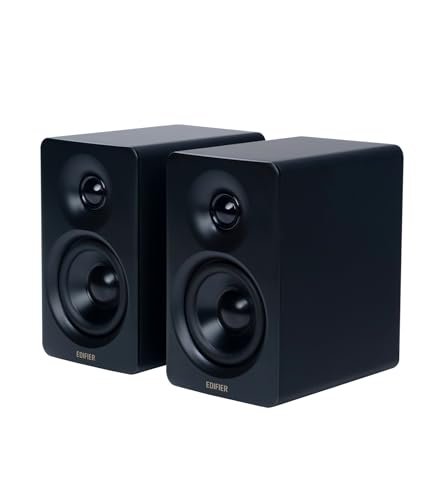
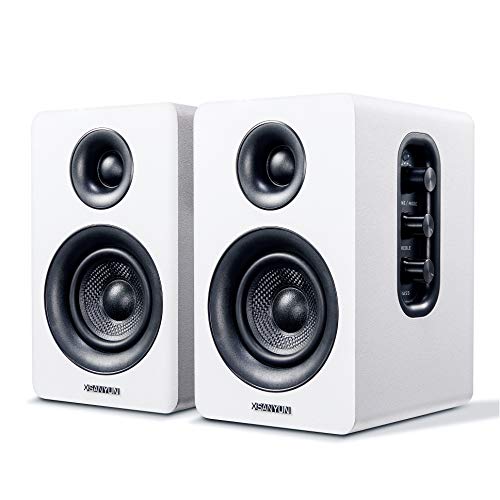
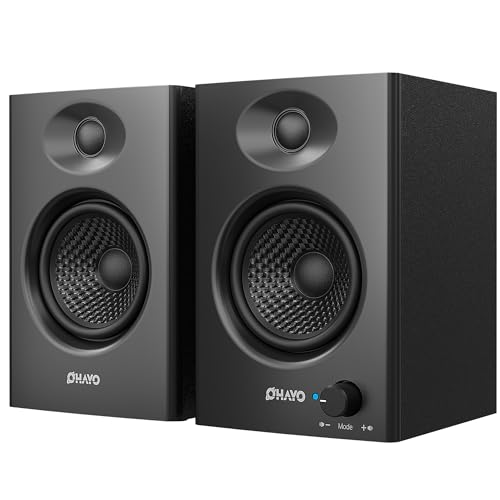
Types of Computer Speakers Compared
Three types dominate classroom use. In general terms, gaming models cost around $50 to $150 and favor style and desk impact, home and bookshelf models cost around $60 to $200 and favor coverage and clarity, and outdoor and rugged models cost around $40 to $120 and favor durability and portability. The sections below explain what those general prices really buy a teacher.
Gaming Models
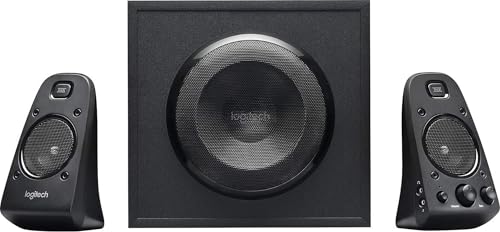
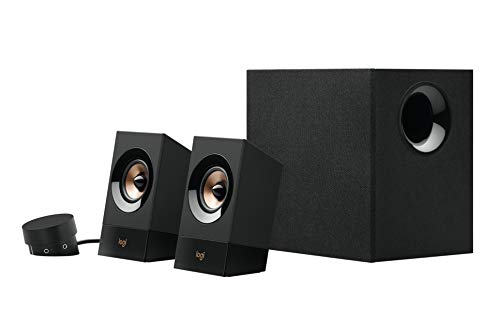
Gaming models are compact stereo pairs built for one listener close to a screen. They bring lively sound, small footprints, and often lighting that students may enjoy more than you do. At a teacher desk they handle videos and read aloud audio for small groups well. Their weakness is coverage: output aimed at a near listener thins quickly across a full classroom, and maximum volume often turns harsh. Choose this type only for small rooms, tutoring corners, or a personal desk setup where students sit near the screen. If gaming features interest you for after school clubs, our guide to the best computer speakers for gaming covers that style fully.
Home and Bookshelf Models
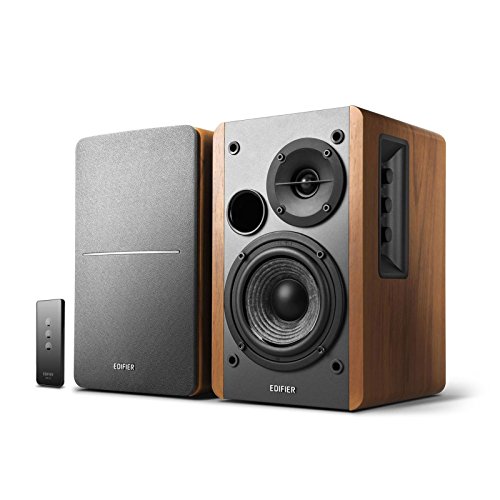
Home and bookshelf models are larger powered speakers designed to fill a living room, which maps closely to a classroom. Their bigger drivers and cabinets deliver clearer voices at the back row and calmer sound at the volume a class needs. Typical prices around $60 to $200 reflect that extra capability. They take more shelf or cart space and are less fun to move between rooms, but for a fixed classroom they are usually the strongest choice. Place them high, angled toward the seats, and most media audio problems simply disappear.
Outdoor and Rugged Models
Outdoor and rugged models are sealed portable speakers built to survive drops, dust, and splashes, usually with battery power. For teachers who rotate between rooms, share equipment across a department, or run activities outside, that toughness is a real advantage. The trade off is sound: small sealed cabinets limit bass and stereo width, and a single unit cannot create the spread a wide classroom wants. Choose this type when mobility and survival matter more than perfect coverage, and keep expectations modest for groups larger than about fifteen.
Gaming Models vs Home and Bookshelf Models: Which Should You Choose?
On coverage, bookshelf models win clearly, filling rows of seats that gaming pairs cannot reach. On clarity at teaching volume, bookshelf models also lead, because their drivers work well within their limits while compact gaming speakers strain. On desk space and price, gaming models win, costing less and leaving room for your keyboard, planner, and coffee. On setup, both are simple wired systems, though bookshelf pairs need longer cable runs planned in advance. The verdict for most teachers is direct: a fixed classroom deserves bookshelf models, while a small group space or a tight budget can justify gaming models used at close range.
How to Choose the Right Computer Speaker
With a type in mind, use these criteria to judge the specific models in front of you. Classroom demands differ from home demands in ways that spec sheets rarely mention.
Features That Matter for Teachers
Coverage and voice clarity come first, because your listeners sit ten to twenty five feet away, not at the desk. Look for drivers of 4 inches or more, honest RMS power, and cabinets you can mount or shelf at height. Durability matters daily: protected grilles, few loose parts, and cables that detach for replacement all extend school life. A front volume control you can reach mid lesson, and a remote where offered, keep your attention on the class instead of the equipment.
Microphone Quality
Speakers do not record your lesson, so for hybrid classes or recorded material, rely on a separate microphone placed near you, not across the room. What speakers owe you is faithful playback of student voices joining remotely and of your own recorded material during review. Clear midrange serves both. Practical tip: record one short lesson segment and play it back through your speakers at class volume; if your own voice sounds natural at the back row, the setup passes the only microphone check that matters here.
Sound Quality and Tuning
Tune for speech and learning media, not for excitement. A balanced response keeps narration, language audio, and student presentations intelligible, while heavy bass muddies words and annoys neighboring classrooms through the wall. If the speakers offer tone controls, a small bass reduction often cleans up placement near a wall or corner. Stereo spread helps films and music class material feel real, so separate the pair across the front of the room when cables and safety allow.
Ecosystem and App Features
Classroom technology should work without accounts, apps, or network permissions, and most computer speakers happily do. Prefer models whose every daily function lives on physical controls, because school networks and shared devices make app dependent gear fragile. Bluetooth can help when a student device must play audio briefly, but a wired default avoids pairing delays in front of thirty waiting faces. Simplicity is not a missing feature in a classroom; it is the feature.
Noise Cancellation and Isolation
ANC does not exist in speakers, so classroom noise is managed by volume headroom, placement, and room habits. Speakers with clean output at moderate settings let media sit above hallway noise without shouting. Soft materials already in many classrooms, such as rugs and display boards, absorb reflections and help clarity. If your room echoes badly, mention it to facilities staff; a few soft panels help every lesson, not just media days. For pure playback quality ideas, our guide to the best sounding computer speakers is a useful detour.
Tips to Get the Most From Your Computer Speaker
- Mount or shelf the speakers high at the front of the room, angled down toward the seats.
- Run cables along walls and tape down any floor crossing, so no student trips and no cable tears.
- Set a marked everyday volume level after a back row listening check, and start each lesson there.
- Keep a labeled spare cable in the desk, because cables fail more often than speakers do.
- Wipe grilles and controls with a dry cloth weekly, since classroom dust builds quickly.
- Store portable models in a padded case with their charger, so the whole kit moves as one.
School budgets stretch further with careful shopping, and our guide to the best inexpensive computer speakers shows where lower priced models still serve a classroom well.
Best Computer Speakers for Teachers: Your Questions Answered
What features matter most in computer speakers for teachers?
Coverage, voice clarity, and durability matter most for teachers. Your audience sits far from the speakers, so driver size and clean power decide whether the back row hears the lesson. Protected grilles and replaceable cables decide whether the system survives the year. Fancy extras rank far below those basics.
Wired or wireless: which sounds better for classroom speakers?
Wired is better for classrooms, because it starts instantly, never pairs with a student phone by accident, and cannot drop out mid lesson. Wireless suits a portable speaker moving between rooms for short activities. If a model offers both, run lessons on the cable and keep Bluetooth for occasional convenience.
How long does the battery last in portable classroom speakers?
Fixed classroom speakers plug into wall power and have no battery, which suits all day teaching best. Portable rugged models typically run about 10 to 20 hours at moderate volume, though filling a classroom drains them faster. Charge them as part of your end of day routine, and keep the cable with the speaker.
Is ANC worth the extra cost for teachers?
No, because ANC is a headphone technology and cannot quiet a classroom through speakers. Spend instead on speakers with clean headroom and on placement that puts sound over the seats. Those choices lift media above normal room noise honestly. A cancellation claim on a speaker listing is a reason to read the rest of that listing with extra care.
What IP rating do I need for outdoor use of classroom speakers?
You need a stated rating such as IP67 only for speakers that will work outside, for field days or garden lessons. IP67 means dust protection and resistance to brief immersion, which covers splashes and sudden rain. Ordinary classroom speakers carry no rating and should stay indoors, where they will also sound better.
Our Verdict
For a fixed classroom, choose bookshelf style speakers with real coverage and simple controls. For rotating rooms and outdoor activities, choose a rugged portable and accept smaller sound. Compare your finalists in the product table above and pick the best computer speakers for teachers that fits your rows, your routine, and your budget. If film days demand deeper sound, our guide to the best computer speakers with subwoofer explains that heavier option.