
Best Computer Speakers for Conference Calls in 2026: Which Type Is Right for You?
Disclosure: We may earn a commission when you buy through links on this page, at no extra cost to you. As an Amazon Associate I earn from qualifying purchases. Learn more
Compare the best computer speakers for conference calls by type, with clear guidance on voice clarity, connectivity, room size, and setup for home offices.
Shopping for speakers feels confusing because desk models, portable models, gaming models, and bookshelf models all promise clear sound while serving very different rooms and habits. This guide compares each type side by side so you can match the format to your calls first and worry about specs second. If you want clear voices without shouting across the room, the best computer speakers for conference calls are the ones that keep speech forward, connect reliably, and fit your desk. The comparison table below gives you a fast starting point before you read the details.
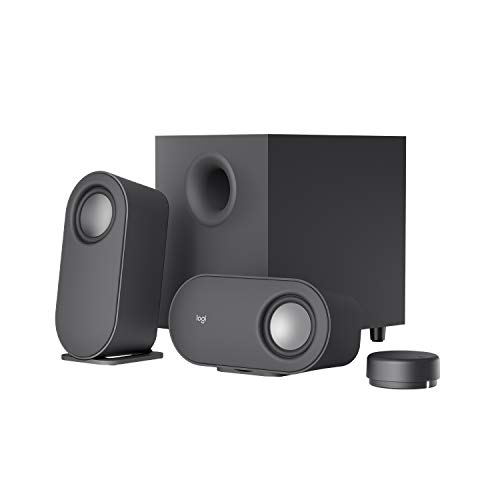
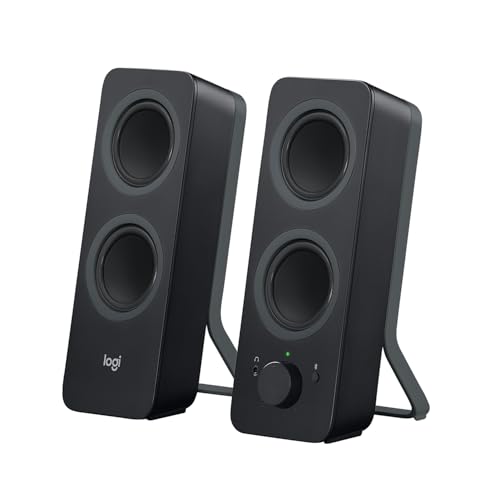
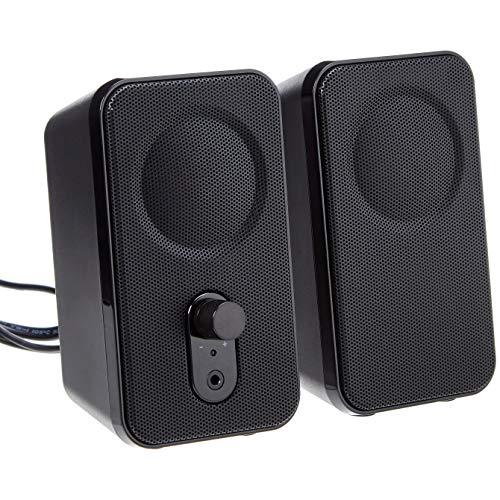
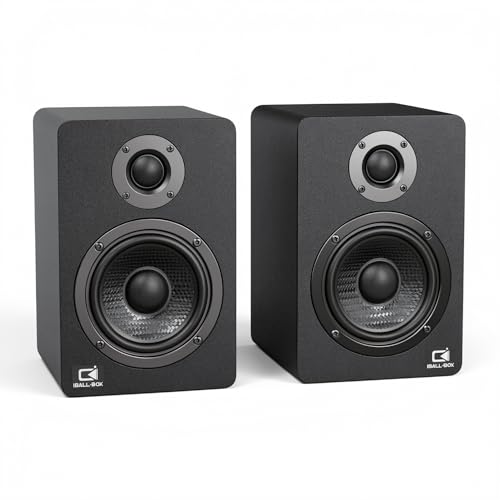
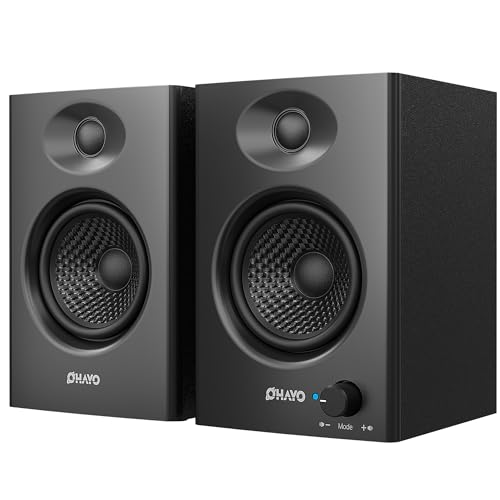
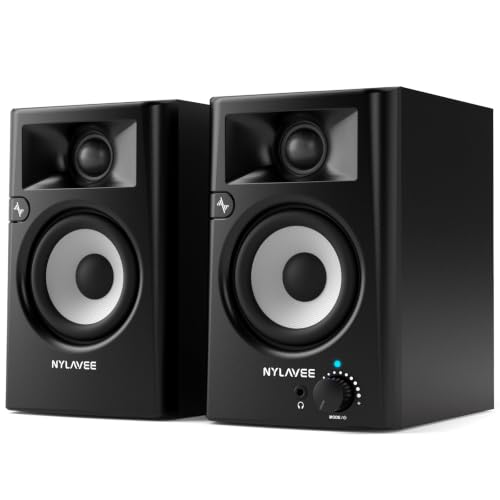
Types of Computer Speakers Compared
Type choice shapes everything else, from how close voices sit to how much desk space you give up. A small wired pair near your monitor behaves nothing like a rugged portable speaker or a bookshelf pair spread across a wide desk. Think about where the speaker will live, how many people need to hear it, and whether it will ever leave the room. The four types below cover nearly every call setup, and each one trades size, power, and flexibility in a different way.
Outdoor and Rugged Models
Rugged portable speakers are built for movement, with sealed cabinets, tough outer shells, and batteries that let you take calls on a patio or in a workshop. Their strength is durability and volume in open spaces, where a small desk speaker would sound thin. The trade off is voice tuning. Many rugged models push bass for music outdoors, and that extra low end can blur speech when you bring them back inside.
Choose this type only if your calls genuinely move between indoor and outdoor spaces. Look for a model with a clear voice mode or an adjustable equalizer so you can pull the bass down for meetings. A carry handle and a battery that lasts a full workday matter more here than stereo separation or fancy lighting.
Gaming Models
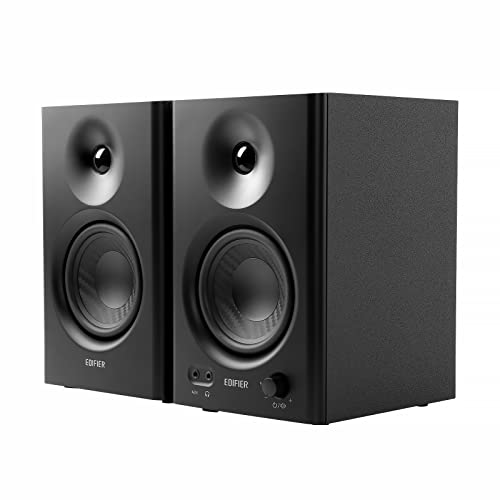
Gaming speakers are designed for immersion, with strong bass, wide sound effects, and often lighting and multiple inputs for a computer and a console. They can sound exciting for video, but that tuning is a mixed blessing for calls. Voices may sit behind effects heavy processing, and some models add surround modes that smear speech across the room.
If your desk already centers on gaming, a gaming model can still work for calls when it offers a dialogue or voice preset that flattens the tuning. Check for a front headphone jack and an easy input switch, because you will change sources often. Skip models where every setting lives inside gaming software you would not open during a workday.
Home and Bookshelf Models
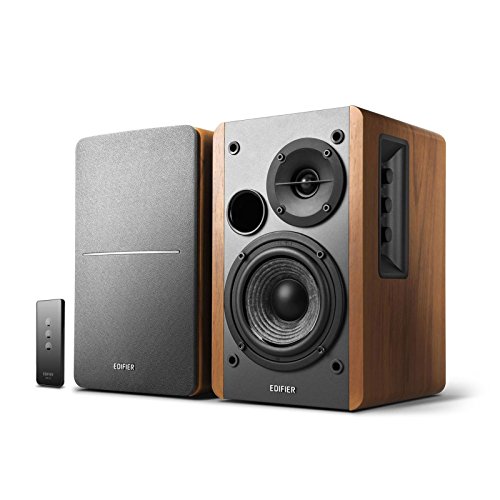
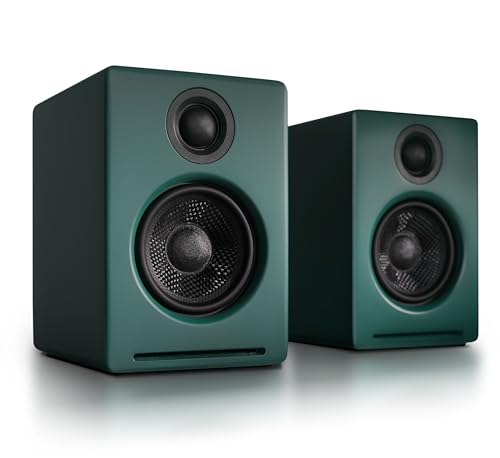
Bookshelf speakers are the classic desk choice, with two separate cabinets that create real stereo width and a natural sense of where each voice sits. Larger drivers usually deliver fuller, calmer sound at low volume, which helps during long meetings because you do not need to turn them up to follow quiet speakers. They do need space, since each cabinet wants room to breathe and a clear path to your ears.
This type suits a fixed desk in a medium or large room, especially when several people listen from one computer. If you also join hybrid meetings from the same desk, our guide to the best conference speakers covers larger room options worth comparing. Bookshelf models are rarely portable, so treat them as furniture you place once and leave alone.
Wireless and Bluetooth Models
Wireless speakers connect over Bluetooth and free you from a cable between the computer and the speaker, which helps on shared desks and in rooms where the computer sits far from the seating. Modern Bluetooth 5.3 connections are stable at normal room distances, and multipoint pairing lets one speaker stay connected to your computer and your phone at once. Battery powered models move easily, while plug in wireless models suit a permanent spot.
The main risks are delay and dropouts. A small audio delay matters little for listening to a meeting but can annoy you in video calls if lips and voices drift apart. For a deeper look at the wireless route, see our guide to the best bluetooth speakers for conference calls before you commit.
Outdoor and Rugged Models vs Gaming Models: Which Should You Choose?
These two types sit at opposite ends of call readiness. Rugged models win on durability, battery life, and outdoor volume, and they survive knocks that would crack a glossy gaming cabinet. Gaming models win on desk features, with more inputs, finer volume controls, and tuning presets you can adjust per app. For pure voice clarity indoors, neither leads the field, but a gaming model with a dialogue preset usually sounds cleaner at a desk than a bass heavy rugged model.
Decide by location. If calls happen in one room, pick the gaming model or step up to bookshelf speakers. If calls follow you to a yard, a site office, or a garage, pick the rugged model and accept softer fine detail. Your room, not a spec sheet, makes this call.
How to Choose the Right Computer Speaker
Durability and Water Resistance (IP Rating)
An IP rating tells you how well a sealed speaker resists dust and water, and it only matters if the speaker leaves a safe desk. IPX4 means the speaker shrugs off light splashes, which covers a kitchen counter or a covered porch. IP67 means the speaker can survive full immersion for a short time, which suits poolside or job site use. For a normal home office, spend on voice clarity instead, because rugged sealing adds cost you will never use.
Placement and Room Size for Speakers
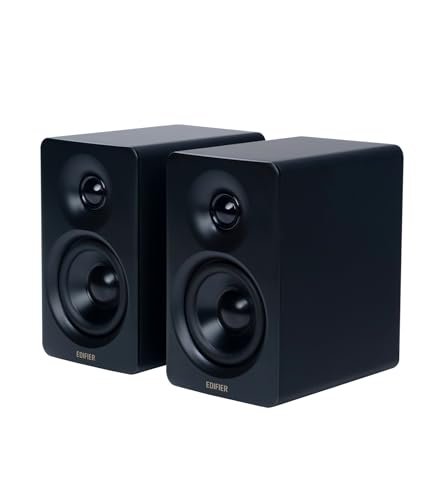
Match speaker size to room size and listening distance. In a small office, a compact pair or a single speaker under the monitor keeps voices close and clear at modest volume. In a large room, bookshelf speakers placed at ear height and angled toward you carry speech much farther without strain. Keep speakers away from walls and corners when voices sound boomy, and give stereo pairs equal distance from your chair so no side dominates.
Ecosystem and App Features
Some speakers pair with an app that offers an equalizer, firmware updates, and saved presets for calls and music. That control helps when a speaker sounds too warm out of the box, because a small cut to the bass can restore speech clarity. Check that the app supports your computer system and that basic volume and pairing still work without it. A speaker that needs an account and an app just to change volume will frustrate you during a busy call week.
Sound Quality and Tuning
For calls, tuning matters more than raw power. Voices live mostly in the midrange, so look for a frequency response that stays fairly even through the middle frequencies rather than one that advertises huge bass numbers. Larger drivers, around 3 to 4 inches in desk models, usually sound fuller at low volume, while small drivers can sound thin and sharp. If you care about music after hours as well, our guide to the best sounding computer speakers explains tuning trade offs in more depth.
Features That Matter for Conference Calls
Call use adds demands that music listening does not. You need stable volume at low levels, clear speech without constant adjustment, and controls you can reach quickly when a meeting starts. A wired USB connection gives the most predictable behavior, while Bluetooth adds freedom with a small risk of delay. Remember that most speakers have no microphone, so your computer still needs a mic that places your own voice clearly. If being heard matters as much as hearing, compare our guide to the best headsets for computer conference calls as an alternative for noisy rooms.
Setup and Care Tips
Place the speaker before you judge it, because a few inches of movement can change voice clarity more than a new equalizer preset. Keep firmware updated through the maker app or support page so Bluetooth stability and codec support stay current. Dust the driver covers with a dry cloth, and store portable models in a case so the drivers stay protected during travel. If a model has removable pads or covers, clean them gently on a regular schedule so buildup does not muffle the sound.
Best Computer Speakers for Conference Calls: Your Questions Answered
What features matter most in computer speakers for conference calls?
Clear midrange tuning, stable connectivity, and reachable volume controls matter most. A speaker that keeps voices forward at low volume will serve you better than a louder model tuned for bass. One point buyers miss is automatic gain behavior in meeting apps, which can fight a speaker that changes volume on its own. Turn off any dynamic loudness feature for calls so the app and the speaker are not both adjusting levels at once.
What IP rating do I need for outdoor use?
IPX4 is enough for a covered porch or light splashes near a sink. Choose IP67 only if the speaker may face rain, pool water, or dusty outdoor work. Keep in mind that water resistance ratings assume the port covers are closed, so a speaker charging with its cover open loses that protection. Dry the speaker fully before charging after any wet use.
Do I need a special codec?
No special codec is required for clear calls, because speech uses very little data and standard Bluetooth codecs carry it well. A newer codec can reduce delay slightly, which helps video calls feel more natural. The bigger factor is connection stability in your room. If your computer sits behind a metal desk or far from the speaker, a wired connection will beat any codec upgrade.
Is ANC worth the extra cost?
ANC is rarely worth paying for in a speaker, because active noise cancellation is a headphone technology that removes sound reaching your ears, not sound filling a room. A speaker cannot cancel the noise of your office for the people listening to you. Spend that money on better placement or a quieter room instead. If background noise ruins your calls, a headset with a good microphone solves the problem more directly.
How long does the battery last?
Portable call speakers usually run about 8 to 20 hours per charge depending on volume, with louder playback draining the battery far faster. Quoted figures are often measured at moderate volume, so expect less during a day of loud group calls. One practical habit is charging the speaker at your desk each night, the same way you charge a phone. That way a surprise morning meeting never starts with a dead speaker.
Wired or wireless: which sounds better?
Wired sounds more consistent, because a USB or audio cable avoids compression, delay, and dropouts entirely. Wireless sounds nearly as clear for speech at short range and wins on convenience and placement freedom. The deciding factor is your desk layout. If the speaker will sit within a few feet of the computer forever, choose wired and remove one thing that can go wrong before an important call.
The Bottom Line
Start with type, then check voice tuning, then confirm the connection style fits your desk. Bookshelf models suit fixed desks, wireless models suit flexible rooms, rugged models suit moving work, and gaming models suit shared desks with a good dialogue preset. Whichever route you take, the best computer speakers for conference calls for you are the ones that make every voice easy to follow at a comfortable volume. Compare your shortlist against the product table above, and for dedicated meeting rooms also see our guide to the best speakers for conference calls.

