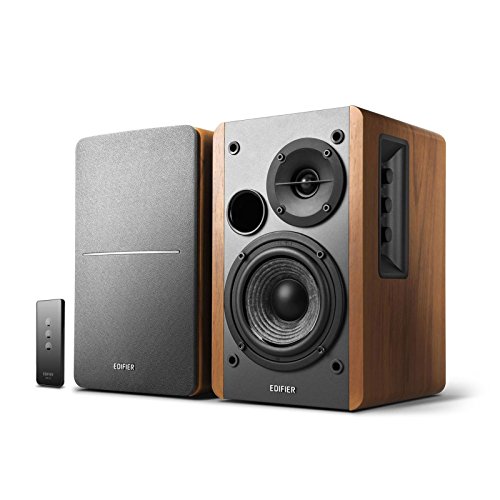
Best Computer Speakers for Laptop in 2026: Which One Fits the Way You Use It?
Disclosure: We may earn a commission when you buy through links on this page, at no extra cost to you. As an Amazon Associate I earn from qualifying purchases. Learn more
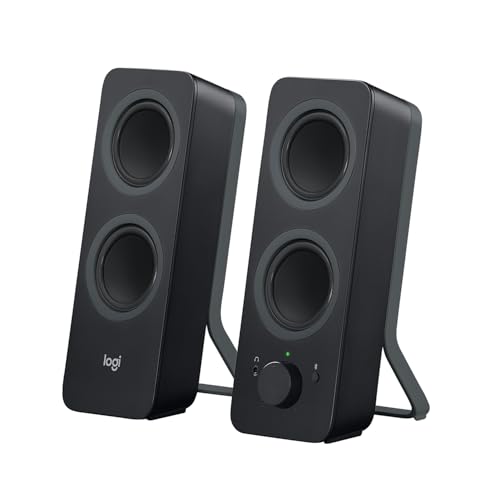
Discover the best computer speakers for laptop for your needs. We match features to real use cases so you avoid overpaying and get the right fit the first time.
There is no single speaker that suits every laptop owner, because a traveler, a gamer, and a remote worker ask completely different things from the same small desk. Laptop speakers are famously thin and quiet, but the right external pair or portable unit fixes that in a way that matches how you actually work and play. This guide sorts the best computer speakers for laptop setups by use case first, so you buy for your routine instead of for a spec sheet. Start with the comparison table below, then find your group in the next section.
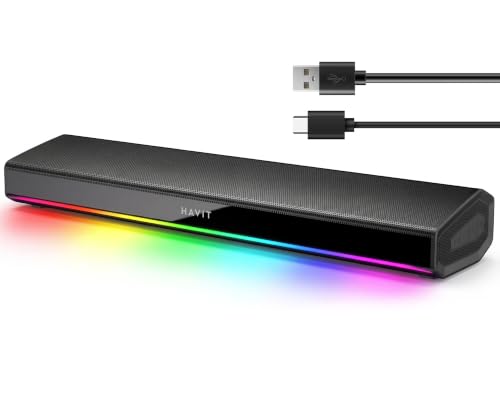
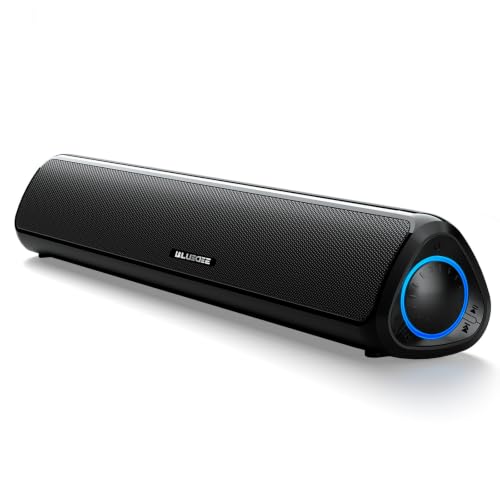
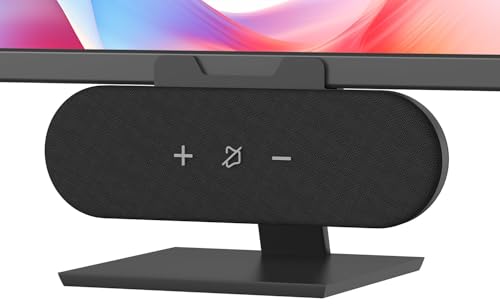
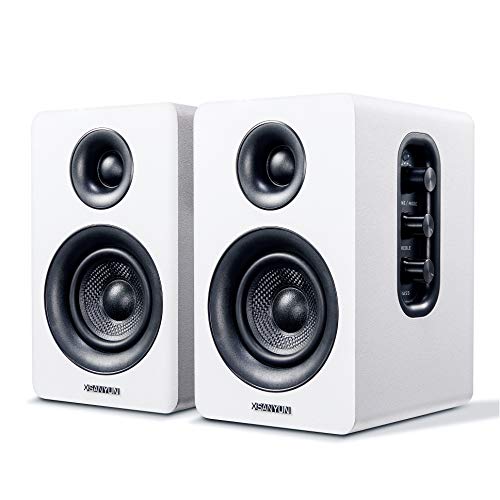
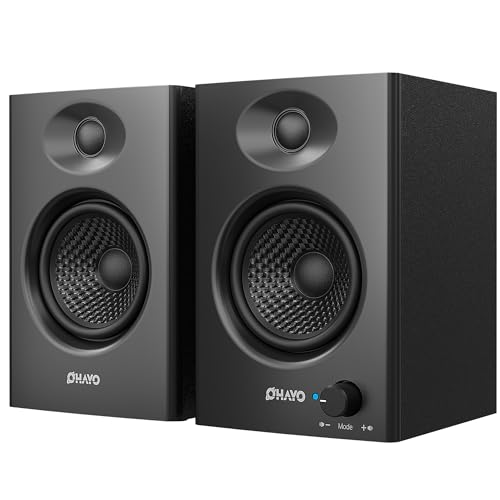

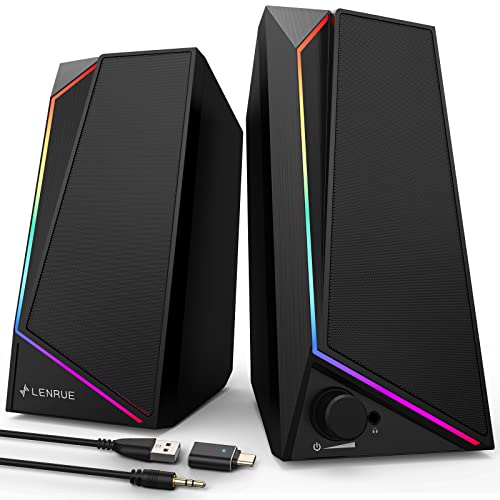


Who Should Buy Which Computer Speakers?
For Travelers and Commuters
You need small, light, and tough. A single compact speaker or a mini pair that slips into a laptop bag beats a bulky set you end up leaving at home. Battery power matters here, because hotel desks and shared workspaces rarely offer a free outlet where you want it. Look for a hard shell or a carry case, a USB C charging port that matches your laptop cable, and enough volume to fill a hotel room. Stereo width is the fair trade off at this size, and most travelers happily accept it.
For Gamers and Power Users
You need low delay and impact. Wired USB speakers keep game audio locked to the action, while Bluetooth can lag enough to make footsteps and dialogue feel late. A subwoofer or larger drivers add the weight that makes engines and explosions convincing, and a headphone jack lets you switch to late night play without unplugging anything. Check that the speakers leave room for your monitor or laptop stand, because gaming desks fill up fast. Power users should also confirm the speakers do not need extra software running in the background.
For Remote Workers and Creators
You need clarity and reliability above all. Voices on calls should sound natural at low volume, with controls on the front of the cabinet so you can mute or adjust in one motion. A USB connection doubles as a tidy one cable setup with your dock, and it keeps sound stable through long meeting days. Creators editing video should favor neutral tuning, because boosted bass hides dialogue problems in your own work. If your laptop built in sound is unusually good, our guide to the best laptops with good speakers shows when an upgrade matters less.
For Students and Everyday Users
You need honest value and zero fuss. A simple wired pair under about $100 already transforms lectures, films, and music compared with built in laptop audio. Look for a front volume knob, a headphone jack for the library or a shared room, and a footprint that fits a dorm desk. Bluetooth is a nice bonus for playing music from a phone, but the cable is your daily driver. Durability matters more than fine tuning here, because student gear gets moved, borrowed, and knocked.
Picking the Right Computer Speakers for Different Uses
Best Computer Speakers for a Laptop
The best computer speakers for a laptop you carry every day differ from a fixed desk setup in three ways. They draw power from USB or a battery instead of claiming a wall outlet, they survive being packed and unpacked daily, and they set up in seconds with one cable or one pairing step. If your laptop mostly lives on one desk, ignore the travel criteria and buy the larger, better sounding wired pair instead. Matching the speaker to the laptop routine you actually have is the whole decision.
Key Features to Compare
Features That Matter for Laptop
Laptop use rewards portability, simple power, and fast setup. Favor speakers that run from USB power or include a battery, since a separate power brick doubles the clutter a laptop setup is meant to avoid. A single USB connection that carries both audio and power is the cleanest option for a desk you pack away. Size matters too: speakers around the height of your laptop screen keep sound aimed at your ears without blocking your view. For a broader view of the category, see our guide to the best external speakers for laptop computers.
Ports and Connections
Count the free ports on your laptop before you choose. A modern thin laptop may offer only a couple of USB C ports, and a dock or charger can take one of them. A speaker that uses USB or Bluetooth avoids the need for a separate audio jack, while a speaker with only a 3.5 mm cable needs a free headphone socket.
Power Without Clutter
The cleanest laptop setups run speakers from USB power or an internal battery, so no extra power brick sits on the desk. If you pick a speaker that draws power from the laptop, check that it does not drain the battery noticeably during an unplugged session, and keep the charger within reach for long days.
Placement With a Laptop Stand
A laptop raised on a stand puts the screen near eye level, and the speakers should rise with it. Keep the tweeters at ear height and leave a few inches between the cabinets and the laptop so the keyboard heat and the sound do not collide. If the screen is small, a compact pair beside it keeps the layout balanced.
Common Mistakes to Avoid When Buying Computer Speakers
- Buying only on price. The cheapest speakers often hum, distort at modest volume, and fail early. A modest step up buys clean sound and a real warranty.
- Ignoring your ports. A USB only speaker is useless on a laptop with no free USB port once your dock and drives are connected. Count ports before you order.
- Buying too big for the desk. Oversized cabinets crowd the screen and end up pushed into corners, where their sound turns boomy and uneven.
- Skipping the warranty check. Powered speakers contain amplifiers that can fail. Less than a year of coverage on a daily use product is a poor bet.
- Expecting speakers to fix a bad source. Crackling from a damaged laptop audio jack will follow any speaker. Try headphones first to find the real fault.
Tips to Get the Most From Your Computer Speaker
Keep your laptop system and speaker firmware updated, because audio drivers and Bluetooth fixes arrive quietly and solve crackles you might blame on the hardware. Raise the speakers toward ear level with stands or books, the cheapest sound upgrade that exists. When you commute, carry portable speakers in a padded sleeve so the drivers and finish survive the bag. Avoid leaving a battery speaker plugged in at full charge around the clock, since resting at a partial charge is kinder to long term battery health. A minute of care each week keeps the sound you paid for.
Best Computer Speakers for Laptop: Your Questions Answered
What features matter most in computer speakers for laptop?
Simple power, the right size for your desk, and a connection your laptop actually supports matter most. One cable USB setups win for most people because they remove the power brick and the pairing step at once. A smaller point worth checking is standby behavior. Speakers that wake instantly when your laptop wakes save you a daily moment of poking power buttons and wondering why the room is silent.
How long should a computer speaker last?
A decent powered speaker should last about five to eight years of daily use. The amplifier and the power supply usually age out before the drivers do. You can extend that life by keeping the volume below the point of distortion, since pushing small amplifiers hard generates heat that shortens component life.
Can I use speakers if my laptop has no headphone jack?
Yes. A USB or Bluetooth speaker needs no audio jack at all, and a USB C to 3.5 mm adapter lets a wired speaker work with almost any laptop. Check that the adapter supports audio output before you buy one, since some cheap ones only pass power.
Will external speakers drain my laptop battery?
Speakers powered over USB draw a small amount of power, which can shorten battery life on a long unplugged day. Bluetooth speakers with their own battery avoid that, and mains powered pairs do not touch the laptop battery at all.
Can one speaker work with my laptop and my phone?
Many Bluetooth models hold two devices at once, so a laptop and a phone stay connected together. Others offer one wired and one wireless input. Check the listing before buying, because some models accept several inputs but play only one source at a time.
The Bottom Line
Decide by routine, not by spec sheet. Travelers need small and battery powered, gamers need wired and low delay, remote workers need clarity and front controls, and students need simple value. Match the size to your desk, confirm your ports, and the best computer speakers for laptop choice for your life becomes obvious. Compare your finalists in the product table above and pick the setup you will still enjoy setting up every single day.