
Best Computer Printers for Home: A Buying Guide for 2026
Disclosure: We may earn a commission when you buy through links on this page, at no extra cost to you. As an Amazon Associate I earn from qualifying purchases. Learn more
Learn how to choose a home printer by print type, ink costs, scanning, and connectivity, so homework, photos, and documents stay easy to print.
A home printer should make homework, documents, and occasional photos easy, without turning ink costs into a monthly surprise. This guide to best computer printers for home explains print types, ink costs, scanning, and connectivity in plain language. The comparison table below gives a quick side by side view of common home printer types, and the sections that follow help you match a printer to your household.
Home printing needs vary widely: some households print a few pages a month, others print school work daily, and some want quality photos. The cheapest printer to buy is rarely the cheapest to own, because ink or toner costs over time often exceed the printer price. Read on to learn how to compare total cost, not just the price on the box.
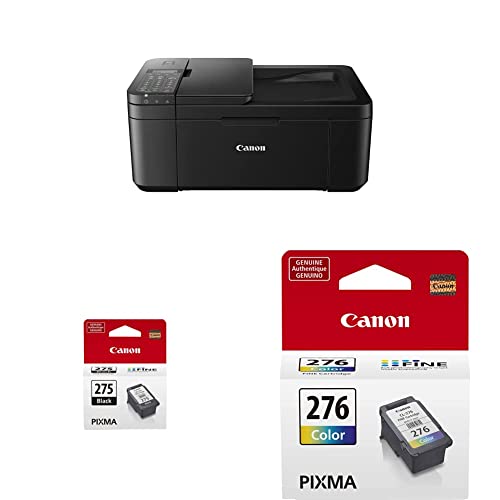
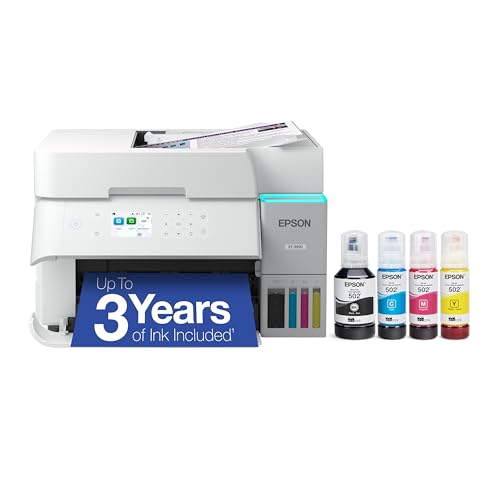


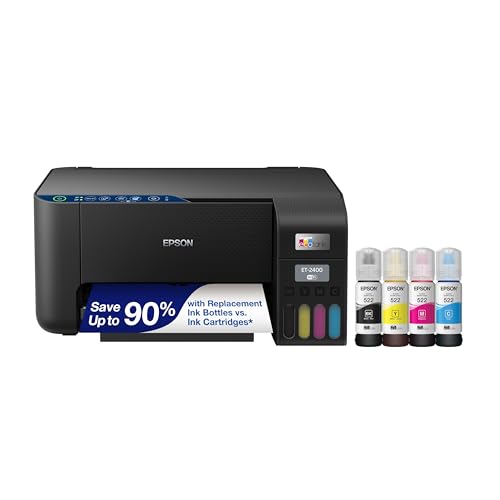

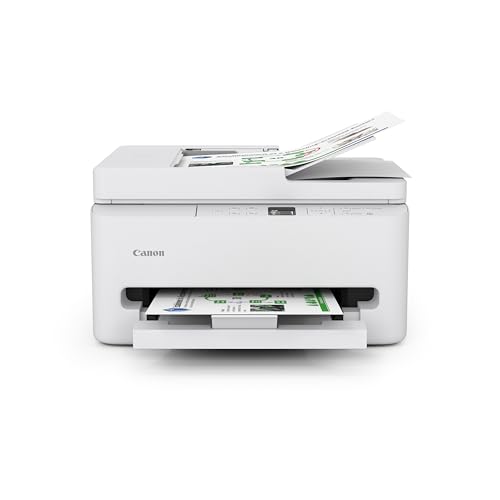
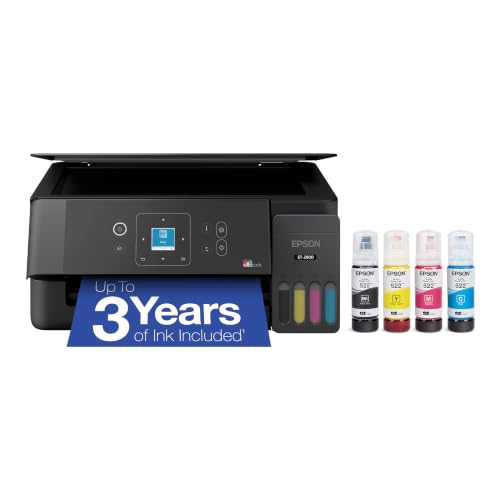
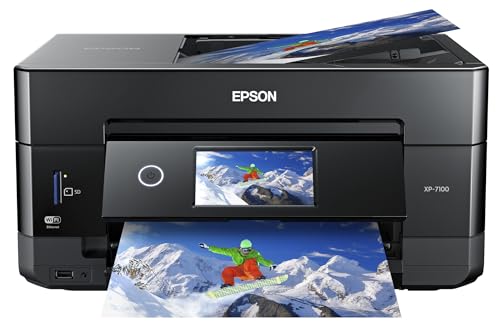
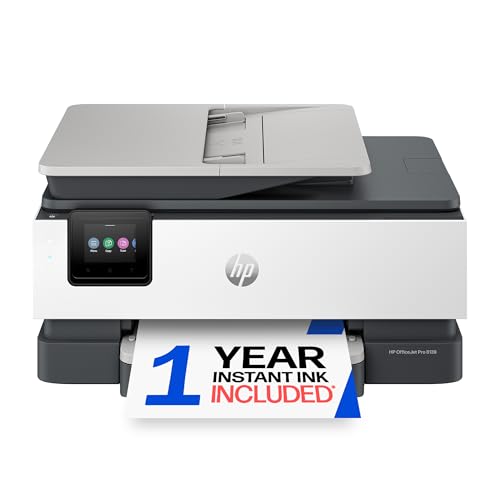
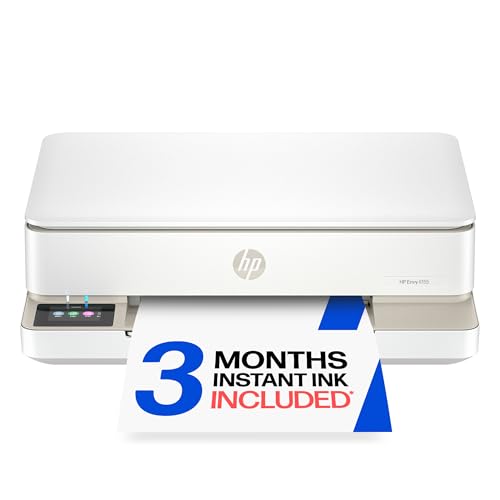
Inkjet, Laser, and Tank Printers
Inkjet printers spray tiny ink droplets and suit color documents and photos, especially at lower volumes. They are usually affordable to buy and compact, but ink cartridges can be costly per page, and infrequent use can lead to clogged nozzles. Laser printers use toner powder and suit text heavy printing at higher volumes, with faster speeds and lower cost per page for black text, though color laser printers cost more upfront.
Tank printers use refillable ink tanks instead of small cartridges, which lowers cost per page for households that print often in color. They cost more upfront and need careful refilling to avoid spills, but they suit families and home offices with steady color printing. Choose based on volume and color needs: low volume text printing favors laser, occasional color and photos favor inkjet, and frequent color printing favors tank.
Total Cost: Printer Price Versus Ink and Toner
Total cost includes the printer, ink or toner, paper, and occasional maintenance. Compare cost per page by dividing cartridge or toner price by its rated page yield, keeping in mind that rated yields assume standard coverage that real documents may exceed. A printer with a low purchase price and expensive cartridges can cost more over two years than a higher priced printer with affordable supplies.
Subscription ink plans can lower per page costs for steady printers, but they charge monthly whether you print or not, so they suit regular users better than occasional users. Check what happens if you cancel a subscription, whether cartridges stop working, and whether third party supplies affect warranty. Keep a simple note of pages printed per month to judge whether a plan saves money for your household.
Scanning, Copying, and Paper Handling
Many home printers include scanning and copying, which helps for school forms, receipts, and old photos. A flatbed scanner suits books and photos, while an automatic document feeder speeds up multi page scanning. If you scan often, feeder capacity and scan speed matter; if you scan rarely, a simple flatbed is enough and saves money.
Paper handling matters for families: a larger paper tray means less refilling, and duplex printing saves paper by printing both sides automatically. Check maximum paper size, since most home printers handle letter and A4, while larger formats need a wide format model. A rear feed for thick paper or envelopes helps for cards and labels, though not every home printer offers it.
Connectivity: Wifi, Mobile, and Computer Setup
Most home printers connect over wifi, USB, or both, and many support mobile printing from phones and tablets. Wifi printing is convenient for households with several devices, but it depends on a stable home network. If your wifi is unreliable, a USB connection to one computer remains a dependable fallback, though it limits printing from other devices.
Setup ease varies: some printers guide you through wifi setup with an app, while others need manual network steps. Check that the printer supports your devices and operating systems, and that mobile printing works without extra accounts if you prefer simple setup. Keep the printer firmware updated for security, and place the printer where wifi signal is strong, since a weak signal causes failed prints and frustration.
Photos, Space, and Noise
Photo printing needs differ from document printing: photo quality depends on ink colors, paper type, and resolution, not just on the printer label. Dedicated photo printers produce richer photos but cost more per print, while general home printers produce acceptable photos for albums and gifts. If photos are your main need, compare sample prints on photo paper rather than relying on specification numbers alone.
Space and noise matter in a home, especially in shared rooms. Measure the printer footprint with trays extended, and check noise levels if you print at night or during calls. A compact printer fits a desk better, but a larger printer may offer a bigger tray and quieter operation. Place the printer where you can reach paper and cartridges easily, since a printer hidden in a closet gets used less and maintained less.
Related Guides to Compare
For photo focused printing, the guide to best quality photo printers for home covers photo quality in detail, while best picture printers for home looks at picture printing for home albums. The guide to best reviewed home printers covers widely discussed home models, best mfp printers for home explains multifunction printers, and best aio printers for home covers all in one printers that print, scan, and copy.
A Final Check Before You Decide
Paper choice affects print quality and cost more than many home users realize. Standard copy paper suits everyday documents, while heavier paper suits certificates and cards, and photo paper suits images. Using the wrong paper setting can waste ink and produce poor results, so match paper type in the printer settings to the paper actually loaded. Keep paper dry and flat, since damp or curled paper causes jams.
Printer placement also shapes daily use. A printer tucked in a closet may be forgotten, while a printer on a shared desk gets used and maintained more often. Place the printer where you can reach the paper tray and cartridges easily, where wifi signal is strong, and where noise will not disturb sleep or calls. A short, clear path to the printer encourages regular use and prompt attention to low ink warnings.
Keep a small stock of paper and a spare cartridge or toner on hand, so a school deadline or work task is never blocked by an empty tray or an ink warning at the last minute.
Frequently Asked Questions
Should I buy an inkjet or laser printer for home?
Choose inkjet for occasional color and photos at low volume, and laser for frequent black text documents. Inkjet printers cost less upfront but more per page for text, while laser printers cost more upfront but less per text page over time. Tank inkjet printers suit frequent color printing, since they lower color cost per page after a higher upfront price.
Why does my printer use ink even when I rarely print?
Inkjet printers use small amounts of ink for cleaning cycles that keep nozzles clear, especially after idle periods. This maintenance ink is normal, though it can feel wasteful for very occasional printers. Laser printers avoid this issue, since toner is dry powder. If you print rarely, a laser printer or a printer with a maintenance friendly design may waste less supply.
Are third party ink cartridges safe to use?
Third party cartridges can save money, but quality varies and some printers warn that they may affect warranty or print quality. If you try third party supplies, buy from a reputable seller, check compatibility for your exact model, and watch for leaks or poor color. Keep original cartridges for troubleshooting, so you can test whether a problem comes from the cartridge or the printer.
How do I improve wifi printing reliability?
Place the printer within good wifi range, keep its firmware updated, and use a stable network name that does not change often. Restarting the router and printer can fix temporary connection problems. If wifi remains unreliable, a USB connection to one computer gives a dependable fallback, and a wired network connection helps if your printer and router support it.
What should I do with an old printer?
Remove any personal data by resetting the printer to factory settings, since printers can store network details and recent documents. Recycle through a local electronics recycling program rather than landfill, since printers contain plastics, metals, and toner or ink that need proper handling. Donate a working printer only after resetting it and checking that supplies are still available.
Final Thoughts
A good home printer balances purchase price with ink or toner cost, fits your printing volume, and connects easily to your devices. Compare cost per page, check scanning and paper handling for your household, and place the printer where wifi and access are easy. The product table above can help you compare home printer types side by side.
Start with how much you print and what you print, not with the cheapest box on the shelf. The right best computer printers for home should make documents, homework, and photos easy, without turning supplies into a recurring frustration.


