Best Computer Gaming 2026: Everything to Know Before Your First Purchase
Disclosure: We may earn a commission when you buy through links on this page, at no extra cost to you. As an Amazon Associate I earn from qualifying purchases. Learn more

Learn how to set up computer gaming at home. Compare PCs, monitors, audio and controls so you can build a setup that matches your games and budget.
Putting together the best computer gaming experience is less about one powerful part and more about how the computer, monitor, controls, and sound work together. A strong graphics card on a slow screen wastes its power, and a great monitor on an underpowered PC shows off every stutter. This guide explains how the pieces fit, so you can spend where your own games benefit most.
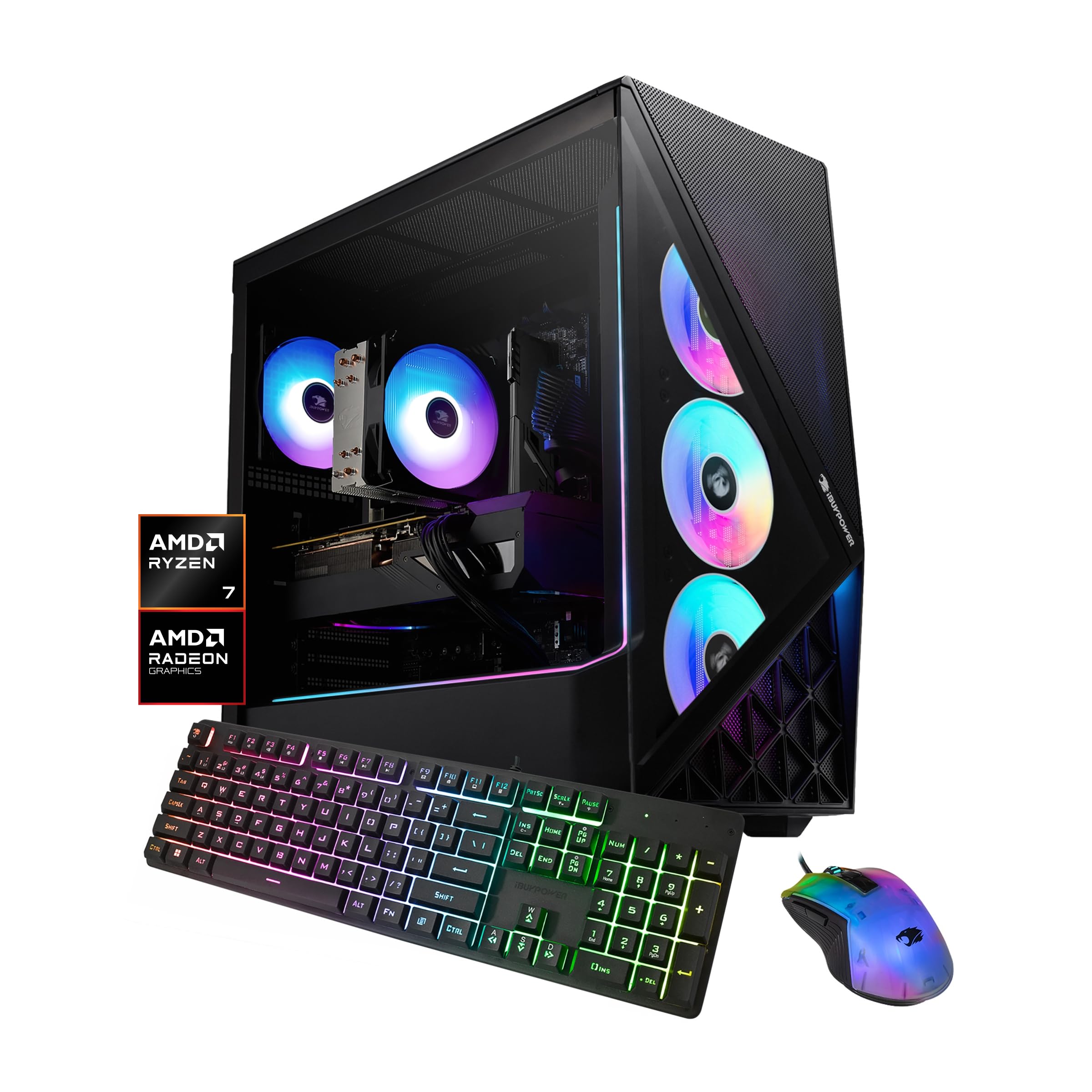
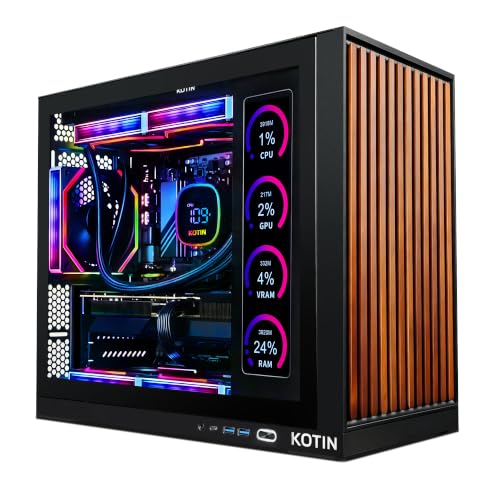
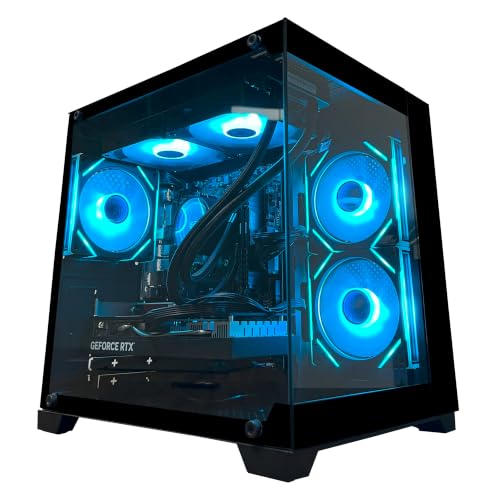
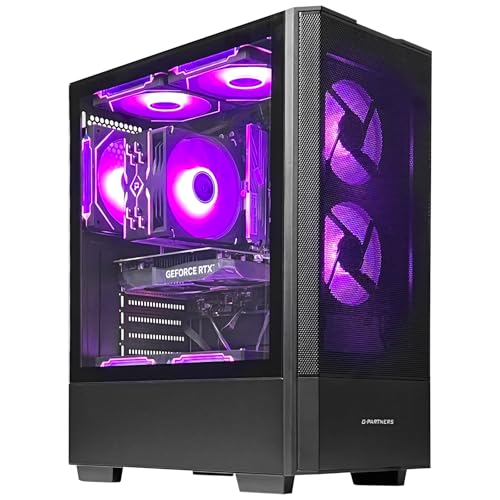
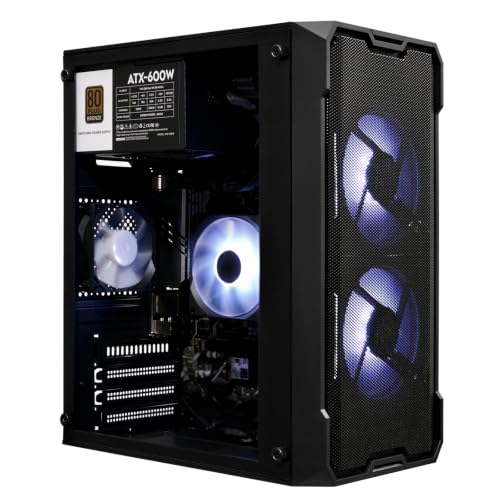
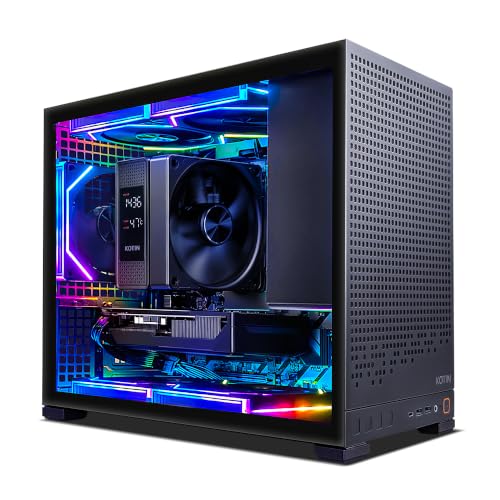
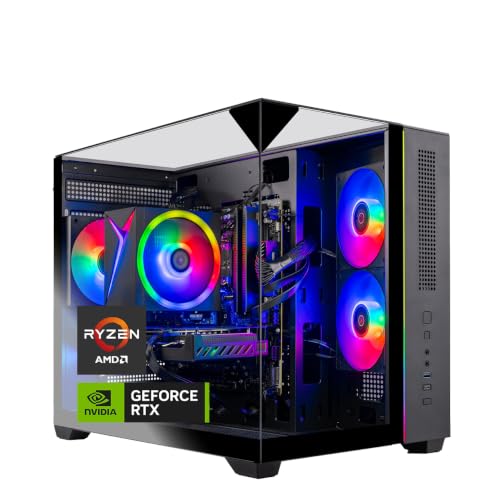
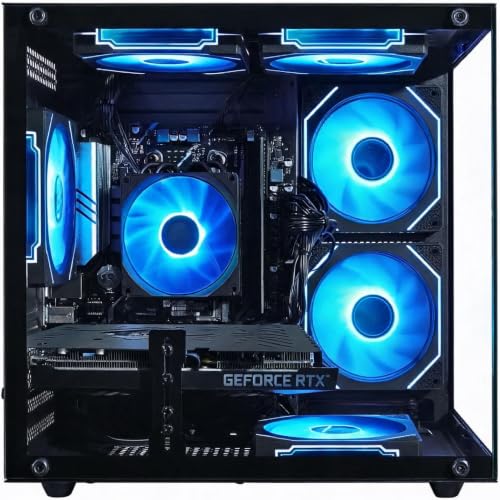
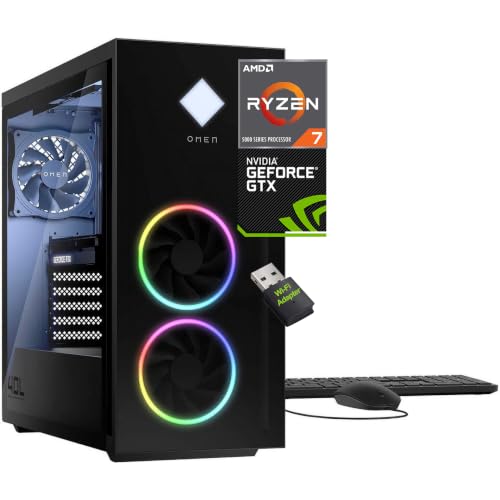
The product table below lists gaming PCs from compact towers to high end builds. Use it after you have decided what you play and on which screen.

Start With the Games You Play
Fast competitive games reward high frame rates, quick response, and a screen with a high refresh rate. Story driven and open world games reward detailed graphics, strong sound, and a comfortable chair for long sessions. Strategy and simulation games lean on the processor and memory more than the graphics card. Name your three most played games and look up their recommended requirements, because those numbers beat any generic idea of a gaming computer.
Best Computer Gaming Starts With a Balanced PC
The graphics card renders what you see, the processor runs game logic, memory holds the active world, and storage decides how fast levels load. Balance matters more than any single part, because the slowest piece sets the pace. A midrange graphics card with a matching processor, enough memory for your games and background apps, and a fast solid state drive plays most releases smoothly.
Leave headroom instead of buying exactly the minimum. Games grow, drivers change, and a machine with a spare memory slot, a free drive bay, and a power supply with margin can be upgraded instead of replaced. If you would rather skip part picking, our guide to the best prebuilt gaming computers shows what ready made systems offer.
Terms Worth Knowing
Frame rate is how many images the PC draws per second. Resolution is how sharp each image is. Refresh rate is how often the monitor updates, and latency is the delay between your input and the response on screen. Higher numbers help, but only up to what your games and eyes can use: a high refresh monitor needs a PC that can actually deliver those frames.
Monitor, Sound, and Controls
The monitor shapes how games look and feel. A higher refresh rate makes motion smoother, a higher resolution makes detail sharper, and a larger screen is more immersive but demands more from the graphics card. Our guide to the best computer monitors for gaming covers the trade offs.
For sound, speakers suit shared rooms while a headset suits late night play and team chat; see the best computer speakers for gaming if you prefer speakers. Keyboard and mouse suit most PC games, while a controller fits racing and sports titles. Pick controls that match your hand size and grip, since comfort lets you play longer and better.
Where to Spend Your Budget
Entry level setups run many popular games well at modest settings, especially with a balanced prebuilt PC. Midrange setups add smoother frame rates and better visuals. High end setups add high resolution, high refresh play, and headroom for demanding titles, at a higher price and power use. Spend first on what affects your favorite games most: graphics and monitor for fast games, graphics and sound for story games. If you have a firm budget, the best gaming computer for 1000 is a useful reference, and laptops are covered in the best gaming computers laptops.
Plan for Your Room, Not Just Your Games
A gaming PC lives in a room, and the room sets limits. A powerful machine produces heat and fan noise, so check how much space the case needs around its vents and whether the desk can hold it or the floor is better. Think about power outlets, since a PC, monitor, and speakers draw more than a laptop does, and use a surge protector. If you share the room or game late at night, favor quieter fans and a headset over loud speakers.
Also think about upgrades. A case with room for a longer graphics card, a power supply with spare capacity, and an open memory slot let you improve the machine in stages, which is cheaper than replacing it. Buying a little above your current needs usually costs less in the long run than buying exactly the minimum and starting over in two years.
Care, Fit, and Common Mistakes
Keep the case clear of dust and give it space for airflow, update graphics drivers regularly, and route cables so they do not block vents. Take breaks during long sessions for your eyes and posture, and back up save files before changing parts.
Common mistakes include buying one extreme part and ignoring the monitor or storage, choosing a huge tower for a small desk, and forgetting a chair that supports hours of play. Balance the budget across the whole setup and upgrade in stages.
Frequently Asked Questions
Do I need a powerful PC for computer gaming?
It depends on your games. Many popular titles run well on a balanced midrange PC, while demanding releases need stronger graphics and processors. Check the recommended requirements for what you play.
Is a prebuilt PC better than building one?
A prebuilt PC offers tested parts, a single warranty, and easy setup. Building your own gives more choice and upgrade control but takes time and care.
What monitor refresh rate do I need?
A standard 60 Hz screen suits casual and story games, while higher refresh rates help fast competitive games feel smoother. The PC must be able to produce those frame rates.
How much storage do modern games need?
Games are large, so choose a fast solid state drive with room to spare, and keep archives on larger, slower storage if you need it.
Can one setup handle gaming and school or office work?
Yes. A balanced gaming PC with a good monitor and a comfortable keyboard handles study, office work, and creative tasks as well as play.
Final Thoughts
Balance the PC, monitor, sound, and controls for the games you actually play, and compare the machines in the product table above against that plan. The best computer gaming setup is the one you enjoy using daily and can upgrade a step at a time as your games change.