
Best Computer Gaming Setup 2026: A Clear Buying Guide
Disclosure: We may earn a commission when you buy through links on this page, at no extra cost to you. As an Amazon Associate I earn from qualifying purchases. Learn more
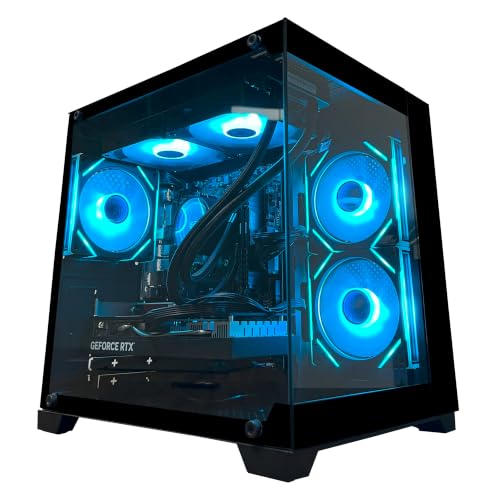
Build a computer gaming setup by balancing the computer, monitor, and desk gear so games run smoothly, look sharp, and stay comfortable during long sessions.
A good gaming setup is a chain, and the weakest link sets the experience. The best computer gaming setup balances the PC, the monitor, the desk, the chair, and the audio and controls, so that no single piece wastes the rest. This guide explains how to split a budget across those pieces and how to arrange them at a home desk.
The product table below mixes gaming PCs with the pieces that complete a desk: monitors, a gaming desk, chairs, a keyboard and mouse set, and speakers. Use it as a shopping list once you know what you need.



Who Should Build Which Kind of Setup
First time buyers do well with a balanced prebuilt PC, a solid monitor, and a supportive chair. Experienced players can tune a custom build for specific games. Anyone who plays for hours should spend early on seating and monitor position, since comfort decides whether gaming stays enjoyable for years.
Best Computer Gaming Setup: The Core Pieces
The Computer
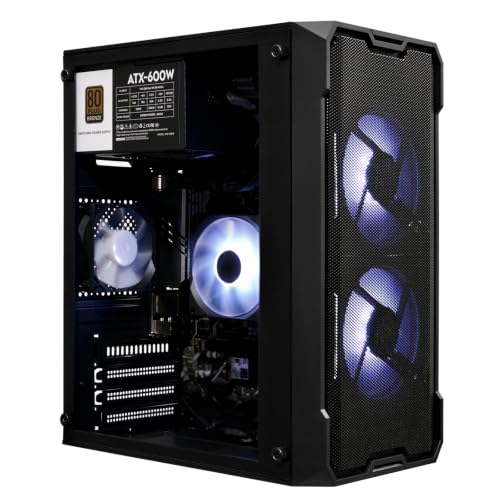
Processor and graphics card decide how smoothly games run at your resolution. Match the computer to the games you play, not to the highest specifications on sale. A prebuilt PC suits buyers who want matched parts and one warranty, a custom build suits buyers who want exact parts and upgrade freedom, and a laptop suits small spaces when paired with a dock and an external monitor. Our guide to the best pc computers for gaming compares the PC options in more detail.
The Monitor
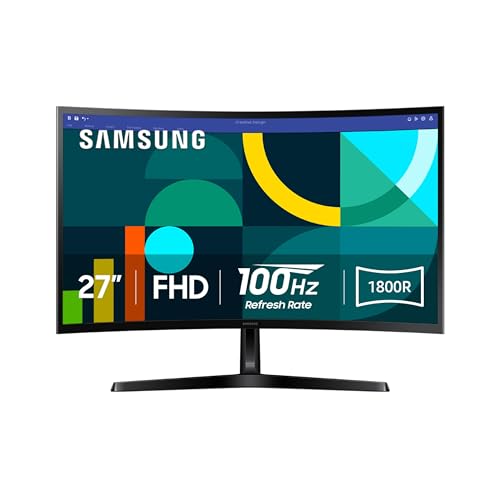
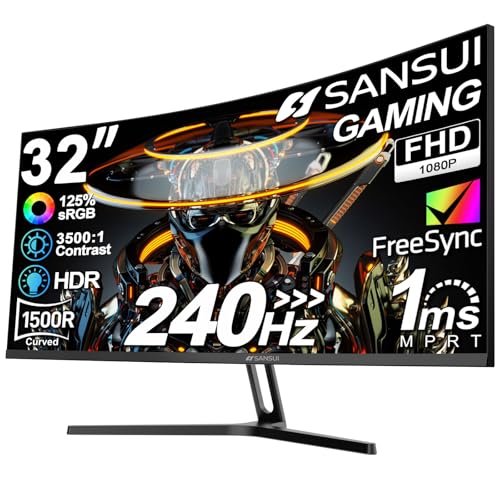
Size, resolution, and refresh rate shape how games look and feel. A fast refresh rate suits competitive games, while a larger, sharper screen suits story and open world games. A strong PC with a weak monitor wastes performance, so decide the screen and the PC together. See the best computer monitors for gaming for what to look for.
Desk and Chair
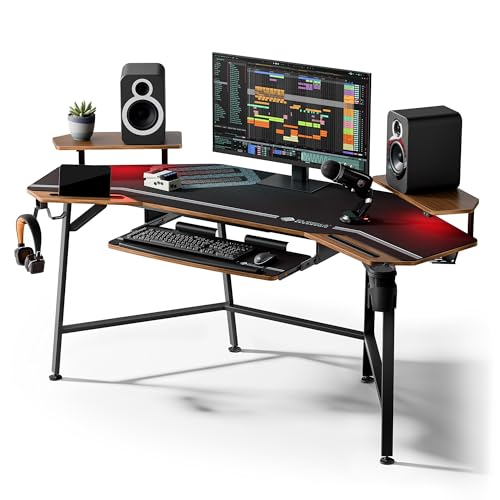
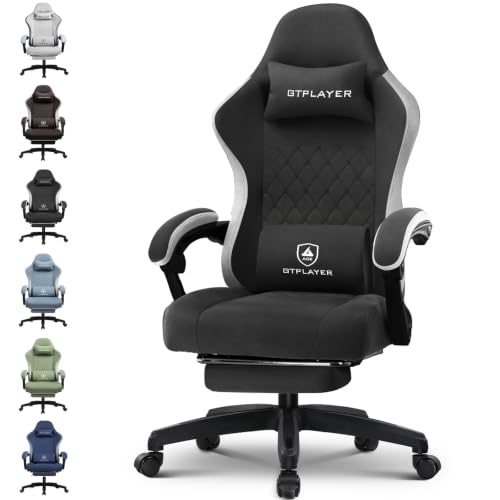
A stable desk at the right height and a supportive chair protect your posture during long sessions. Leave enough depth for the monitor to sit about an arm's length away, enough width for your keyboard and mouse movement, and a route for cables. A chair with adjustable height, lumbar support, and armrests matters more than looks.
Audio and Controls
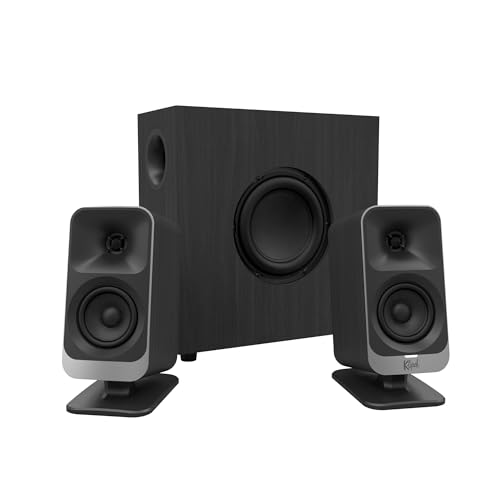
Headsets and speakers affect immersion and competitive awareness. A headset is better for late night play and team chat, speakers suit shared rooms. Choose a keyboard and mouse that fit your hand and grip, and add a controller if you play racing or sports titles.
Prebuilt, Custom, or Laptop Based
Prebuilt desktops cost a little more than building the same specifications yourself, but they arrive tested and supported. Custom builds offer better value per part for confident buyers, and they need research and troubleshooting. Laptop based setups use a dock, an external monitor, and a mouse and keyboard to turn a portable machine into a desk system, though they run hotter and upgrade less easily than desktops.
How to Arrange Your Desk
Place the monitor at eye level and about an arm's length away, with the top of the screen at or slightly below eye height. Keep the keyboard and mouse at elbow height, with your feet flat on the floor. Put the PC where air can reach the vents, and run cables along the back of the desk with a tray or clips. Good lighting that does not reflect on the screen reduces eye strain.
If you are comparing complete layouts, our guide to the best gaming setup covers the wider room, and the best prebuilt gaming computers help you shortlist the PC.
Lighting, Cables, and Noise
The small details decide whether a setup feels good every day. Glare on the screen strains your eyes, so place the monitor away from direct window light and use soft, indirect lighting behind or beside it. Route power and display cables along the back of the desk with a tray or clips, and keep them away from the chair wheels. If the PC is loud, give it room to breathe and consider placing it beside the desk instead of under it, where heat and dust build up.
Plan an Upgrade Path
You do not have to buy everything at once. A balanced start is a solid PC, a decent monitor, and a good chair, with a better desk, extra speakers, or a larger screen added later. Keep a note of what limits you first, whether it is frame rate, screen size, or comfort, and spend the next dollars there. Standard parts and a roomy case make later upgrades easy and keep the setup useful for years.
Common Mistakes to Avoid
- Spending everything on the computer and nothing on the monitor or chair.
- Buying a high refresh monitor without a PC that can deliver the frames.
- Choosing a desk that is too shallow for the monitor distance.
- Ignoring cable routing and airflow around the PC.
- Skipping a trial period to check comfort after a week of real use.
Frequently Asked Questions
How much computer power do I need for gaming?
It depends on the games, resolution, and frame rate you want. List your main games and target settings, then compare them with the recommended requirements.
What monitor refresh rate matters?
Higher refresh rates feel smoother in fast games. Story and casual games gain less, so match the refresh rate to what your computer can produce.
Is a gaming laptop good as a desk setup?
Yes, with an external monitor, keyboard, mouse, and room for airflow. Expect more heat and noise than a desktop at the same power.
How should a gaming desk be arranged?
Put the monitor at eye level and arm's length, the keyboard and mouse at elbow height, and keep cables tidy and feet flat on the floor.
Do I need special audio for gaming?
Clear audio helps you hear cues in many games. A decent headset often beats basic speakers for detail, but speakers suit shared rooms.
Final Thoughts
Balance the budget across the PC, monitor, desk, chair, and audio, and arrange them for comfort. Compare the pieces in the product table above, and the best computer gaming setup for you will be the one that feels good on the longest session and still has room to upgrade.


