
Best Computer Desk for Three Monitors: Buying Guide for 2026
Disclosure: We may earn a commission when you buy through links on this page, at no extra cost to you. As an Amazon Associate I earn from qualifying purchases. Learn more

Use this buying guide for the best computer desk for three monitors, covering width, depth, load capacity, cable routing, and desk types for every budget.
Three monitors promise a wide, calm workspace, but only if the desk underneath them is wide, deep, and strong enough to hold the layout without shake or sag. Many buyers order by looks alone, then discover the side screens hang past the top or the keyboard sits inches from the center display. This guide to the best computer desk for three monitors starts with measurements, then compares desk profiles and types so you can buy once and set up with confidence.
Use the comparison table below as your short list while you read. Every section that follows explains one filter to apply to that list, in the order that experienced setup builders apply them.


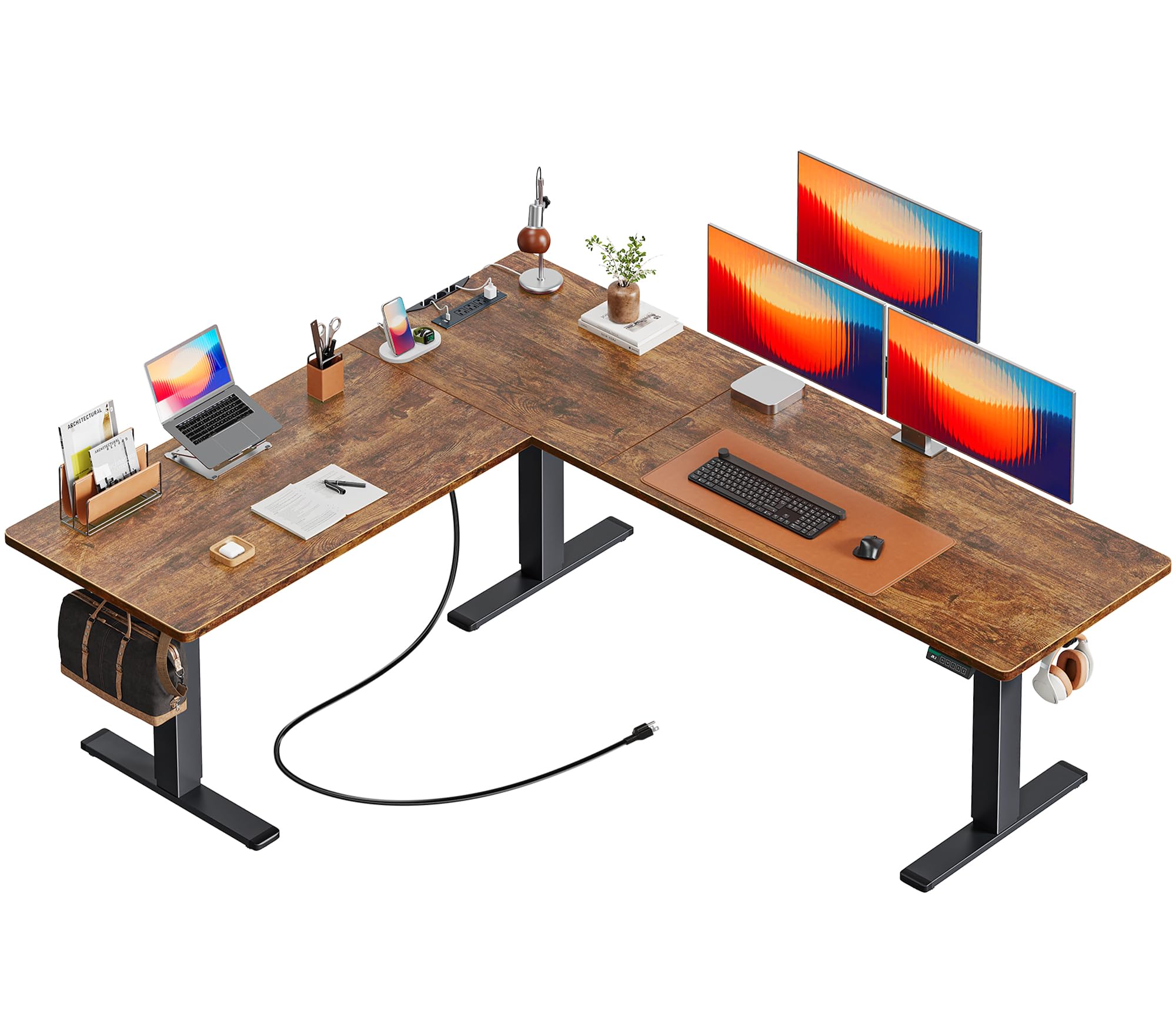
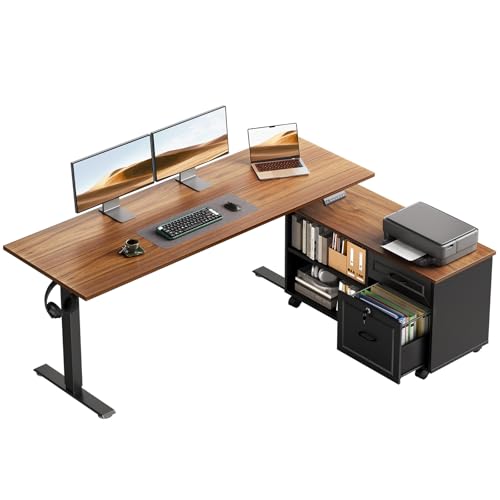


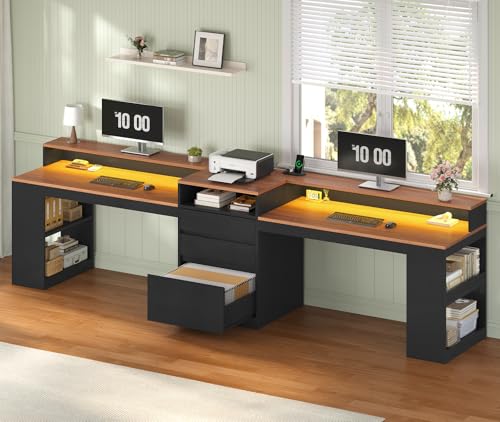


Three Desk Profiles to Compare
It helps to compare three profiles that cover most budgets. Match the profiles against the product table above, then test any candidate against the buying guide criteria in the next section.
All Around Profile
The all around profile is a straight or gently curved desk of about 70 to 80 inches wide and 30 inches deep, on a steel frame rated well above your gear weight. Expect to pay around $300 to $600 for this level of size and stability. It suits three 27 inch monitors on a single arm, a full size keyboard, and a PC on the floor or a side shelf. The limitation is footprint. A desk this large dominates a small room, so measure doorways and corners before assuming it will reach its final spot.
Value Profile
The value profile keeps the essentials and trims the finishes. Look for a top around 63 to 70 inches wide and 28 to 30 inches deep, a steel frame with a crossbar, and a laminate surface that shrugs off daily wear. Prices around $180 to $350 are typical. This profile fits three 24 inch monitors comfortably, or three 27 inch monitors angled inward. You give up premium edging, very high load ratings, and motorized height options, but for a fixed sitting setup in a spare room, those losses rarely matter day to day.
Premium Profile
The premium profile adds height adjustment, a thicker top in bamboo or solid wood, and a frame rated for 200 lb or more. Budgets run from about $600 to $1,200. It suits tall users, shared workstations, and anyone who plans to keep the desk for a decade. Cable trays, controller memory settings, and quiet motors are fair expectations at this level. The honest limitation is diminishing returns. Beyond a stable frame and a sound top, extra money buys finish and convenience rather than a better working position.
How to Choose the Best Computer Desks: Buying Guide
Features That Matter for Three Monitors
Three monitors concentrate weight and width in a way two screens never do. The center of the top carries the monitor arm clamp and the combined pull of three displays, so look for mid span support and a rear edge built from solid material. Total width must cover roughly 73 inches of flat screen for three 27 inch models, less when angled, and depth must protect viewing distance. When you shop the best computer desk for three monitors category, treat those three numbers, width, depth, and load rating, as non negotiable filters.
Screen Size and Your Viewing Distance
Resolution is a screen decision, but physical size is a desk decision. Three 24 inch monitors fit a 60 to 63 inch desk, three 27 inch monitors want 70 inches or more, and three 32 inch monitors call for 80 inches and a deep top. Viewing distance should land around 20 to 30 inches from your eyes to the main screen for most adults. A deeper desk lets you reach that distance without pushing the monitors to the very rear edge, where arm clamps and cables crowd each other.
Resolution and Cable Demands
Higher resolution screens change the cables, not the furniture. Three 4K monitors need quality display cables of the right length to reach your computer without tension, and a desk with grommet holes near the rear corners keeps those runs tidy. Leave a service loop behind each screen so you can tilt or pull a monitor forward for cleaning. If the PC sits on the floor, confirm the cables reach at full desk height on a standing model before you finalize the layout.
Adaptive Sync and Gaming Features
Gaming features live in your monitors and graphics card, yet the desk still plays a part. Fast screens encourage you to sit closer and move a mouse across a wide pad, so gaming layouts benefit from the full 30 inches of depth and a top surface that will not snag a mouse pad edge. Players comparing screens in our guide to the best computer monitors for gaming should bring the same width totals back here, because a wide curved center screen changes the desk width you need.
Sound, Speakers, and Desk Space
Speakers compete with side monitors for the same inches. Bookshelf speakers on small stands sound better than speakers squeezed behind screens, but they need about 6 to 8 inches of width each beyond the outer monitors. If your desk cannot spare that room, a soundbar under the center screen or quality headphones may serve you better. Plan speaker placement before you order the desk, not after, because adding stands later often pushes monitors into worse angles.
Connectivity and Ports
Three screens mean three display leads, three power leads, a keyboard, a mouse, and often a webcam and a dock. A desk earns its keep with a cable tray under the rear edge, space for a power strip with surge protection, and grommets that line up with your computer position. Built in USB charging on the desktop is a pleasant extra for phones and headsets. The goal is simple. No cable should cross your leg space, and every cable should be reachable without crawling under the desk.
Stand, Mounting, and Ergonomics
Monitor stands eat surface space, while a triple monitor arm returns that space and aligns all three screens at one height. Check that your chosen desk accepts the arm clamp, and that the VESA pattern on your monitors matches the arm, most commonly 75 mm or 100 mm. Keep screen tops near eye level and the center screen straight ahead, with side screens angled gently inward. If you prefer separate stands, choose a desk with extra depth so the stand feet do not steal your keyboard zone. Shoppers with two screens can compare the smaller footprints in our guide to the best computer desk for two monitors.
Types of Computer Desks
Straight Desks
Straight desks are the simplest and most flexible type, fitting any wall and moving easily between homes. They suit most three monitor users and cost the least for a given build quality. Their weakness is the lack of a side wing, so paperwork and hardware must share the main surface or live elsewhere.
Large Corner Desks
Corner and L shaped desks wrap the screens around you and add a wing for a PC tower, printer, or paperwork. They shine in room corners that would otherwise go unused, and many shared setups described alongside the best desk for three monitors options use this shape. The trade off is commitment. The desk dictates the room layout, and some models fix the wing on one side only.
Budget Friendly Desks
Budget desks under about $200 can still serve three monitors well when the basics are right. Prioritize a steel frame, a top at least 63 inches wide, and honest load ratings over decorative shelving. Expect thinner tops and simpler finishes, and plan on a separate cable tray. For lighter 24 inch screens and a sitting only setup, this tier is a sensible place to start, and it leaves budget for a good triple monitor arm.
Care and Maintenance Tips
- Dust the top and the area behind the monitors weekly with a microfiber cloth, since dust builds fastest around warm screens and cables.
- Tighten frame and arm bolts every few months to stop small shakes from growing into visible screen wobble.
- Use quality display cables of the right length, because tight cables pull on ports every time the desk or a monitor moves.
- Keep the power strip off the floor and its switch reachable, so you can cut power to the whole setup during storms.
- Clean up spills at once, especially near the rear edge, where liquid can run down into cable trays and power strips.
- For standing desks, cycle the full height range monthly and check that no cable pinches at the lowest position.
Computer Desks: Your Questions Answered
What features matter most in computer desks for three monitors?
Width, depth, and load capacity matter most. A desk for three monitors must hold about 70 inches of screens, keep the center display at a healthy distance, and carry the combined weight without sagging. Cable routing and a clamp friendly rear edge come next, because they decide whether the setup stays tidy after the first week.
Is 4K worth it on three monitors?
For most people, three 1440p screens offer a better balance than three 4K screens. Text stays readable without scaling tricks, and the graphics card works less hard. Choose 4K for photo or video editing where pixel detail is the job itself. Either way, the physical screen size, not the resolution, sets the desk width you need.
Does refresh rate matter for non gamers?
Only mildly. Faster screens make scrolling and cursor movement feel smoother, which some office users enjoy, but documents and email gain little. Your desk choice should ignore refresh rate entirely and focus on size and stability. Put the savings toward a better chair or a quality monitor arm, both of which you will feel every hour.
What size desk should I get for my room?
Start from your monitors. Three 24 inch screens fit about 63 inches, and three 27 inch screens need 70 inches or more, with 30 inches of depth preferred. Then check the room, leaving space to walk behind your chair. If a full size desk will not fit, the dual screen layouts in our guide to the best computer desk for dual monitors show how much space a two screen setup saves.
How long do desks for three monitors last?
A steel frame desk with a sound top lasts roughly eight to fifteen years. Tops wear first, while frames and monitor arms often outlive the first set of screens they carry. Standing desk motors are usually rated for years of daily cycles. Care is simple. Respect the load limit, tighten hardware, and keep liquids away from the cable run.
Should I use one triple arm or three separate stands?
One triple arm gives the cleanest surface and the easiest alignment, provided your desk edge can take the clamp load. Three stands cost less and let you reposition screens freely, but they consume depth and can drift out of line. Many buyers start with stands and move to an arm later, a path also covered for two screen setups in our guide to the best computer desk for 2 monitors.
Our Verdict
Filter by width, depth, and load rating first, then choose the profile that fits your budget and your room. The value profile serves most three screen users well, while the premium profile suits shared or standing setups. Compare your finalists in the product table above, and the best computer desk for three monitors for your space should be the one that leaves your screens steady, your cables hidden, and your shoulders relaxed.


