
Best Computer Chairs for Comfort: Types Compared and How to Choose for 2026
Disclosure: We may earn a commission when you buy through links on this page, at no extra cost to you. As an Amazon Associate I earn from qualifying purchases. Learn more

Pick the best computer chairs for comfort by comparing each type, its pros and cons, ideal users, and typical price range in one clear buying guide.
Shopping for a desk chair can feel confusing because comfort comes in very different forms. One chair promises deep cushioning, another offers a flexible mesh back, and a third looks plush but adjusts almost nothing. The best computer chairs for comfort are the ones that fit your body, your desk, and the way you actually sit each day.
This guide compares the main types side by side, explains what each type does well and where it falls short, and shows you which features deserve your money. Start with the product table below, then read the type that sounds closest to your needs.
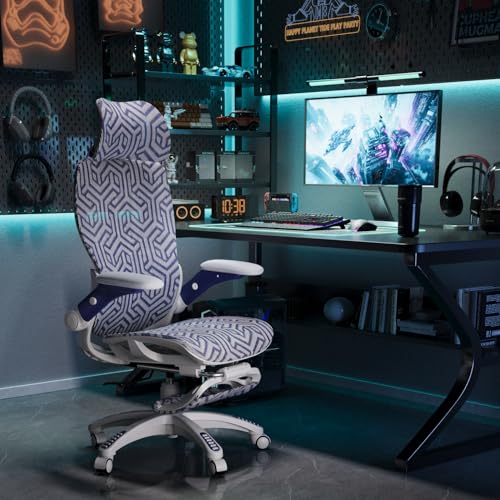
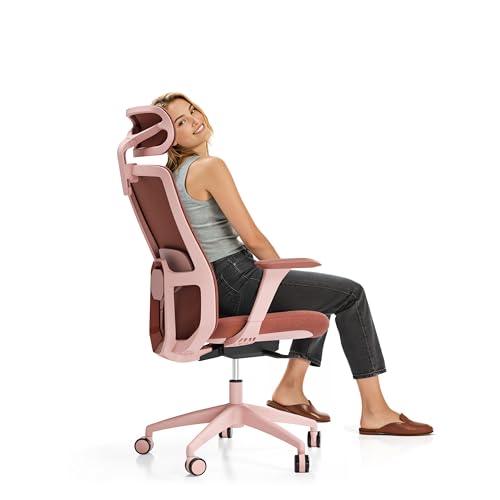
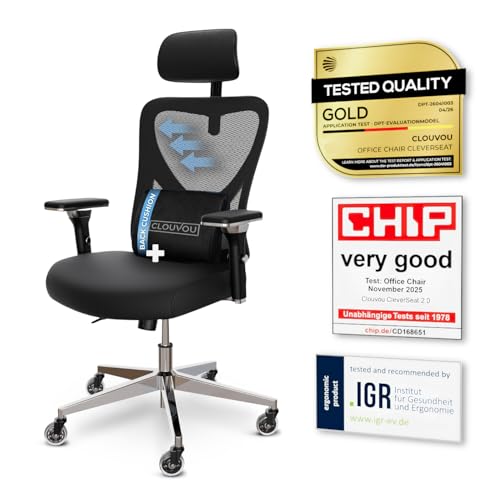
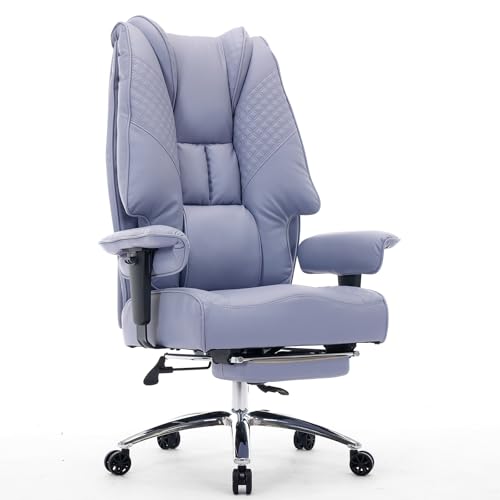



Types of Computer Chairs Compared
Most comfortable computer chairs fall into four broad types. Prices overlap a lot between types, so the label alone tells you little. What matters is how the chair supports you, how much it adjusts, and how it behaves after several hours of sitting. The sections below walk through each type in turn.
Ergonomic Models
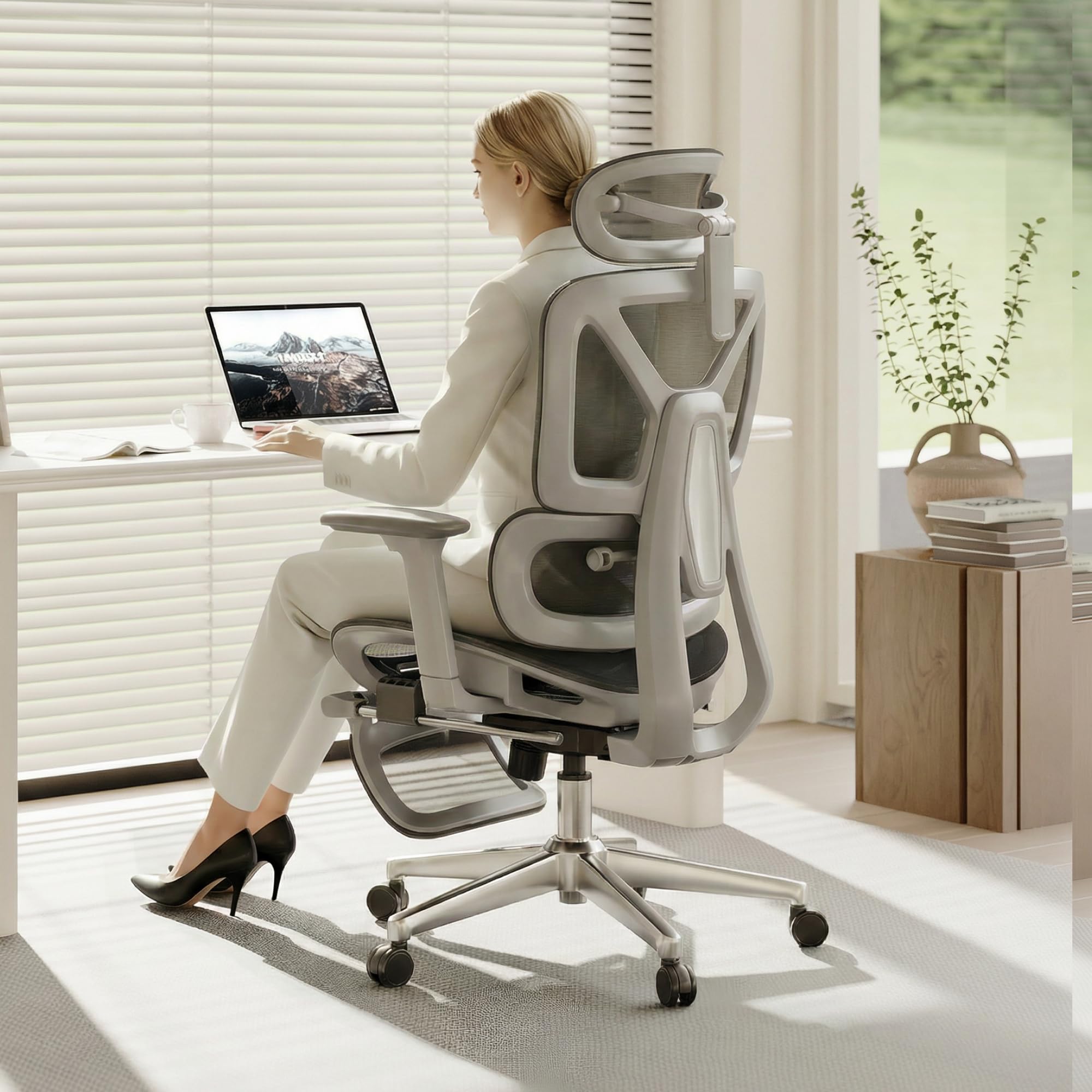
Ergonomic models are built around adjustment. The backrest follows the curve of your spine, lumbar support moves up and down or pushes in and out, and the seat, armrests, and tilt tension all adapt to your body. A mesh back is common here because it stays cool and flexes as you shift position. These chairs suit people who sit for long stretches and want support they can fine tune.
The trade off is a firmer, more upright feel that some people find less cozy at first, plus a setup process that takes patience. Prices usually run about $200 to $600. If this style appeals to you, see our guide to the best ergonomic computer chairs for a deeper look at adjustment ranges.
Premium and Executive Models
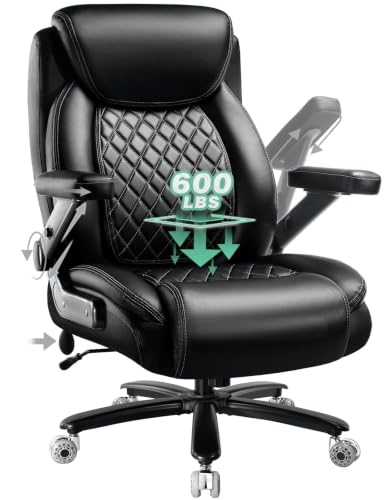
Premium and executive models focus on presence and padding. They tend to be tall, wide, and generously cushioned, often with bonded leather or leather upholstery, padded armrests, and a polished base. Sitting in one feels soft and substantial right away, which is why they remain popular in home offices where the chair is also a visual centerpiece.
The weakness is adjustment. Many executive chairs recline and swivel but offer limited lumbar tuning, and thick padding can feel warm in summer. Expect to pay around $300 to $900. Readers who want this larger, more formal style can also see our guide to the best officer chairs for related options.
Budget Models
Budget models cover the basics at around $80 to $200. You typically get a padded seat, a simple lumbar cushion or a modestly curved back, basic height adjustment, and a tilt function with a tilt lock. For a few hours of work or study a day, that combination can be perfectly comfortable, especially for lighter users.
Where budget chairs give ground is durability and fine adjustment. Foam tends to flatten sooner, armrests are often fixed, and weight capacity is lower, commonly around 250 pounds. They make the most sense as a starter chair, a guest chair, or a seat for a room you use only part time.
Compact and Space Saving Models
Compact models are designed for small rooms, shared desks, and apartments. They have a narrower seat, a lower profile back, and sometimes arms that flip up so the chair slides fully under the desk. Some skip arms entirely. Despite the smaller footprint, the better ones still offer lumbar support and a waterfall seat edge that keeps pressure off your thighs.
The compromise is room to move. Broader users may feel squeezed, and the shorter back gives less shoulder support during a recline. Prices sit around $100 to $300. If your workspace doubles as a bedroom or dining area, see our guide to the best computer desk chairs for more small space ideas.
Ergonomic Models vs Premium and Executive Models: Which Should You Choose?
These two types cost similar money but deliver comfort in opposite ways. Ergonomic models earn comfort through fit, since every contact point adjusts to your body. Executive models earn it through cushioning and size, so they feel good the moment you sit down but adapt less as your posture changes through the day.
Choose an ergonomic model if you work at the computer for six or more hours daily, share the chair with someone of a different build, or run warm and want a mesh back. Choose an executive model if you prefer a soft, wide seat, take calls and read more than you type, or want the chair to look formal on video calls.
Gamers often land between the two, since racing style seats borrow the tall back and side bolsters of executive chairs while adding some ergonomic adjustment. If that sounds like your setup, see our guide to the best computer chairs for gamers before you decide.
How to Choose the Right Computer Chair
Once you know your type, compare the best computer chairs for comfort within that type using the four checks below. They cover fit, durability, features, and cushioning, and together they explain most of the price difference between two chairs that look alike in photos.
Ergonomics and Adjustability
Start with seat height. You want a range that lets your feet rest flat on the floor with your knees near a right angle, which for most desks means a seat that adjusts somewhere between about 17 and 21 inches. Next, check lumbar support that moves or flexes, because a fixed bump rarely lands where your lower back actually curves.
Adjustable armrests matter more than most buyers expect. Armrests that move up and down at minimum, and ideally slide and pivot as well, let your shoulders relax while you type. A tilt lock that holds the backrest at several angles, not just upright or fully reclined, rounds out the adjustment set. Posture focused shoppers can read more in our guide to the best computer chairs for posture.
Warranty and Return Policy
A chair is a mechanical object, and its moving parts decide how long it stays comfortable. Look for a warranty that covers the frame and the gas lift cylinder for at least five years, since a failing cylinder makes the seat sink slowly and ruins your posture. Short warranties of one year on everything suggest the maker expects wear sooner.
Return terms matter just as much because comfort is personal and hard to judge from photos. Favor sellers that give you at least 30 days to sit in the chair at your own desk. Keep the box and packaging until you are sure, since returning an assembled chair without its box is awkward and sometimes costly.
Features That Matter for Comfort
Comfort focused buyers should weigh a few specs that casual shoppers skip. Weight capacity should exceed your body weight with room to spare, because a chair near its limit flexes and wears faster. A seat width and depth that match your frame keep your thighs supported without the front edge pressing into the back of your knees.
Also look at the base and casters. A steel or aluminum five star base feels steadier than a nylon one at higher weight ratings, and larger casters roll more smoothly over carpet. Headrests help only if they adjust to your height. A fixed headrest that meets the middle of your head instead of the curve of your neck adds pressure rather than relief.
Comfort and Cushioning
Cushioning quality comes down to foam. High density foam holds its shape under your weight for years, while soft low density foam feels plush in the store and then compresses into a hard, thin layer. A seat that feels slightly firm on day one usually feels better in month six than a very soft seat does.
Material plays a role too. A mesh back breathes and suits warm rooms, fabric seats balance softness with airflow, and leather or faux leather wipes clean but can feel sticky in heat. If you sit for long hours, think about your warmest workday, not your coolest one, when you choose upholstery.
Care and Maintenance Tips
A few small habits keep a computer chair comfortable for years. Set the seat height so your feet rest flat and readjust it after anyone else uses the chair, since a borrowed setting quietly strains your back. Tighten the bolts on the arms, back, and base every few months, because small movements loosen hardware over time and cause creaks and wobbles.
Vacuum fabric and mesh upholstery regularly to lift dust out of the weave, and wipe leather or faux leather with a damp cloth so body oils do not dry the surface out. Roll the casters over a hard floor or a mat once in a while and pull out trapped hair. Keep the chair out of direct sun, which fades fabric and cracks faux leather.
Computer Chairs: Your Questions Answered
What features matter most in computer chairs for comfort?
Adjustable lumbar support, seat height range, and armrests that move matter most in computer chairs built for comfort. Together they decide whether the chair fits your body or forces your body to fit it. One extra point worth checking is seat depth adjustment, sometimes called a seat slider. It helps shorter and taller users alike by moving the seat pan so the backrest and the seat edge both land in the right place.
How long should a good computer chair last?
A good computer chair should last about seven to ten years of daily use. The frame and base usually outlive everything else, while foam, upholstery, and the gas lift wear first. You can extend that life by replacing worn casters or a sinking cylinder on many models instead of replacing the whole chair, since those parts often swap out with basic tools and a little patience.
Is an expensive computer chair worth the money?
An expensive computer chair is worth it when the extra money buys adjustment range, stronger parts, and a longer warranty rather than looks alone. Higher prices, often about $400 to $800, usually bring denser foam and better lumbar systems. One fair test is cost per year: a chair that serves you comfortably for a decade can cost less over time than two cheaper chairs that each wear out in three years.
How do I choose the right size computer chair?
Choose the right size computer chair by matching three measurements to your body: seat width, seat depth, and backrest height. Leave about an inch of space on each side of your hips, and aim for two or three fingers of space between the seat edge and the back of your knees. Also measure your desk height before ordering, because a chair with tall fixed arms may not slide underneath it.
What features matter most in a computer chair for long hours?
For long hours, a computer chair needs tilt tension you can set to your weight, lumbar support that stays in contact as you recline, and breathable materials. These keep small posture shifts easy instead of tiring. Another underrated help is a seat with a gentle waterfall front edge, which reduces pressure on the underside of your thighs during long stretches of sitting.
Final Thoughts
Comfort starts with fit, so decide your type first, then compare adjustment range, cushioning quality, and warranty within that type. The product table above pulls those details together so you can weigh the options side by side without rereading every listing.
Whichever type you choose, give yourself a few days of sitting before you judge it, since your body needs time to settle into new support. Chosen with care, the best computer chairs for comfort turn long hours at your desk into time your back barely notices.


