
Best Computer Chairs for Bad Backs in 2026: Which Type Is Right for You?
Disclosure: We may earn a commission when you buy through links on this page, at no extra cost to you. As an Amazon Associate I earn from qualifying purchases. Learn more

Pick the best computer chairs for bad backs by comparing chair types, lumbar support, sizing and adjustability to protect your back during long workdays.
Sitting for hours with a sore back can turn a normal workday into a long test of patience. The confusion starts because computer chairs for bad backs come in several very different types, and each type supports your spine in its own way. This guide compares those types side by side so you can match one to your body, your desk, and your budget.
Start with the best computer chairs for bad backs in the product table below, then read on for how each type differs in support, size, and daily comfort. You will also find sizing advice, care tips, and clear warning signs that call for medical help rather than a new chair.


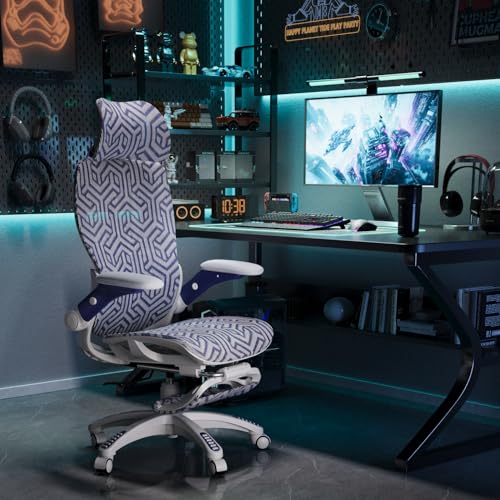
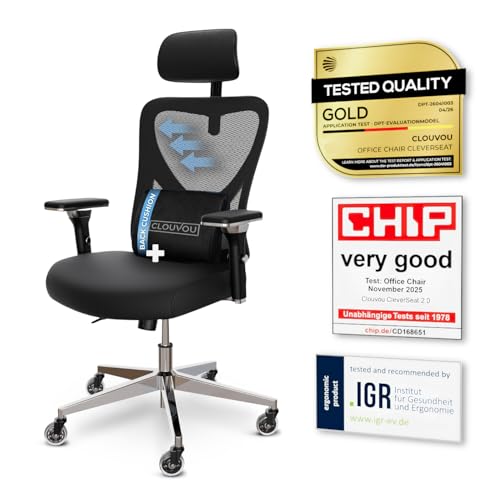
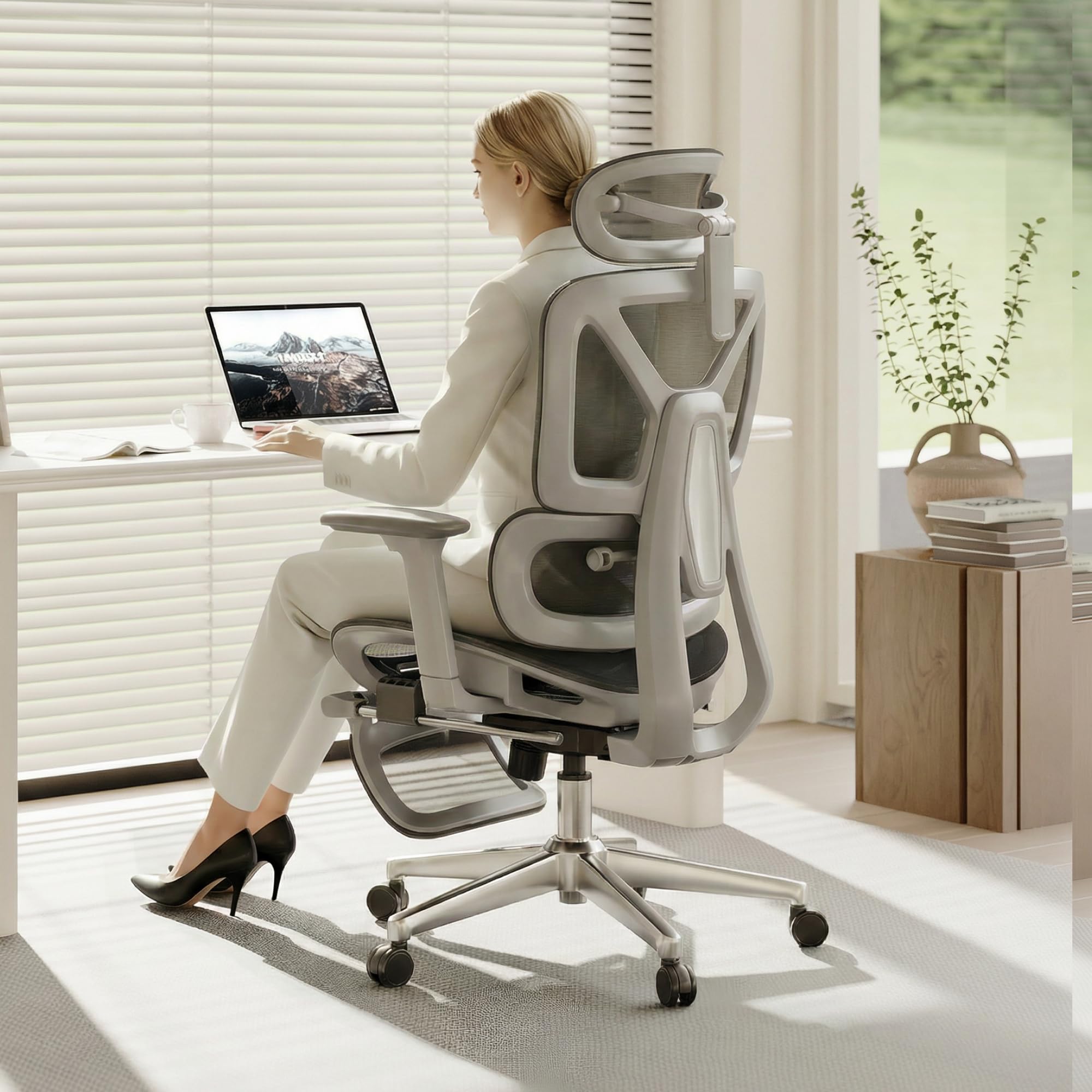

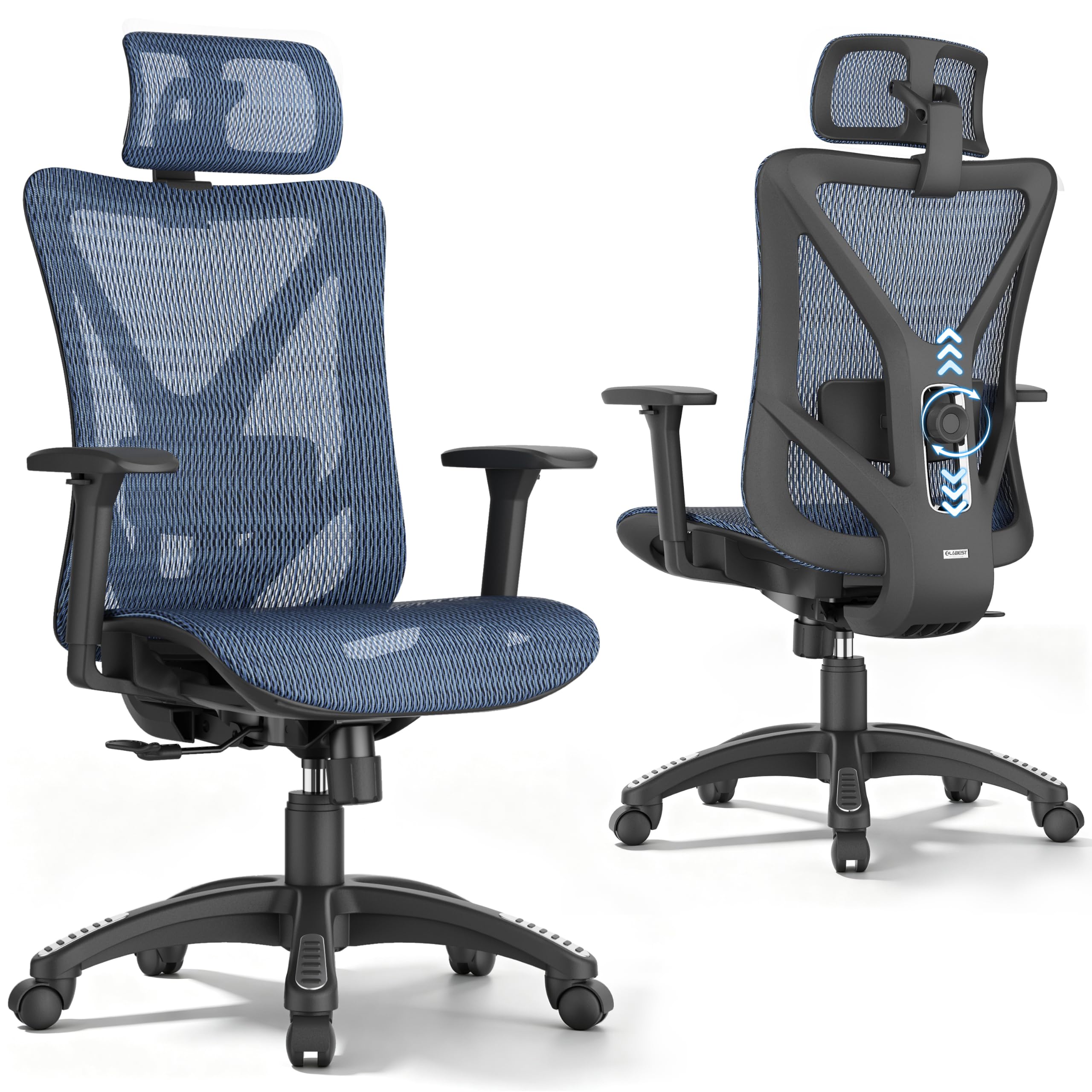
Types of Computer Chairs Compared
Chair type matters more than color or brand for a sensitive back. A chair can look impressive yet place its lumbar support in the wrong spot for your body, while a plainer model can fit you well and feel better within a week. The four types below cover most of what you will see while shopping.
Budget Models
Budget models usually cost under $200 and keep adjustments simple. Most offer a fixed lumbar curve or a small removable pillow, basic tilt with a tilt lock, and padded seats made with high density foam over a wood or metal base. Armrests may move up and down only, or stay fixed in place.
These chairs suit shorter work sessions and lighter daily use. The main trade off is that padding can flatten sooner and lumbar support rarely moves, so a poor match for your back shape stays a poor match.
Premium and Executive Models
Premium and executive models sit at higher prices and focus on thicker cushioning, larger seats, and stronger frames. Many use layered foam paired with a padded seat and a taller backrest that supports the shoulders. Weight capacity tends to be higher, and parts such as casters and gas lifts are built for heavier daily use.
These chairs suit people who want a softer, roomier sit and a polished look for a home office. The risk is that plush padding can feel great for ten minutes yet let your hips sink too low over a full day, which can round your lower back. Firmness matters more than softness when your back is already sensitive.
Compact and Space Saving Models
Compact models are built for small desks, shared rooms, and apartments where a large chair would block walkways. They have narrower seats, lower backs, and sometimes arms that fold up so the chair slides fully under the desk.
The compromise is support range. A shorter backrest cannot support your upper back, and a narrow seat can press on your hips if you are broad or tall. Measure your space and your body before choosing this type, since a chair that fits the room but not you will not help your back. For smaller rooms, our guide to the best desk chairs for bad backs explains sizing in more detail.
Ergonomic Models
Ergonomic models are designed around adjustment rather than padding. They commonly offer lumbar support that moves up and down or pushes in and out, adjustable armrests that shift in several directions, seat depth adjustment, and a backrest that reclines with adjustable tension. A mesh back is common because it stays cooler and flexes with your spine.
This type suits long hours and backs that need support in a precise spot. The downside is setup time, since each adjustment changes how the others feel, and a poorly adjusted ergonomic chair can feel worse than a simple one. If your work setup is a traditional office desk, you may also want to see our guide to the best office chairs for bad backs for workplace specific advice.
Budget Models vs Premium and Executive Models: Which Should You Choose?
Price alone does not predict back comfort, so compare these two groups on support, durability, fit, and daily use. Budget models win on cost and simplicity, and they are easier to replace if your needs change. Premium models win on frame strength, weight capacity, and cushion quality, and they usually carry longer warranties.
For support, a budget chair with lumbar support placed exactly where your belt line sits can beat a costly chair whose support is fixed too high. For durability, premium frames and lifts hold up better under full time use, while budget foam may compress within a couple of years.
Choose a budget model if you sit for under four hours a day, share the chair with others, or are testing what kind of support helps you. Choose a premium model if you sit all day, weigh more than average, or have worn out cheaper chairs quickly. In both cases, the product table above can help you check which type matches your measurements before you order.
How to Choose the Best Computer Chairs for Bad Backs
Once you know your type, narrow your choice with the factors below. They focus on the parts that decide whether a chair protects your back or quietly makes things worse over time.
Warranty and Return Policy
A chair can feel fine in a showroom and still ache after three full workdays, so the return policy matters as much as the warranty. Look for at least thirty days to try the chair at your own desk, and check whether return shipping is free, since chairs are bulky and costly to send back. Keep the box until you are sure.
For the warranty itself, check the frame, gas lift, and casters separately, because coverage often differs by part. Written coverage of five years or more on the frame is a good sign for full time use.
Ergonomics and Adjustability
Adjustability lets a chair fit your body instead of forcing your body to fit the chair. Seat height should let your feet rest flat with your knees near a right angle. Lumbar support should meet the curve of your lower back without pushing you forward, and it should move so you can place it with care.
Adjustable armrests should support your forearms without lifting your shoulders, and they should move out of the way when you type close to the desk. A tilt lock lets you fix the backrest at a slight recline, which lowers pressure on your discs compared with sitting bolt upright all day. Readers comparing similar guidance may find our overview of the best computer chairs for back helpful for general posture basics.
Style and Room Fit
Match the chair width to your desk opening and leave room behind it for recline, since a backrest that hits a wall cannot tilt. Mesh suits warm rooms, fabric feels softer in cold rooms, and smooth upholstery wipes clean more easily around kids or pets.
Also check caster type against your floor. Hard casters can mark wood floors and roll too freely on smooth surfaces, while softer casters grip better and run more quietly. Color is the last thing to decide, after fit and floor checks are done. For support needs outside the desk, our guide to the best chairs for bad backs covers other seating around the home.
Features That Matter for Bad Backs
A sensitive back needs support that stays in the right place all day, not just in the first hour. Look for lumbar support with real depth adjustment, a seat that is firm enough to keep your hips level, and a waterfall front edge that does not press behind your knees. Seat depth should leave about two or three fingers of space between the seat edge and the back of your knees.
Your chair also needs a backrest tall enough for your torso and a weight capacity safely above your weight, since a lift and frame near their limit wear faster and feel less stable. If you often lean back to rest between tasks, you might compare desk seating with our guide to the best recliner chairs for bad backs, which covers rest positions away from the desk.
A new chair is not a treatment for serious symptoms. See a doctor promptly if you have numbness or weakness in a leg, pain that shoots below the knee, back pain after a fall or accident, fever with back pain, or any loss of bladder or bowel control. Talk with your clinician about your personal needs before relying on seating changes alone.
Care and Maintenance Tips
Good care keeps support from fading early. Set the seat height so your feet rest flat each time someone else uses the chair, since shared chairs drift out of position quickly. Tighten the bolts under the seat and arms every few months, because small amounts of play in the frame can make the backrest flex in ways that reduce support.
Vacuum fabric and mesh weekly to keep dust from grinding into the fibers, and wipe smooth upholstery with a damp cloth. Check casters for trapped hair and grit, since a chair that rolls unevenly can twist your hips as you move. If the gas lift starts to sink, replace it rather than sitting lower and lower each week.
Frequently Asked Questions
What features matter most in computer chairs for bad backs?
Adjustable lumbar support matters most in computer chairs for bad backs, followed by firm seat cushioning and correct seat depth. Together these keep your spine in a neutral curve and your hips level through the day. One extra point many shoppers miss is backrest height, since support that ends too low lets your upper back round forward by afternoon. Choose depth adjustable lumbar support over a fixed pillow when you can.
What features matter most in computer chairs for bad backs during long hours?
For long hours, computer chairs for bad backs need a backrest that reclines with tension control and a seat that stays firm after hours of use. Movement matters too, so shift your recline angle every so often instead of locking one posture all day. Stand and walk briefly each hour when you can. A breathable mesh back also helps, since heat and sweating make people slouch and slide forward in the seat.
How long should a good computer chair for a bad back last?
A good computer chair for a bad back should last about seven to ten years with daily use, though foam and lifts may need attention sooner. The frame usually outlives the padding, so a chair that starts to feel flat at year four may only need a new seat cushion or lift. Watch for wobble, sinking, or a backrest that no longer holds its angle, since those signs point to worn parts.
Is an expensive computer chair for a bad back worth the cost?
An expensive computer chair for a bad back is worth the cost only when its adjustments fit your body better than cheaper options. Higher prices usually buy stronger frames, better foam, and longer warranties, not automatic comfort. Use the return window to test it through full workdays before deciding. If a mid priced ergonomic model fits your lumbar curve well, paying more for thicker padding alone rarely adds real back support.
How do I choose the right size computer chair for a bad back?
Choose the right size computer chair for a bad back by matching seat width, depth, and height to your body measurements. Your feet should rest flat, your hips should sit back fully, and the seat edge should clear the back of your knees. Measure your desk height too, since armrests that cannot slide under the desk will force you to sit too far away. When you shop for the best computer chairs for bad back support, sizing checks like these matter more than brand names.
Final Thoughts
The right type comes first, then fit, then features. Decide whether budget, premium, compact, or ergonomic suits your hours and your room, use the product table above to compare types against your measurements, and test the chair through real workdays during the return window.
For most people who sit all day with a sore back, the best computer chairs for bad backs are ergonomic models with depth adjustable lumbar support, a firm seat, and a fair return policy. Start there, set the chair up with care, and let your own comfort over several days be the final judge.

