Best Compatible Ink Cartridges for Brother Printers 2026: Guide
Disclosure: We may earn a commission when you buy through links on this page, at no extra cost to you. As an Amazon Associate I earn from qualifying purchases. Learn more

Save on printing with this guide to compatible Brother ink cartridges, covering chip compatibility, print quality, yields, and warranty notes.
Brother ink is priced for the printer maker's profit, which is why many owners look at compatible cartridges. The best compatible ink cartridges for brother printers fit the same slots, read correctly in the printer, and print text and color that are close enough to the original for everyday work. This guide explains how to match the right cartridge code, what to check before you buy, and where compatible ink falls short.
The product table at the top of the page lists compatible sets for several Brother series. Use it together with the checks below, because the right cartridge is the one built for your exact printer model, not just for the Brother name.



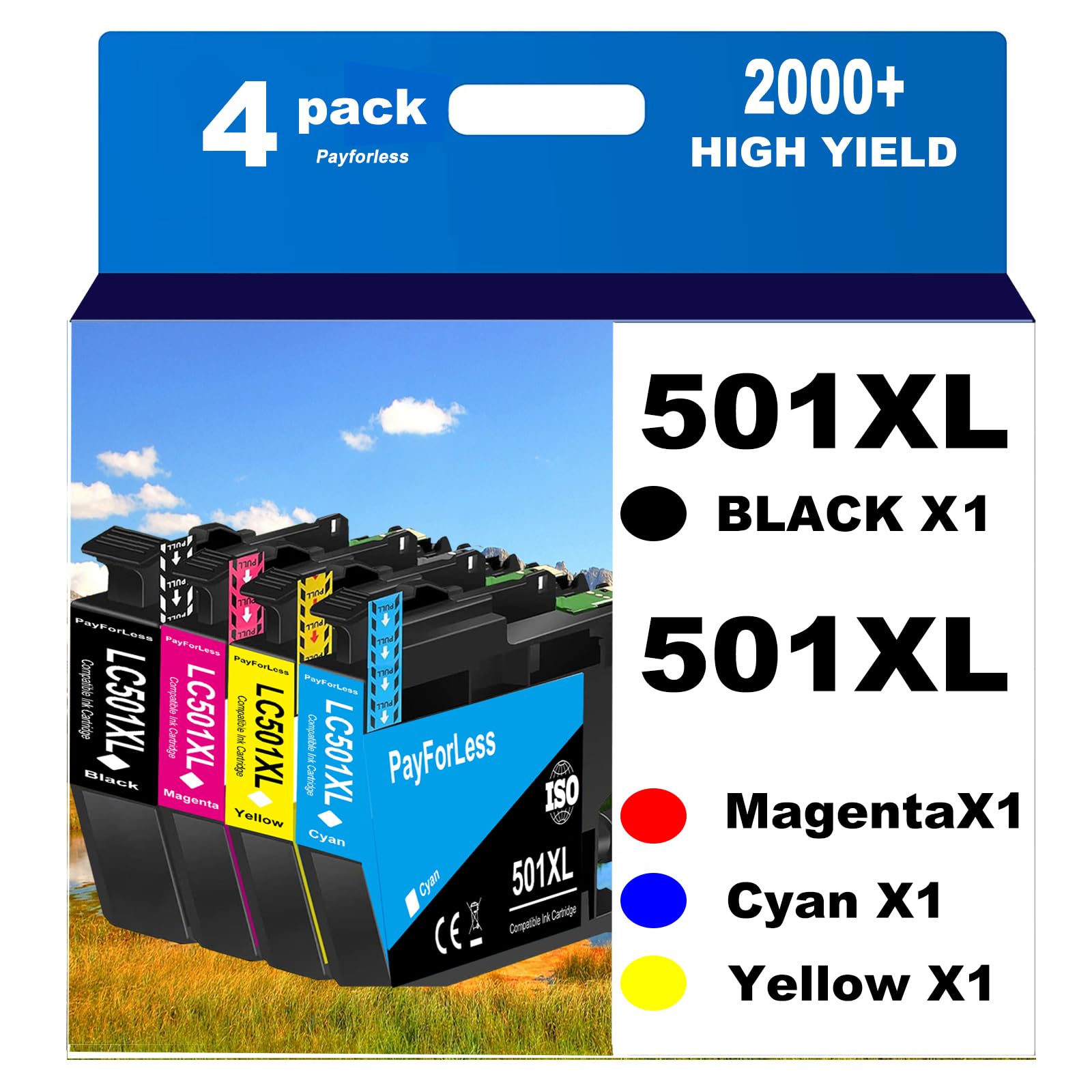


Who Should Buy Compatible Cartridges
Compatible cartridges suit home users, students, and small offices that print every week and watch costs. They help most for documents, school work, and routine color pages. If you print archival photos or need strict color accuracy for client work, original Brother ink is the safer choice. If your printer is still under warranty and a repair depends on using original supplies, read the warranty terms before switching.
Match the Cartridge Code First
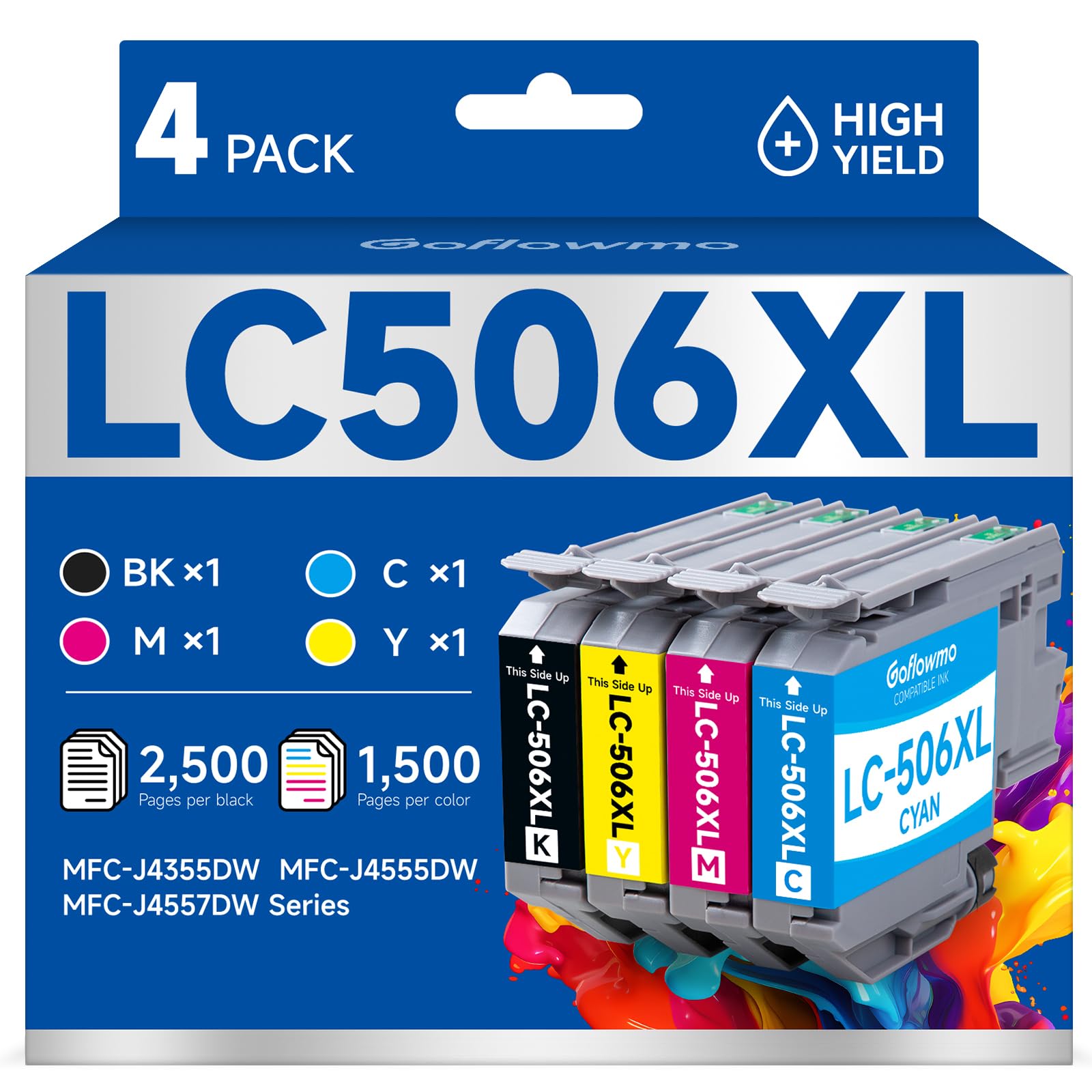
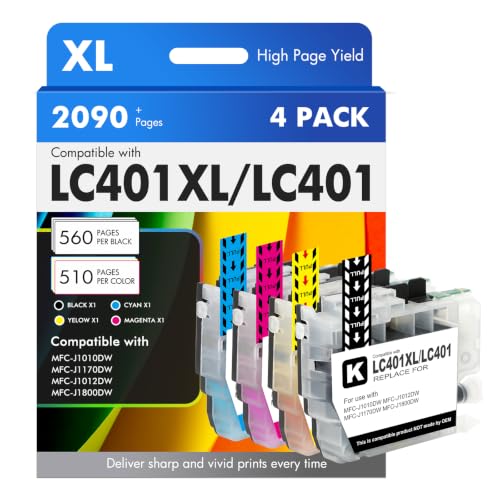
Brother prints the cartridge series on the package, such as LC401, LC406, LC3013, LC203, LC103, LC75, or LC506. These are not interchangeable, and similar printer names can use different series. Look up your exact model number, usually on a label at the back or under the scan lid, then match it to the series listed in the printer manual or the cartridge listing.
Standard and High Yield Versions
Most series come in standard and XL versions. XL cartridges hold more ink and almost always cost less per page, which suits regular printers. Standard cartridges make sense if you print rarely, since ink that sits for months can dry in the nozzle. Check which version a multipack contains before you order.
Multipacks and Color Sets
Sets with one black and one each of cyan, magenta, and yellow cover most uses. Black runs out faster for most people, so a set with extra black can save money if you print mostly text. Compare the price per cartridge, not only the pack price, and look for sets with a clear replacement or refund policy.
Key Features Worth Comparing
Chip Compatibility and Firmware
Brother printers read a chip on each cartridge. A firmware update can change how the printer treats non original chips, which is why a cartridge that worked last year may be rejected today. Read recent buyer comments for your printer model, and turn off automatic firmware updates if your printer allows it, once you have found a set that works.
Print Quality for Text and Color
Good compatible ink prints sharp black text and natural color on plain paper. Look at your first pages for banding, streaks, and color shifts, and compare them with a page printed on original ink. Photo printing asks more of the ink, so run a familiar photo as a check. If color looks off, run a nozzle check before blaming the cartridge.
Real Cost Per Page
Yield figures assume light coverage that rarely matches real documents. Track how many pages a cartridge actually delivers on your own work, then divide the price by that number. A cheap cartridge that clogs or runs out early is no bargain, while a well made XL set often wins on cost per page.
Dates and Storage
Ink ages, so buy only what you will use within a reasonable time. Keep spares sealed and upright in a cool, dry place away from heat, and avoid stocking up far ahead.
Installing and Troubleshooting
Install cartridges with the printer on and follow the on screen prompts. If the printer reports an unrecognized cartridge, remove it, check the chip contacts for dust or tape, and reseat it firmly until it clicks. Run a cleaning cycle only when a nozzle check shows gaps, since each cycle uses ink. If one color keeps failing, swap in a cartridge from the same set to see whether the fault follows the cartridge or the printer.
Warranty and Printer Care
Using compatible cartridges does not automatically void a printer warranty, but damage caused by a faulty cartridge, such as a leak, may not be covered. Keep your receipts and any error messages in case you need to contact the seller or Brother support. Print a page every week or two with an inkjet to keep nozzles clear, because long idle periods raise the clog risk for any ink.
Related Guides Worth Reading
General cartridge comparisons appear in our guide to the best ink cartridges for printers. If you are still choosing a printer, the best printers with inexpensive ink cartridges guide explains which models cost less to run. Laser owners can see the best compatible toner cartridges for brother.
Frequently Asked Questions
Are compatible cartridges safe for my printer?
Cartridges from reputable sellers are made to fit and work safely in the stated models. Poorly made ones can leak or report errors, so seller reputation matters. Check reviews for your exact model, and if a cartridge leaks, remove it and clean the printer as the manual describes.
Will compatible ink affect print quality?
For everyday text and color, many users see little difference. Photo quality varies more, so run a test page with a photo you know well. Banding or color shifts usually point to a clogged nozzle or a bad batch, so try a nozzle check and a different seller before judging the whole category.
Why does my printer not recognize a compatible cartridge?
The usual causes are a chip that does not match after a firmware update, a cartridge that is not fully seated, or the wrong series. Reseat it, check the contacts, and confirm the code matches your printer. If it still fails, ask the seller for a replacement.
Do compatible cartridges really save money?
Usually yes, especially for regular printing. The savings depend on real yield, so track pages per cartridge on your own documents. Very light printers may save little once clogging and idle waste are counted.
How should I store spare cartridges?
Keep them sealed, upright, and in a cool, dry place. Use older stock first, and avoid buying more than you expect to use within a year.
Final Thoughts
Match the cartridge series to your exact printer, choose XL versions if you print often, and track real cost per page. Read recent comments for firmware problems, test your first set, and keep your receipts. With a reliable seller, the best compatible ink cartridges for brother printers can cut your printing costs without constant errors, so compare the options in the product table at the top of the page and check the code before you order.