Best Cartridge Printers: Buying Guide for 2026
Disclosure: We may earn a commission when you buy through links on this page, at no extra cost to you. As an Amazon Associate I earn from qualifying purchases. Learn more

The best cartridge printers keep running costs sensible; compare inkjet, laser and all in one types, cartridge cost, connectivity and care.
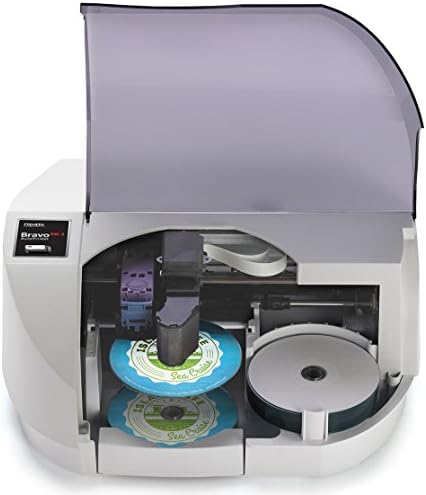
The best cartridge printers are the ones whose ink or toner costs stay sensible for the way you print, not simply the ones with the lowest sticker price. A cartridge printer uses replaceable ink or toner cartridges, which makes setup simple but means cartridge price and page yield shape the real cost over the years. This guide explains how to judge types, running costs, connectivity and care before you order.
The product table lists current models, and the sections below explain what to compare. Start with how much you print, then choose the type, and only then look at features.

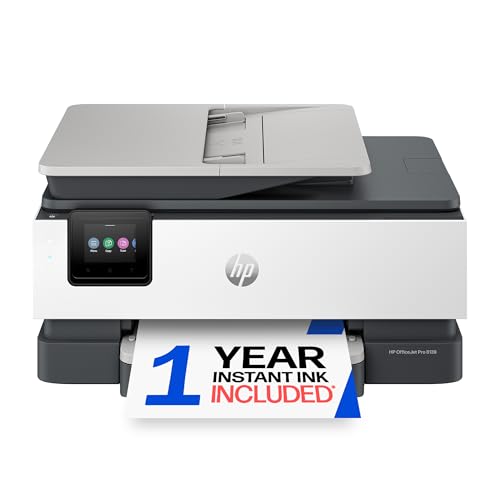
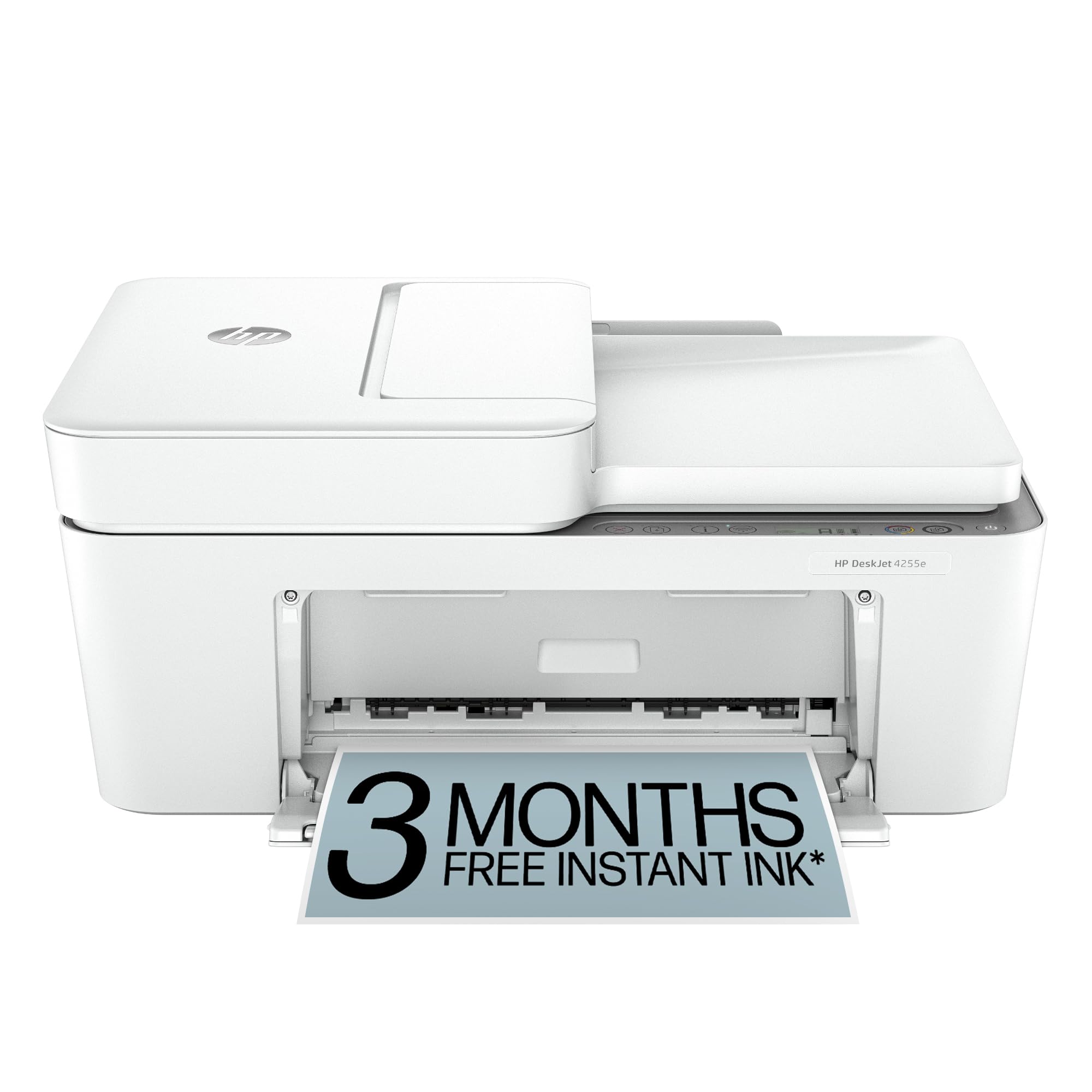


Who Should Buy Cartridge Printers
Cartridge printers suit homes and small offices that print in moderate amounts and want a simple machine that works out of the box. Students, remote workers and families who print forms, homework and the occasional photo are the typical buyers. If you print very heavily, a refillable tank printer or a laser model may cost less per page.
If you print rarely, an inkjet that dries out between jobs can waste ink on cleaning cycles. A laser printer holds its toner better over long gaps, which suits occasional text printing.
Cartridge Printer Types Compared
Inkjet Cartridge Printers
Inkjets spray liquid ink and are the usual choice for color documents and photos at a modest printer price. Some use one tri-color cartridge, while others use separate cartridges for each color. Separate cartridges waste less ink, because you only replace the color that runs out.
Laser and Toner Cartridge Printers
Laser printers use toner, a dry powder fused onto the page. They produce sharp text quickly and toner lasts well, which suits text heavy offices. Color lasers cost more up front, and monochrome models are the economical choice for documents.
All in One Cartridge Printers
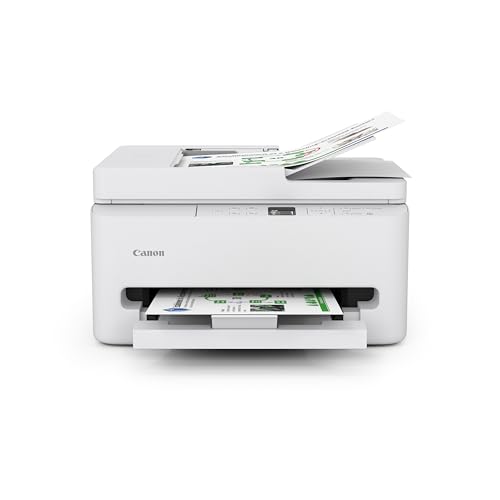
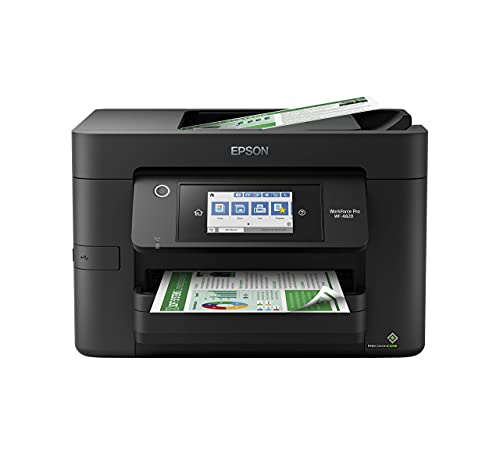
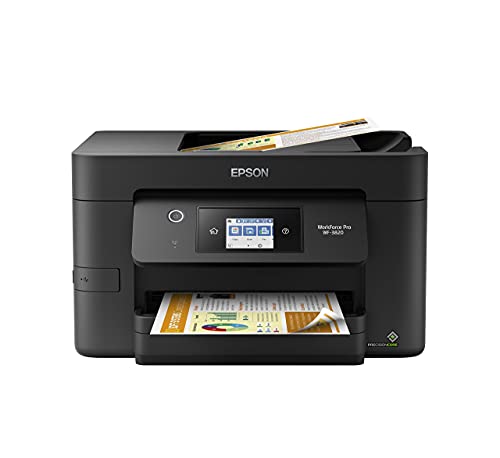
All in one models add a scanner and copier to the printer, often with an automatic document feeder. They suit home offices that scan receipts and sign forms. Check whether the scanner works without the cartridges installed and whether it supports scanning to your phone.
Key Features to Compare
Cartridge Cost and Page Yield
Standard and high yield cartridges differ in cost per page, so compare yield for your usual mix of text and color. A cheap printer with expensive cartridges can cost more over two years than a pricier model with high yield cartridges. Look at the replacement cartridge price before you commit to a printer.
Print Quality
Photo quality depends on the ink set and the paper, while document quality depends on sharp text and clean lines. Inkjets with an extra photo ink produce better photos, while lasers give crisp black text. Match the technology to what you print most.
Connectivity
WiFi and phone printing help in shared homes, and a wired USB connection suits a single computer. Ethernet is useful in small offices. Check that the printer works with your phone and computer before you buy.
Paper Handling
A larger paper tray suits offices that print in batches, while a compact tray suits occasional home printing. Automatic two sided printing saves paper, and a rear feed helps with envelopes and card stock.
Cartridge Programs and Third Party Cartridges
Some makers offer ink subscription programs, which can lower the cost for steady printing. Some printers also warn about non genuine cartridges, and compatible cartridges vary in quality. Check reviews for your exact model before you rely on third party cartridges.
Setup and Everyday Care
Print at least once a week if you own an inkjet, because regular use keeps the nozzles clear and avoids wasteful cleaning cycles. Run a nozzle check if output looks streaky, and avoid unplugging the printer at the wall if it relies on standby cleaning. Store the printer in a cool, dry place away from dust.
Keep spare cartridges sealed at room temperature and install them promptly once opened. Use the maker's recycling program where available, since cartridges contain plastic and residual ink. Use plain paper for documents and photo paper for photos, and match the paper setting to the paper type.
Budget and Common Mistakes
Cartridge printers range from basic models around $50 to office machines of several hundred dollars. A mid range printer covers most homes, a budget model suits light printing, and a higher price usually buys faster printing, better paper handling or extra functions. Add cartridge costs to the budget from the start.
A common mistake is choosing by price alone and ignoring running cost. Another is buying the most featured model when a simpler one covers your routine. A third is overlooking compatibility, so confirm that the printer supports your computer and phone before you order.
Related Guides
For related comparisons, see our guides to the best ink cartridges for printers, best printers with refillable cartridges and best toner cartridge printers.
Frequently Asked Questions
Are cartridge printers expensive to run?
Running cost depends on cartridge yield and how much you print in color. High yield cartridges usually lower the cost per page. If you print very heavily, a tank printer may cost less over time.
Should I use third party cartridges?
Third party cartridges can cost less, but quality and compatibility vary, and some printers warn about non genuine cartridges. Check reviews for your exact model, and keep a genuine cartridge handy if problems appear.
Why does my printer use ink when I print black only?
Many inkjets use small amounts of color ink for cleaning and maintenance, even for black documents. Printing regularly reduces cleaning waste. A laser printer avoids this issue for text heavy use.
How do I stop inkjet clogs?
Print at least once a week, run a nozzle check if output looks streaky, and keep the printer in a cool, dry place. Follow the maker's cleaning instructions rather than repeating cleaning cycles, which use ink.
What paper should I use?
Use plain paper for documents and photo paper for photos, and match the paper setting to the paper type. Cheap paper can shed fibers and cause jams. Keep paper dry and flat.
Final Thoughts
Choose by how much you print, then check cartridge cost, connectivity and paper handling. The best cartridge printers are the ones whose running cost and features match your routine, so use the product table to compare current models and keep the cartridge price in view.