Best Company for Prebuilt Gaming PC: Parts, Support, and Value for 2026
Disclosure: We may earn a commission when you buy through links on this page, at no extra cost to you. As an Amazon Associate I earn from qualifying purchases. Learn more

Compare the best company for prebuilt gaming pc on parts transparency, build quality, warranty, support, and upgrade room before you buy a ready made rig.
A prebuilt gaming PC is a bundle of parts, assembly, and support, so the company that sells it matters as much as the graphics card inside. Two systems with the same headline specifications can differ in power supply quality, cooling, noise, and how easy they are to upgrade. This guide compares the best company for prebuilt gaming pc shoppers can choose from, based on parts transparency, build quality, warranty, and upgrade room.
The product table at the top of the page lists current systems from several builders. The sections below explain what each company does well and where it cuts corners, so you can read those listings critically.


What Makes the Best Company for Prebuilt Gaming PC?
A good builder tells you exactly what is inside. The listing should name the processor, graphics card, memory capacity and speed, storage type, motherboard, and power supply, not just a vague performance label. Transparency lets you compare value fairly and spot weak parts hidden behind a strong graphics card.
Parts Transparency
Weak power supplies, slow storage, and single stick memory are the usual places where prebuilt makers save money. A company that names the power supply brand and wattage, lists memory as a pair of sticks, and uses a fast solid state drive is telling you it did not cut corners. If key parts are missing from the listing, treat that as a warning sign.
Build Quality and Cooling
Neat cable routing improves airflow, and a case with good fans and a proper processor cooler keeps temperatures and noise down. Look for owner photos of the inside, comments on fan noise, and mention of dust filters. A machine that runs hot will throttle in long sessions, which wastes the graphics card you paid for.
Warranty and Support
Check the length of coverage, whether parts and labor are both included, who pays for return shipping, and how long repairs take. Support that responds by phone or chat and walks you through troubleshooting before asking for a return is worth a lot. Read recent customer comments, because support quality can change over time.
Upgrade Paths
Standard cases, power supplies, and motherboards make upgrades simple, while proprietary parts can lock you in. Check for spare memory and storage slots, room for a larger graphics card, and a power supply with spare capacity, so you can add parts later instead of replacing the whole system.
Top Prebuilt Gaming PC Companies at a Glance
Prices in the table range from entry systems to high end builds. The profiles below list each company's strength, its weakness, and who it suits. For more on the category, see our guide to the best gaming pc prebuilt.
CyberPowerPC
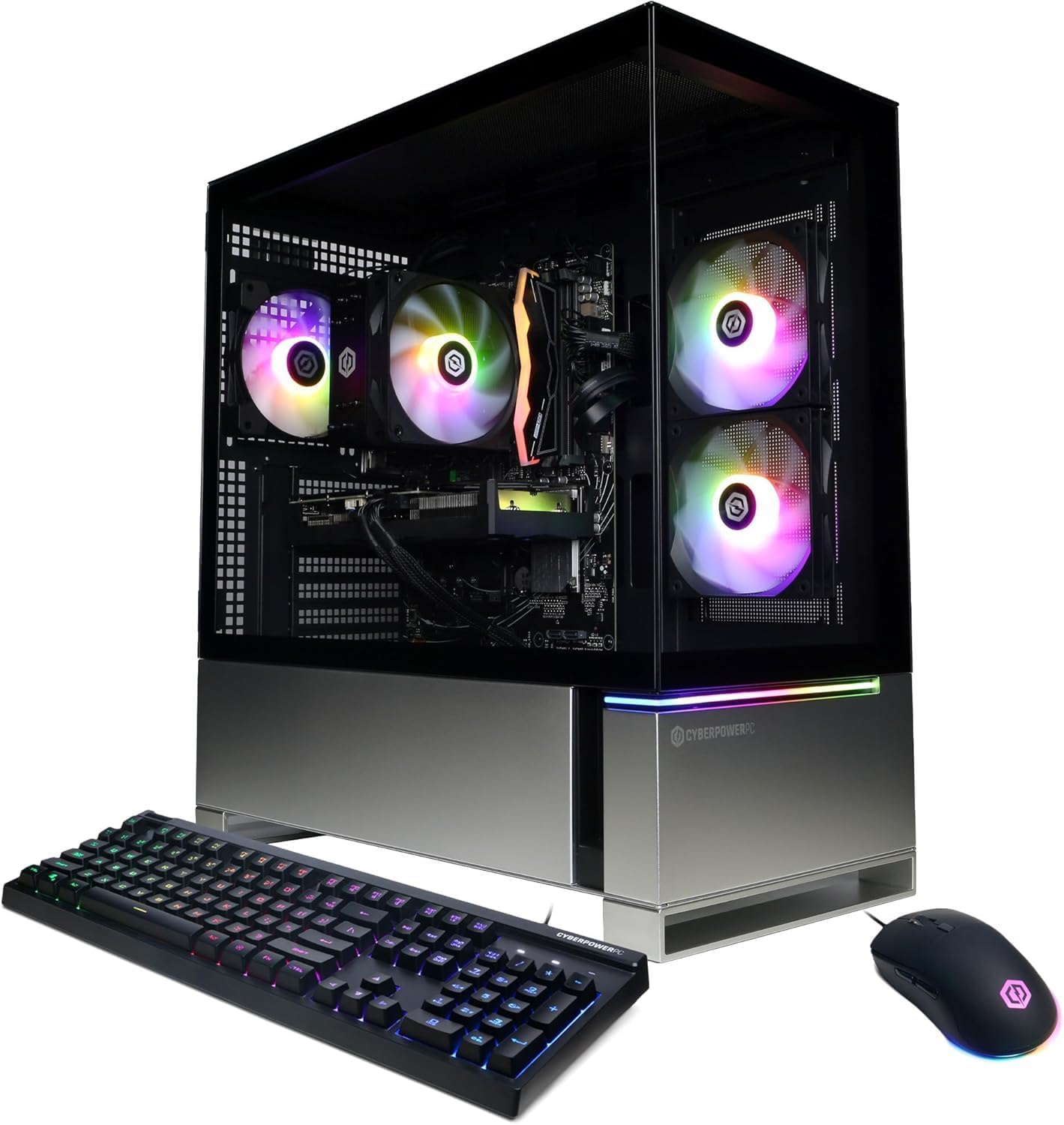
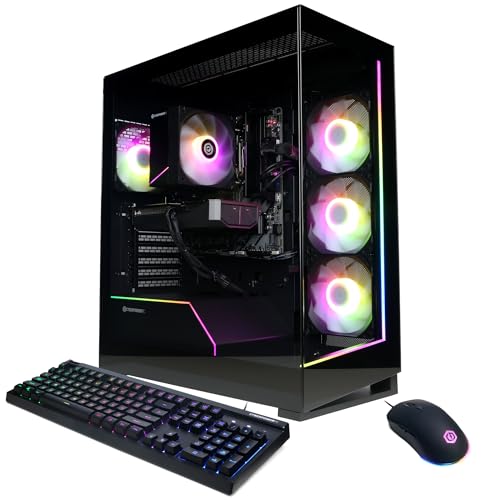
CyberPowerPC sells a wide range of prebuilt systems at friendly prices, with parts lists that are usually easy to read. Cases are standard, upgrades are simple, and sales are frequent. Fan noise and cable neatness vary by model, and the cheapest builds use basic power supplies. CyberPowerPC suits first time buyers who want strong value and easy upgrades.
iBUYPOWER
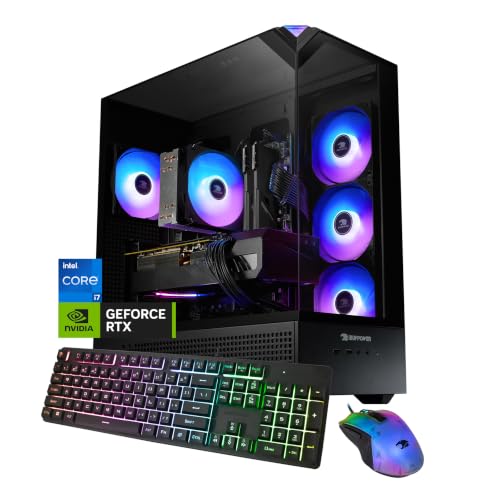
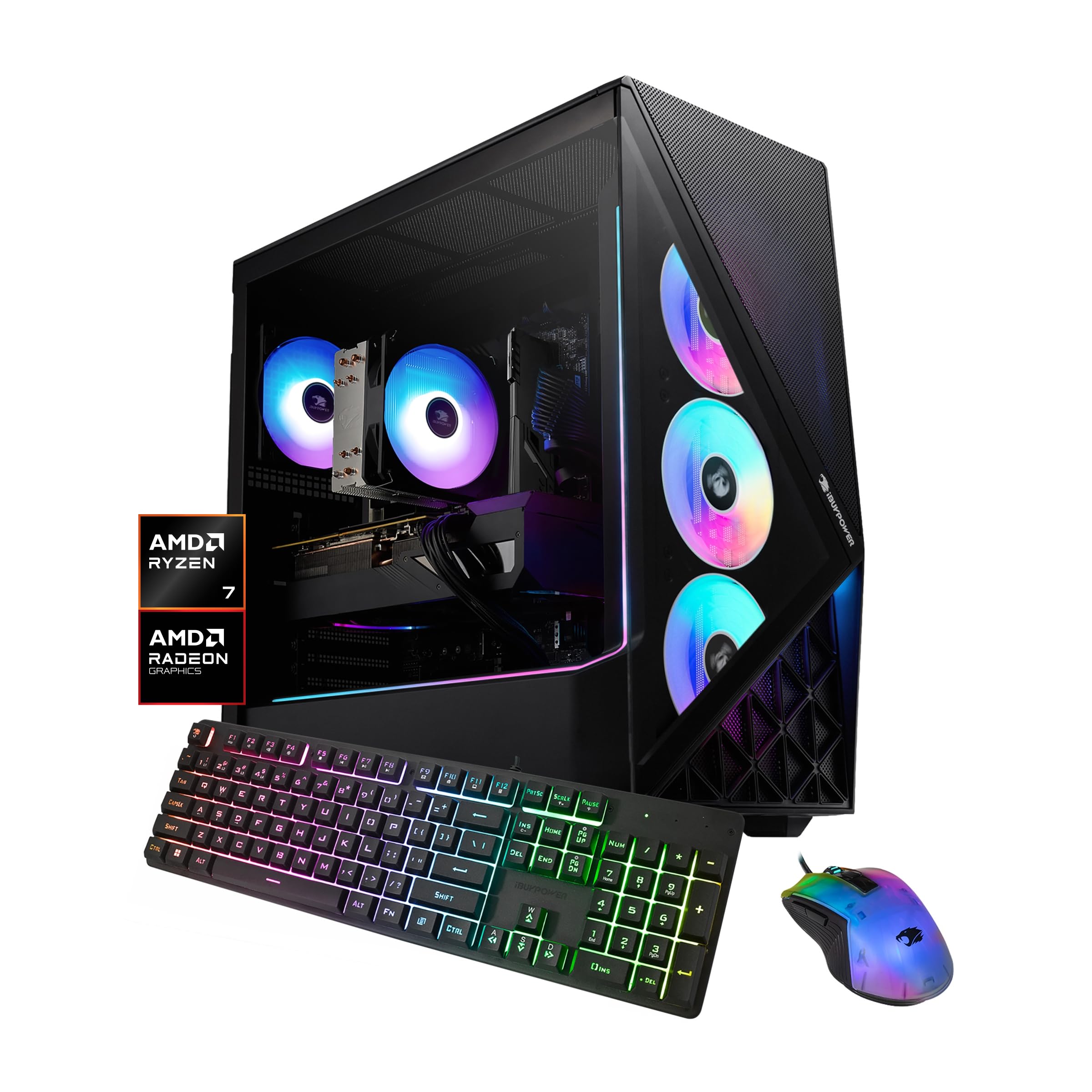
iBUYPOWER offers many configurations with stylish cases and a long record in the prebuilt market. Systems often include good cooling and lighting, and the range covers budget to premium. Parts quality differs between lines, so read the full list. iBUYPOWER suits players who like a showy case and want a clear step up path.
Skytech
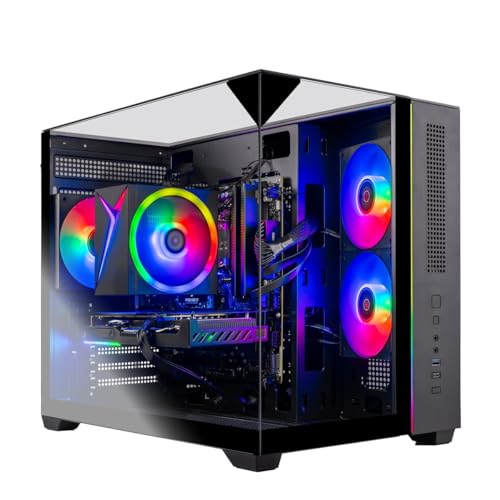
Skytech focuses on gaming systems with current graphics cards and often puts more money into the graphics card and processor than rivals at the same price. Cases are standard and upgrades are possible. Support experiences vary, and some lines skip extras like Wi-Fi. Skytech suits buyers who want maximum frame rates per dollar.
MSI
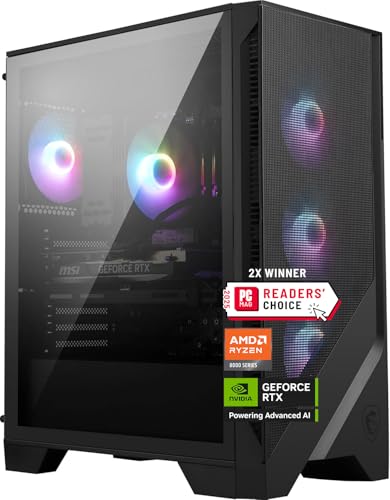
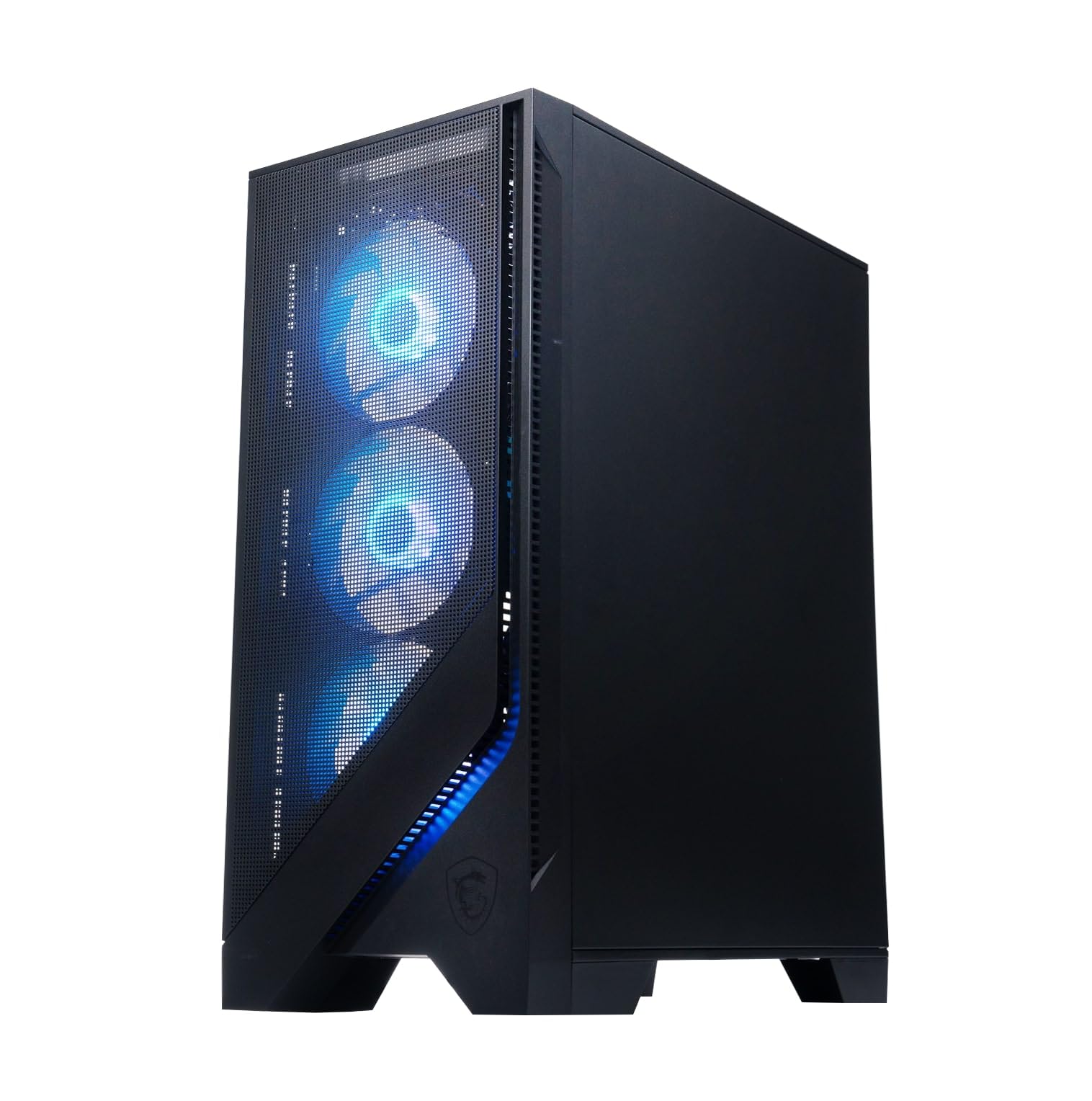
MSI builds gaming desktops with its own motherboards, graphics cards, and cases, so parts match well. Systems tend to be quiet and neat, and the company has a solid support network. Prices are a little higher and some models use custom parts that limit upgrades. MSI suits buyers who want a polished system from a known component maker.
HP Omen and Alienware
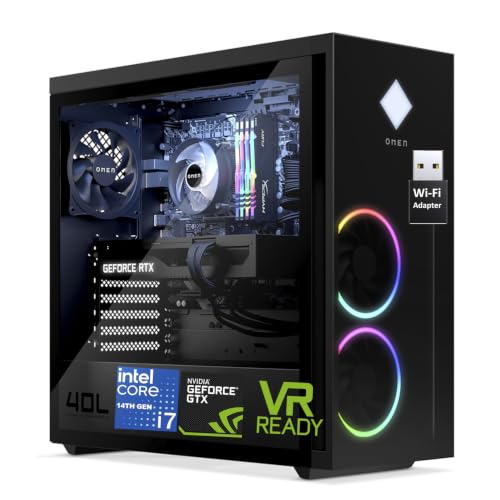
HP's Omen line and Dell's Alienware line offer large company support, clean design, and frequent sales. Both can use proprietary power supplies or cases on some models, which limits future upgrades, and prices are higher for similar parts. They suit buyers who prefer a large brand with retail style service and a simple purchase. For wider coverage, see our guide to the best pc gaming companies.
How to Choose Between Brands
Choose by parts first, then by company. Match the graphics card to the games and monitor you use, confirm at least 16 GB of memory and a fast solid state drive, and make sure the power supply has headroom. Then compare two or three companies at the same price, favoring the one with the clearest parts list, the better warranty, and room to upgrade.
Check recent owner comments for the exact model, since quality can vary by line. Look at the return policy and shipping costs, and keep the box until you have run your games for a few days. Our guide to the best prebuilt gaming company goes deeper on how builders compare, and the best pc prebuilt companies guide covers the wider PC market.
Common Mistakes to Avoid
- Judging a system by the graphics card alone, ignoring the power supply, memory, and storage.
- Skipping the parts list, which can hide weak components.
- Buying a proprietary case that cannot take standard upgrades.
- Ignoring fan noise and temperatures, which affect comfort and lifespan.
- Forgetting the cost of a monitor, keyboard, and mouse when planning a budget.
Setting Up a New Prebuilt PC
Inspect the case for shipping damage and look inside for loose cables or packing foam before turning it on. Update the operating system, graphics drivers, and motherboard firmware, then install games gradually. Give the PC space to breathe, with vents clear of walls and cabinets, and clean dust filters regularly. Back up saves and documents from the start, and keep your order records and parts list in one place for warranty claims or upgrades.
Frequently Asked Questions
Is a prebuilt PC better than building my own?
A prebuilt PC offers assembly checks, warranty, and support in one package, which suits many buyers. Building your own can save money and give full control, but takes time and skill. Choose prebuilt if you value convenience and a single point of support.
What parts should a company list clearly?
The processor, graphics card, memory speed and capacity, storage type and size, motherboard, power supply wattage and brand, and cooling system. Vague labels do not let you compare value fairly.
How important is the power supply in a prebuilt PC?
Very important. A weak or low quality power supply can cause crashes and limits upgrades. Look for a reputable brand, enough wattage for your graphics card, and a stated efficiency rating.
Can I upgrade a prebuilt gaming PC later?
Most systems with standard parts can take more memory, extra storage, or a stronger graphics card. Check case size, power supply wattage, and spare slots before you buy, and be cautious with proprietary parts.
What warranty should I expect on a prebuilt PC?
Terms vary, so read them for the exact model. A clear period covering parts and labor, a simple repair process, and fair return shipping rules are good signs.
Final Thoughts
Judge a builder on parts transparency, build quality, warranty, and upgrade room rather than price alone. CyberPowerPC and iBUYPOWER offer broad value, Skytech offers graphics power per dollar, MSI offers matched parts, and HP and Alienware offer large company support. The best company for prebuilt gaming pc is the one whose exact system you have checked part by part, so compare your shortlist in the product table at the top of the page and read the parts list before you buy.