Best Compact PC Cases: A Buying Guide 2026
Disclosure: We may earn a commission when you buy through links on this page, at no extra cost to you. As an Amazon Associate I earn from qualifying purchases. Learn more

Best compact PC cases for small desks: check graphics card and cooler clearance, airflow, power supply fit and motherboard size.
Choosing best compact pc cases starts with a simple question: how much room do you really have, and what parts must fit inside it? A small case can look neat on a desk, yet it can also force tight cable runs, warm air, and parts that do not fit. This guide explains how to measure your space, check clearances, and compare layouts before you buy, so the comparison table below becomes easier to read.
A compact case is not just a smaller box. It changes how air moves, how easy upgrades are, and how much noise reaches you. The right choice balances desk space, cooling room, and room for the parts you plan to keep. Read the sections below in order, and you will know which layout suits a quiet office build, a living room setup, or a stronger gaming rig in a small footprint.





Three Ways to Spend on a Small Build
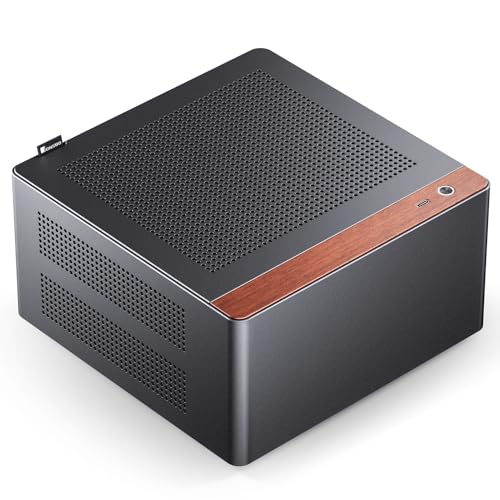
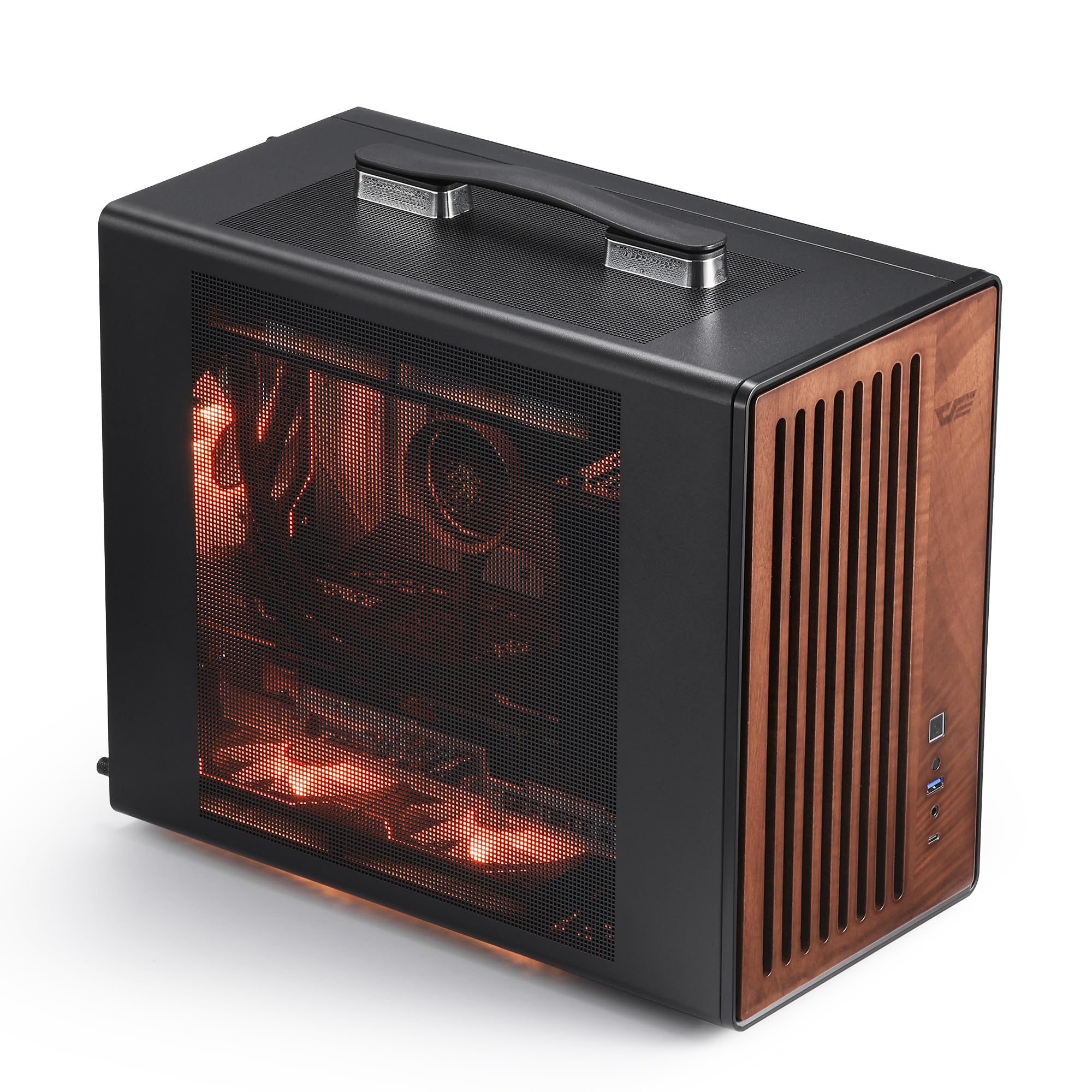
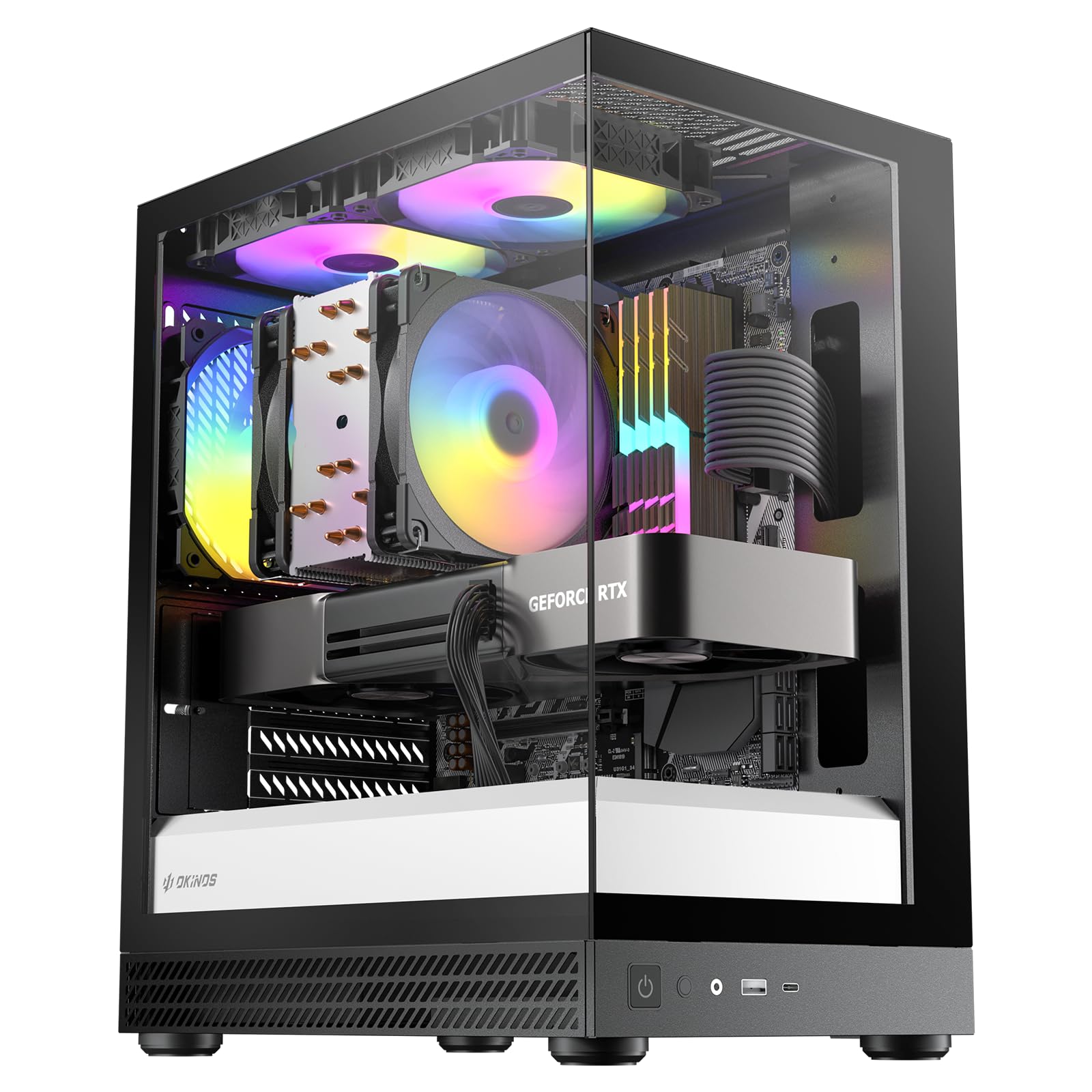
Spending on a compact case is less about looks and more about clearance, airflow, and build quality. A low price can still work for a simple office machine, while a stronger build may need better panels, more fan mounts, and sturdier materials. Use these three spending bands as a starting point, then check the details in the buying guide below.
A Tight Budget Build
A tight budget build suits a basic office PC, a media machine, or a school computer with modest parts. Look for a case that fits your motherboard size, leaves room for cables, and includes at least one intake and one exhaust fan position. Steel panels and simple dust filters are fine here, as long as vents are not blocked by a wall or a desk shelf. Spend the savings on a reliable power supply rather than on lights or glass panels.
A Balanced Everyday Build
A balanced everyday build suits a home office PC that also handles photo editing, video calls, and light gaming. At this level, look for a removable dust filter, a cable channel behind the motherboard tray, and room for a taller CPU cooler or a longer graphics card. A mesh front panel often helps air move more freely than a solid front panel. Check that drive mounts do not block airflow to the main parts.
A Roomier Small Build for Stronger Parts
A roomier small build suits a stronger gaming or creator PC that still needs to sit on or under a desk. Look for wider clearance for a long graphics card, support for a larger air cooler or a liquid cooler radiator, and several fan mounts. Better cable space matters here, because thick cables can block air in a tight case. A sturdy frame also helps when the case is moved for cleaning or upgrades.
How to Choose the Best Compact PC Cases
The sections below cover the checks that matter most. Work through them before ordering, and write down your measurements so you can compare cases without guessing.
Measuring for Size and Portability
Measure the width, depth, and height of the space where the case will sit, then add room for cables at the back and air at the front and sides. A case that fits exactly into a shelf may run warm if vents press against wood or a wall. Also check doorways, stairs, and desk weight limits if you plan to move the PC often. A lighter case with a handle or a simple shape is easier to carry than a heavy case with sharp edges.
Graphics Card and Cooler Clearance
Clearance is the most common reason a small build goes wrong. Check the maximum graphics card length, the maximum CPU cooler height, and the power supply length listed for the case, then compare each one with your parts. Leave a small margin so cables and fan blades have room to move. If you plan to upgrade later, choose a case with a little extra length and height rather than one that fits only your current parts.
Cooling and Thermals
Cooling in a small case depends on a clear path for air. Cool air should enter at the front or bottom, pass over the main parts, and leave at the rear or top. Mesh panels, well placed fan mounts, and a tidy cable layout all help that path stay open.
A liquid cooler can help in some layouts, but it also needs radiator space and hose room. Check fan sizes and positions, and plan for dust filters you can reach and clean.
Power Supply Quality and Fit
A power supply must match the case form factor, so check whether the case takes a standard ATX unit, a smaller SFX unit, or a unit made for that layout. A modular power supply helps in a small case because you can leave unused cables out of the box. Choose a unit with enough wattage headroom for your parts, and follow maker guidance on ventilation and cable routing. A noisy or hot power supply can make an otherwise quiet build hard to live with.
Motherboard Size and Storage Mounts
Motherboard size decides how many expansion slots and memory slots you get, and it also decides which cases fit. Mini ITX boards suit the smallest cases, while micro ATX boards suit slightly larger cases with more room. Check drive mounts for solid state drives and hard drives, and note whether a drive cage blocks a long graphics card. A case with tool free drive trays and clear cable paths makes later upgrades much simpler.
Case Size, Airflow, and Looks
Case size, airflow, and looks must be judged together. A very small case may need careful part choices, while a slightly larger compact case may run cooler and quieter. Mesh fronts favor airflow, solid fronts favor a cleaner look, and glass sides favor showing parts but need regular cleaning. Pick a finish that resists fingerprints and scratches if the case sits where hands and pets reach it often.
Types of Compact Cases Compared
The table below compares common compact layouts by board size, clearance, and best use. Use it to narrow your choice, then read the detail sections for each layout.
| Layout | Board size | Best for |
|---|---|---|
| Mini ITX tower | Mini ITX | Very small desks |
| Micro ATX tower | Micro ATX | Balanced small builds |
| Slim or cube case | Mini ITX or micro ATX | Media centers and shelves |
Mini ITX Towers
Mini ITX towers suit the smallest desks and the tidiest setups. They take one small motherboard and usually one graphics card, so part choices must be checked with care. Cable space is limited, and a modular power supply helps a great deal. These cases suit a quiet office PC or a living room machine, provided cooling and clearance are planned before buying.
Micro ATX Towers
Micro ATX towers suit buyers who want a small case with a little more room. They take a slightly larger motherboard, often with more memory slots and more drive mounts. Airflow is usually easier to manage than in the smallest towers, and longer graphics cards fit more often. These cases suit a home office PC that may gain a second drive or a stronger graphics card later.
Slim and Cube Layouts
Slim and cube layouts suit media centers, shelves, and rooms where a tall tower would look out of place. Slim cases often use low profile parts, so cooler height and card height need close checks. Cube cases can offer good airflow in a wide, short shape, but they need desk depth and side clearance. Measure shelf height and depth before choosing either layout.
Setup and Care Tips
Good setup habits keep a small PC cool and easy to service. Use these tips after the parts are installed.
- Clean dust filters and fans every three months, or more often in a dusty room, so airflow stays strong.
- Update graphics drivers and firmware with care, and follow maker guidance before changing BIOS settings.
- Watch temperatures with free monitoring tools during heavy use, and move the case if vents are blocked.
- Use a surge protector, keep cables away from fan blades, and leave the case on a firm, level surface.
- Label spare cables and keep the manual nearby, so later upgrades do not require a full rebuild.
For related parts, see our guide to the best itx pc cases when you want the smallest tower layouts, and our guide to the best matx pc cases when you want a little more room. If cooling is your main concern, our guide to the best pc case fans explains fan sizes and placement, while our guide to the best pc tablets covers a different kind of compact computing.
Frequently Asked Questions
Can a compact case fit a full size graphics card?
Some compact cases can fit a full size graphics card, but many cannot, so the card length limit is the first number to check. Measure the card from bracket to end, then compare it with the case limit and leave room for cables at the front. Drive cages, front fans, and radiator mounts can all reduce the usable length. If your card is close to the limit, choose a case with a longer clearance rating or a shorter card design.
How much airflow does a small case need?
A small case needs a clear intake path and a clear exhaust path, even when the total fan count is low. One intake fan and one exhaust fan can work for a modest build, while a stronger build often needs two intakes and one exhaust. Mesh panels help, but they also need regular dust cleaning. Keep the case away from walls and curtains, and route cables behind the motherboard tray so air can reach the main parts.
What motherboard sizes fit compact cases?
Mini ITX boards fit the smallest compact cases, and micro ATX boards fit slightly larger compact towers. A standard ATX board rarely fits a truly compact case, so check the case specification for supported board sizes before ordering. Also check the number of expansion slots, because a small board may leave less room for extra cards. If you need more slots later, a micro ATX tower is usually the safer choice.
How do I keep a small case cool and quiet?
Keep a small case cool and quiet by giving air a straight path, using larger fans at lower speeds, and cleaning dust filters on a schedule. Larger fans move more air with less noise than small fans at high speed. A tidy cable layout also matters, because loose cables can block intake air and create hot spots. If noise stays high under light use, check fan curves in the system settings and look for a blocked vent.
What should I check before moving a compact PC?
Before moving a compact PC, shut it down fully, unplug the power cable, and check that heavy parts are secure. A tall air cooler or a long graphics card can stress its mount during transport, so support the case from below rather than by a side panel. Keep the case upright when possible, and let it reach room temperature before powering it on after a cold trip. After moving, check that no cables have shifted into a fan.
The Bottom Line
Start with measurements, then check graphics card length, cooler height, power supply size, and motherboard size in that order. Airflow and cable room matter as much as outside dimensions, and a slightly larger compact case often runs cooler and quieter than the smallest option. When you weigh those checks against your desk space and your plans for upgrades, best compact pc cases become much easier to compare, and the product table above can guide your final shortlist.