
Best Company for Gaming Laptops: Cooling, Support, and Value for 2026
Disclosure: We may earn a commission when you buy through links on this page, at no extra cost to you. As an Amazon Associate I earn from qualifying purchases. Learn more
Compare the best company for gaming laptops on cooling, screens, build, warranty, and value so you can pick a maker that holds up in long sessions.
A gaming laptop is only as good as the company that cooled it, built it, and will repair it. Two machines with the same graphics chip can run very differently once the fans spin up, and support quality decides what happens when a hinge loosens or a battery fades. This guide compares the best company for gaming laptops by cooling, screens, build, warranty, and software, so you can choose a maker rather than just a spec sheet.
The product table at the top of the page lists current models from several makers. The sections below explain what each company does well, where it cuts corners, and how to read those listings with a realistic eye.

What Makes the Best Company for Gaming Laptops?
Four traits matter most. First, cooling design, because a laptop that throttles after twenty minutes wastes its expensive graphics chip. Second, screen quality, including refresh rate, brightness, and color accuracy. Third, build and serviceability, such as a sturdy hinge, a keyboard that feels good for hours, and access to the SSD and memory for upgrades. Fourth, warranty and support, including whether the company offers repair in the United States and clear battery and driver updates.
Cooling and Noise
Thicker laptops usually cool better, while thin models trade fan noise and sustained speed for portability. Look for multiple fans, large vents, and a performance mode switch so you can choose between speed and quiet. Brands differ in how much power they let the chip use, so two laptops with the same graphics name can post different frame rates in long sessions.
Screen Quality
Refresh rate and response time matter most for fast shooters, while color coverage matters for people who also edit photos. Check that the panel is bright enough for a lit room and that the maker lists its refresh rate honestly for the exact model. Resolution should match the graphics power, since a higher resolution screen asks more of the chip.
Keyboard, Ports, and Upgrades
A comfortable keyboard with clear key travel and a trackpad that does not flex improves daily use more than another few frames per second. Count the ports you need, especially a wired network jack, a fast USB C port, and an HDMI or DisplayPort output for a monitor. Some makers use sockets for memory and storage that you can upgrade later, while others solder parts to the board, so check before you buy.
Top Gaming Laptop Companies at a Glance
Prices in the table span from budget friendly entry machines to flagship systems that cost several times more. The profiles below describe each maker's strength, its main weakness, and the buyer it suits. For a model level view of what separates a solid machine from a weak one, see our guide to the best quality gaming laptops.
ASUS
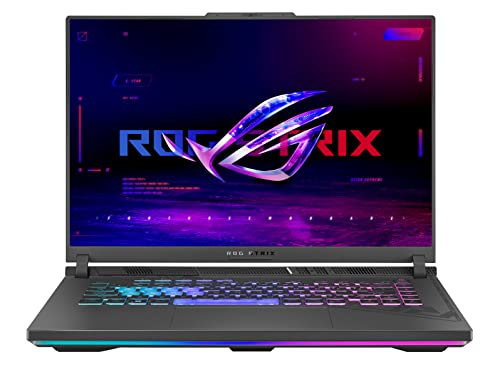
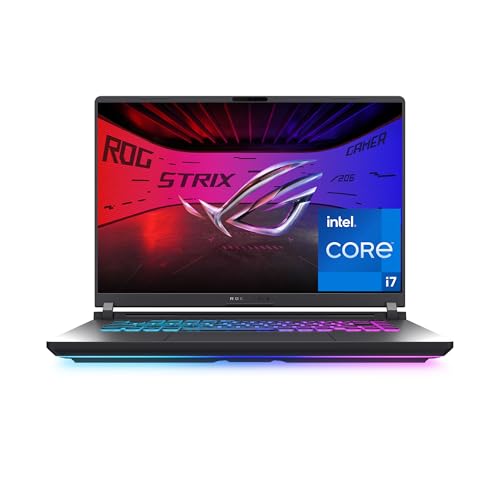
ASUS makes the broadest gaming range, from the value minded TUF line to the performance focused ROG Strix and Zephyrus families. Cooling is generally strong, screens are fast, and the software gives detailed control over fans and lighting. Weaknesses include a confusing lineup with many similar names and prices that climb quickly on flagship models. ASUS suits players who want a clear performance tier and a large choice of sizes.
Lenovo
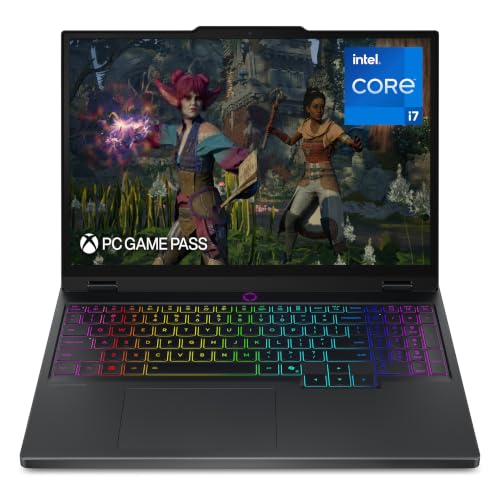
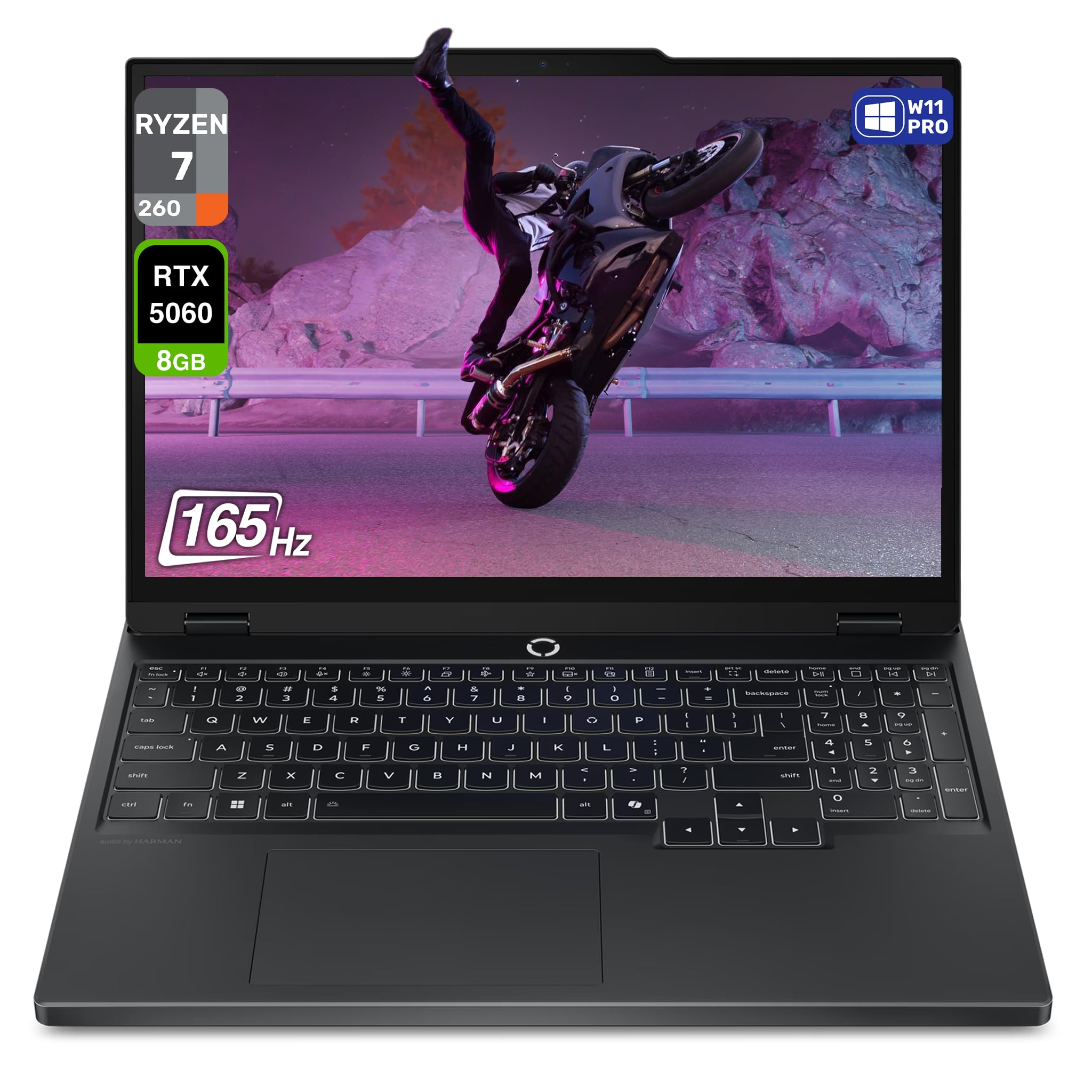
Lenovo's Legion line is known for excellent keyboards, understated styling, and cooling that keeps performance steady. Bodies are sturdy and often easy to open for upgrades. The drawbacks are a heavier carry weight on bigger models and a smaller share of ultra cheap options. Lenovo suits players who type and play for long sessions and prefer a machine that does not look like a toy.
MSI
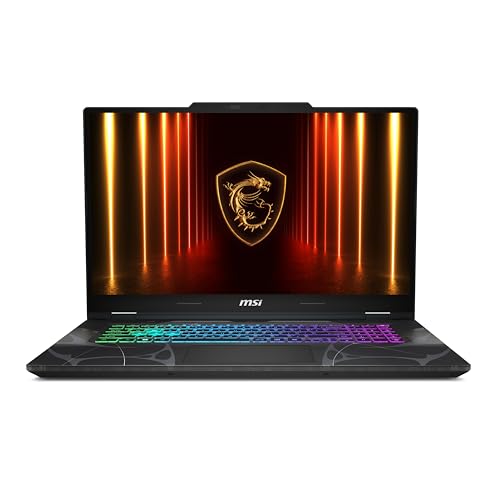
MSI focuses entirely on gaming and creator machines, with a wide range of sizes and strong graphics options at each price. Its entry lines are among the more affordable ways to get a current graphics chip. Battery life tends to be short, and support experience varies, so read the warranty terms for the exact model. MSI suits budget focused players who care more about frame rates than slim design.
Acer
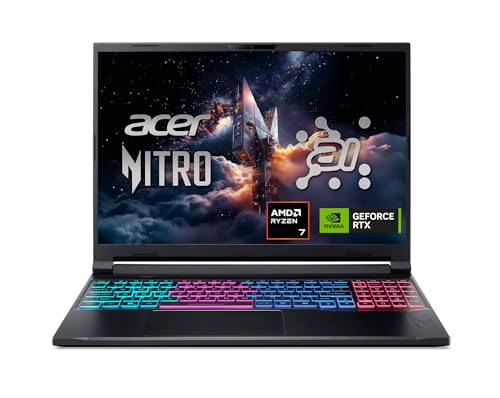
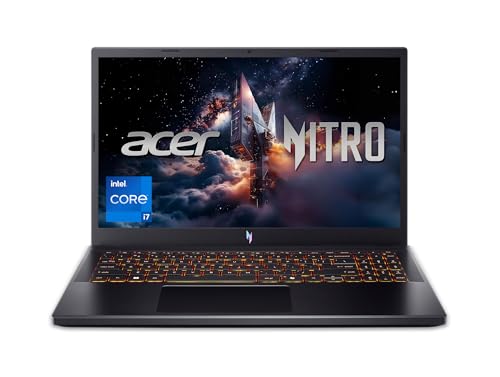
Acer's Nitro and Predator lines compete on value, with many models that bring current graphics and fast screens at lower prices than rivals. Predator models add stronger cooling and better build. Entry models can feel plasticky and run loud under load. Acer suits students and first time gaming laptop buyers who want solid performance without paying for premium finish.
HP and Alienware
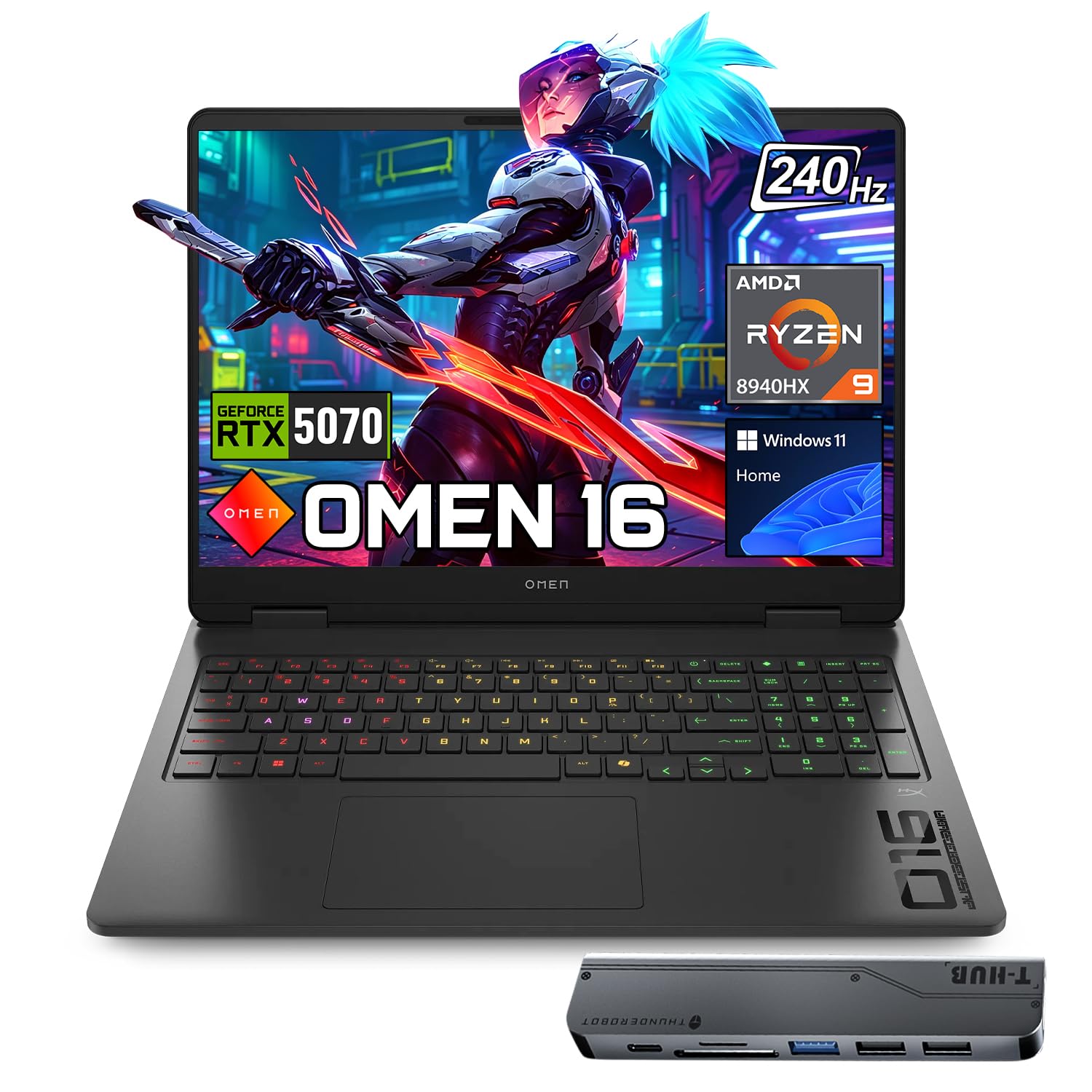
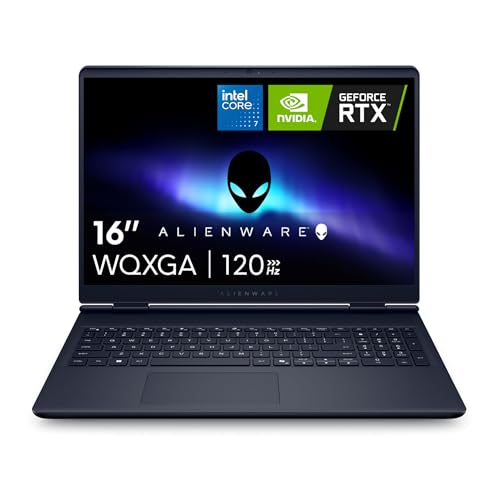
HP's Omen line balances clean styling, good screens, and reasonable cooling, and its Slim models carry well. Alienware, from Dell, goes for bold design, strong cooling on its Area-51 line, and premium pricing. Both brands often run sales that cut the sticker price. HP suits players who want a less flashy look, while Alienware suits those who want striking design and are willing to pay for it. For a wider comparison of laptop makers, see our guide to the best laptops companies.
How to Choose Between Brands
Choose the model before the logo. Compare the exact graphics chip, processor, memory, storage, screen, and cooling notes on the listing, because one maker can sell a strong laptop and a weak one in the same month. Match graphics power to your games and monitor resolution, and avoid paying for a flagship chip if your screen and games will not use it.
Then compare price per performance tier across at least two makers, read the warranty length, and check the return window so you can judge fan noise and heat at home. If budget is your priority, our guide to the best inexpensive gaming laptops shows which features are safe to give up.
Common Mistakes to Avoid
- Judging a company by one flagship model, when its budget and mid range laptops can differ greatly in cooling and build.
- Buying a thin laptop for long gaming sessions, then finding it throttles when it gets hot.
- Ignoring memory and storage, since 8 GB of memory or a small drive limits modern games quickly.
- Skipping the warranty fine print, especially what is covered for battery and hinges.
- Forgetting accessories such as a mouse, a headset, or a cooling stand that make a laptop comfortable for play.
Care and Everyday Use
Keep vents clear, play on a hard surface rather than a bed or sofa, and clean dust from the vents with the laptop off and cool. Update graphics drivers from the chip maker, and apply firmware and system updates from the laptop maker. Let the machine cool before packing it, and avoid leaving it plugged in at full charge for days if the software offers a battery limit mode.
If you want a deeper look at how gaming laptop makers compare in general, our guide to the best gaming laptops companies covers the same question from the brand side.
Frequently Asked Questions
Which company makes the most reliable gaming laptops?
No maker is perfect, but Lenovo and ASUS have a strong reputation for sturdy builds and cooling, while HP, Acer, and MSI offer good value with more variation between models. Read recent owner comments for the exact model, and pay attention to repeated mentions of fan noise, hinge problems, or battery wear.
Is a more expensive gaming laptop always better?
Not always. Higher prices usually buy a stronger graphics chip, a better screen, and sturdier cooling, but a mid priced laptop with good cooling can beat a costly thin model in long sessions. Match the chip to the games and screen you actually use.
How much memory and storage do I need?
Aim for at least 16 GB of memory and a solid state drive of 512 GB or more, since many current games take large amounts of space. Machines with upgradeable slots let you add more later at a fair price.
Are gaming laptops good for school or work too?
Yes, they handle schoolwork, video editing, and design tools well, though they are heavier and have shorter battery life than ultrabooks. A model with a sober design and a good webcam suits shared use.
How long does a gaming laptop last?
Many last four to six years of useful play, with the graphics chip aging faster than the rest. Good cooling, clean vents, and a replaceable battery all extend life, and a longer warranty offers extra protection.
Final Thoughts
Pick the maker whose cooling, support, and price tier match how you play. ASUS offers range, Lenovo offers comfort and steady performance, MSI and Acer offer value, and HP and Alienware offer style. The best company for gaming laptops is the one whose warranty and cooling you have checked for the exact model, so compare your shortlist in the product table at the top of the page and order from a seller with a fair return window.


