
Best Compact Laptops: Buying Guide 2026
Disclosure: We may earn a commission when you buy through links on this page, at no extra cost to you. As an Amazon Associate I earn from qualifying purchases. Learn more

Compare the best compact laptops by weight, keyboard feel, screen size and battery life, from budget Chromebooks to the MacBook Air.
Shopping for the best compact laptops means balancing portability against comfort. A small machine slides into a tote or a seat-back pocket, but a screen that is too tight or a keyboard with cramped keys will wear on you by the end of the first week. The product table below shows current options from 11 inches up to 15 inches, and this guide explains how to read them.
Compact usually means a 13 or 14 inch screen, a body that fits in a small bag, and a power brick you will not mind carrying. Chromebooks, Windows ultraportables and the MacBook Air all sit in this range, and each suits a different kind of owner.
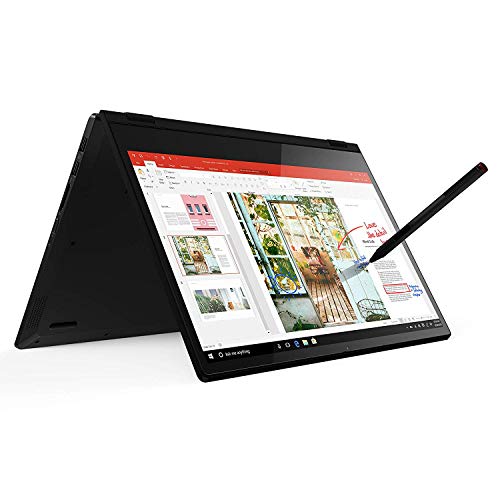

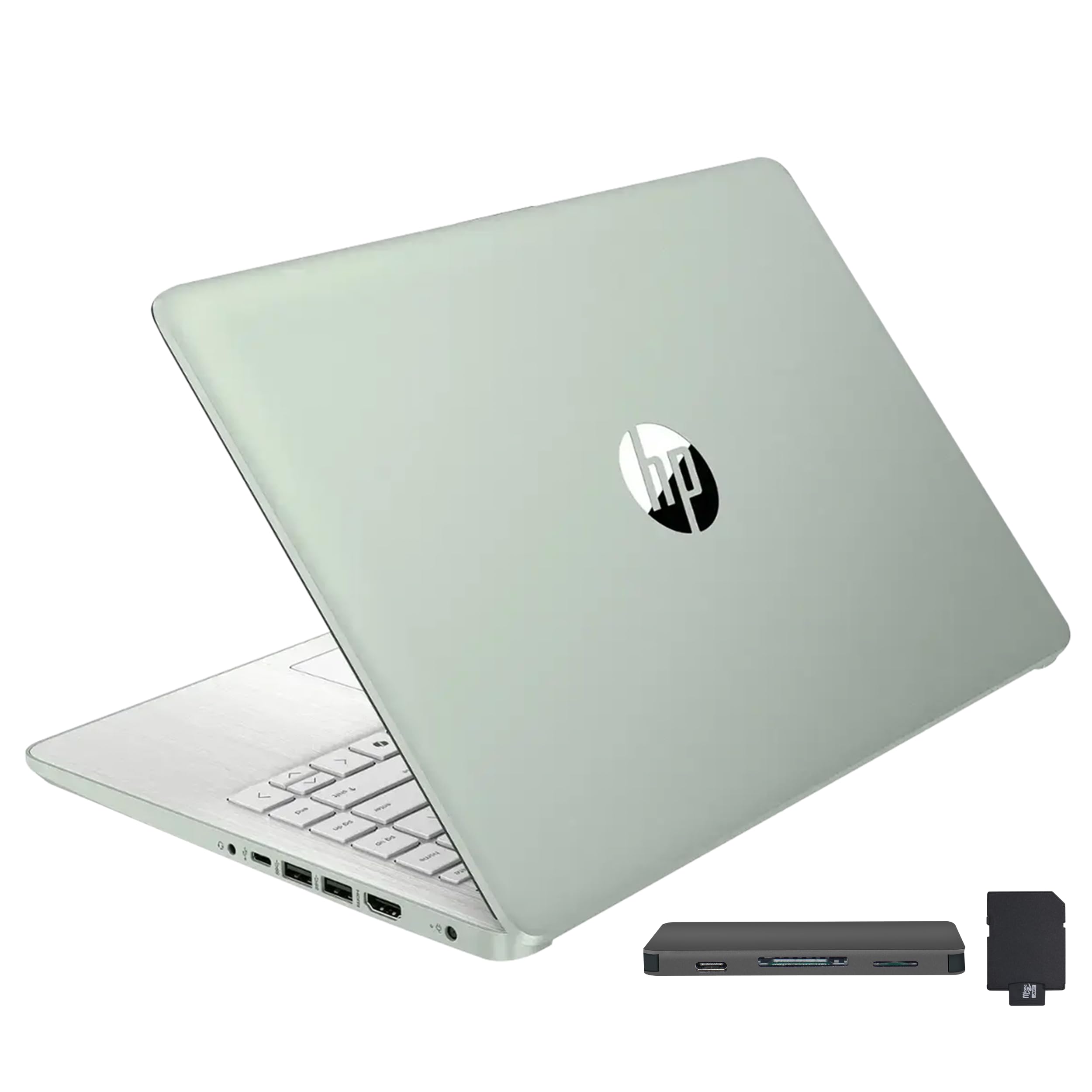

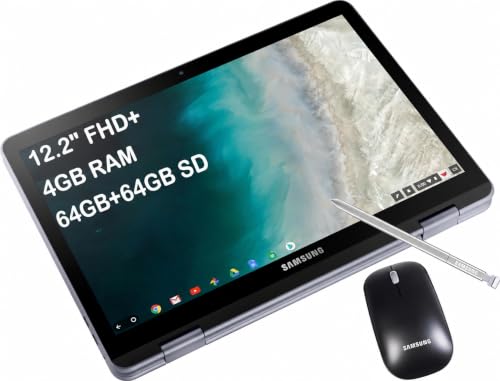
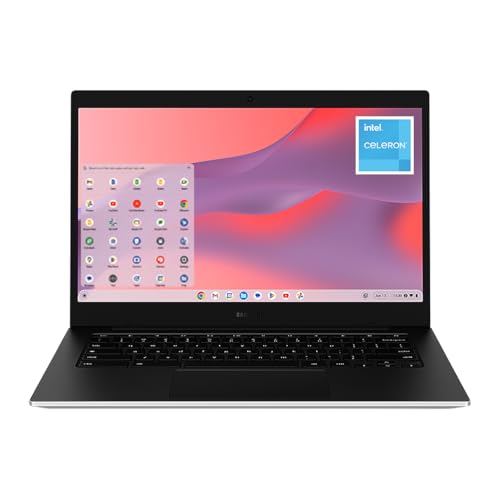


Who Compact Laptops Suit
Students who walk between classes, commuters who work on a train, and people who move from the sofa to the kitchen table all benefit from a lighter machine. If you mostly type, browse, join video calls and edit documents, a compact laptop covers nearly everything you need.
They are a weaker fit for heavy video editing, large spreadsheets spread over several windows, or modern games. Those jobs push a small chassis hard, and a larger laptop with better cooling will feel calmer.
Chromebook, Windows Or Mac
Chromebooks for simple daily work
Chromebooks start up fast, update themselves and stay light. They suit school work, web apps and streaming. If your essential software only runs on Windows or macOS, check that before choosing one.
Windows ultraportables for flexibility
Windows laptops in a 14 inch body run the widest range of desktop software. Many offer touchscreens and fold-back hinges. Look at the storage type and memory, since a slow drive makes even a modern processor feel sluggish.
The MacBook Air for long, quiet use
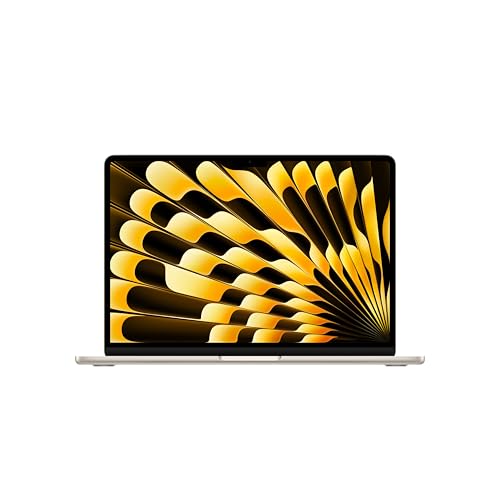
The 13 inch MacBook Air is a reference point for thin design and silent running. It costs more than most Windows options, so decide whether the ecosystem with an iPhone and iPad is worth the premium for you.
Features That Matter In A Small Laptop
Weight with the charger
Picture the laptop plus its charger in your bag. A machine that feels light in a shop can feel heavy after a long day, so compare listed weights and check whether a USB-C charger is included.
Keyboard and trackpad
Small bodies sometimes shrink the keys or crowd the arrow cluster. Read buyer comments about typing comfort, because you will touch this part of the machine all day.
Screen size and brightness
A 14 inch panel gives noticeably more working room than an 11 inch one while adding little to the footprint. A bright, anti-glare finish helps in cafes and near windows.
Battery life and charging
Claimed hours are measured under light loads. Plan on less if you stream video or keep the screen bright, and favor models that charge over USB-C so one cable can serve a phone too.
Ports
Thin laptops tend to drop ports. A headphone jack and at least one regular USB-A socket save you from carrying adapters.
Memory And Storage Basics
For Windows, 8 GB of memory is a sensible floor for a browser with many tabs, while 4 GB works on a Chromebook for lighter tasks. Storage on budget machines is often small, so plan to use cloud storage or an external drive. Choose an SSD or flash storage over a spinning drive whenever the listing names the type.
Budget Ranges
Budget Chromebooks and basic Windows laptops sit in the low hundreds and handle school work. Mid-priced models add better screens, touch input and sturdier hinges. The top of the range, including the MacBook Air, adds premium materials and long battery life for a much higher price.
Spend more on the screen, keyboard and storage rather than on a faster processor you will rarely push. Those three parts shape daily comfort more than any benchmark number.
Common Mistakes
The first mistake is buying the thinnest model without checking the keyboard. The second is ignoring the operating system: a Chromebook cannot run every Windows program. The third is skipping the return window, which is the easiest way to learn whether the keyboard and screen suit you.
Also watch for listings that bundle extra software subscriptions into the title. Those can inflate the price without improving the hardware.
Looking After A Compact Laptop
Keep the vents clear, avoid charging on soft bedding and carry it in a padded sleeve. Update the system regularly and restart now and then. Replace a worn charger with one that matches the original rating instead of the cheapest cable you can find.
How To Compare Two Similar Models
When two laptops look alike on paper, line them up on four points: weight, screen size, storage type and the stated battery life. Then read buyer comments for the same models and look for repeated remarks about the keyboard, fan noise or the hinge. One complaint is noise; the same complaint ten times is a pattern worth believing.
Check the warranty and what the listing says about the seller. A laptop is a device you will rely on for years, so clear support terms matter more than a small discount.
Setting Up A Small Laptop For Comfort
A compact screen can be sharper than it is large, so adjust the display scaling until text is easy to read without leaning in. Place the laptop on a stand or a stack of books when you work at a desk for hours and add a separate keyboard if your wrists complain. A small mouse in the same bag turns a travel laptop into a capable home workstation.
Related Reading
If you want a different slice of this category, read about the best notebook laptops, a smaller-screen choice in best ultra compact laptops, a study-focused list of best compact laptops for students, or the performance angle in best compact gaming laptops.
Frequently Asked Questions
What screen size counts as compact?
Most buyers treat 11 to 14 inches as compact. Thirteen and 14 inch screens give the best balance of working room and portability.
Is a Chromebook enough for school?
For writing, research, video lessons and web-based apps, yes. Confirm that any required software has a web or Android version first.
Do compact laptops get hot?
Thin bodies have less room for cooling, so they warm up under heavy tasks. Light work such as browsing and documents is usually comfortable on the lap.
How much memory do I need?
Eight gigabytes suits most Windows users. Go higher if you keep many tabs and apps open for years.
Can I upgrade a compact laptop later?
Often not. Memory is frequently soldered, so buy the amount you need now.
Final Thoughts
The right pick among the best compact laptops is the one whose keyboard, screen and operating system suit your routine. Review the product table above, shortlist two or three models, and use the return window to confirm that the machine is comfortable to carry and to type on.


