
Best Compact Laptops under 500: Types Compared and How to Choose (2026)
Disclosure: We may earn a commission when you buy through links on this page, at no extra cost to you. As an Amazon Associate I earn from qualifying purchases. Learn more

The best compact laptops under 500 come as budget laptops, ultraportables and 2 in 1s; this guide compares each type's strengths, limits and ideal user.
Shopping with a firm ceiling changes every decision. At this budget you will see small Windows laptops, Chromebooks, and a few slim ultraportables that look similar in photos yet behave very differently in daily use, and finding the best compact laptops under 500 mostly means picking the right type before you compare individual models. This guide compares the main types honestly, shows what each one gives up, and the product table lists current models to compare.
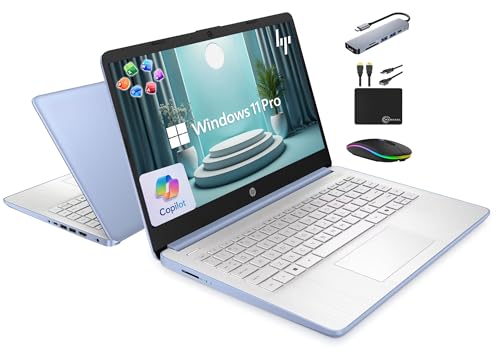

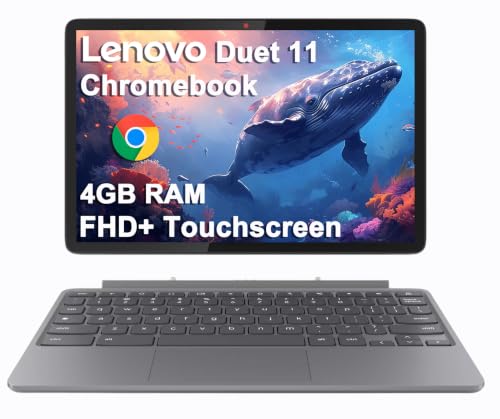


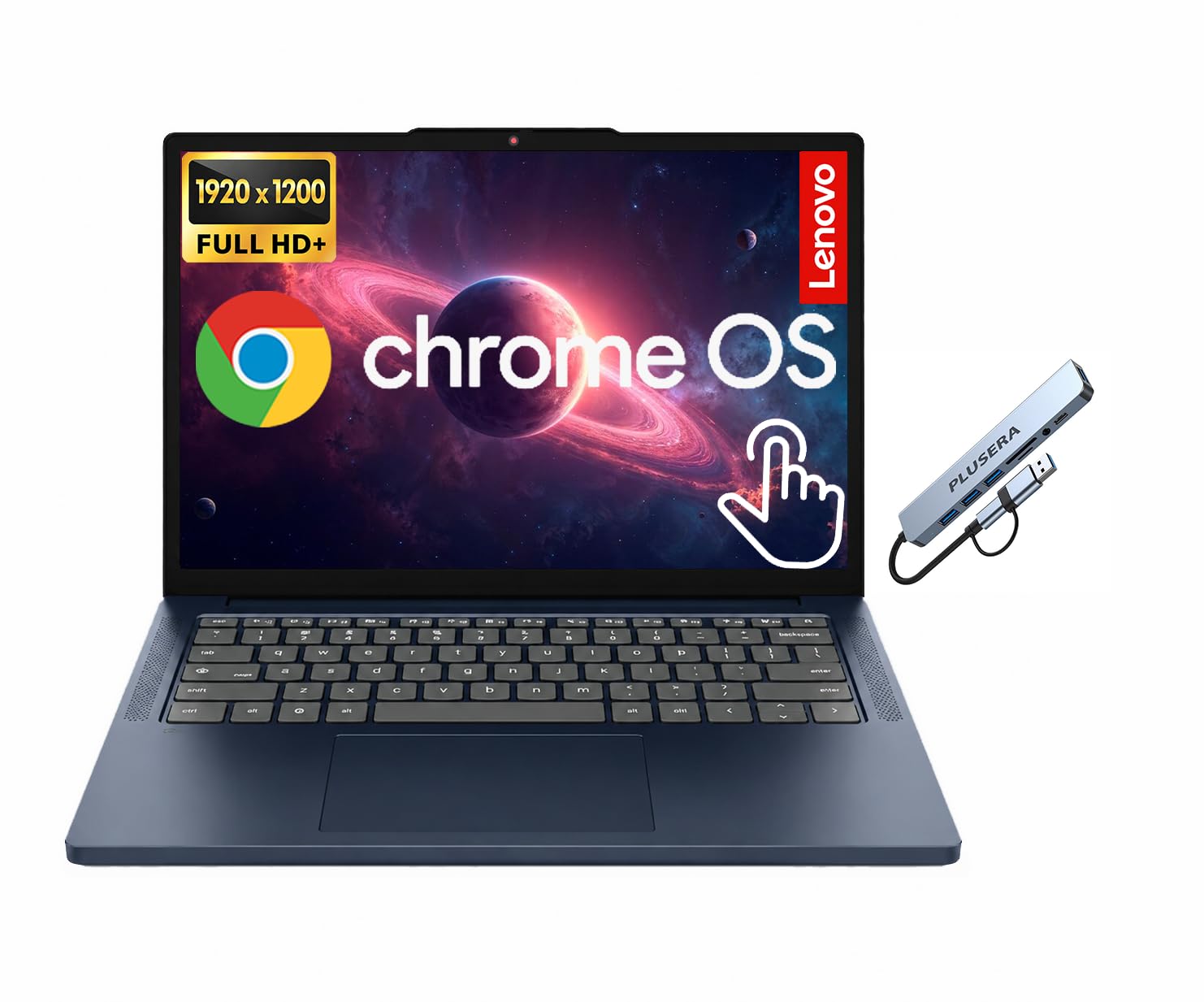


Types of Compact Laptops Compared
Price alone tells you little at this level, because a dollar spent on a better screen is a dollar not spent on memory. The three types below cover nearly everything sold in this range. Read the one that matches your routine, then use the choosing section to check the details that separate a good example of that type from a poor one.
Budget Laptops
Budget laptops are the traditional choice: a small Windows or ChromeOS machine built around an entry level processor, 8 GB of RAM, and 128 GB to 256 GB of storage, usually priced around $250 to $450. They handle documents, browsing, email, and video calls without fuss, and Windows models run the widest range of software. The compromises are dimmer screens, plastic bodies, and slower charging. Choose this type if you need full desktop software on the lowest possible budget and can accept a screen that looks best indoors.
Ultraportables
Ultraportables prioritize thin bodies, low weight, and better screens, and at this price they usually appear as discounted older models or modest new ones around $400 to $500. You gain a metal or part metal chassis, a brighter display, and often a backlit keyboard, which makes them pleasant for daily carrying and long typing sessions. The trade off is performance headroom: processors are chosen for efficiency, and ports may be limited to USB C. Pick this type if you travel or commute daily and value comfort over raw speed.
2 in 1 Convertibles
A 2 in 1 convertible adds a touchscreen and a hinge that folds flat, so the machine doubles as a tablet for reading, drawing, or presenting. In this price range expect entry level processors and 8 GB of RAM, with prices around $350 to $500. They suit students and anyone who annotates documents by hand.
The costs are extra weight from the reinforced hinge, a glossy screen that reflects light, and stylus support that may require a separate pen purchase. Only pay for the folding design if you will actually use the tablet mode weekly.
Budget Laptops vs Ultraportables: Which Should You Choose?
Compare these two types on five points. On performance, budget Windows laptops and ultraportables often share similar processors, so real world speed is close. On screens, ultraportables usually win with brighter, sharper panels. On build, ultraportables feel sturdier, while budget models are cheaper to repair. On battery life, efficient ultraportables tend to last longer per charge.
On price, budget laptops leave room in your wallet for a mouse, a sleeve, or extra cloud storage. If you mostly work at one desk, choose the budget type and enjoy the savings. If the laptop rides in your bag every day, the ultraportable comfort is worth the premium. Shoppers who want the wider full size picture can also browse our guide to the best laptops 500 and under, which covers larger machines at the same ceiling.
How to Choose the Right Compact Laptop
Type is only the first filter. The checks below stop you buying a well priced machine with one fatal weakness, such as too little memory or a screen you cannot read near a window.
Weight and Portability
For daily carrying, stay under 3 lb for the laptop itself and check the charger weight as well, because a heavy power brick quietly cancels a light design. A 13 inch or 14 inch body fits most backpacks and small desks. If you work mainly at home, you can accept a little more weight in exchange for a larger screen or more ports. Weigh your current bag setup if you are unsure; many people are surprised how much the charger, mouse, and notebook already add.
Processor and Performance Tier
At this price, expect entry level Intel Core or AMD Ryzen processors, or efficient chips in Chromebooks. Paired with an SSD and 8 GB of RAM, they feel quick for browsing, documents, and streaming. They are not built for heavy video editing or large code projects.
Prioritize the SSD and memory over a small processor step up, because storage speed shapes everyday responsiveness far more. If a listing hides the exact processor name behind vague words like fast or powerful, treat that as a warning sign and look for the full specification.
Display Size, Resolution, and Brightness
Choose at least a Full HD resolution, written as 1920 by 1080, because lower resolutions make text look fuzzy on a 13 inch or 14 inch screen. Brightness matters outdoors and in bright classrooms: look for around 300 nits or more. An IPS panel gives wider viewing angles for sharing a screen with a classmate or colleague.
OLED screens appear rarely at this price and usually come with cuts elsewhere. Also check whether the screen is matte or glossy if you work near windows, since glare tires your eyes over a long day.
Measuring for Size and Portability
Measure your bag pocket and your usual desk space before ordering, and compare both against the listed width and depth, not just the screen size, because two 14 inch laptops can differ by an inch in footprint thanks to bezels and hinges. Leave room for the charger and a mouse if you carry them. A practical check is to cut a piece of cardboard to the listed dimensions and slide it into your bag. That thirty second check prevents the most common size disappointment.
What You Can Realistically Get Under $500
Around $500 buys a competent compact laptop, not a fast one. Expect a good screen, an SSD, and all day battery for light work, but not a dedicated graphics card, not 1 TB of storage, and rarely more than 8 GB to 16 GB of RAM. Do not save money on the screen or the SSD, because you look at one and wait on the other constantly.
Do save money by skipping touchscreens you will not use and premium finishes. For a second view of the same budget from the desktop replacement angle, see our guide to the best computer laptops under 500.
Care and Maintenance Tips
A budget laptop that is cared for will outlast a neglected expensive one. Keep these habits from the first week:
- Keep the OS and firmware updated, since updates patch security holes and often improve battery behavior.
- Avoid running at 100 percent charge all the time; unplug at your desk when you can, and let the battery cycle during the week.
- Use a padded sleeve when commuting, because cracked screens from bag knocks are the most common budget laptop repair.
- Leave at least 15 percent of the SSD free, so the system stays responsive and updates install cleanly.
Gamers on this budget should set expectations carefully: light and older games run fine on integrated graphics, while new demanding titles will not. Our guide to the best laptops gaming under 500 explains the settings and compromises involved, and our overview of the best laptops under 500 dollars collects the wider category in one place.
Frequently Asked Questions
Can you get a good compact laptop under $500?
Yes, as long as good means reliable for browsing, documents, video calls, and streaming rather than fast at editing or gaming. The strongest value usually comes from a Full HD screen, an SSD, and 8 GB or more of RAM. One extra tip is timing: previous generation models often drop into this range when new versions launch, and they frequently offer better screens and build quality than brand new budget designs at the same price.
How much RAM does a compact laptop under $500 need?
Eight GB is the workable minimum for Windows and handles everyday multitasking if you keep tab counts reasonable. Sixteen GB is better for a machine you plan to keep for four years, and it appears in this range during sales. Chromebooks run smoothly on less because ChromeOS is lighter. Whatever you choose, check whether the memory is soldered, because many compact models cannot be upgraded later, which makes the initial choice permanent.
How long should a compact laptop last?
Expect three to five years of useful life, with battery wear the most likely first problem. A model with an SSD and 8 GB to 16 GB of RAM ages far better than one with a spinning hard drive. You can stretch lifespan by replacing the battery in year three rather than replacing the whole machine. Also budget for a charger replacement, since cables fray at the connector long before the laptop itself wears out.
Should I buy a laptop or a tablet?
Buy the laptop if it is your only computer, because full software, a proper keyboard, and easy file handling matter more than thinness over years of use. A tablet plus keyboard can cost as much and still limit multitasking. Tablets win only for reading heavy, annotation heavy work. A useful deciding question is whether you could write a long essay comfortably on the device in a library with no desk accessories at all.
Is a Chromebook enough for school?
For most schoolwork, yes, because documents, research, and classes all run in the browser, and Chromebooks are quick, secure, and simple to manage. The exception is any course that requires installed Windows or macOS software, such as some engineering or statistics tools. Check the course software list before buying. Also confirm the update expiry date printed in the specifications, since Chromebooks stop receiving updates after a set year, and a cheap model near that date is poor value.
Our Verdict
Choose the type first, then defend three things inside your budget: a Full HD screen, an SSD, and enough RAM for your routine. Do that and the best compact laptops under 500 choice becomes a short list instead of a gamble. Use the product table above to compare weight and battery claims across types, and spend any leftover money on a sleeve and backup storage rather than on a finish or a touchscreen you will rarely use.


