
Best Compact Projectors: Everything to Know Before Your First Purchase
Disclosure: We may earn a commission when you buy through links on this page, at no extra cost to you. As an Amazon Associate I earn from qualifying purchases. Learn more

Best compact projectors for first-time buyers: brightness in ANSI lumens, throw distance, resolution, ports and portability explained.
Buying a first projector feels different from buying a TV, because the picture depends as much on your room and wall as on the machine itself. This guide explains the best compact projectors in plain English, from how they work to the few specs that decide picture quality.
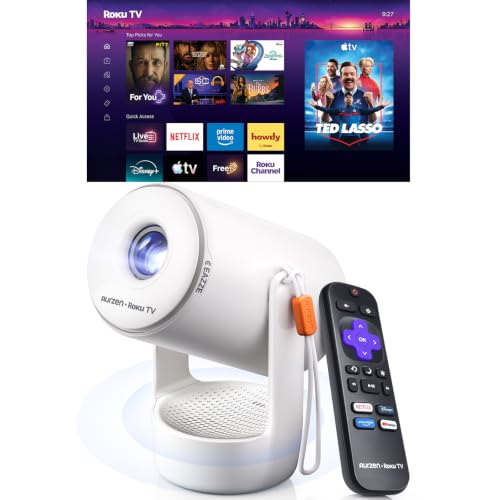
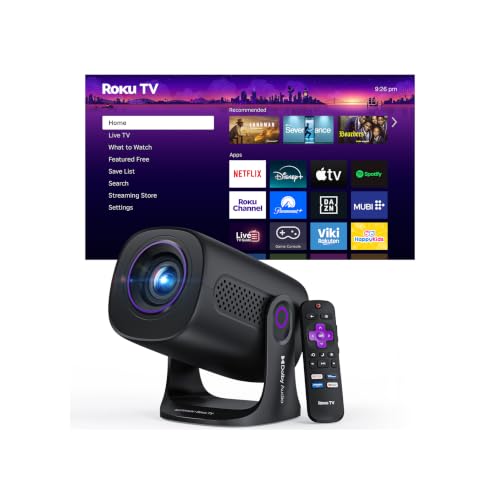
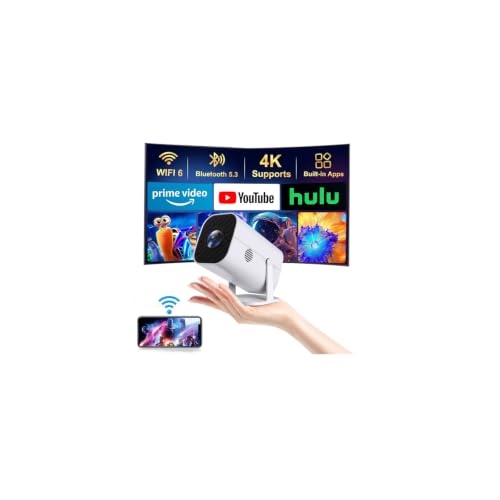
Compact models trade some brightness for a body you can carry between rooms and store in a drawer. The comparison table below lines up sizes, weights, and headline specs side by side.

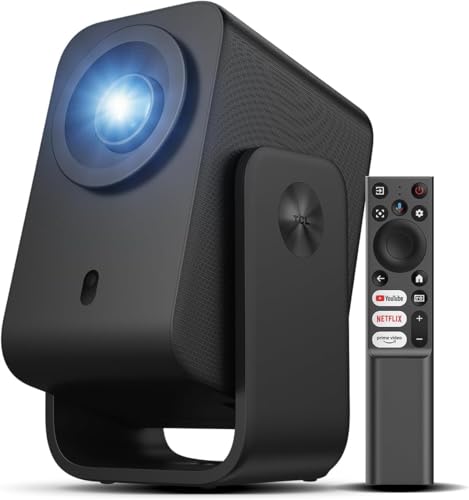

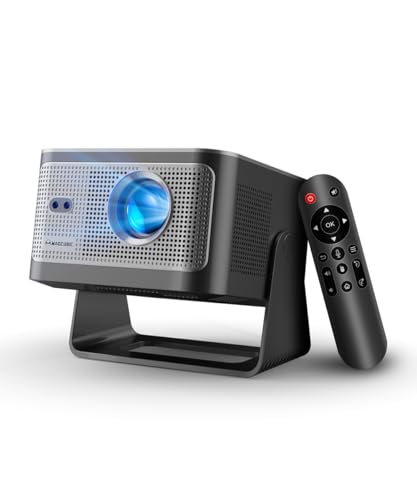
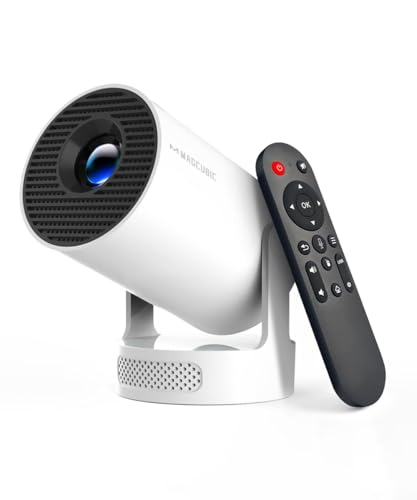

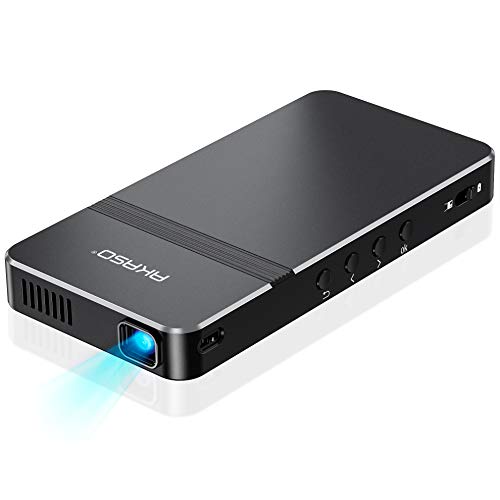

Compact Projectors 101: The Basics for New Buyers
A compact projector builds a large image from a light source, a display chip, and a lens, then throws it onto a wall or screen. Most weigh about 1 to 5 pounds and are close to the size of a hardcover book. They sit on a shelf, a tripod, or a coffee table, and store away between uses.
The light source is usually an LED or a small laser, and the image is formed by a DLP chip or small LCD panels. Many models add WiFi and Bluetooth for streaming and external audio. The very smallest units are covered in our guide to the best pico projectors, while compact models sit one step above them with a brighter, clearer picture.
Who Should Buy a Compact Projector?
The right buyer wants a big picture without giving a room over to a fixed screen and a bulky machine. Your room size, light control, and how often the projector moves should decide the choice.
Apartment Viewers Who Need the Room Back
If you rent or live in a small apartment, a compact projector gives you an 80 to 100 inch picture for movie night, then disappears into a closet the next morning. Look for a quiet fan, simple autofocus, and enough brightness for a shaded room. A plain light colored wall can work well, so you may not need a screen at all.
Travelers, Presenters, and People Who Move Often
This class suits anyone who shows photos, slides, or films in more than one place, from a bedroom to a small office. Weight, a protective case, and a battery or USB C power option matter more than the largest possible image. If even that feels bulky for daily carry, see our guide to the best pocket projectors first.
Bedroom and Dorm Viewers Who Watch in the Dark
A bedroom or dorm is close to ideal, because you control the light and the viewing distance is modest. A smaller image in a dark room looks bright and sharp even from a modest light source. Ceiling projection is popular in bedrooms, so check that the model can focus and correct the picture while pointing upward.
Key Specs Explained in Plain English
Only a handful of numbers change what you will actually see and hear, and this section explains each one in turn. Read it once and you will be able to judge the best compact projectors in the product table above without guessing.
Measuring for Size and Portability
Measure the space where the projector will sit and the wall it will fill. Note the clear wall width, the distance to your seating, and any windows that limit placement. The smallest bodies usually give up brightness, zoom range, and speaker power. Buy the smallest size that still meets your picture needs, not the smallest size you can find.
Light Source and Display Technology
Most compact models use a DLP chip or LCD panels, lit by an LED or a laser. DLP designs tend to be smaller and sharp, with strong contrast in dark rooms, though a small share of viewers notice brief color flashes on high contrast scenes. LCD designs avoid that effect and hold color brightness well, but the body is often a little larger. An LED or laser source needs no bulb changes, which makes it the simpler first purchase.
Placement, Mounting, and Focus Controls
Look for a tripod thread or mount holes on the base if you plan to use a stand or a ceiling mount, and confirm the mount rating covers the weight. Autofocus saves time each time you move the unit, while keystone correction squares the image when it sits at an angle. Use correction with care, because heavy digital correction crops the image and softens detail.
Connectivity and Ports
One HDMI port is the minimum to accept, since it carries picture and sound from a streaming stick, console, or laptop in one cable. HDMI 2.1 matters mainly for gamers who want the highest refresh rates at 4K, while standard HDMI handles movies well. USB C is worth having when it supports video input or power delivery, because one cable can then run a laptop presentation. Also check for USB A for a flash drive, an audio out jack, and WiFi for mirroring and built in apps.
Refresh Rate and Gaming Features
Refresh rate is how many times per second the projector draws a new frame, and most compact models run at 60 hertz. That covers films, shows, and casual play, since most streaming arrives at 60 frames per second or less. A few gaming models offer 120 hertz at 1080p and variable refresh rate through adaptive sync, which smooths frame pacing from a console or PC. Input lag matters more for most players, so look for a stated low lag game mode if you play fast games.
HDR and Brightness
Compare ANSI lumens whenever a listing gives them, because that measure follows a shared test method. Vendor lumen figures can look far larger for the same real output, which makes comparison unfair. A dark bedroom can look good at a few hundred ANSI lumens, while a lit living room needs well over a thousand. HDR support, usually HDR10 in this class, helps shadow detail, but peak brightness stays far below a good TV. If picture quality matters more, see our guide to the best quality projectors for what larger models add.
Rookie Mistakes to Avoid
Most first purchase regrets come from the room and the setup rather than the projector itself. Each mistake below is stated with the result it causes, so you can check your own plan before you order.
- Judging brightness by the largest lumen number on the box, which leads to a washed out picture because that number was not measured in ANSI lumens.
- Skipping the throw distance check, which leaves you with an image too large or too small for your wall at the only distance your room allows.
- Placing the projector far off center and leaning on heavy keystone correction, which crops the image and visibly softens text and fine detail.
- Assuming a projector that accepts a 4K signal displays a native 4K picture, which leads to disappointment when close viewing shows a softer 1080p image.
- Making no plan for sound, which leaves movie night relying on tiny speakers that sound thin at the volume a large picture calls for.
- Pointing the projector at a textured or colored wall, which adds bumps and a color cast that no picture setting can fully remove.
Getting Started: Setup and First Use
Place the projector on a stable surface at the distance your image size needs, roughly centered on the wall and level. Switch on, let autofocus run, then fine tune manually if text at the corners still looks soft. Connect your source by HDMI, or join WiFi and sign in to the streaming apps you actually use.
Next, choose the movie or cinema picture mode rather than the vivid mode most units ship with, since vivid pushes color and sharpness past natural levels. Play a scene you know well, with faces, dark clothing, and a bright window, and adjust brightness and contrast so shadow detail stays visible. Update the firmware while you are on WiFi, because early updates often improve autofocus, app stability, and fan behavior.
Outdoor use adds a level surface that will not tip and a clear power plan, since many yards lack a spare outlet near the screen. Brightness also falls off fast outside at dusk. If backyard viewing is a main goal rather than a bonus, see our guide to the best projectors for outside for the higher output that setting needs.
How to Make Your Compact Projector Last Longer
Care for this class is mostly about heat, dust, and the lens. Keep the air vents clear on every side, never run the unit on a bed or thick rug that blocks airflow, and let the fan finish its cool down cycle before you unplug it. Dust the vents gently with a soft brush, and clean any intake filter on the schedule the manual gives.
Treat the lens like camera glass, because that is what it is. Touch it only with a clean microfiber cloth, and keep the lens cover on during storage. Store the unit in its case or a padded drawer away from kitchen grease and bathroom steam.
Compact Projectors: Your Questions Answered
Does refresh rate matter for a compact projector if you do not play games?
No, refresh rate matters very little for a compact projector if you only watch films and shows. Movies are made at 24 frames per second and most streaming arrives at 30 or 60, so a standard 60 hertz model already covers your content. One setting is worth checking on your streaming device. If it can match the frame rate of the content, turn that on, because it reduces the slight judder visible in slow camera pans.
Is 4K resolution worth paying for on a compact projector?
It depends on image size and seating distance, because 4K detail only shows when you sit close to a large image. At 100 inches from about eight feet away, a native 4K picture looks finer in text, hair, and foliage. At 70 inches from across a bedroom, a good 1080p model is hard to fault for the money. HDR handling and contrast often change the picture more than resolution alone, so weigh those alongside the pixel count.
What image size should you choose for a compact projector in a small room?
Choose the largest image your wall allows while leaving a small margin of bare wall on every side, which for most small rooms lands between 80 and 100 inches. Check the throw chart for the model so it can sit where your furniture already is. Note one point many new buyers miss. Running the same projector at 80 inches instead of its maximum size gives a brighter, sharper picture.
How long do compact projectors last before the picture fades?
Most LED and laser compact projectors last for many years of regular use, with light sources commonly rated around 20000 hours or more. That rating marks the point where brightness has fallen noticeably, not the day the picture stops, so the decline is gradual. Lamp models fade sooner and need a new bulb after a few thousand hours. Battery models age differently, since the battery loses capacity with charge cycles long before the light source fades.
Should you choose a DLP or an LCD compact projector for movies?
Choose DLP for the smallest body and strong contrast, and choose LCD if brief color flashes on bright scenes bother you. DLP models suit dark room viewing and hold sharpness across the frame. LCD models can hold color brightness close to white brightness, which helps in rooms with some ambient light. If several people will watch together, ask whether anyone is sensitive to that color flash effect, because sensitivity varies a lot from person to person.
Final Thoughts
Anchor a first purchase on three things, honest ANSI brightness for your room light, a throw distance that fits your wall, and a native resolution that matches your image size. Size, ports, and sound plans come next, and they are easy to judge once those three are settled.
Handled that way, the best compact projectors are a forgiving first step into big picture viewing, because setup is quick, storage is simple, and the picture in a darkened room surprises most new owners. Measure your room, pick your image size, and order with those numbers in front of you.


