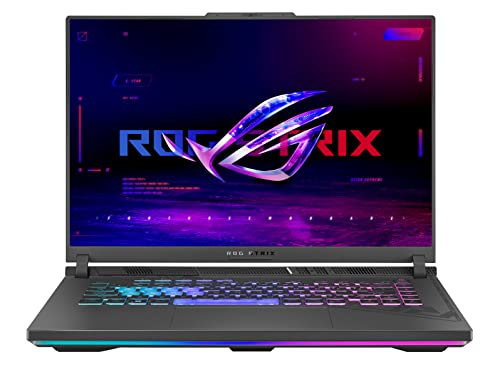
Best Compact Gaming Laptops 2026: Buying Guide
Disclosure: We may earn a commission when you buy through links on this page, at no extra cost to you. As an Amazon Associate I earn from qualifying purchases. Learn more

The best compact gaming laptops balance power, size, weight and cooling; here is how to judge graphics, screen, battery and heat for play on the move.
Choosing the best compact gaming laptops is about trade offs, and the product table lists current models to compare. A smaller laptop is easier to carry, yet it has less room for cooling, a smaller battery, and often a smaller screen, so the right choice depends on how and where you play.
Compact gaming laptops usually have a 13 to 14 inch screen and weigh less than full size gaming laptops, which makes them practical for travel, university, and small desks. They can still run many modern games well, especially at 1080p, but they may run hotter and louder than a larger laptop with the same graphics card.


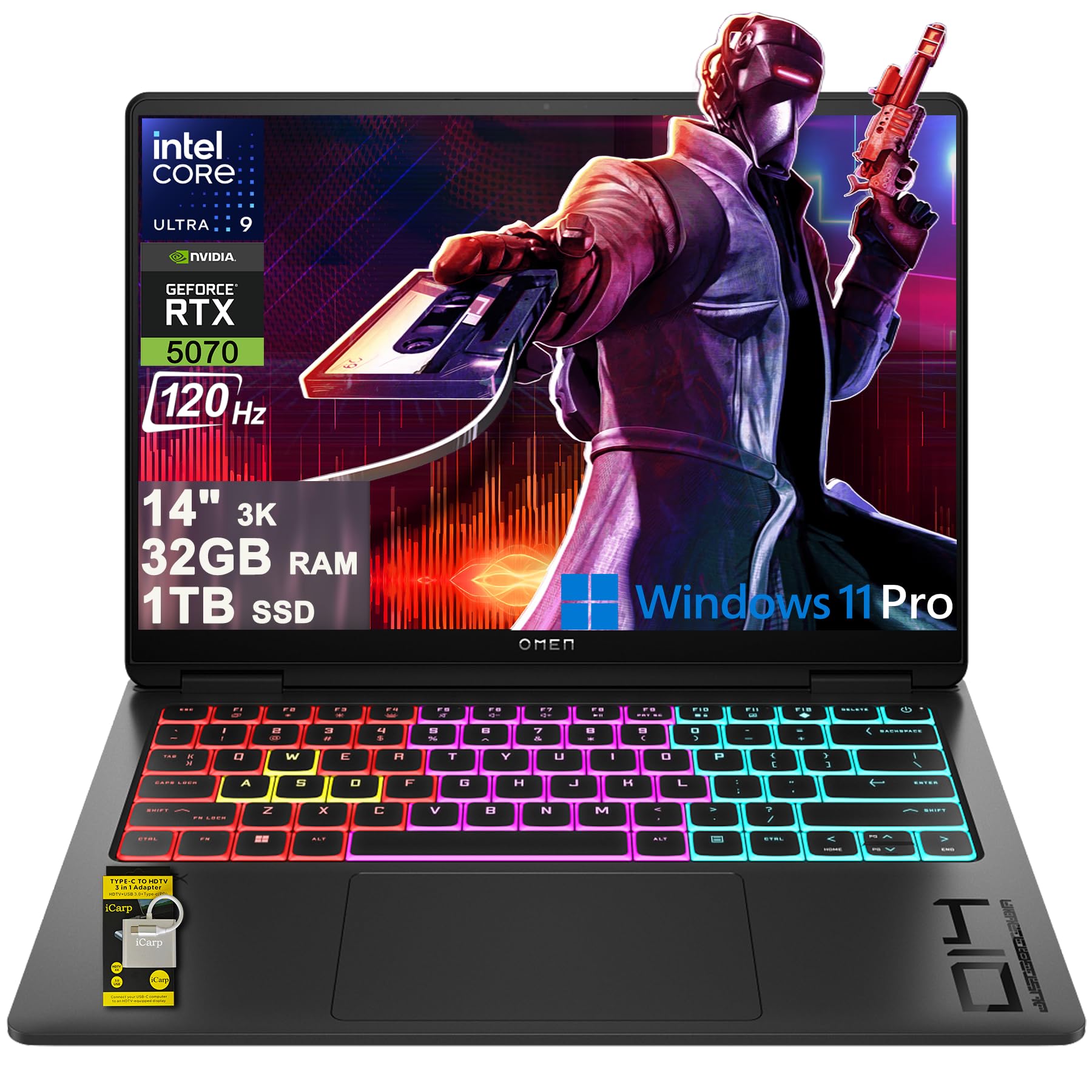


This guide explains graphics, processor, display, cooling, and battery, and it helps you decide whether portability or maximum performance matters more for your games and your daily carry.
Sizes and Portability Compared
A 13 inch compact gaming laptop is the easiest to carry and fits in most bags, but its keyboard may feel cramped and its screen may feel small for detailed games. A 14 inch model offers a useful balance, with a larger screen and keyboard while still remaining portable for daily travel. Both sizes suit players who move between home, campus, and friends' homes.
Weight and charger size also matter, because a light laptop with a heavy power brick can feel less portable overall. Check total travel weight, including the charger, and look for a laptop that can charge over USB C for light tasks when you do not need full gaming power. A slim design looks good, but it should not come at the cost of ports you use daily.
- 13 inch models: lightest and most portable, best for travel and small bags.
- 14 inch models: balanced screen and keyboard, best for daily carry and gaming.
- Slim designs: sleek and light, but check cooling and port selection carefully.
- Standard compact: slightly thicker, often better cooling and more ports.
- Travel weight: include the charger, because a heavy brick changes portability.
Graphics, Processor, and Memory
Graphics card choice has the biggest effect on gaming performance, so match it to the games you play and the resolution you prefer. For 1080p gaming at medium to high settings, a mid range graphics card is usually enough, while higher settings or a higher resolution screen need a stronger card. A stronger card in a compact body may throttle under heat, so cooling design matters as much as the card name.
Processor and memory also affect smooth play, especially in open world games and when you stream or run other apps at the same time. Sixteen gigabytes of memory is a practical minimum for modern gaming, with 32 gigabytes useful for heavy multitasking or future games. Storage should be a fast solid state drive, with at least 512 gigabytes if you install several large games.
- Graphics: match the card to your resolution and settings, not just to the highest model.
- Processor: a modern multi core processor helps open world games and multitasking.
- Memory: 16 gigabytes is a practical minimum, 32 gigabytes suits heavy multitasking.
- Storage: a fast solid state drive with at least 512 gigabytes for several games.
- Upgrade: check whether memory and storage can be upgraded later.
Display, Keyboard, and Audio
Display quality affects gaming enjoyment, with refresh rate, resolution, and color all playing a role. A 120 Hz or higher refresh rate feels smoother in fast games, while a higher resolution looks sharper but needs more graphics power. A bright screen with good color helps in well lit rooms, and a matte finish reduces glare when you play near a window.
Keyboard feel matters for long sessions, with key travel, layout, and backlighting all affecting comfort. A compact keyboard may have smaller keys or a shifted layout, so check typing comfort if possible. Audio from small laptop speakers is often limited, so many players use headphones, but check speaker quality if you play without headphones at home.
Cooling, Noise, and Battery
Cooling is the main challenge for compact gaming laptops, because powerful parts in a small body generate a lot of heat. Look for a design with multiple fans, rear or side vents, and a performance mode that balances heat and noise. A laptop that runs very hot may slow down during long sessions, which can cause frame drops in demanding games.
Noise rises with cooling effort, so a compact gaming laptop will usually be louder under load than a larger model. A quiet mode can help for light tasks, but gaming will still need fan speed. Battery life for gaming on battery power is usually short, so plan to play plugged in for serious sessions and use battery mainly for browsing and light work.
Budget and Common Mistakes
Compact gaming laptops are premium products and often start well above $1,000, with mid range models offering a good balance of performance and portability. Models in the middle of the range often give strong 1080p performance, a good display, and acceptable cooling, while higher priced models add a stronger graphics card or a better screen. Spending more makes sense if you play demanding games at high settings or need a laptop for work as well.
A common mistake is choosing the strongest graphics card in the thinnest body and ending up with heat throttling and loud fans. Another mistake is ignoring screen size, because a 13 inch screen can feel small for strategy or simulation games. Check the keyboard and screen in person if possible, and check warranty and service options for a machine you will carry daily.
For related laptop choices, see best notebook laptops for general portable laptops, best quality gaming laptops for quality focused gaming models, best compact laptops for compact non gaming options, best inexpensive gaming laptops for budget gaming, and best gaming computers laptops for wider gaming laptop options.
A Final Check Before You Order
Before you order, list the ports you use daily, including USB, video output, audio, and charging, because a compact laptop may sacrifice ports for slimness. Check whether you need an adapter or a dock for your monitor, headset, or external drive, and add that cost to the total price. A laptop that needs several adapters for normal use may feel less portable than a slightly thicker model with built in ports.
Next, weigh the laptop together with its charger, because a light laptop with a heavy power brick can feel less portable overall. Check whether the laptop can charge over USB C for light tasks, which can save you from carrying the full charger on short trips. For gaming sessions, plan to play plugged in, because battery life under load is usually short even on a well designed compact model.
Finally, read cooling and noise impressions from longer gaming sessions, not just from short benchmarks, because heat throttling appears over time. A laptop stand, a clean vent, and a performance mode that balances heat and noise can help, but they cannot fix a design with fundamentally poor airflow. Choose a model whose cooling, screen, and keyboard all suit your typical session length.
Frequently Asked Questions
Are compact gaming laptops powerful enough?
Yes, many compact gaming laptops run modern games well at 1080p with medium to high settings, especially with a mid range graphics card. They may run hotter and louder than larger laptops, and they may throttle in very demanding games. For high resolution or ultra settings, a larger laptop with better cooling often performs more consistently.
Do compact gaming laptops overheat?
Compact laptops can run hot under load, because powerful parts sit in a small body with limited airflow. Good cooling design, a laptop stand, and a clean vent help manage heat. Avoid blocking vents on soft surfaces, and use a performance mode that balances temperature and fan noise for long sessions.
How long does the battery last for gaming?
Battery life for gaming is usually short, because games draw a lot of power from the graphics card and processor. For browsing, video, and light work, battery life is much longer. Plan to play plugged in for serious gaming, and use battery power mainly for portable light tasks.
Is 14 inch better than 13 inch for gaming?
A 14 inch laptop offers a larger screen and keyboard, which many players find more comfortable for longer sessions, while still remaining portable. A 13 inch laptop is lighter and easier to carry, but its screen can feel small for detailed games. Choose based on how much you travel versus how long your typical gaming sessions last.
Can I upgrade a compact gaming laptop later?
Upgrade options vary, with some compact models allowing storage and memory upgrades and others soldering those parts in place. Check the specifications before buying, especially if you plan to keep the laptop for several years. A model with upgradeable storage at least gives you room to add games over time.
Final Thoughts
A compact gaming laptop should balance portability with cooling, display, and graphics power for the games you actually play. Prioritize a mid range graphics card, a good cooling design, and a screen size you enjoy for long sessions, rather than the thinnest body available.
When you compare best compact gaming laptops in the product table above, check total travel weight, cooling reviews, and upgrade options, because those factors decide daily satisfaction more than a single specification.