
Best Compact Android Phones: Size, Battery and Camera Guide for 2026
Disclosure: We may earn a commission when you buy through links on this page, at no extra cost to you. As an Amazon Associate I earn from qualifying purchases. Learn more

Shop the best compact android phones with confidence: compare size, battery, camera, and storage, see price bands, and learn what a small phone trades away.
Most new phones keep getting taller and wider, and plenty of buyers are tired of stretching a thumb across a giant screen. Compact models answer that problem with a body that fits one hand and an ordinary pocket. This guide to the best compact android phones explains how to judge size, battery, camera, and software support before you spend anything.
Small is not a single size, and that is where honest shopping starts. A compact phone is a hand and pocket class: the screen is smaller by definition, so typing takes more care and video feels less grand. In return you get real one handed reach across the screen, which is the whole point of the class. Every section below keeps that trade in view, because the right small phone is the one whose compromises match your day.
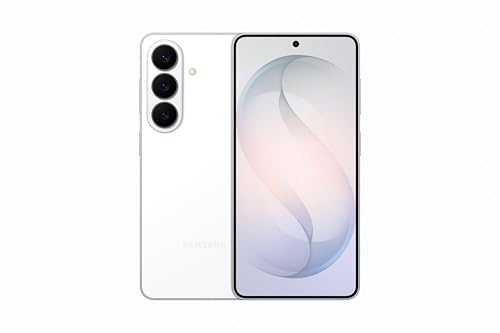
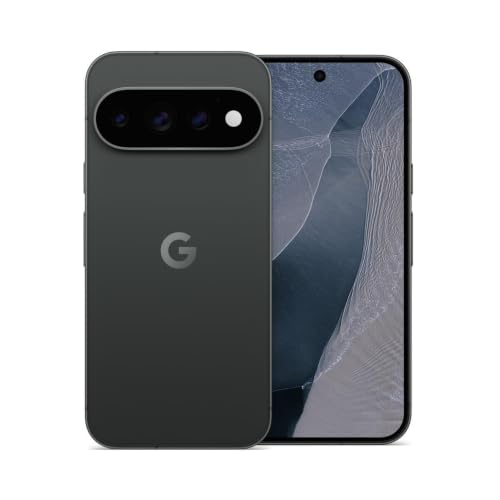

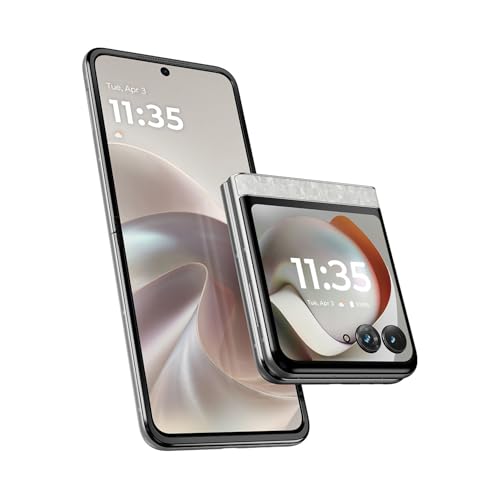

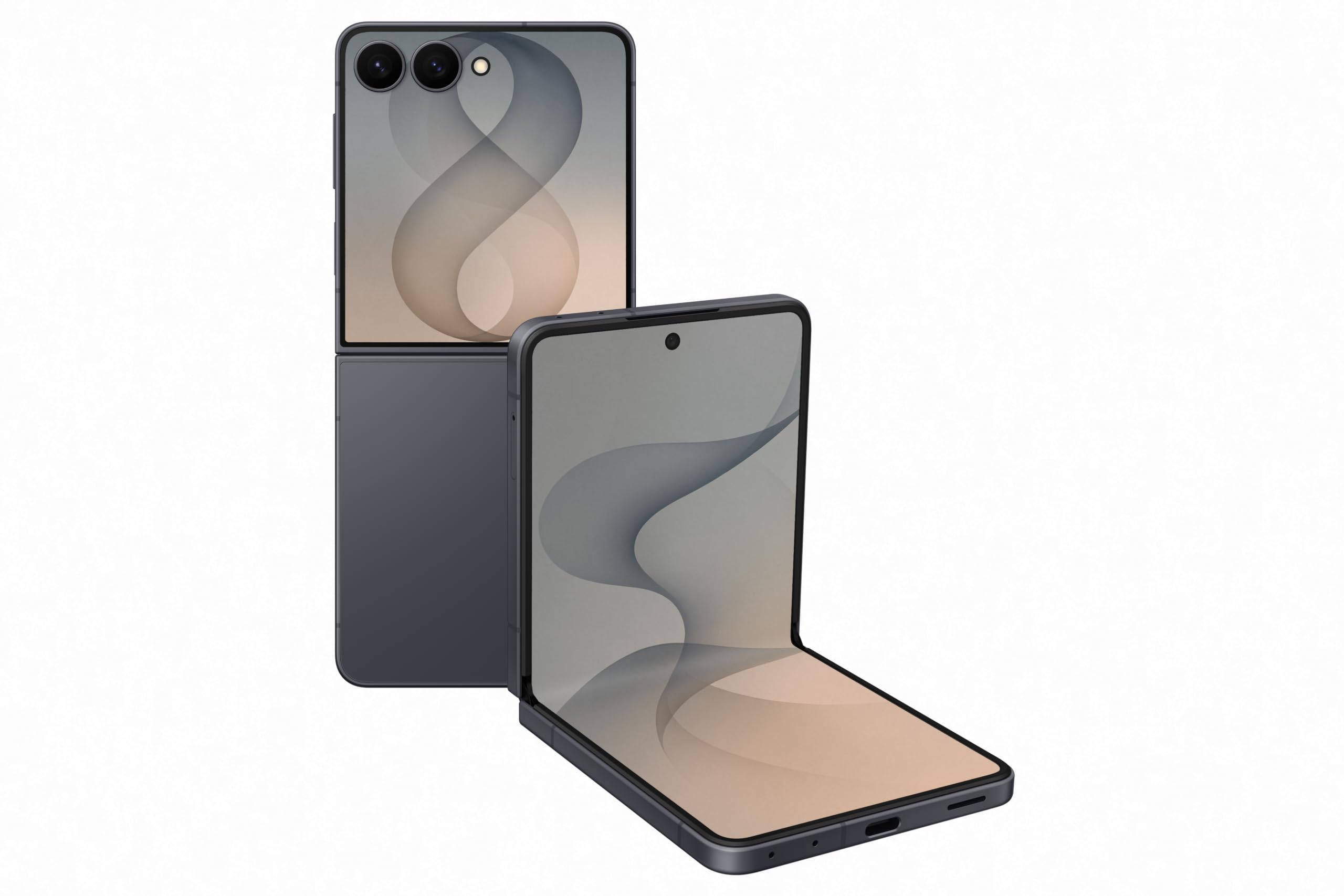
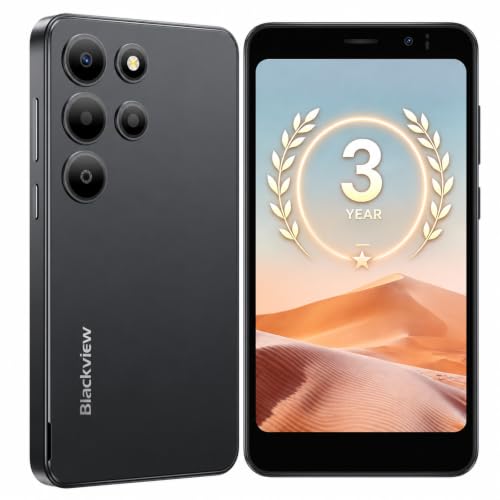
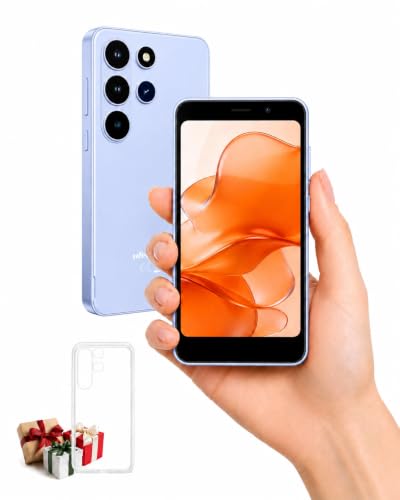
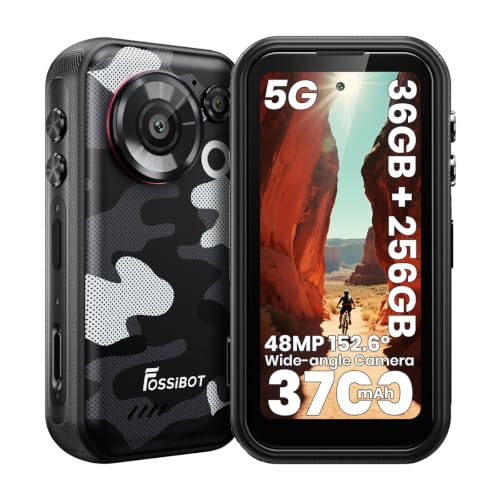
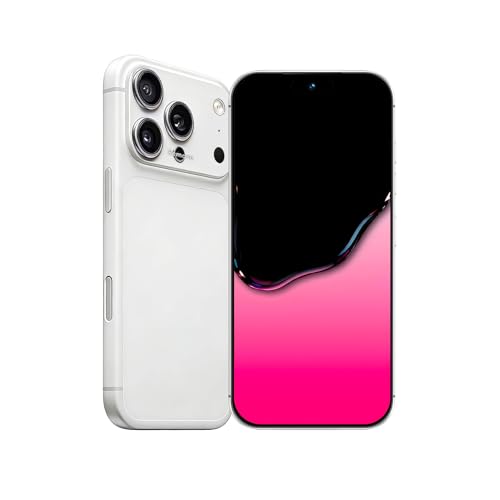
How to Choose the Best Compact Android Phones: A Buying Guide
Start with the hand fit, then work through the parts that decide daily life. Screen, battery, and camera all matter, but on a compact phone they live inside a smaller body, and that body sets the limits.
Measuring for Size and Portability
Makers list screen size on the diagonal, but width and weight decide how a phone feels. Hold your current phone and note where your thumb stops; a compact model should let that thumb reach the far corner without a grip shift. Widths around 65 to 72 mm suit most hands for one handed use, and weights under about 180 grams keep a pocket comfortable. A bulky case adds both width and weight, so judge the size with the case you plan to use.
Display Size and Quality
Compact screens usually measure around 6 inches on the diagonal, and most use OLED panels with deep blacks and modest power draw. A refresh rate of 120Hz makes scrolling feel smooth, though it drains the battery faster and many phones let you cap it. Outdoor brightness matters more than resolution at this size, since fine detail is hard to see on a small panel anyway. If you read a lot outdoors, brightness deserves priority over extra pixels.
Camera System
Small phones rarely carry three full camera lenses, so the main camera does most of the work. Look for a main sensor with optical stabilization and a good night mode, because low light is where compact cameras separate. An ultrawide lens helps with group shots and tight rooms, while a true telephoto lens is the first thing makers cut to save space. Judge sample photos by skin tones and indoor shots rather than bright beach scenes.
Battery Life and Charging
Battery honesty matters most in this class: a small body holds a small battery, and the size you want is bought with runtime. Compact models often last a careful day rather than a careless one, and heavy camera or gaming use shortens that fast. Fast wired charging softens the trade, since a short top up during lunch can replace hours of capacity. Wireless charging is convenient but slower, and it adds heat that small bodies shed poorly.
Carrier Compatibility and 5G
An unlocked phone works across carriers and keeps its value when you switch, so confirm the model supports the bands your carrier uses in the United States. Most compact phones now include 5G, and mid band coverage is the part that improves daily speeds in cities and suburbs. Check that the exact variant is approved for your carrier, because imported versions can miss bands or calling features. A quick check on the carrier site prevents an expensive return.
Storage Options
Storage starts at 128GB on most compact phones, and that suits light users who stream music and keep photos in the cloud. Choose 256GB if you shoot much video, since 4K clips fill space quickly and many compact models drop the memory card slot entirely. Games also grow large, and deleting apps to make room gets old within a year. Buying one step up at purchase is usually cheaper than replacing the phone early.
Software Updates and Support Window
A phone you keep for four years needs updates for four years, so the support window is a buying spec, not fine print. Count both system upgrades and security patches, and favor makers that publish a clear number of years. Long support also protects banking apps and keeps resale value higher. Two phones at the same price can differ by years of patches, which makes this the quiet deciding factor.
What the Price Bands Buy
Prices split into three rough bands, and each band changes the camera and the support window more than it changes the size.
Small Phones Under $400
Under $400, compact choices thin out, and most are smaller models from budget lines rather than true small flagships. Expect a good screen and a fair main camera, with slower charging and shorter update promises. These phones suit buyers who mostly message, browse, and take daylight photos. Shoppers weighing the wider budget shelf can compare the best inexpensive android phones, where larger bodies often buy a bigger battery for the same money.
The Middle Band at About $400 to $700
This band holds the balanced buys: bright OLED screens, capable main cameras, and update windows that stretch past three years. Batteries still run small, but fast charging is common here. For most buyers this is where a compact phone stops feeling like a compromise and starts feeling like a deliberate choice. It is also the band where last season premium models land after price cuts.
Premium Compact Phones Around $700 to $1,000
Above that band you pay for polish: brighter panels, better low light cameras, wireless charging, and water resistance ratings such as IP68. Performance matches the largest flagships because the chips inside are often the same. The size trade stays, though, since no price buys a bigger battery inside a small shell. Buyers who care about raw speed above size can look at the best performing android phones, most of which are larger handsets.
Compact Android Phones vs Other Options
Budget Phones
Budget phones compete on price first, and many are large because big screens are cheap to make. A compact phone at the same price usually offers a better screen and camera inside a smaller body. Pick the budget route only if a big display matters more to you than one handed comfort. Otherwise the compact class gives you more phone for the same money.
Flagship Phones
Full size flagships add telephoto lenses, larger batteries, and the brightest screens on the market. They also weigh more and demand two hands for much of the day. Choose one if photography reach or endurance outranks pocket comfort, and accept the grip shift that comes with it. Many buyers keep a flagship at home and wish they had gone smaller.
Mid Range Phones
Mid range phones blur the line, since some shrink the body while keeping mid range parts. Compare width and weight rather than the label, because a mid range phone can be bigger than a premium compact. The support window is the figure that most often separates them. A tape measure and a spec sheet tell you more than the shelf category does.
Flip Phones as a Compact Alternative
Flip-style foldables from Samsung and Motorola are the other way to get a compact Android phone: they open to a full size screen and fold to a small square that slides into any pocket. The trade-offs are a visible crease, a small outer screen and usually a higher price, so they suit buyers who want a big display on demand more than one-handed comfort all day.
A Note on Software Topics
Some related guides are software topics rather than phone topics, and they belong after the hardware decision. Guides to the best widgets for android phones cover home screen tools you add once the phone is yours. The best wallpapers for android phones and the best backgrounds for android phones cover images that dress up that screen. None of these change which handset fits your hand, so settle the phone itself first.
Tips to Get the Most From Your Compact Android Phone
- Use a slim case and a screen protector, because a small phone is dropped less often but lands just as hard.
- Turn on one handed mode for typing on the move, since the keyboard shrinks to easy thumb reach.
- Keep software updated, because patches protect the phone and often improve battery behavior.
- Back up photos regularly, since compact phones are lost more easily than they are broken.
- Avoid charging in extreme heat, because small batteries age faster when they run hot.
Compact Android Phones: Your Questions Answered
How much storage does a compact Android phone need for photos?
Most people are fine with 128GB when photos back up to the cloud over WiFi each night. A single photo takes only a few megabytes, but burst shooting at events and offline photo libraries grow quietly in the background. If you keep two years of photos on the device itself, or download maps and shows for travel, 256GB removes the monthly cleanup chore. Check the storage screen on your current phone before buying, since it shows your real habits better than any estimate.
Should a compact Android phone be bought unlocked for travel?
Yes, an unlocked compact phone is the safer travel choice because it accepts a local SIM or a travel eSIM at the airport. Carrier locked phones can also withhold some features until the balance is paid off. Unlocked models cost the same at many retailers and keep every carrier open to you at home as well. Just confirm the phone is paid in full and shows as unlocked in the settings before a trip.
Do compact Android phones feel slower as they age?
They can feel slower over time, but storage pressure is the usual cause rather than the chip. A phone kept near full storage stutters during updates and photo saves, so leave a few gigabytes free. Aging batteries can also trigger power saving limits during heavy tasks. A factory reset after a big system update clears leftover clutter and often restores the original feel without any new hardware.
Is 5G worth using on a compact phone all day?
5G is worth using where coverage is strong, since downloads and hotspots finish faster and the radio can rest sooner. In weak signal areas the radio works harder and the small battery pays for it, so some owners switch to 4G at the edge of coverage. That setting lives in the network menu and takes seconds to change. Judge the trade by your own streets rather than by a coverage map alone.
Can a compact Android phone handle a lot of video watching?
It works, with honest limits. Dialogue and short clips look sharp on a small OLED screen, and the light body is easy to hold on a train or a couch. Long films feel cramped next to a large phone, and the small speakers thin out music and crowd scenes. Download shows over WiFi before travel and use headphones, and the compact size stops being a problem for most viewing.
Wrapping Up
Choosing among the best compact android phones comes down to three checks: a width your thumb can cross, a battery plan that fits your day, and an update window that matches how long you keep a phone. Camera quality and price band follow from those three. Look back at the product table above to compare sizes and prices side by side, then pick the small phone whose trades you can live with happily.

