Best Commercial Cctv Cameras: A First Time Buyer's Guide for 2026
Disclosure: We may earn a commission when you buy through links on this page, at no extra cost to you. As an Amazon Associate I earn from qualifying purchases. Learn more

Choose the best commercial cctv cameras for your shop, office or warehouse by lens, night performance, storage and recorder channels.
Buying a first surveillance system for a shop, office, or warehouse can feel like learning a new language, with acronyms on every box and listing. This guide slows the process down and explains how to choose the best commercial cctv cameras for your business in plain English, starting with what the equipment actually does and building toward a confident purchase.
You will learn the parts of a system, the features that matter, and the mistakes new buyers make most often. The comparison table below gathers current options in one place, so use it as a reference while you read and narrow down what fits your building.


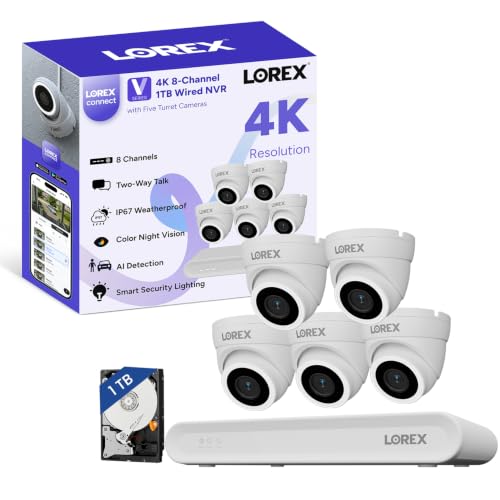


Commercial CCTV Cameras 101: The Basics for New Buyers
CCTV stands for closed circuit television, which simply means the cameras send video to your own recorder and monitors instead of broadcasting it publicly. A typical setup has cameras, a recorder, a hard drive for storage, cables, and a phone app for remote viewing. Everything is built to record for many hours a day, often around the clock, in places like stores, offices, restaurants, and warehouses.
There are two main system types. IP cameras send digital video over network cables to an NVR, and many draw power from that same cable, a feature called PoE, short for Power over Ethernet. Analog cameras send video over coaxial cable to a DVR and usually need a separate power line. The wording in listings overlaps a great deal, and our guide to the best commercial surveillance cameras looks at the wider system picture if you want more background before you commit.
If you arrived from a broader search, see our guide to the best commercial cameras for the wider category. This page stays with CCTV systems built for continuous security recording, which is a different job from taking photos or shooting creative video.
Key Features Explained in Plain English
Feature lists look intimidating, but only a handful of numbers decide whether footage is clear and useful. Work through the six areas below and you can judge almost any listing with confidence.
Sensor Size and Image Quality
Resolution tells you how many pixels a camera captures, with common steps at 1080p, 4MP, 5MP, and 4K. The image sensor is the chip behind the lens that turns light into that picture, and CCTV sensors are often listed as 1/3 inch or 1/2.8 inch. A physically larger sensor usually gathers more light, which means cleaner footage after dark. Megapixels alone can mislead you, because lens quality and image processing shape sharpness just as much. Readers who want to dig deeper into clarity can see our guide to the best quality cctv cameras for more on what separates crisp footage from soft footage.
Lens and Zoom Range
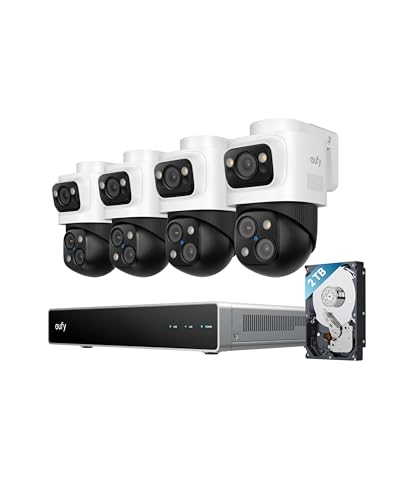
The lens decides how wide a camera sees. A fixed 2.8 mm lens gives a wide view that suits small rooms and full aisle coverage, while a 4 mm lens narrows the view and brings a doorway or register closer. Varifocal lenses, often 2.8 to 12 mm, let the installer adjust the view during setup so the framing matches the spot exactly. Motorized varifocal models add autofocus, so the picture refocuses itself after each adjustment. PTZ cameras go further with true optical zoom for large lots, while digital zoom only enlarges pixels and adds no real detail.
Camera Shape and Mounting
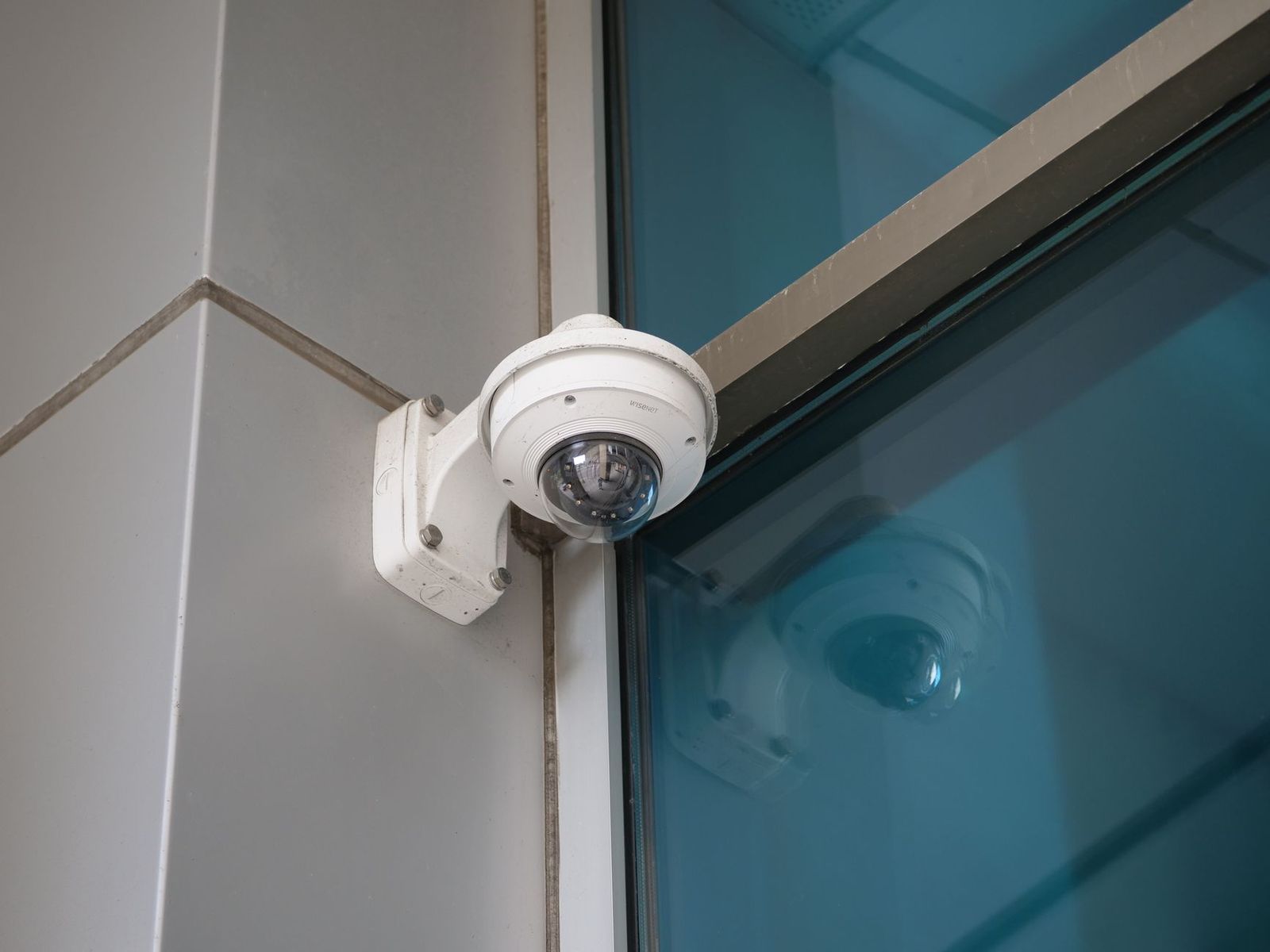
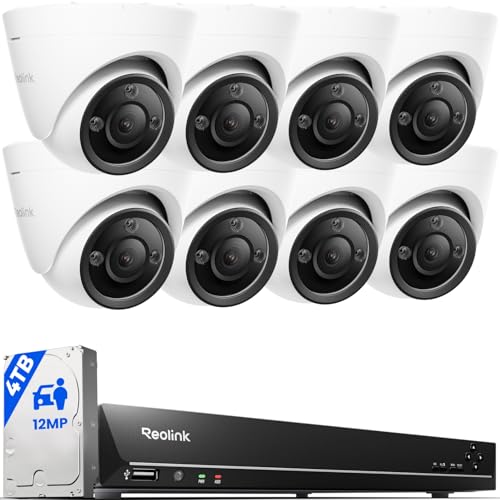
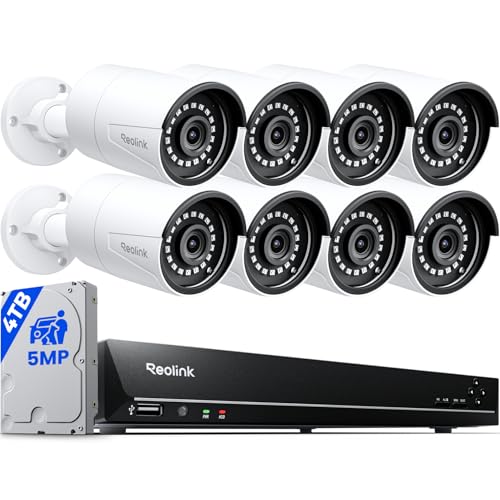
Shape is a practical choice, not a style choice. Dome cameras sit discreetly on ceilings and resist casual tampering, bullet cameras are easy to aim and act as a visible deterrent, and turret cameras offer flexible aiming with less infrared glare at night. For outdoor mounting, look for a weatherproof rating such as IP66 or IP67, which describes sealing against rain and dust. A vandal resistance rating like IK10 matters in public areas at arm height. Indoor only models lack those seals, so placing one outside usually shortens its life quickly.
Ease of Use for Your Skill Level
First time buyers usually do best with a matched kit, where the cameras and recorder are designed to work together out of the box. PoE kits simplify wiring because one cable per camera carries both power and video. On screen setup wizards walk you through passwords, recording schedules, and drive formatting in minutes. Phone apps handle live viewing and playback, and many pair by scanning a code on the recorder. Also check the channel count, since an 8 channel recorder supports at most eight cameras, and leaving spare channels gives you room to grow.
Power Options and Recording Storage
Most wired commercial cameras run on PoE or on a 12 volt adapter near each camera, so there are no batteries to charge or swap. What does need planning is storage. A surveillance grade hard drive inside the recorder saves the footage, and how long it keeps video depends on drive size, camera count, resolution, and whether recording runs all day or only on motion. A small battery backup unit keeps the system recording through short power outages, which protects you at the exact moments a basic system would go dark.
Video Capabilities That Matter
4K video earns its keep when you need fine detail at a distance, such as reading a license plate or identifying a face across a sales floor. Frame rate shapes smoothness, with 15 frames per second looking choppy on fast motion and 30 looking natural. Modern compression such as H.265 stores more days of footage on the same drive than older formats. Wide dynamic range, listed as WDR, balances bright windows against darker interiors at glass storefronts. At night, infrared range tells you how far the camera sees in darkness, and some models keep color video when a little ambient light is available.
Mistakes to Avoid When Choosing the Best Commercial CCTV Cameras
Most first systems disappoint for predictable reasons, and each one below is easy to sidestep once you know it exists.
- Buying on megapixels alone, so low light footage still turns out grainy even at a high resolution.
- Mounting cameras too high, so the recorder captures the tops of heads instead of faces at the door.
- Choosing a recorder with no spare channels, so adding one camera later means replacing the whole unit.
- Skipping the storage math, so the drive fills up and overwrites important footage far sooner than expected.
- Leaving the factory default password in place, so the system stays open to anyone who comes across it online.
Getting Started: Setup and First Use
Start by walking your site and sketching where each camera should go, noting doors, registers, stock areas, and blind corners. Mount one camera in a temporary spot first and check its live view on the app before you fix anything permanently, because a shift of a foot or two can remove a glare problem or a blocked corner. Run cables after the views are confirmed, then connect the recorder, format the drive, and set the correct date and time so playback searches line up later.
Before you call the job done, practice the tasks you will actually use later. Search the playback timeline for a specific time, save a short clip to a USB drive, and confirm the exported file opens on a normal computer, because an incident is the worst moment to learn the export menu. Take a photo of each final camera view as well. Those reference shots make it obvious months later if a camera has been bumped, turned, or blocked by new shelving.
Finish the first session by setting a strong unique password, updating the recorder firmware, and drawing motion detection zones over the areas that matter. Check the rules where you live before enabling audio recording, since many places limit it and expect notice to staff and visitors. For broader planning ideas beyond a first install, see our guide to the best commercial security cameras, which covers system planning for larger sites.
Frequently Asked Questions
Can a smartphone replace commercial CCTV cameras for a small business?
No, a smartphone cannot replace a fixed camera system. A phone records one view, overheats during long sessions, and ties up a device you need for calls and messages. It also lacks the storage, multiple angles, and weather sealing a business setup depends on. Use the phone app that comes with your system for live viewing and playback instead, and let the mounted cameras and recorder handle the actual recording work.
Which features matter most when buying commercial CCTV cameras for the first time?
Start with coverage, because a camera that never sees an incident has no useful features at all. Count the doors, lanes, and rooms you must watch, then match the lens to each spot and confirm the recorder has channels to spare. One point many beginners miss is placement height and angle, which often decides whether faces are identifiable more than any number on the box.
What does a varifocal lens mean on a commercial CCTV camera?
A varifocal lens has an adjustable focal length, so the installer can widen or narrow the view during setup and lock it in place. That flexibility means one camera model can serve both a wide stockroom and a narrow entrance. Unlike a PTZ camera, which an operator can move and zoom on demand, a varifocal lens stays fixed once it is set, so plan the final framing carefully on install day.
What helps commercial CCTV cameras record clear video in low light?
A larger sensor, a lens that lets in more light, and enough infrared range for the space all help after dark. One factor buyers overlook is infrared reflection: mounting a camera so its night lights bounce off a nearby wall or eave can wash the picture out in white. Check the night view before final mounting, not just the daytime picture, and add a modest outdoor light where a location must stay in color.
How much should a first time buyer spend on commercial CCTV cameras?
Most small sites start with a basic kit at about $300, and fuller kits with more cameras and longer storage run to about $800, while larger buildings move well past those figures. Keep part of the budget aside for cable, mounts, and a spare camera, because those extras surprise many first time buyers. Professional installation labor can rival the hardware cost, so decide early whether you will mount and wire the system yourself or hire the work out.
Final Thoughts
A good first system comes down to three things: a lens matched to each location, a recorder with room to grow, and night performance you have checked before mounting. The product table above lets you compare current options against those priorities side by side. Choose calmly and you will end up with the best commercial cctv cameras for your building, meaning cameras matched to your rooms, your lighting, and your recorder rather than the longest feature list in the store.