
Best Coding Laptops under 1000: A 2026 Checklist and Buying Guide
Disclosure: We may earn a commission when you buy through links on this page, at no extra cost to you. As an Amazon Associate I earn from qualifying purchases. Learn more

Use this checklist to choose the best coding laptops under 1000, with clear thresholds for processor, RAM, display, keyboard, battery life, and ports.
Choosing a laptop for programming is easier when you judge every model against the same checklist instead of chasing headline specs. This guide gives you that checklist for best coding laptops under 1000, with clear pass and fail thresholds for the parts that affect daily coding. You will learn what this budget realistically buys, where cutting corners hurts, and how to match a machine to your workflow before you spend anything.
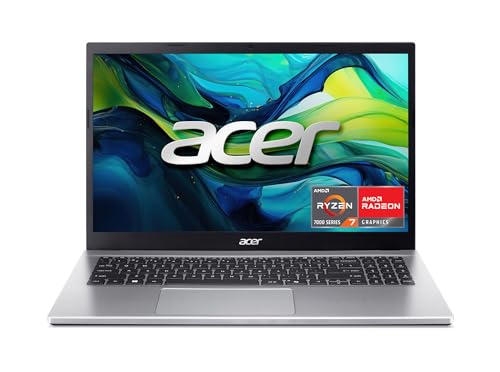
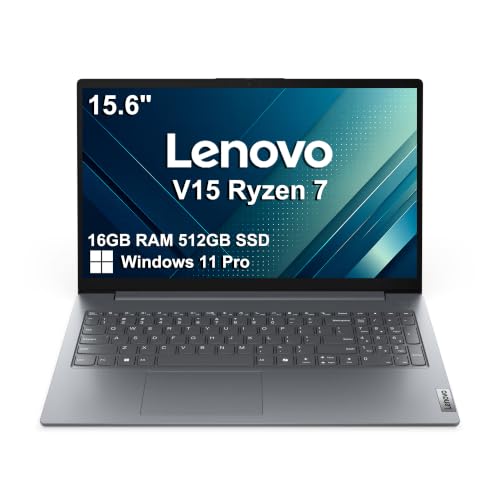
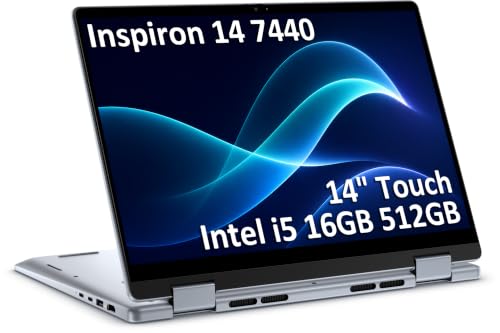
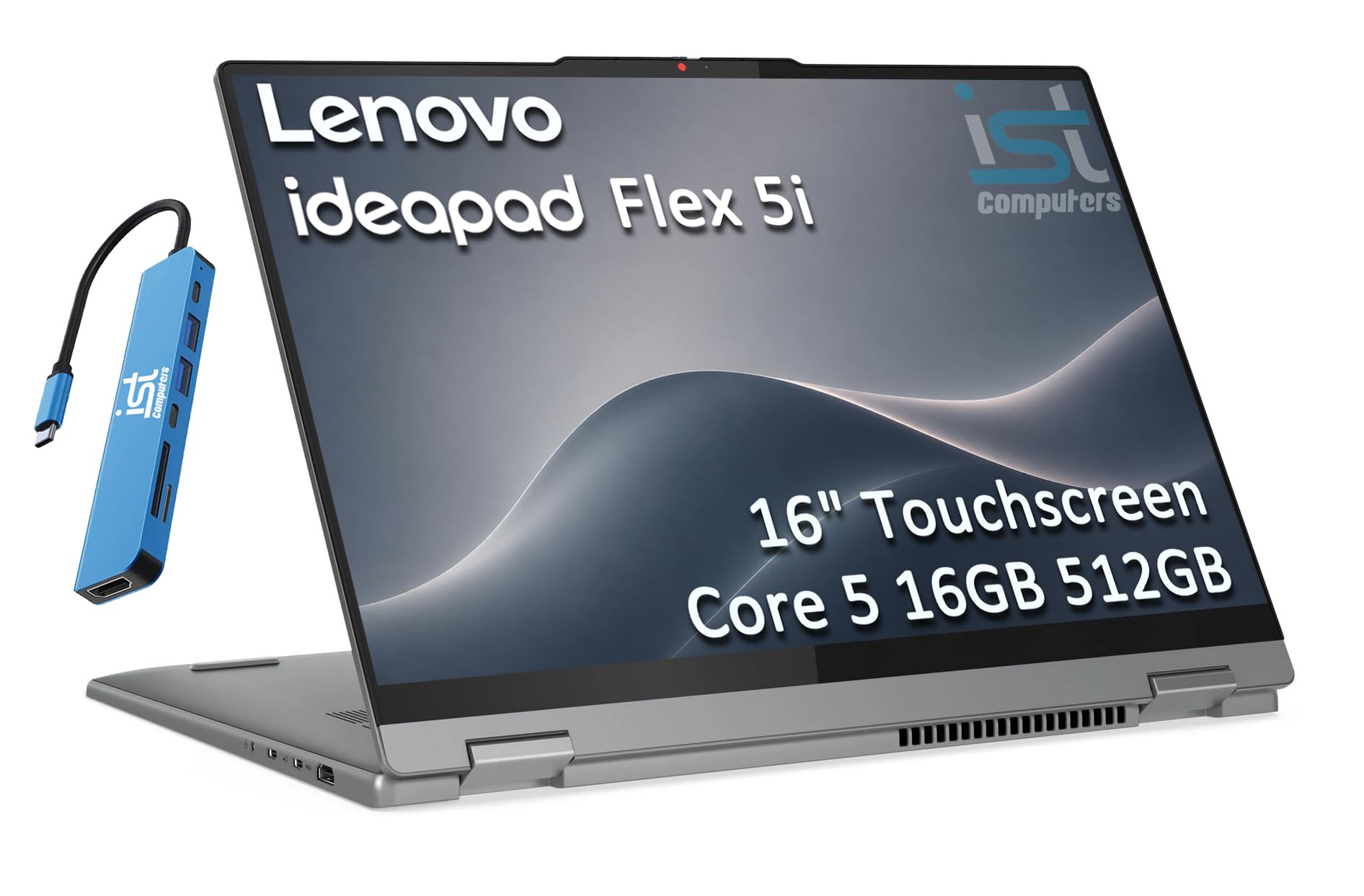
Use the product table below to shortlist models that meet the minimums, then work through the sections that follow to check the details a spec sheet often hides.



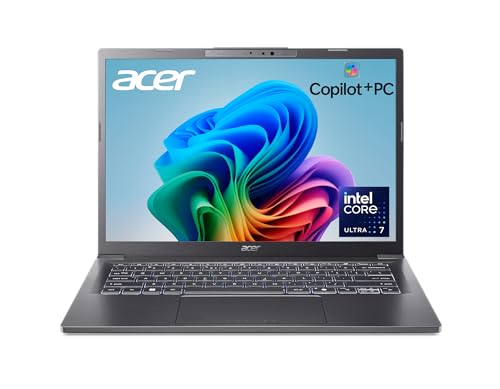

What to Check in a Coding Laptop
Think of this section as a scoring card. For each area, note what counts as good at this price, what counts as a warning sign, and how that choice shows up in real coding work like compiling, running containers, and editing across several windows.
What You Can Realistically Get Under $1000
Under $1000, you can realistically expect a modern midrange processor, 16 GB of RAM, a fast solid state drive of 512 GB, and a sharp display with good brightness. What usually gets cut is premium metal construction, top tier graphics, and the brightest color rich screens. Do not save money by dropping to 8 GB of RAM or a dim low resolution panel, because those two cuts limit you every single day. Spend first on memory, storage speed, and screen quality, and accept a simpler finish or fewer extras in return.
Processor and Performance Tier
Look for a current generation processor from the main performance families, such as a recent Core Ultra or Ryzen chip, or an Apple M series chip if you prefer macOS. For general coding, web development, and data work, a modern six core or better chip handles editors, browsers, and local servers with ease. Heavy compile jobs, virtual machines, and local AI tools benefit from more cores and strong cooling. Avoid older low power chips sold under confusing names, and check the exact generation rather than trusting the tier number alone.
Ports and Connectivity
A good coding laptop should offer at least one USB C port with charging and display output, plus USB A for older accessories and HDMI or a reliable adapter path for an external monitor. Thunderbolt support on USB C adds fast docking and high resolution displays, which matters if you work at a desk often. For wireless, WiFi 6E or WiFi 7 keeps large downloads and video calls stable. If you plan to use two external screens, confirm the port layout supports that before buying, because not every USB C port carries video.
Keyboard, Trackpad, and Build
You will type for hours, so keyboard feel deserves real weight in your decision. Look for steady keys with clear travel, no flex in the deck, and a layout that does not shrink important keys like arrows and function keys. A large smooth trackpad with accurate clicks reduces your need for a mouse on the go. Aluminum or sturdy composite builds handle commuting better than thin plastic, and a hinge that opens smoothly without wobbling protects the screen over years of daily opening and closing.
Battery Life in Real World Use
Manufacturer battery claims assume light tasks at low brightness, so expect less during coding with many browser tabs, an editor, and a local server running. A useful target is a battery that lasts a full work session of mixed coding away from an outlet, roughly seven to nine hours in realistic use. Fast charging over USB C is a genuine plus, since a short top up during lunch can recover much of the battery.
Operating System (Windows, macOS, ChromeOS, Android, iPadOS)
Choose the operating system that fits your tools and the systems you deploy to. Windows offers the widest hardware choice under $1000 and strong support for local development tools, and our guide to the best windows laptops under 1000 can help you compare within that family. macOS suits developers who need Unix style tools and iOS work, though models under this budget are less common. ChromeOS can handle web based coding and Linux containers for lighter work, but check your full tool chain runs before relying on it.
Three Price Tier Profiles
Use these three profiles to match the product table above to your needs. Each profile describes who it fits, what it does well, and the trade off you accept at that level.
The Balanced Profile
The balanced profile, usually priced around $800 to $1000, pairs a current midrange processor with 16 GB of RAM, 512 GB of storage, and a bright 14 inch display. It fits most developers because it compiles quickly, drives an external monitor, and still travels well at a moderate weight. Two strengths stand out: comfortable long term speed and a screen you can use near windows. The main limit is graphics power, so local 3D work and large AI models will feel slow compared with a dedicated gaming machine.
The Value Profile
The value profile, often around $600 to $800, keeps the essentials and trims the extras. Expect a slightly older but still capable processor, 16 GB of RAM if you shop carefully, and a good but less bright display. It suits students and new developers who write web, mobile, or scripting code and want money left for a monitor or courses. The trade off is build quality and battery life, which tend to be a step below the balanced tier.
The Heavy Use Profile
The heavy use profile pushes toward the top of the budget, around $900 to $1000, and favors performance and cooling. Look for more processor cores, 16 GB or 32 GB of RAM, and a larger 15 or 16 inch screen for side by side code and documentation. Strengths include faster compile times and a roomier display. The limit is portability, since bigger machines with stronger cooling weigh more and their batteries drain faster under load. For office based work where the laptop rarely moves, our overview of the best business laptops under 1000 shows how durability and support options compare.
Quick Buyer Checklist
Before you buy, answer each question honestly. A no answer does not always rule a laptop out, but two or more no answers in the first four items should send you back to the product table above.
- Does it have at least 16 GB of RAM, or a clear way to upgrade later?
- Is storage at least 512 GB and a fast solid state drive?
- Is the display at least full HD with brightness you can use near a window?
- Does the processor belong to a recent generation, not a renamed older chip?
- Can it charge over USB C and connect to your external monitor?
- Does the keyboard layout keep arrow and function keys a usable size?
- Is the weight comfortable for your actual commute or travel routine?
- Does the warranty cover at least one year with a clear repair path?
Red Flags to Watch For
Dig deeper when you spot these signs. Vague processor naming with no generation listed often hides an old chip. A laptop sold with 8 GB of RAM and no upgrade path will struggle with modern tooling within a year or two. Extremely low brightness makes a screen tiring even if the resolution looks fine on paper. Finally, be wary of listings where the memory or storage in the title differs from the detail section, a common source of costly mistakes. You can cross check general expectations in our roundup of the best reviewed laptops under 1000 and the broader guide to the best laptops under 1000 dollars.
Picking the Right Coding Laptops for Different Uses
Your stack shapes the right choice. Web developers need screen quality and browser headroom most, while data and systems work rewards cores and memory. If you build large projects daily, the heavy use profile saves real time over a year.
Best Coding Laptops under 800: What to Check
When you shop the best coding laptops under 800, protect three things: 16 GB of RAM, a recent processor generation, and a display you can read for hours. At this level, accept a plastic build, a smaller battery, and fewer ports rather than giving up memory. Some models in this range also appear among the best pc laptops under 1000, so compare port layouts and weights carefully before deciding.
Tips to Get the Most From Your Coding Laptop
Whichever of the best coding laptops under 1000 you pick, keep the operating system and firmware updated, since updates often improve battery behavior, fan control, and security for development tools. Avoid running at 100 percent charge all the time if your laptop offers a charge limit setting, because holding a battery near full for months can shorten its life. Use a padded sleeve when commuting to protect the screen and ports. Finally, set up automatic backups for your code and configuration early, so a hardware problem never becomes a lost project.
FAQs
Can you get a good coding laptop under $1000?
Yes, you can get a genuinely good coding laptop under $1000. Models in this range commonly offer current processors, 16 GB of RAM, and fast storage, which covers web, mobile, and most backend work well. The limits appear with very large builds, heavy virtual machines, or local AI training. One extra tip: buying during major sale periods often moves a higher tier configuration into this budget, so patience can buy you more memory.
Is a Chromebook enough for school?
A Chromebook can be enough for school when your courses use web based editors and cloud tools. It struggles when a class requires specific desktop software, local databases, or offline development environments. Before relying on one, list the exact tools each course requires and confirm each runs in the browser or in the Linux container. Also check exam rules, because some programs require a full Windows or macOS machine for proctored software.
How much RAM do I need?
Plan on 16 GB of RAM as the practical minimum for coding today. An editor, a browser with documentation tabs, a local server, and chat tools together can pass 8 GB quickly, which causes slow swapping to storage. If you run containers or virtual machines daily, 32 GB gives comfortable headroom. Also check whether the memory is soldered, because soldered memory cannot be upgraded later, making your first choice a long term one.
Should I buy a laptop or a tablet?
Buy a laptop if coding is the main job, because you get a real keyboard, full desktop tools, and easy file management. A tablet with a keyboard can work for reading docs, light edits, and remote access to a stronger machine, but local builds and multi window work feel cramped. A 2 in 1 convertible is a middle path for people who also take handwritten notes. Consider your longest typical session, since comfort over three hours matters more than novelty.
How long should a coding laptop last?
A coding laptop bought with 16 GB of RAM and a recent processor should last about four to six years for mainstream development. Battery wear usually appears first, often after three years of daily charging, and a battery replacement can extend useful life. Keeping vents clear and using a sleeve for transport are simple habits that protect that lifespan.
Final Thoughts
Focus on the three checks that matter most: a recent processor, at least 16 GB of RAM, and a bright comfortable display with a keyboard you enjoy. Match the tier profile to your workload, avoid the red flags, and use the product table above to confirm ports and weight before you buy. Chosen that way, the best coding laptops under 1000 stop being a gamble and become a tool that quietly supports your work for years.


