
Best Coding Laptops for Students: Everything to Know Before Your First Purchase for 2026
Disclosure: We may earn a commission when you buy through links on this page, at no extra cost to you. As an Amazon Associate I earn from qualifying purchases. Learn more

Coding laptops for students compared by RAM, SSD, keyboard, weight and battery for a first programming laptop.
Buying your first laptop for a computing course is different from buying one for essays and streaming. Coding asks more of a machine, because you will run editors, compilers, browsers with many tabs, and sometimes virtual machines or containers, often all at once and often away from a power outlet. This guide to the best coding laptops for students explains the specs in plain English and shows you how to match a laptop to your course, your budget, and your daily routine.
You do not need the most powerful laptop on the market for most student programming. You need enough memory, a fast solid state drive, a keyboard you can type on for hours, and battery life that survives a day of lectures. Use the product table below for a quick view of spec levels, then work through each section before you spend.




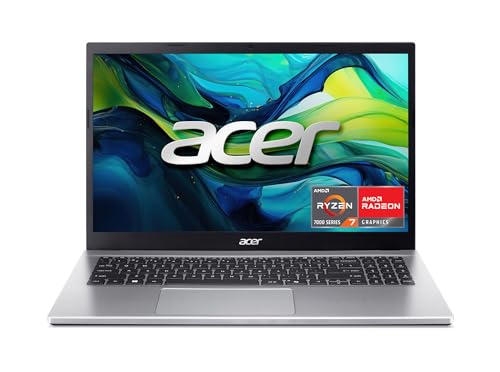
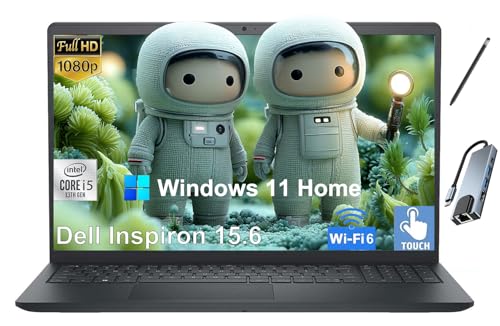
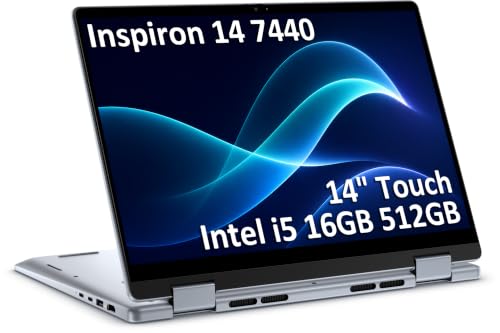
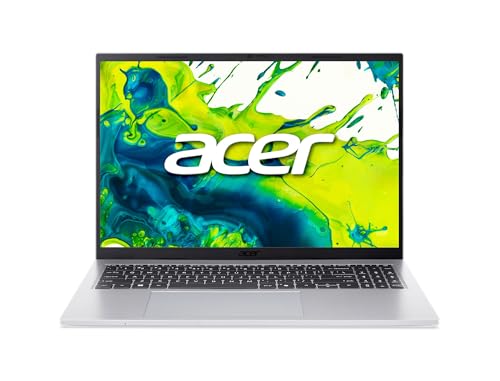
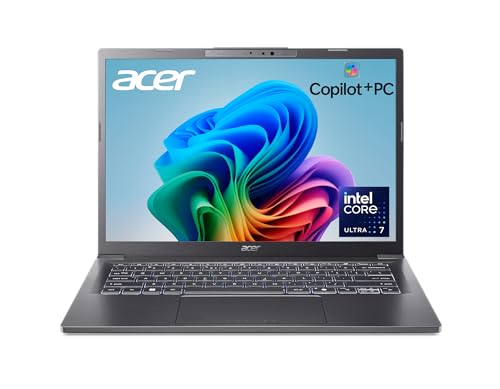
Coding Laptops 101: The Basics
A coding laptop is a general purpose laptop chosen with software development in mind. The daily workload is text heavy but multitasking heavy too. A typical session might include a code editor, a terminal, a local server, documentation in a browser, and a class video call, all open together. That mix rewards memory and storage speed more than raw graphics power for most courses.
A few terms come up everywhere. RAM is short term memory that holds open apps, the processor or CPU does the computing, and the SSD stores your files and loads projects fast. The operating system shapes which tools install easily for your classes. None of these parts needs to be top tier for student work, but a weak point in any one of them will annoy you daily, which is why balance matters more than one headline spec.
Key Specs Explained in Plain English
What Students Should Look For
Students carry a laptop all day, so weight, size, and durability shape real satisfaction as much as speed. A 13 inch or 14 inch screen in a body under about 3.5 lb suits most backpacks and lecture hall desks, while still fitting a code editor and a browser side by side. Look for a solid hinge, a spill resistant style keyboard if available, and at least two USB ports plus USB C charging, so one charger can serve the laptop and a phone. A bright screen of about 300 nits or more helps in sunlit rooms.
Processor and Performance Tier
The processor runs your compiler and every app at once. For student coding, a current mid range chip is the sweet spot, in families such as Intel Core Ultra 5, AMD Ryzen 5, or Apple M series base chips. These handle editors, browsers, and moderate builds with ease and keep fan noise low in class. Step up a tier if your course involves large data work, game development, or frequent virtual machines. The lowest budget chips feel fine in a shop demo but slow down once a full development setup, antivirus, and cloud sync all run together.
Operating System
Windows suits the widest range of course software and campus support desks. macOS is popular with developers because it is Unix based, which makes terminal work and many programming tools feel natural, and it pairs well if your course targets Apple platforms. Linux can be installed on many Windows laptops and is often used in later course years, but beginners may prefer to run it inside a virtual tool at first. ChromeOS is too limited for most full coding courses unless your classes are entirely browser based, so confirm with your syllabus before choosing it.
Battery Life in Real World Use
Maker battery claims assume light tasks, so expect real coding use to land well below the box figure. A laptop rated for twelve hours may give seven to nine hours of mixed lectures, browsing, and coding, which is still a full campus day. USB C fast charging helps because a short top up between classes can add hours. Battery health habits matter over a degree that lasts three or four years, so avoid leaving the laptop plugged in at full charge for months, and let it cycle through partial charges in normal use.
Graphics: Integrated vs Dedicated GPU
Integrated graphics, built into the processor, handle code editors, video, and light design work without extra cost, heat, or weight. A dedicated GPU is a separate graphics chip that speeds up game development, 3D work, and some machine learning tasks, but it raises price and cuts battery life. Most computer science students never need one. If your course list includes game engines, advanced graphics, or local AI model work, then a dedicated GPU earns its place. Otherwise, spend that money on memory and storage instead.
Keyboard, Trackpad, and Build
You will type thousands of lines of code, so keyboard comfort is a performance feature, not a luxury. Look for firm keys with clear travel, a standard layout without shrunken arrow keys, and backlighting for evening study. A large, accurate trackpad reduces how often you reach for a mouse in lectures. Aluminum or magnesium bodies tend to handle backpack life better than thin plastic, and a screen that opens to a wide angle helps with group work. If you can, type a paragraph in the store before you judge any model.
Students comparing nearby categories can also read our guide to the best laptops coding buyers choose for work beyond coursework.
Rookie Mistakes to Avoid
- Buying 8 GB of RAM to save money, then watching the laptop slow down once an editor, browser, and class tools run together.
- Choosing a large gaming style laptop that is heavy to carry and loud in lectures, when the course never needs its graphics power.
- Ignoring the course software list, then finding a required tool runs only on a different operating system.
- Spending the whole budget on the processor while accepting a dim screen and a poor keyboard you must use every day.
- Skipping a protective sleeve and backup plan, even though one drop or drive failure can cost a semester of project work.
Getting Started: Setup and First Use
With the best coding laptops for students, as with any new machine, run every system update on day one, set up automatic backups to cloud storage or an external drive, and install the tools your syllabus names before the first lab session. Create a clear folder structure for courses and projects from the start, because tidy files save real time in exam season. Keep the OS and firmware updated through the year, since updates fix security flaws and battery bugs. Carry a padded sleeve, label your charger, and learn your campus repair and loaner options before you need them, not after a breakdown in deadline week.
If you prefer a slimmer format for notes and lectures, our guide to the best notebook laptops covers lighter designs and their trade offs.
Frequently Asked Questions
What makes coding laptops for students different?
They are chosen for multitasking and typing comfort rather than for gaming power or media features. A coding student runs editors, terminals, browsers, and class tools together for long sessions, often on battery and in shared spaces. That makes memory, storage speed, keyboard quality, weight, and quiet cooling more important than a high refresh rate screen or a powerful graphics chip for most courses.
Is a Chromebook enough for school coding?
A Chromebook is enough only when every class tool runs in a browser, which is true for some intro courses that use web based editors. It falls short when a course needs installed development tools, local servers, virtual machines, or specific desktop software. Check each syllabus before you commit. If even one required course needs installed tools, choose a Windows, macOS, or Linux capable laptop instead and avoid a mid semester scramble.
Should I buy a laptop or a tablet for coding?
Buy a laptop for coding, because you need a full keyboard, a precise pointer, multiple windows, and unrestricted software installs. Tablets excel at reading, notes, and marking up slides, and many students pair a cheap tablet with a laptop later. As the only device, though, a tablet makes compiling, file management, and long typing sessions slow and frustrating, even with a keyboard case attached.
Is a dedicated GPU worth it for student coding?
A dedicated GPU is worth it only for specific paths such as game development, 3D graphics courses, or machine learning work with local models. For web development, app development, databases, and most core computer science classes, integrated graphics are fully sufficient. Skipping the GPU saves money, weight, and fan noise, and it extends battery life, all of which you will notice every single day on campus.
How long should a coding laptop last?
A well chosen coding laptop should last a full degree, about four years, if it starts with 16 GB of RAM and a 512 GB SSD. Those two specs age the slowest for student workloads. The battery will fade gradually and may need a service replacement in year three or four. Cheaper models with 8 GB of RAM often feel slow by the second year as course tools grow heavier.
How much RAM do I need for student coding?
Sixteen gigabytes is the right target for most students, because it holds an editor, a browser with many tabs, a terminal, and a video call at once without slowdowns. Eight gigabytes survives light intro courses but leaves no headroom. Thirty two gigabytes suits students running several virtual machines or large data projects. Memory is often soldered and cannot be upgraded later, so choose enough at purchase.
Our Verdict
Put memory, storage, and keyboard comfort first, pick the operating system your courses expect, and keep weight low enough for daily carrying. Compare the options in the product table above, and see our guides to the best quality laptops for students and the best notebook laptops for students for adjacent choices. For specialist courses, our guide to the best laptops for it students goes deeper on lab needs. Chosen on those points, the best coding laptops for students will handle coursework from the first lab to the final project without drama.


