Best Cloud Printers: Types Compared and How to Choose for 2026
Disclosure: We may earn a commission when you buy through links on this page, at no extra cost to you. As an Amazon Associate I earn from qualifying purchases. Learn more

The best cloud printers print from a phone or laptop with no host computer. Compare inkjet, laser, tank, and photo types by running cost and setup needs.
Cloud printers let you send documents and photos from a phone, tablet, or laptop without cables and without leaving one computer switched on as a host. The hard part is that inkjet, laser, and photo models all advertise cloud features while serving very different jobs. This guide compares the best cloud printers by type and by the specs that change daily use, so you can shortlist with confidence from the comparison table below.
You will not need every feature on a spec sheet. What you need is the right print engine for your pages, cloud support that matches your devices, and a running cost you can live with for years.


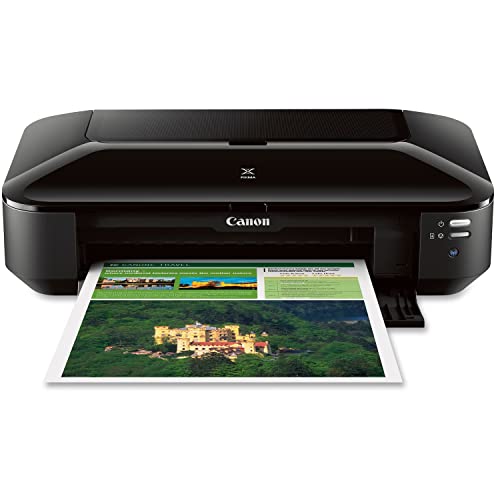
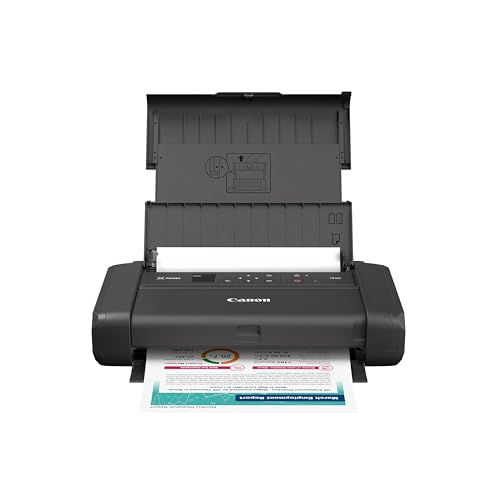

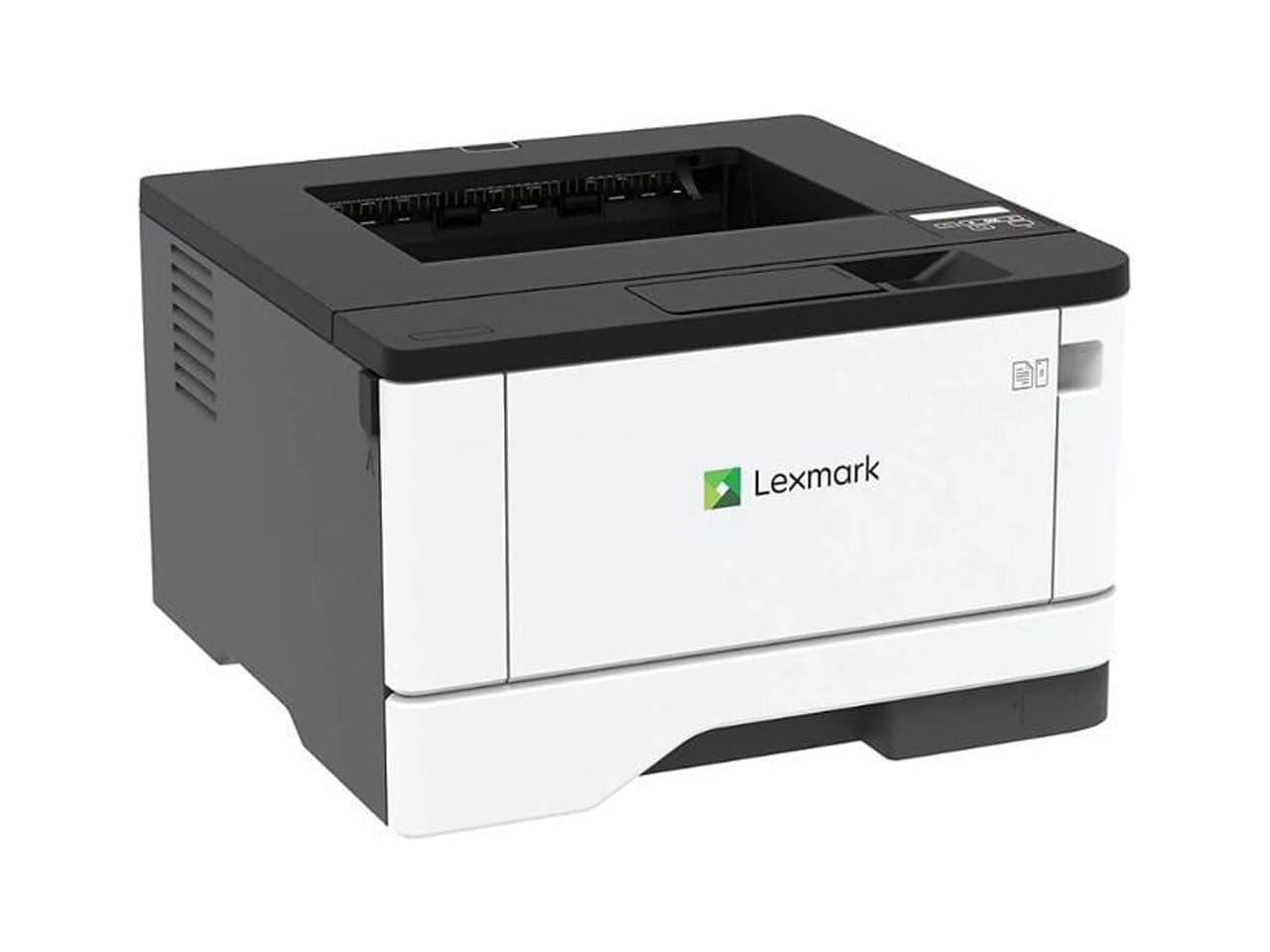
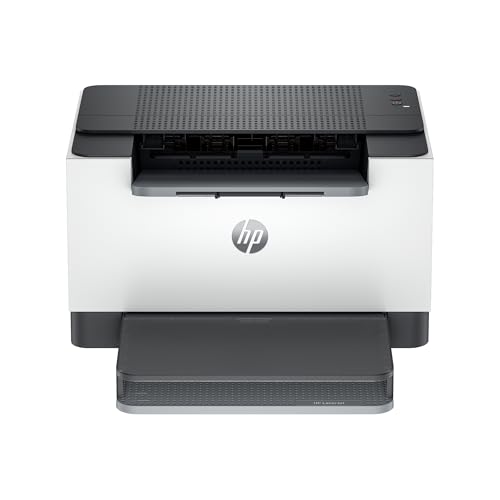
Types of Cloud Printers Compared
Start with type, because type decides quality, speed, and supply cost more than any single feature. Typical prices run from under $150 for basic home inkjet models, to about $200 to $450 for capable tank and laser models, with large format photo models costing more.
Inkjet Printers
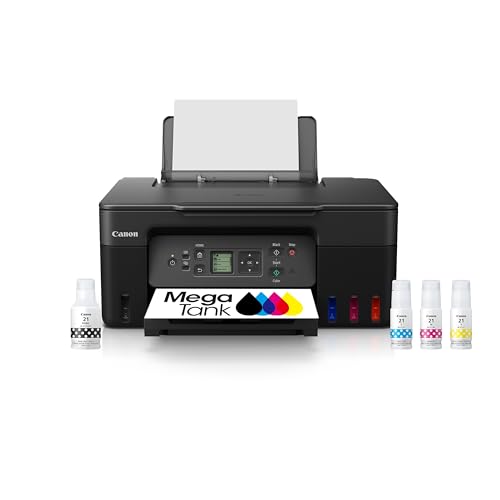
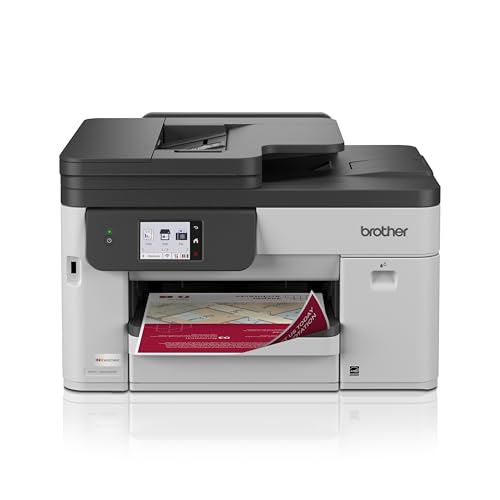
Inkjet models spray fine droplets of ink and handle the widest range of home tasks, from schoolwork and forms to color graphics and decent photos. Most include WiFi, app printing, and scanning in all in one versions. Their strength is flexibility at a low purchase price. Their weakness is ink cost on cartridge models and printheads that clog if the printer sits unused for weeks. Choose inkjet if your printing is mixed and moderate, and look at tank versions if you print weekly. Keep the printer somewhere you will use it often, because regular small jobs keep it healthy.
Photo Printers
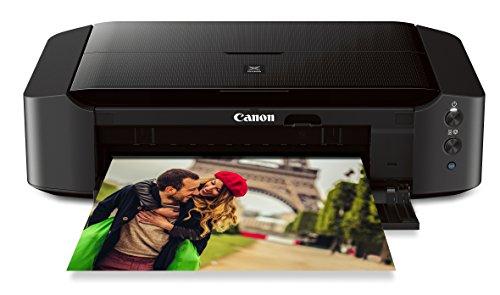
Photo printers are inkjet models tuned for images, with extra ink colors, finer droplets, and support for glossy, matte, and fine art papers. Cloud apps make printing from shared albums simple, and many models accept larger paper for display prints. Color accuracy and smooth shading are the payoff. The costs are slower text printing and premium ink and paper prices. Choose this type if printed photos are a goal in themselves, for family albums, gifts, or creative work, rather than an occasional bonus. For related options, see our guide to the best cloud print printers.
Laser Printers
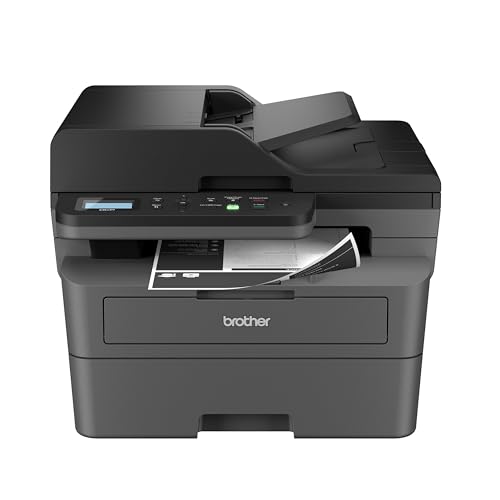
Laser models fuse toner powder onto paper and excel at fast, sharp text. They suit invoices, reports, study packets, and any home office that prints in batches. Toner cartridges yield many pages and never dry out, so laser copes well with quiet weeks. Color laser handles charts and simple graphics, though photo quality trails good inkjet output. Up front prices are higher than basic inkjet, but cost per page is often lower. Choose laser if documents dominate your printing and you value speed and low fuss over photo range.
Inkjet Printers vs Photo Printers: Which Should You Choose?
Compare these two on output goal first. A general inkjet produces pleasing snapshots, while a dedicated photo model gives smoother skin tones, deeper blacks, and better results on premium papers. On paper handling, photo models accept more specialty media and larger sizes. On cost, general inkjet is cheaper to buy and run for everyday pages. On speed, general inkjet wins for documents. On cloud use, both print from phones easily, but photo models add tools for cropping and color tweaks in the app. If photos are weekly projects, choose the photo type. If photos are occasional and documents are daily, a good general or tank inkjet is the smarter spend.
How to Choose the Right Cloud Printer
Printer Type (Inkjet, Laser, Tank)
Restate your last month of printing in one line: mostly text, mostly color, or a mix with photos. Text points to laser, a mix points to inkjet, and a heavy mix points to a tank model that keeps color affordable. Families sharing one machine usually land on an all in one tank or inkjet for scanning homework and forms. Solo office users often prefer laser for speed. Let that honest summary lead, and let features refine the choice afterward. Our guide to the best google cloud printers adds detail on account based printing.
Ease of Setup and Calibration
Good setup should take under half an hour: unbox, install supplies, join WiFi, install the app, and print a test page. Screens on the printer help because they confirm each step without guesswork. For document printers, calibration means printhead alignment and a nozzle check, both guided in the app. Avoid models whose apps rate poorly for setup, since a rocky first day predicts rocky ownership. If several family members will connect, confirm you can add users without repeating the full process for each phone.
Print Quality and Resolution
Resolution is quoted in dots per inch, but paper and ink matter as much as the headline number. For text, laser sharpness at standard settings is already excellent. For photos, look at ink count, droplet size, and the range of supported papers rather than chasing the highest DPI figure. Print a demanding sample if a store allows it: a face, a dark scene, and a page of small text reveal more than any spec. Also check borderless printing support if full page photos matter to you.
Footprint and Noise
Measure the shelf or desk with trays open and the scanner lid raised, not just the closed box dimensions in a listing. Printers need clearance behind them for cables and ventilation in many designs. Noise matters in bedrooms, nurseries, and shared offices. Laser models make a brief fan and roller sound during jobs, while inkjets are quieter but slower. If the printer will live in a living space, look for a quiet mode and accept that it trades speed for calmer operation.
Print Speed
Speed is quoted in pages per minute under ideal conditions, usually draft text with low coverage. Real jobs run slower, especially color pages and the first page after sleep. For home use, wake time and reliability matter more than peak speed. For offices, duplex speed matters too, since two sided reports are common. If you print long documents often, a model with a larger paper tray saves as much time as raw speed, because you refill less often.
Options for Specific Needs
Android Phones and Tablets
If your household prints from Android, the best cloud printers for android setups are those with a well maintained vendor app and support for the standard Android print service. Check that the app handles PDFs cleanly, lets you pick paper size, and shows ink levels. Chromebook style printing from the browser is a bonus. Test printing from the apps you actually use, such as email and cloud storage, during the return window.
Wireless Only Homes
In homes without a desk computer, the best wireless cloud printers are the ones that stay connected reliably. Dual band WiFi, a clear signal strength display, and simple reconnect steps after a router change matter more than extra features. Place the printer where the signal is strong, not hidden in a cabinet. Ethernet backup is useful in an office corner, but strong WiFi plus a good app covers most wireless only homes well.
Tight Budgets
Buyers hunting the best inexpensive cloud printers should compare total cost, not sticker price. A model under $150 with costly small cartridges can pass a tank model in total spend within a year of weekly printing. Look for high yield supply options, automatic two sided printing to save paper, and no forced subscription. If your volume is truly tiny, a basic model is fine. If it is steady, stretch the budget for tank or laser efficiency. See also our guide to best cloud ready printers for first time buyer tips.
Setup and Care Tips
Print a small color page weekly on inkjet models to prevent clogs, and keep spare paper stored flat and dry. Use genuine supplies or reputable alternatives with clear yield ratings. Clean the scanner glass with a soft cloth so copies stay crisp. For any model, keep firmware updated through the app, since updates often fix connection drops. Write the WiFi name and admin details on a card kept with the manual, so reconnecting after a router change takes minutes. Chromebook users can find pairing steps in our guide to the best cloud printers for chromebook.
Cloud Printers: Your Questions Answered
What does cost per page mean?
Cost per page is the ink or toner cost of one printed page. Estimate it by dividing a supply price by its rated yield. Black text pages are cheapest, and full color photo pages cost the most. This single figure explains why two printers with similar prices can differ hugely in ownership cost, and why heavy printers should favor tank or laser models even when they cost more to buy.
Do cloud printers work when my computer is off?
Yes, that is the main point of the category. The printer connects to your WiFi on its own and receives jobs from a phone app, a browser, or an email address, so no computer needs to stay awake as a host. The printer itself must stay powered and connected, so place it where the signal is strong and leave it in sleep mode rather than switching it off at the wall. Check that the vendor app supports every device in the house before you rely on this.
Inkjet or laser: which is cheaper long term?
Laser is usually cheaper for text heavy printing, thanks to high yield toner and no liquid ink waste. Tank inkjet closes the gap and can win for color heavy homes. Cartridge inkjet is typically the most expensive path once volume rises past a few dozen pages a month. Count your pages for one month before deciding, because that count settles the question better than any general rule.
Are ink tank printers worth it?
Yes for weekly printers and shared family machines. Bottle refills cut color and black costs dramatically, and large tanks mean fewer orders. They are less compelling for very light users, who may never print enough to repay the higher price. Regular use also suits tank hardware, since moving ink keeps printheads clear. If your printing is seasonal, weigh a laser model for its tolerance of idle time.
Final Thoughts
Choose the type that fits your pages, confirm cloud support for your phones and laptops, and compare cost per page before you compare sticker prices. Those three steps remove most regret in this category. Review the product table above with those filters in mind, and the best cloud printers for your home or office will be easy to spot.