Best Cloud Print Printers in 2026: Which Type Is Right for You?
Disclosure: We may earn a commission when you buy through links on this page, at no extra cost to you. As an Amazon Associate I earn from qualifying purchases. Learn more
Compare the best cloud print printers by type, running cost, and connectivity so you can choose a printer that fits home, photo, or office printing needs.
Cloud printing means you can send a file from a phone, a laptop, or a browser and have it print at home without cables or a computer that stays on. The confusing part is that very different printer types all claim cloud support. This guide compares the best cloud print printers by type first, so you can match the machine to your documents, photos, and monthly volume before you compare prices in the comparison table below.
A quick note on scope helps. Most buyers in this category want paper printing from the cloud, so the sections below focus on document and photo types, with running cost and app support treated as deciding factors.



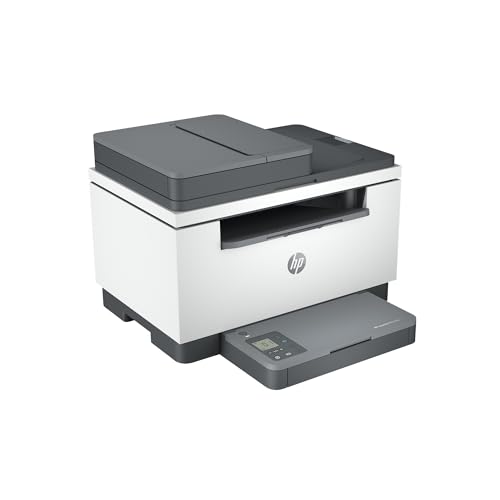
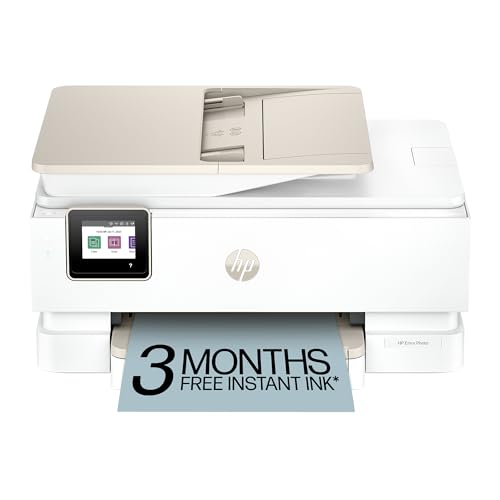
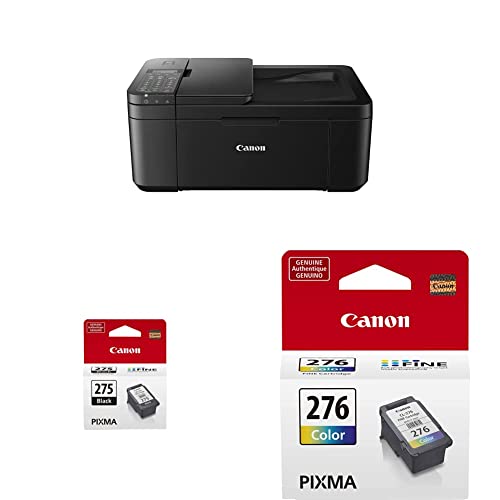

Types of Cloud Print Printers Compared
Think of the types as tools for different jobs. A type that is perfect for school papers can be a poor fit for glossy photos, and a photo specialist can be wasteful for everyday text. Price ranges below are typical and approximate: basic home models often sit under $200, capable all in one models run about $200 to $400, and larger tank or office models can pass $400.
All in One Printers
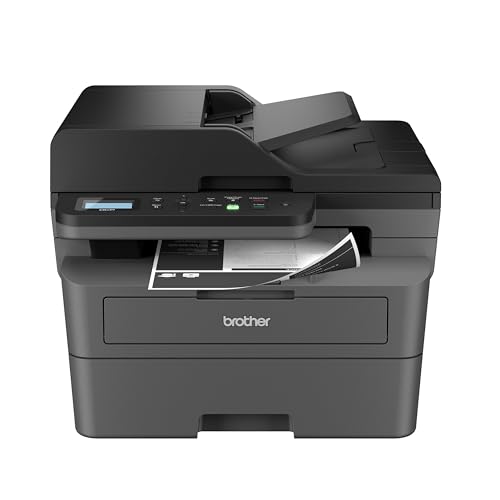
All in one models print, scan, and copy in one box, which makes them the default choice for homes and small offices. Cloud apps let you scan to email or cloud storage and print from anywhere, a handy mix for forms, homework, and signed pages. Strengths are versatility and modest size. Weaknesses depend on the ink system inside, since cartridge versions can get costly at high volume. Choose this type if you need scanning as often as printing and your volume is light to moderate each week.
Photo Printers
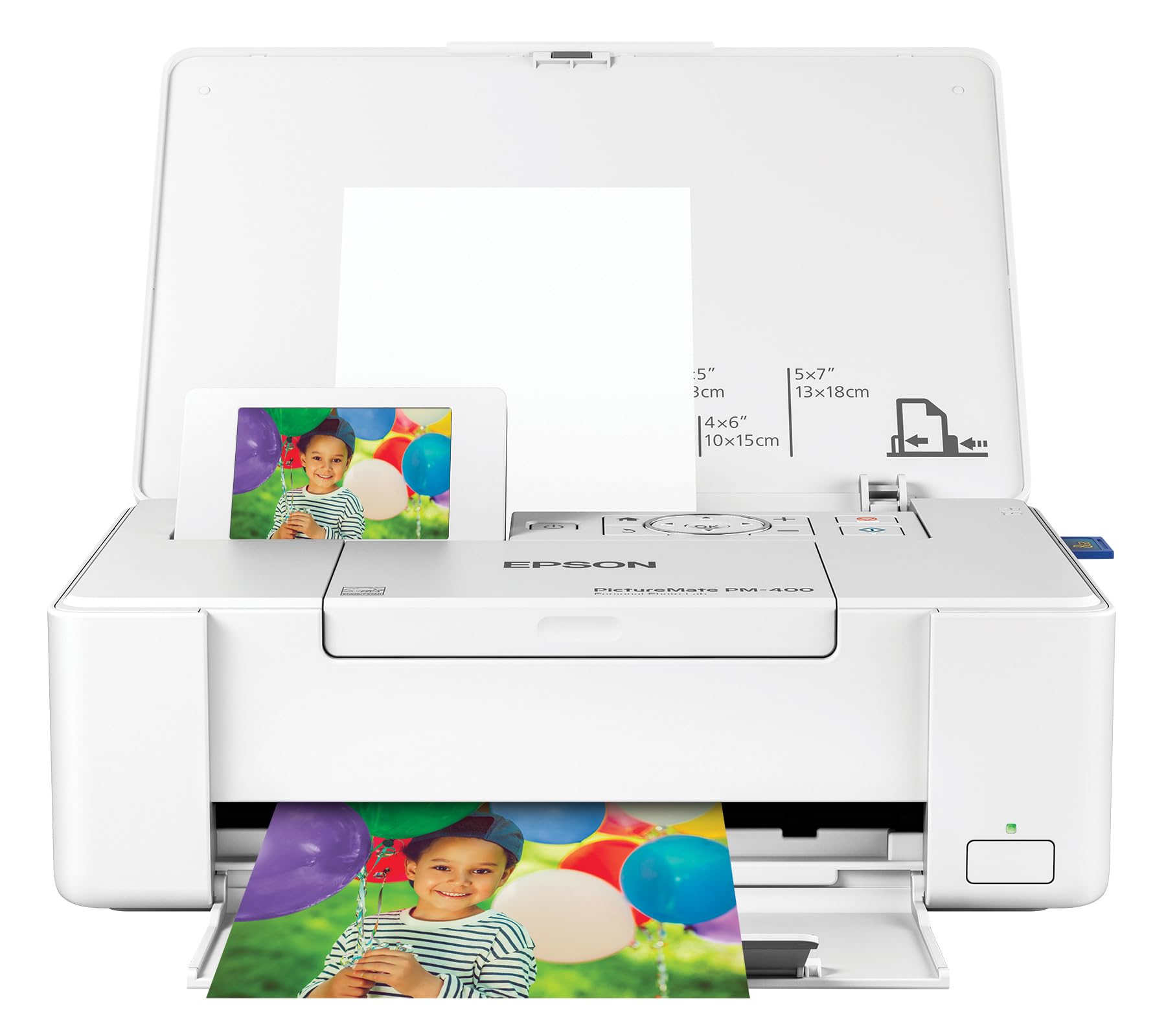
Photo printers focus on color accuracy, smooth gradients, and support for glossy and fine art papers. Many accept larger paper sizes and use extra ink colors to render skin tones and skies more faithfully. Cloud and mobile apps make it easy to print straight from phone albums or shared folders. The trade off is slower document printing and higher cost per page for plain text. Choose this type if prints for albums, gifts, or portfolios matter more than cheap everyday pages. For deeper photo guidance, see our guide to the best printers to print photos.
Ink Tank Printers
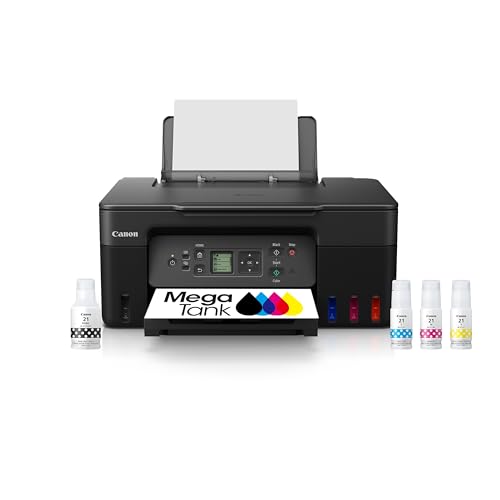
Ink tank models, often called supertank printers, use refillable reservoirs instead of small cartridges. You pay more up front, then refill with bottles that bring cost per page down sharply, which suits families, teachers, and home offices that print weekly. Cloud printing works the same as on other types, through WiFi and a vendor app. Output quality is strong for documents and good for casual photos. The main cautions are keeping the printer in regular use so printheads stay clear, and handling ink bottles carefully during refills. This is usually the best value type over two or three years of steady printing.
Laser Printers
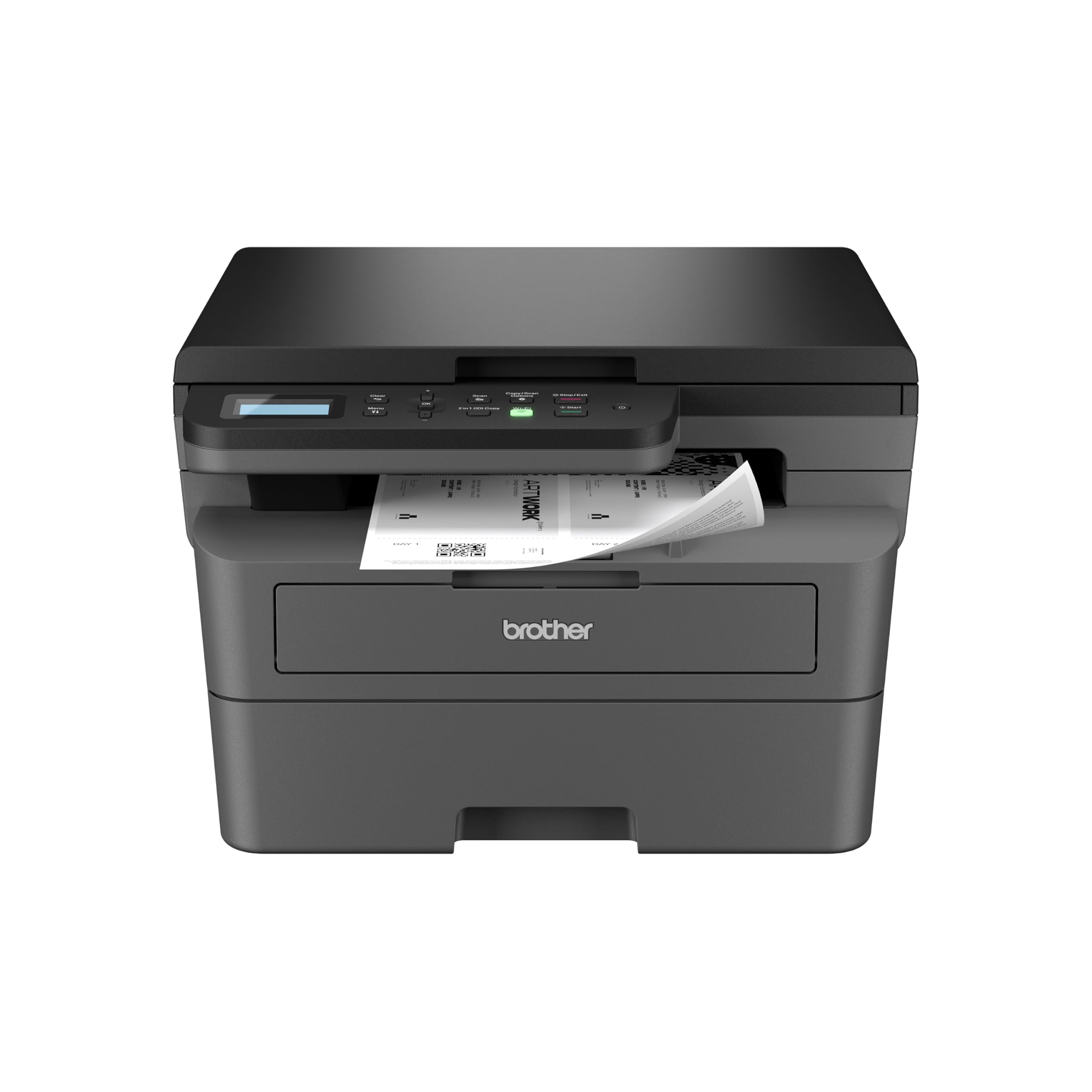
Laser models use toner instead of liquid ink and shine at fast, crisp text. A monochrome laser is a workhorse for invoices, school packets, and reports, and toner does not dry out during quiet weeks. Color laser models handle business graphics well but rarely match inkjet photo quality. Cloud support comes through WiFi, email printing, and vendor apps, and setup is simple on most home networks. Choose laser if your printing is mostly documents, you value speed, and you want long gaps between supply orders. Up front cost is higher than basic inkjet, but cost per page is often lower.
All in One Printers vs Laser Printers: Which Should You Choose?
These two types overlap the most, so compare them on five points. For print job type, all in one models handle photos and mixed media better, while laser wins on sharp text. For volume, laser pulls ahead as monthly pages climb into the hundreds. For idle time, laser is more forgiving if you print in bursts weeks apart. For extra tasks, only the all in one scans and copies without extra gear. For running cost, a tank based all in one can rival laser, but a cartridge based one usually costs more per page. If you print photos monthly, pick the all in one. If you print documents weekly and rarely scan in bulk, laser is often the calmer long term choice.
How to Choose the Right Cloud Print Printer
Connectivity and Mobile Printing
Confirm the printer supports your main devices before anything else. iPhone and iPad users should look for AirPrint, while Android and Chromebook users should confirm app or native cloud support in writing. Dual band WiFi helps in busy homes because the 5 GHz band is less crowded. Ethernet is a plus for a fixed office desk. If you often print for family members, check how guest printing works. Our guide to the best google cloud print printers covers account based printing setups in more detail.
Print Speed
Manufacturers quote speed in pages per minute for the fastest draft style mode, so treat the number as a ceiling, not a promise. Real world speed drops with color, high quality settings, and the first page wake time. For most homes, anything above about 10 pages per minute for black text feels fine. Speed matters more for offices printing long packets before meetings. Look for automatic two sided printing if you print booklets or reports, because it saves time as well as paper.
Printer Type (Inkjet, Laser, Tank)
Return to type once connectivity is clear, because type drives both quality and cost. Inkjet gives the widest media range and the best photos at home prices. Laser gives speed and low fuss for text heavy work. Tank models sit between them, with inkjet flexibility and much lower refill costs. Ask yourself what you printed in the last three months, not what you might print someday. That honest list usually points to one type quickly. Readers who want a broader shortlist can compare with our guide to the best cloud printers.
Cost per Page and Ink or Toner Costs
Cost per page is the supply cost divided by the pages a cartridge, bottle, or toner unit can print. It is the single best predictor of long term expense. A cheap printer with small cartridges can cost more in a year than a pricier tank model. Check whether high yield supplies exist for the models you like, and whether an ink subscription helps or hurts at your volume. Subscriptions suit steady monthly printing and punish irregular use, so read the rollover and cancellation terms carefully.
Reliability and Support
A printer lives or dies by its drivers, app, and firmware support. Favor brands that update apps regularly and publish clear setup videos and manuals. Check the warranty length and whether replacement printheads, rollers, and trays are easy to order. Community size matters too, because common error codes are easier to solve when many owners share fixes. Finally, measure your shelf or desk space and confirm the lid can open fully for scanning where you plan to place it.
Setup and Care Tips
Print a small color page each week on inkjet and tank models to keep nozzles clear, especially in dry rooms. Use genuine ink or reputable refill brands, because poor ink can clog heads and void support. Keep paper flat, dry, and fanned before loading to cut down on jams. For laser models, shake a low toner cartridge gently to squeeze out a few more clean pages while a replacement ships. Update firmware through the app when prompted, and keep the printer on a stable surface away from direct heat.
FAQs
Which cloud printer type is easiest for beginners?
A basic all in one with a clear app is easiest for most beginners. Setup wizards handle WiFi, test pages, and alignment in order, and scanning from the same app avoids extra software. Choose a model with a small screen that shows plain language prompts. Avoid buying extra features you will not use, since fewer trays, formats, and accounts keep the first month simple and frustration low.
What does cost per page mean?
Cost per page is what each printed page costs you in ink or toner alone. Divide the price of a supply by its rated page yield to estimate it. Color pages cost more than black text pages because they use several inks at once. This number lets you compare a low priced printer with costly cartridges against a pricier tank model on equal terms.
Are ink tank printers worth it?
Yes, if you print every week or share the printer with family. The higher purchase price usually pays back within the first year or two through cheap bottle refills. They are less worthwhile if you print only a few pages a month, because a basic laser or a print shop may cost less overall. Regular use also keeps tank printheads healthy, which protects your investment.
Inkjet or laser: which is cheaper long term?
For text heavy printing, laser is usually cheaper long term thanks to high yield toner and no clogged nozzles. For mixed printing with photos, a tank inkjet often wins because its color cost per page stays low. Cartridge inkjet is usually the priciest path at moderate to high volume. Your monthly page count decides the answer more than the sticker price does. Artists comparing media options may also like our guide to the best printers for artwork prints.
Wrapping Up
Start with type, confirm cloud support for your phone or laptop, then compare cost per page over the years you expect to keep the printer. That order prevents the common mistake of buying on sticker price alone. Check your shortlist in the product table above, and you will find the best cloud print printers for your home, photos, or office with confidence.