The Best Closed Loop Liquid CPU Coolers: A Complete Buying Guide for 2026
Disclosure: We may earn a commission when you buy through links on this page, at no extra cost to you. As an Amazon Associate I earn from qualifying purchases. Learn more

Learn how to choose the best closed loop liquid cpu coolers with guidance on radiator sizes, fan noise, pump quality, case fit, and price tiers.
A closed loop liquid cooler can keep a hard working processor quiet, but only when the radiator size, pump quality, and case fit all line up. Pick on looks alone and you may end up with tubes that strain, fans that drone, or a block that misses your socket. This guide to the best closed loop liquid cpu coolers walks through the checks that actually decide your result.
You will see what each price tier delivers, how to size a radiator for your processor, and which details separate a cooler that lasts from one that disappoints. Keep the comparison table below in mind as you read, and use it to check each claim against real options.
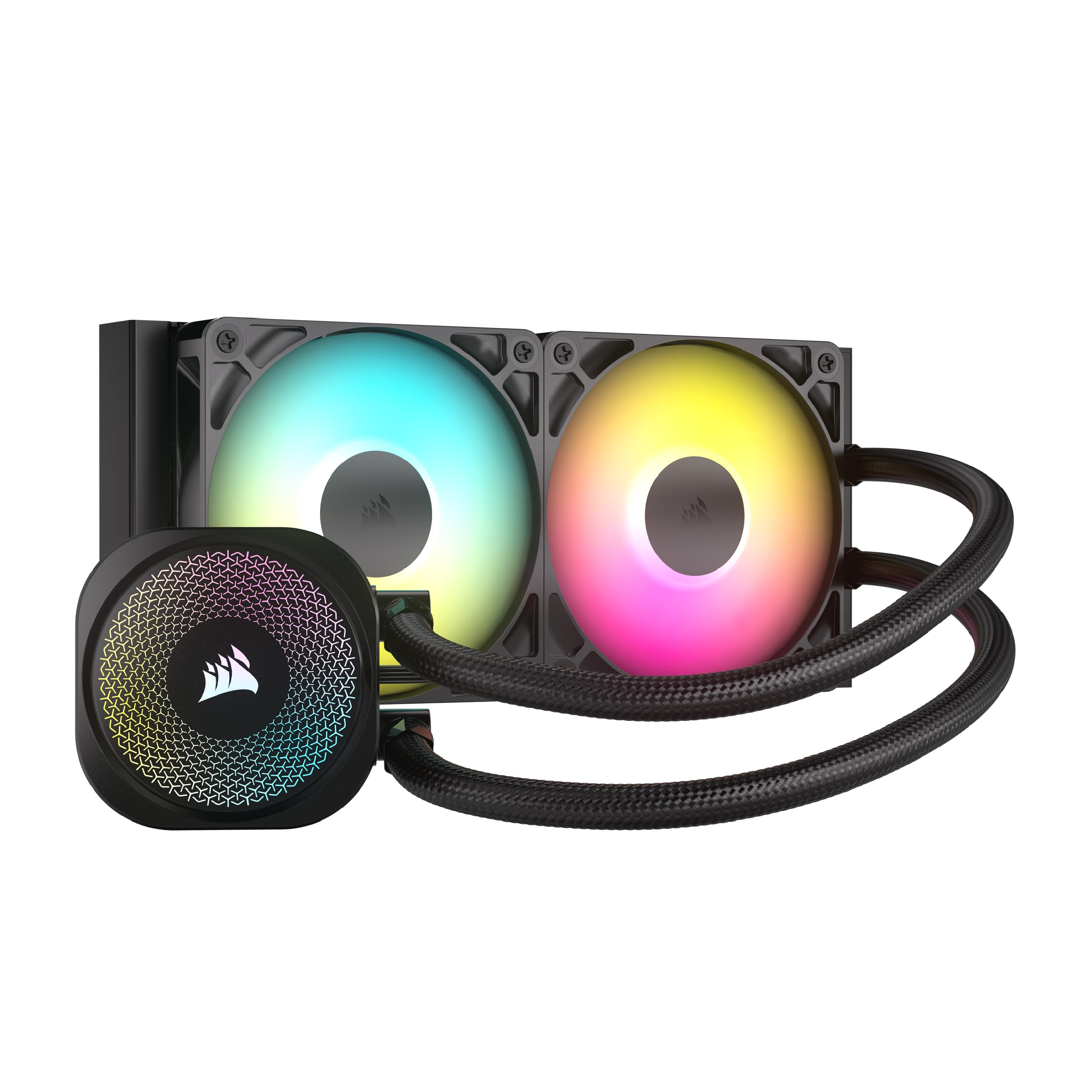


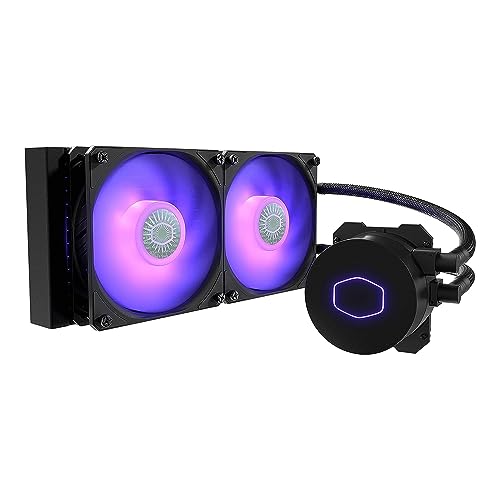
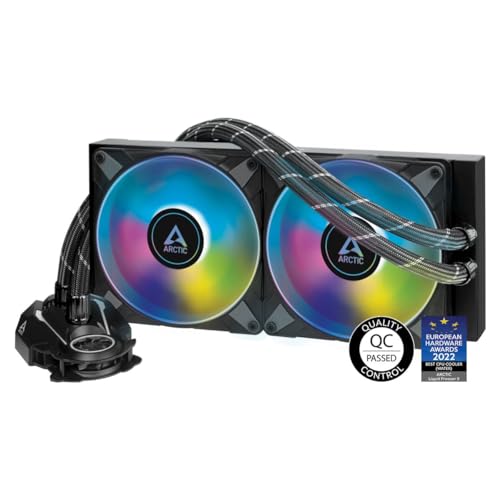


Price Tiers at a Glance: What Each Level Delivers
Rather than naming specific models, it helps to know what each price tier generally buys you. Sealed liquid coolers cluster into three bands, and the jump between bands is mostly about radiator size, fan quality, and warranty length. Use these tiers to set your budget before you fall for extras.
The Balanced Tier
Around $110 to $180, this tier centers on 240 mm and 280 mm radiators with quiet fans and warranties of five or six years. Cooling is strong enough for most gaming processors, and fan control software is usually included. This is the tier most builders should target.
The limitation is headroom. A flagship processor running long all core workloads can push these radiators toward their comfort limit. If your chip is efficient or your gaming sessions are moderate, that limit rarely matters in practice.
The Value Tier
Under about $110, you will find 120 mm and smaller 240 mm units with basic fans and shorter warranties, often two or three years. They suit compact cases and modest processors, and they beat the tiny coolers bundled with some chips. Expect plainer tubing, fewer lighting extras, and fans that get audible sooner under load.
Value units reward honest expectations. Match one to a processor with moderate power draw and it will run quietly for years. Ask it to tame a flagship chip and you will hear the fans working hard every session.
The Beginner Friendly Tier
First time liquid buyers should look for simple mounting hardware, clearly labeled cables, and pumps that run quietly at a fixed speed. Many balanced tier models qualify, and some value models do too, so treat beginner friendly as a feature set rather than a separate price band. Preapplied thermal paste and a single combined fan cable make a first install far less stressful.
Avoid units that need extra hub software just to control fan speed. Your motherboard BIOS can handle curves on standard four pin fans, and that simplicity pays off the first time you troubleshoot a noise at midnight.
How to Choose the Best Closed Loop Liquid CPU Coolers: Buying Guide
Seven checks shape your outcome, and most take less than a minute each. Run them before you compare prices, because a cooler that fails any one of them is not a bargain at any discount. Keep your case manual and processor specifications open while you work through this section.
CPU and GPU Pairing
Your processor sets the minimum radiator size, and your graphics card decides how warm the case air gets. A strong GPU at 1440p or 4K can raise internal temperatures enough to cost your cooler several degrees. If your card is powerful and your processor is midrange, a 240 mm radiator mounted as top exhaust is a balanced answer.
Avoid the classic bottleneck in reverse: a flagship processor cooled by a tiny 120 mm radiator. The chip will throttle in long sessions no matter how fast the rest of the system is.
Cooling and Thermals
Radiator area is the main lever, followed by fan quality and mounting position. A 280 mm radiator moves more air at lower speed than a 240 mm of similar design, which is why many quiet builds favor it when the case allows. Front intake mounting gives the radiator the coolest air, while top exhaust mounting protects the GPU from warm exhaust.
Either position works when airflow is planned. What fails is a radiator trapped behind a nearly solid panel with no intake path. Check your case ventilation before blaming any cooler for high temperatures.
Pump Noise and Speed Control
The pump is the one part of a sealed cooler you cannot swap, so judge it carefully. A good pump hums at a steady pitch that disappears behind the fans, while a poor one whines or ticks at idle when the room is quiet. Look for a pump that connects to a dedicated header or runs at a fixed speed set by the maker, and avoid tying it to a temperature curve, because pumps are built for constant flow.
Mount the radiator with its top edge above the pump block so any trapped air settles in the radiator rather than in the pump chamber. A gurgle in the first hours is normal as air moves, but a rattle that persists after a day deserves a warranty call while the unit is new.
Case Size, Airflow, and Aesthetics
Measure radiator support, not just case size on the box. Full ATX cases usually accept 360 mm radiators, mid towers vary, and ITX cases often limit you to 240 mm or less. Thickness matters too, because a radiator plus fans needs roughly 55 mm of clear space in most standard designs.
Lighting and displays are personal choices, and they are fine to enjoy once fit and performance are settled. Just remember that every extra cable needs a route. A clean build with hidden cables also tends to be the quiet build, because nothing rattles against a fan.
Upgradability and Standard Parts
Sockets change, and a cooler that adapts stays in service. Prefer brands that publish mounting support for current Intel and AMD sockets and have a record of selling adapter kits. Standard four pin fan connectors let you replace a worn fan with almost any quality fan years from now.
Prebuilt systems deserve extra scrutiny here. Some use proprietary motherboard layouts that block standard cooler brackets entirely. If you own such a system, confirm bracket compatibility before ordering, or plan the cooler upgrade together with a motherboard change.
Warranty, Support, and Build Quality
Warranty length tells you how the maker rates its own pump and seals. Five or six years is common on balanced and premium units, while two or three years is typical at value prices. Read what the warranty covers, especially whether leaks that damage other parts are addressed, since policies differ widely.
Build quality shows in small places: sleeved or reinforced tubes, a pump housing that feels solid, and fans with fluid dynamic or similar long life bearings. Tidy factory cable management in photos is a good sign, but your own cable routing decides the final result.
Clearance Around the Socket
Plan the space around the socket before the cooler arrives. Tall DDR5 modules can sit close to the pump block and its tube exits, and a top radiator can hang over the first memory slot in compact cases. Checking the cooler dimensions drawing against your board layout prevents the most common install surprise.
Drives play a smaller role. A fast solid state drive does not affect cooler choice, but its heatsink near the socket is one more warm object in a crowded area. Keep a clear airflow path across the board and both the drive and the processor will run cooler.
Types of Closed Loop Liquid CPU Coolers
Beyond sizes, it helps to picture the three build styles these coolers usually serve. Each style pressures the cooler differently. Our overview of the best closed loop cpu coolers explains the same types from a comparison angle if you want a second view.
Custom Built PCs
Custom builds let you match case, radiator, and fans as one plan, so they get the best results per dollar. Builders usually pick 240 mm or 280 mm radiators and tune fan curves to taste. The only real cost is your time measuring and routing cables.
High End 4K Builds
Flagship processors and graphics cards create the heaviest heat load, so 360 mm radiators dominate here. The extra radiator area keeps fan speeds low during long sessions at high settings. Cases must be chosen carefully, since not every mid tower accepts a radiator this long.
Small Form Factor PCs
Compact cases trade radiator room for desk space, so 120 mm and slim 240 mm units are the usual fit. Tube flexibility matters more than raw capacity, because bends are tight and every millimeter counts. A modest processor pairs best with this style; hot chips will force high fan speeds in a small box.
Picking the Right Closed Loop Liquid CPU Coolers for Different Uses
Some searches are really about one narrow format. The single fan radiator is the most common example, and it deserves its own criteria because its limits are easy to underestimate.
Best Single 120mm Closed Loop Liquid CPU Coolers
The best single 120mm closed loop liquid cpu coolers suit small cases and modest processors that a tower cooler cannot fit around. Judge them on fan quality, because one fan does all the work and noise shows quickly. Pump noise matters too at this size.
Choose this format for space reasons, not as a cheap route to flagship cooling. A slightly thicker radiator can help in a roomy compact case, so compare radiator thickness, fan static pressure and warranty between models, and always confirm your rear fan mount accepts the added depth before ordering.
Care and Maintenance Tips
- Clean case dust filters and radiator fins about every three months, since dust buildup slowly raises temperatures and fan noise.
- Keep the pump running at a steady maker recommended speed instead of tying it to a fan curve, because pumps are built for constant operation.
- Monitor temperatures with a free hardware tool after any hardware change, and note the normal range so problems stand out early.
- Use a surge protector for the whole system, which protects the pump electronics along with every other part.
- Update GPU drivers and BIOS carefully from official pages only, and skip updates you do not need when the system runs well.
FAQs
How long do closed loop liquid cpu coolers last?
Plan on five to seven years of service from a quality sealed unit, which is why five and six year warranties are common on balanced and premium models. The pump wears first, and a small amount of coolant permeates slowly through the tubing over the years, so performance fades gradually rather than failing overnight. Rising idle temperatures or a new pump noise are the signals to budget for a replacement.
Do I need to refill a closed loop liquid cooler?
No. The loop is sealed at the factory and has no fill port, which is the main difference from a custom loop. When the coolant level finally drops enough to matter, the unit is replaced rather than topped up. Shoppers comparing the best coolers for cpu setups sometimes expect maintenance like a custom loop, but a sealed cooler only asks for dusting and a clean airflow path.
Air or liquid cooling: which is better?
The better choice depends on your case and processor rather than on any universal ranking. Large air towers are simple and durable, and our guide to the best air coolers for cpu covers their strengths. Liquid coolers free up socket space, fit short cases, and scale to bigger radiators for hot chips. If your case has the height for a good tower and your processor is efficient, air is hard to beat for value.
Should I mount the radiator at the top or the front?
Front intake feeds the radiator the coolest air and gives the lowest processor temperatures, while top exhaust keeps the warmed radiator air away from the graphics card. Builders reading about the best cpu liquid coolers often choose top exhaust in cases with a mesh front and strong intake fans, and front intake in cases with a restrictive top. Keep the top edge of the radiator above the pump in either position.
Is a 120 mm liquid cooler better than a tower air cooler?
Usually not on cooling alone. A single 120 mm radiator has about the same cooling capacity as a good midsize air tower, and the tower has no pump to wear out. The 120 mm liquid unit wins on clearance, since it leaves the area around the memory slots open and fits cases too short for a tall tower. Choose it for space reasons and pair it with a processor of moderate power draw.
Our Verdict
Set your tier by processor heat, verify radiator fit in your exact case, and favor standard mounts with a long warranty. Those three steps filter out nearly every bad match before price even enters the discussion. Check your shortlist against the product table above, and choosing among the best closed loop liquid cpu coolers becomes a calm, confident decision.