Best Classroom Printers: Buying Guide for 2026
Disclosure: We may earn a commission when you buy through links on this page, at no extra cost to you. As an Amazon Associate I earn from qualifying purchases. Learn more
Learn how to choose the best classroom printers with clear advice on printer types, running costs, paper handling, setup, and quiet classroom use.
A printer in a classroom works harder than most office machines. It handles worksheets at eight in the morning, permission slips at noon, and a queue of essays before the last bell, often run by students rather than staff. Choosing the best classroom printers means looking past the purchase price to running costs, speed, and how calmly a machine handles a busy queue.
This guide explains each printer type, the costs that follow you all year, and the small features that prevent Monday morning jams. Use the comparison table below to compare types once you know your monthly page volume and color needs.


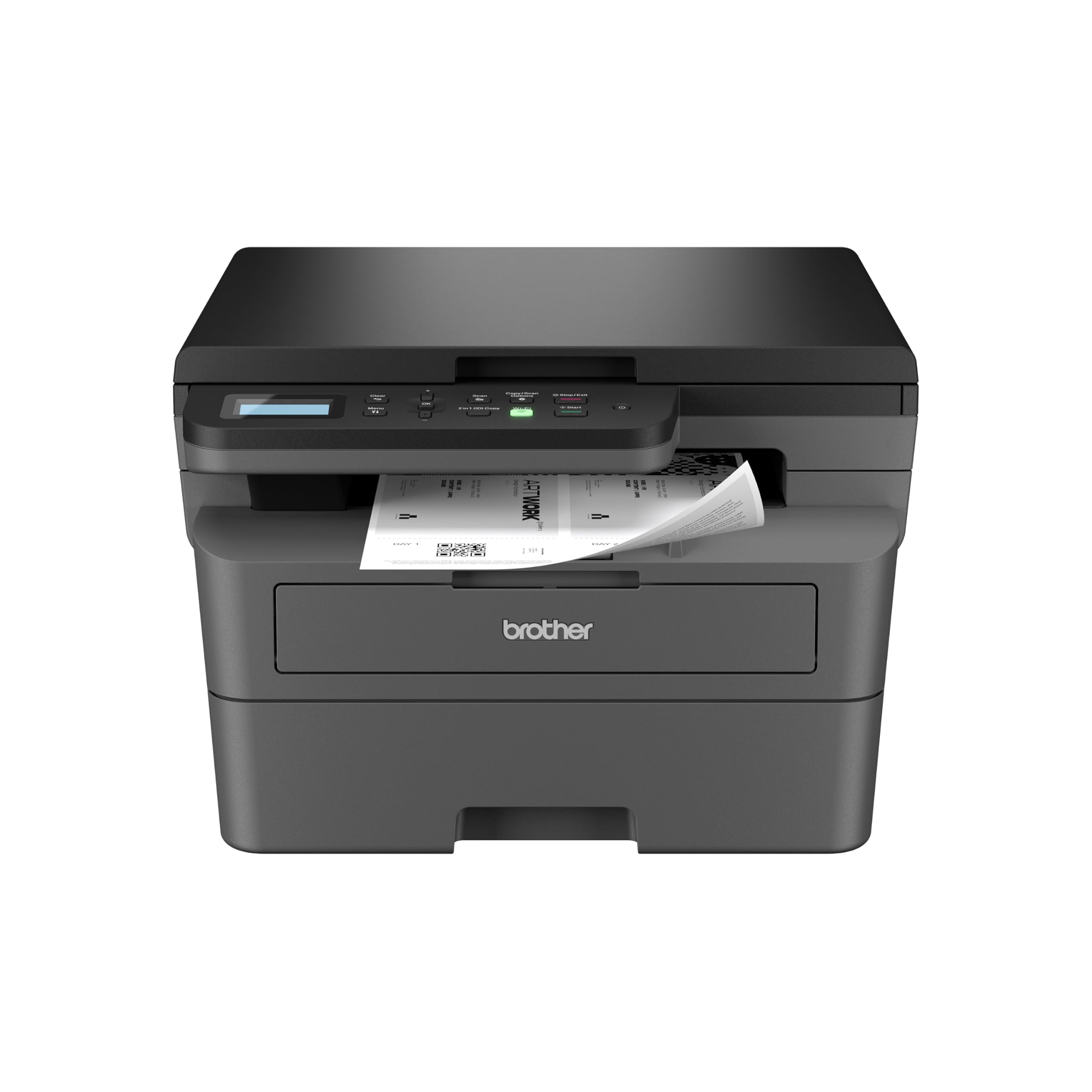

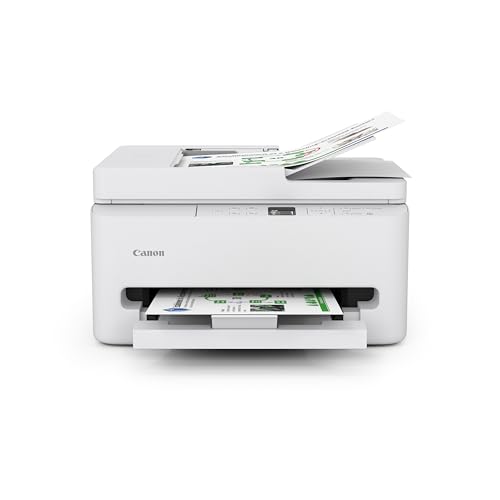
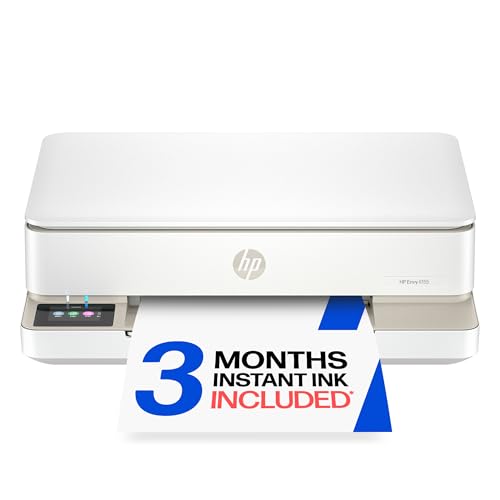
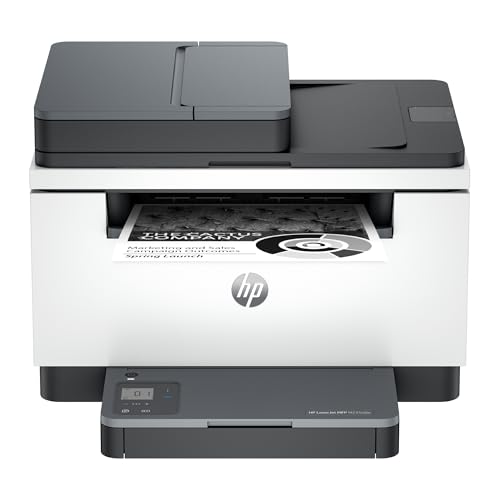
What Good Looks Like at Three Budget Levels
Balanced Everyday Tier
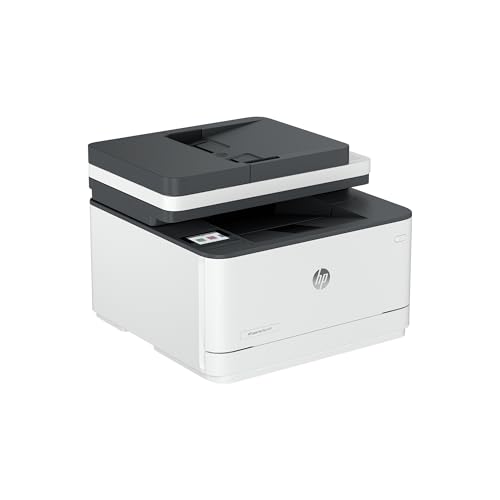
A balanced everyday printer, usually around $200 to $350, should print class sets quickly, handle double sided pages without manual flipping, and connect to school WiFi without daily fuss. This tier suits most general classrooms printing mainly text with some color worksheets. Expect a paper tray that holds a full ream or close to it, clear controls a substitute teacher can run, and cartridges or tanks that are easy to source. The limit at this level is speed under a long queue, so busy shared rooms may need the next tier.
Value Tier
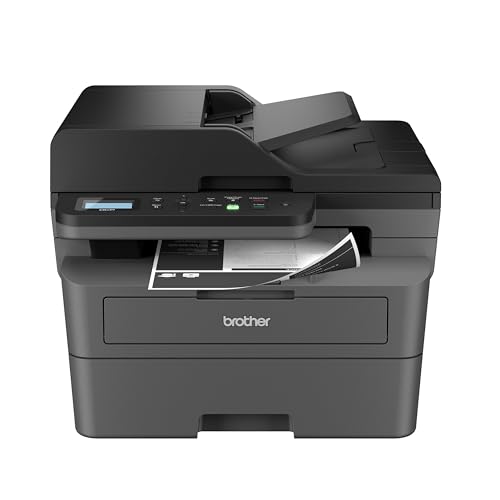
The value tier, around $100 to $200, rewards schools that print modest volumes and watch budgets closely. A good value machine still needs duplex printing, a scanner for copying worksheets, and honest cost per page figures, because cheap hardware with costly ink is no saving. This tier suits single classrooms, reading rooms, and offices with light duty. The trade off is a smaller tray and slower first page times, which are fine when print jobs are short and spread across the day rather than stacked into one rush.
Upgrade Tier
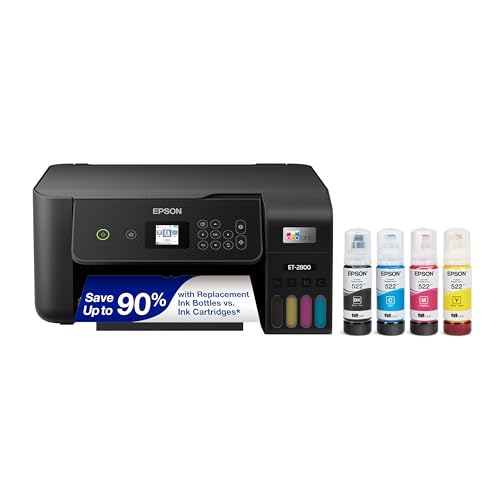
An upgrade tier printer, about $350 to $600, buys speed, large trays, and lower running costs for shared or high volume rooms. Look for fast double sided output, a second tray for a different paper size, and a duty cycle that comfortably covers your busiest month. Tank and laser models in this range often print thousands of pages before any refill. The cost is size and upfront price, so measure your counter space first. This tier suits school offices, department hubs, and art rooms with steady color demand.
How to Choose Classroom Printers That Fit Your Room
Printer Type
Start with type, because type decides your costs and your daily routine. Laser printers excel at fast, crisp text and low cost per page, making them the default for worksheets and essays. Inkjet printers handle color photos and art work better, though pages can smear if handled while wet. Ink tank printers refill from bottles at very low cost and suit color heavy rooms. Multifunction models add a scanner and copier, which most classrooms use more often than they expect.
Cost per Page and Ink Costs
Cost per page is the figure that decides your yearly budget, so calculate it before you compare features. Divide the price of a cartridge or bottle by the pages it yields, and do this for black and color separately. Ink tank models usually win by a wide margin, cartridge models cost more per page, and laser toner sits in between with high yields. Subscription ink plans can smooth supply but may cost more over a school year. Keep one spare set of ink or toner in the room so a dry cartridge never cancels a lesson.
Paper Handling and Duplex Printing
Paper handling shapes your mornings more than any speed claim. A tray that holds 250 sheets or more means fewer refills during class set runs, and automatic duplex printing halves paper use on long documents. An automatic document feeder on the scanner speeds copying of multi page worksheets. Check the range of paper sizes and weights the trays accept, especially if your art or certificate work uses thicker stock. Clear jam access from the front or back panels saves time when a page inevitably crumples mid job.
Ease of Setup and Calibration
Setup should take minutes, not an IT ticket and a week of waiting. Prefer printers that join WiFi from their own screen, offer a simple driver or app based install, and print a test page that confirms alignment and color. For shared school networks, ask IT about print queues and sign in rules before you buy, since security settings can block cheap models. Run a short alignment check after setup and again after any paper jam, since a skewed feed shows up as crooked worksheets long before it shows up as an error message.
Footprint and Noise
Measure the shelf or counter before ordering, including space for the output tray and for lids that lift during scanning. Compact models fit classroom corners but often hold less paper, so balance size against refill frequency. Noise matters during lessons, since a loud printer can halt a quiet reading session. Laser models tend to hum steadily, inkjets move in bursts, and both are calmer in a corridor hub than beside desks. If the printer must live in the room, favor lower noise ratings and a sleep mode that truly stays quiet.
Connectivity and Mobile Printing
Good connectivity means teachers and students print without cables, queues at one desk, or file transfers by memory stick. WiFi is essential, and support for common mobile printing standards lets Chromebooks, tablets, and phones send jobs directly. A clear job queue on screen helps when thirty students print at once, because the teacher can cancel mistakes before they waste paper. For home comparison shopping, our guide to the best computer printers for home shows how needs shrink outside school. Wired network ports remain a useful backup in buildings with weak wireless coverage.
Types of Classroom Printers Compared
The best classroom printers for worksheets, art rooms, and school offices come from different families, so match the type to the paper that leaves the room each week.
Laser Printers
Laser printers use toner powder and heat to produce sharp text at high speed, with pages that resist smudging and water. They suit worksheet and essay heavy rooms, offices, and any space where black text dominates. Color laser models exist but cost more to buy and run. The main limits are weaker photo quality and a higher upfront price, balanced by toner cartridges that can last a full term or longer.
Inkjet Printers
Inkjet printers spray fine drops of ink, producing rich color and good photos on the right paper. They suit art rooms, early years classrooms with color rich materials, and displays that need vivid images, a strength explored in our guide to the best printers for pictures. Running costs vary widely by model, and idle inkjets can clog if left unused over long breaks. Print a color page weekly during holidays to keep nozzles clear.
Ink Tank Printers
Ink tank printers store ink in refillable tanks topped up from bottles, giving very low cost per page and long gaps between refills. They suit color heavy classrooms that print daily displays, booklets, and worksheets in volume. Refilling is simple but needs a steady hand and a cloth for drips. Speeds are usually moderate rather than fast, so a tank model fits steady daily printing better than a sudden queue of thirty essays in ten minutes.
Multifunction Printers for Copying and Scanning
Multifunction printers combine printing with a flatbed scanner, a copier, and often an automatic document feeder. They suit classrooms that copy worksheets, scan student work for digital portfolios, and print from several devices during the same lesson. The feeder matters more than it looks, because copying a ten page packet one sheet at a time eats a planning period. Keep the glass clean and the feeder rollers free of paper dust, and a multifunction model will handle the whole paper routine of a busy room.
Tips to Get the Most From Your Classroom Printer
- Print a page weekly to prevent clogs. Inkjet nozzles dry out during breaks, and one color test page keeps them flowing.
- Use genuine or reputable ink and toner. Poor supplies leak, streak, and can damage parts that cost more than the saving.
- Set duplex as the default. Double sided printing for drafts and worksheets can cut paper use close to half over a year.
- Keep a spare supply kit. One set of ink or toner plus a ream of paper in the room prevents most print emergencies.
- Load paper the right way. Fan the ream, square the stack, and set the guides snugly so sheets feed straight and jams stay rare.
- Name the printer clearly. A room number in the print queue stops jobs going to the wrong floor.
Classroom Printers: Your Questions Answered
What does cost per page mean?
Cost per page is what each printed page costs you in ink or toner, worked out by dividing the price of a cartridge or bottle by its page yield. It excludes paper and the printer itself, yet it still decides most of your yearly spend. A difference of a few cents per page becomes hundreds of dollars across a school year of class sets. Always compare black and color figures separately, since color pages cost several times more.
Are ink tank printers worth it?
Yes, for classrooms that print color often, because bottle refills cost far less per page than cartridges and last for thousands of pages. They are less compelling if you print rarely, since the higher upfront price takes longer to repay and idle ink still needs occasional use. Add up your monthly color pages honestly. If the number is in the hundreds, a tank model usually pays for its premium within the first year.
Can students print from Chromebooks and tablets?
Yes, as long as the printer supports the mobile printing standards those devices use and sits on the same school network. Most current wireless models print from Chromebooks, tablets, and phones without a driver install, which keeps IT tickets low. Ask your IT team whether the school network isolates student devices from printers, because that setting blocks printing even when the hardware is compatible. A quick trial print from one student device before the order ships prevents an awkward first week.
Inkjet or laser: which is cheaper long term?
For text heavy classrooms, laser is usually cheaper long term, because toner yields are high and pages print fast with little waste. For color heavy rooms, an ink tank inkjet often beats both cartridge inkjets and color laser on cost per page. The cheapest answer depends on your color share, so estimate your black and color volumes for one busy month and multiply. That simple count prevents the most common and costly buying error schools make.
Final Thoughts
Decide by cost per page, paper handling, and printer type, in that order, and your choice will serve you all year. Match the type to your color needs, size the trays to your busiest morning, and keep spare supplies in the room. For wider context on print quality across types, see our guide to the best quality printers. Then check the product table above and choose the best classroom printers for your room with the numbers already settled.