Best Clarity Security Cameras in 2026: Which Type Is Right for You?
Disclosure: We may earn a commission when you buy through links on this page, at no extra cost to you. As an Amazon Associate I earn from qualifying purchases. Learn more
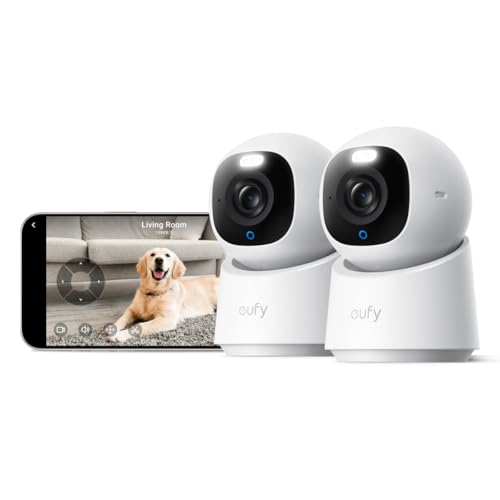
Compare the best clarity security cameras by type, from doorbells to wired systems, and learn which resolution, storage, and power setup fits your home.
Sharp footage is the whole point of a security camera, yet clarity means different things depending on the camera type you choose. A doorbell camera, a battery model, and a wired system can all claim high resolution while delivering very different pictures in daily use. This guide compares the main types side by side so you can match one to your home, your wiring, and your budget.
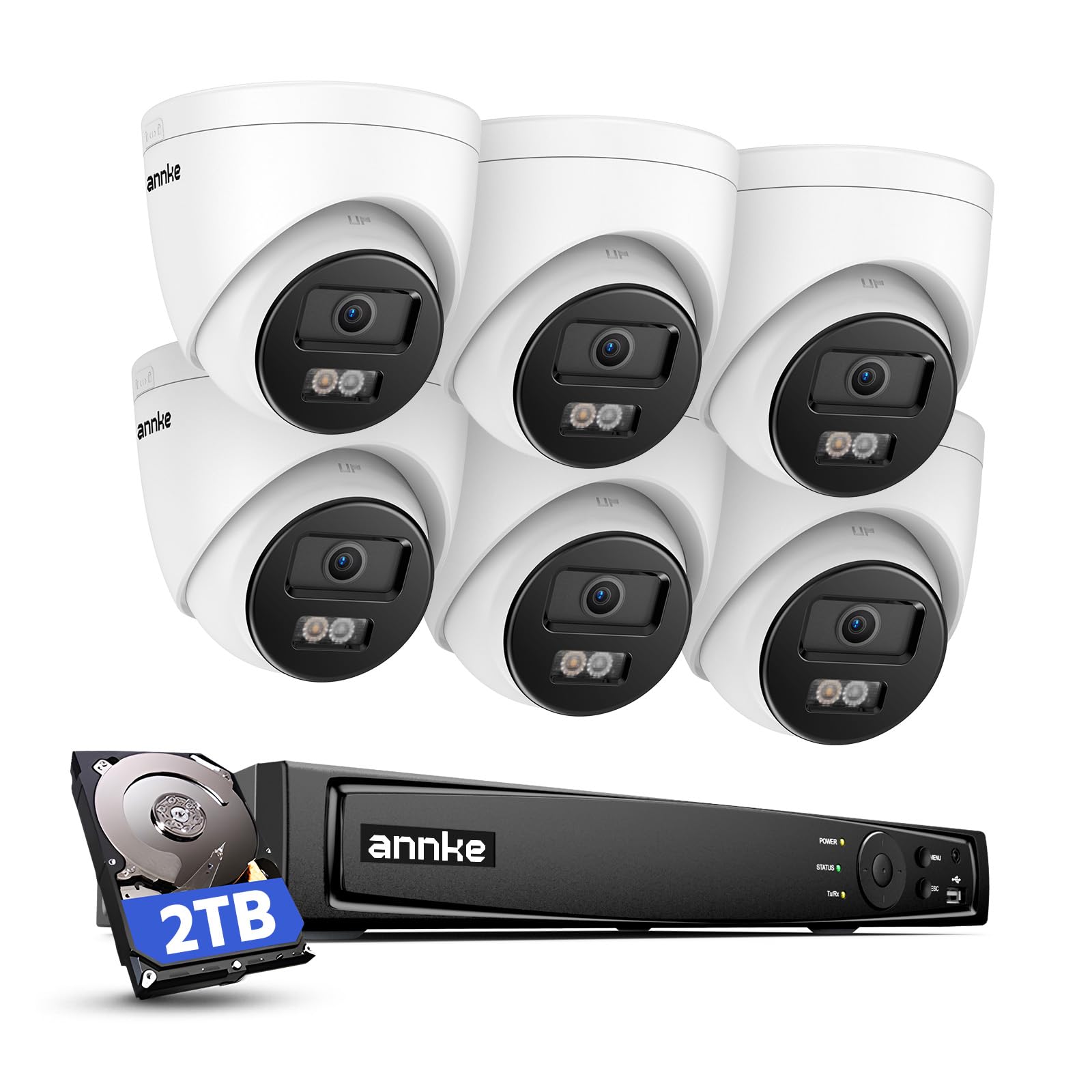
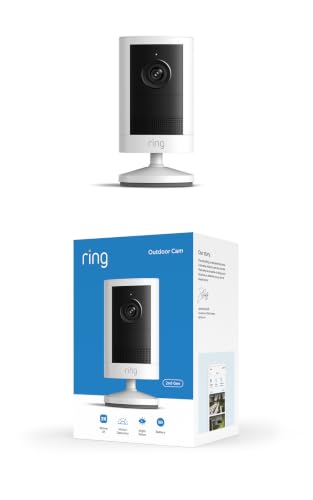
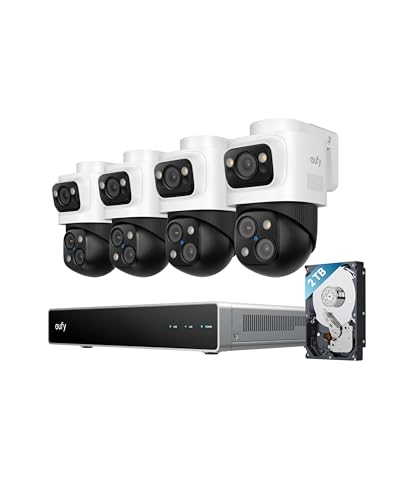
The best clarity security cameras share a few traits, including a good sensor, a clean lens, and enough resolution to read a face or a plate at a useful distance. Use the comparison table below as a quick reference, then read on for how each type performs and which features protect image quality the most.






Types of Clarity Security Cameras Compared
Camera type shapes clarity more than most buyers expect. Power supply, mounting position, and recording style all affect how much detail the sensor can capture. A camera that sleeps to save battery may miss the first second of an event, while a wired model records nonstop and keeps every frame. The four types below cover nearly every home setup, and each one suits a different mix of convenience, coverage, and picture quality.
Video Doorbells
Video doorbells replace or sit beside your doorbell and watch the front step, where packages arrive and visitors pause. Their tall, narrow view is framed for faces at close range, so a person standing at the door fills the frame and stays easy to identify. Most run on battery power or your existing doorbell wiring, and they send a phone alert with live video when someone presses the button or triggers motion detection.
The tradeoff is scope. A doorbell sees one doorway well and little else, and its small lens and wide angle can soften detail at the edges. Choose this type if your main concern is the front door, deliveries, and talking to visitors from your phone through two way audio.
Battery Powered Wireless Cameras
Battery powered wireless cameras are the most flexible type to install. You charge the battery, mount the camera almost anywhere with a few screws, and connect it over WiFi, with no cable runs and no electrician. Battery life usually runs from a few weeks to several months per charge, depending on how much motion the camera records each day.
To save power, these cameras rest in a low power state and wake when motion occurs, so recording can start a moment after movement begins. Busy spots drain the battery fast and can shorten clips. Pick this type for rentals, sheds, side gates, and any spot where running a cable would be difficult or expensive.
Solar Powered Cameras
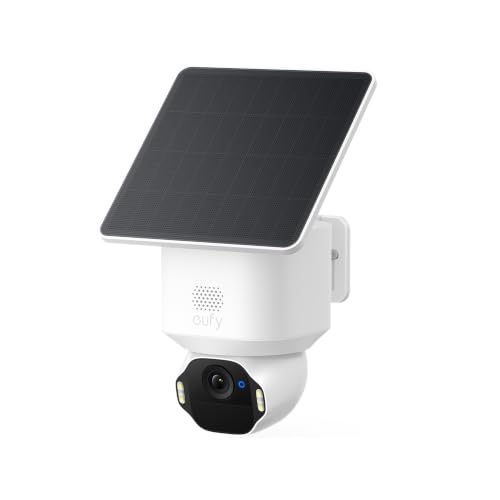
Solar powered cameras pair a battery camera with a small solar panel that tops up the charge during daylight. Mounted well, they can run for long stretches without you climbing a ladder to swap or recharge a battery. They suit sunny yards, driveways, barns, and gates that sit far from an outlet but still within WiFi range or covered by a cellular plan on some models.
Performance depends on sun exposure. A panel shaded by trees or facing away from the sun may not keep up in winter, and the camera still shares the wake up delay of other battery models. Choose solar when the mounting spot gets several hours of direct sun and you want the freedom of wireless placement without routine charging trips.
Wired Camera Systems
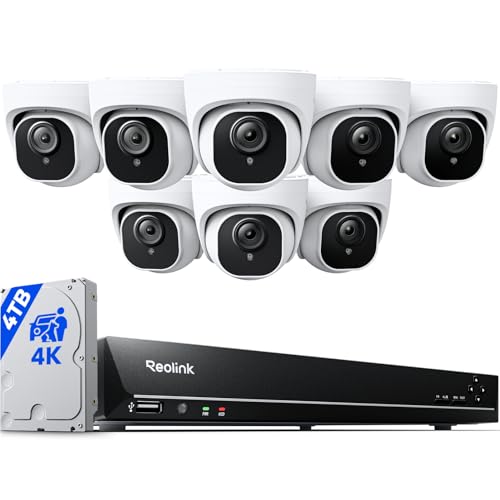
Wired systems connect each camera by cable to a central recorder, either through PoE, which carries power and video on one Ethernet cable, or through separate power and video cables. Because power never runs out, these cameras can record around the clock, and continuous footage is where clarity shines: you can pause on the exact frame you need instead of relying on a short motion clip. If whole property recording appeals to you, see our guide to the best security surveillance cameras for how multi camera setups are planned.
The cost is installation effort. Running cable through walls and attics takes time or a professional fee, and the recorder needs a shelf spot and a monitor or app for viewing. Pick a wired system for a home you own long term, where the sharpest, most complete footage matters more than easy setup.
Video Doorbells vs Battery Powered Wireless Cameras: Which Should You Choose?
These two types overlap in price and convenience, so the choice comes down to viewpoint and daily habits. A doorbell camera looks outward from your front door at face height, which is ideal for identifying visitors and watching packages. A battery camera can go almost anywhere, including the back yard or driveway, but its higher mounting angle usually captures the tops of heads rather than clear faces.
Power and upkeep differ too. A doorbell wired to your existing chime wiring rarely needs attention, while a battery doorbell and a battery camera both need recharging every few weeks or months. Recording style is similar, since both rely on motion clips rather than continuous footage. If the front door is your only worry, the doorbell wins on framing and visitor features. If you need coverage in several spots, battery cameras spread wider for the same money. Many homes end up with one of each, and planning the whole layout first helps, as covered in our guide to the best security cameras for house.
How to Choose the Right Clarity Security Camera
When you compare the best clarity security cameras, type comes first, but five feature areas decide how clear and how useful your footage will be. Work through each one with your home in mind, because the right answer for a small apartment entry differs from the right answer for a long rural driveway.
Power Options: Wired, Battery, Solar, and PoE
Power choice controls recording style, which controls clarity in practice. Wired and PoE cameras record continuously, so nothing is missed and you can scrub back to any second. Battery and solar models record in clips to protect charge, and a clip that starts late can cut off the moment that matters most. Consider outlet distance, sun exposure, and how often you are willing to recharge. For a single high value spot like a front door, constant power is worth the wiring effort. For scattered outdoor spots, battery or solar keeps the project simple.
Smart Home Integration
Integration decides how you view footage day to day. Cameras that work with Alexa or Google Assistant can show a live feed on a smart display with a voice command, which is handy when your hands are full. Apple HomeKit support appeals to iPhone households and can route video through a home hub. Check that the camera, your phone, and any display you own share the same platform before buying, because mixing ecosystems often means using a separate app for every camera. A single app for all your cameras makes checking events far quicker.
Two Way Audio and Siren
Two way audio lets you speak through the camera from your phone, useful for greeting guests, directing a delivery driver, or warning off someone lingering near your door. Sound quality varies, so look for a speaker loud enough to be understood outdoors and a microphone that does not drown speech in wind noise. Some cameras add a built in siren you can trigger from the app, a useful deterrent at night. Clear audio also adds context to video evidence, since a recording with voices is easier to interpret than silent footage alone.
Weather Resistance
Outdoor cameras carry an IP rating that describes protection against dust and water. An IP65 rating means the camera shrugs off rain jets from any direction, which suits most porches and eaves. IP66 models handle stronger water pressure and suit exposed walls with driving rain. Temperature range matters too, since batteries lose capacity in deep cold and electronics can overheat in sealed, sun baked housings. For exposed mounting spots, compare ratings carefully using our guide to the best exterior security cameras, and place the camera under an eave when you can for extra shelter.
Video Resolution and Field of View
Resolution is the headline clarity spec. 2K resolution captures noticeably more facial detail than 1080p at the same distance, and 4K helps most when you need to zoom into a recorded frame. Field of view works with resolution, not against it: a very wide 160 degree lens spreads pixels across more area, so each face gets fewer pixels than it would in a narrower 130 degree view. For long driveways, a narrower lens concentrates detail where you need it. Shoppers comparing outdoor models can see how these tradeoffs play out in our guide to the best cameras for outdoor security.
Care and Maintenance Tips
Clarity fades slowly when a camera is neglected, so a short routine keeps footage sharp. Wipe the lens with a soft, dry cloth every month or so, since dust, pollen, and spider webs scatter light and blur night images. Webs near the lens also reflect the infrared lights back into the sensor and wash out the picture. Mount cameras about 8 to 10 feet high, angled slightly down, which protects them from tampering while keeping faces in frame.
Point the lens away from direct sun glare and bright porch lights, which force the sensor to underexpose everything else. Turn on two factor authentication for your camera account, use a strong unique password, and install firmware updates when the app offers them. Check battery levels monthly on wireless models, and reseat or clean solar panels each season so charging stays efficient. For outdoor units placed in the open, our guide to the best security cameras outside covers placement ideas that survive bad weather.
Frequently Asked Questions
How much storage does a clarity security camera need?
Most homes do fine with a few days of stored clips. Motion based cameras use little space, so local storage on a memory card or hub can hold weeks of events, while continuous wired recording fills drives much faster and suits a large hard drive. Cloud storage keeps footage safe if a camera is stolen, though it usually needs a subscription. A practical middle path is local recording for bulk footage plus cloud backup for flagged events.
Are clarity security cameras easy to hack?
No, clarity security cameras are not easy to hack when basic account security is in place. Most breaches trace back to reused passwords rather than broken encryption. Use a unique password, enable two factor authentication, and keep firmware current. One extra step many owners skip is securing the home router itself with its own strong password and updated software, since every WiFi camera depends on that network. Cameras that record to local storage also reduce exposure by keeping footage inside your home.
Do clarity security cameras need a subscription?
No, clarity security cameras do not need a subscription to record and play back video. Models with local storage save clips to a memory card or home hub at no monthly cost. Subscriptions usually add cloud storage, smarter alerts that tell people apart from pets or cars, and longer video history. Read the feature list carefully before buying, because on some models the smart alerts are the main thing paywalled, while basic motion recording stays free.
Can clarity security cameras work without WiFi?
Yes, some clarity security cameras can work without WiFi. Wired PoE systems record to a local recorder with no internet at all, and you view footage on a monitor at home. Some battery models record to a memory card offline and sync when the network returns. What you lose without WiFi is remote viewing, phone alerts, and cloud backup. For a cabin or workshop with no service, choose local recording and plan to review footage on site.
Are wired or wireless clarity security cameras more reliable?
Wired clarity security cameras are more reliable for uninterrupted recording. A cable delivers constant power and a stable connection, so there are no dead batteries and no dropped signals. Wireless models depend on battery charge and WiFi strength, and a weak signal can lower video quality or delay alerts. Reliability also depends on placement, since a wireless camera near the router can run trouble free for years. Choose wired for the spots you cannot afford to miss, and wireless where cables cannot reach.
Final Thoughts
Start with type, since it decides your recording style and installation effort. Then weigh resolution against field of view, pick a power source you can live with, and decide whether local storage or cloud storage fits your habits. The product table above pulls these choices together so you can compare the best clarity security cameras by the features that protect picture quality. Match the camera to the spot it will watch, and the clarity you saw advertised is the clarity you will actually get.