Best CISS Printers for Every Need: How to Pick the Right One for 2026
Disclosure: We may earn a commission when you buy through links on this page, at no extra cost to you. As an Amazon Associate I earn from qualifying purchases. Learn more

CISS printers cut ink costs with refillable tanks. Compare the best ciss printers by tank size, cost per page, paper handling and connectivity before you buy.
There is no single CISS printer that suits every home and office, because printing volume, paper types, and color needs vary so much from one person to the next. This guide to the best ciss printers starts with how you actually print, then walks through the features that control your cost per page for years.
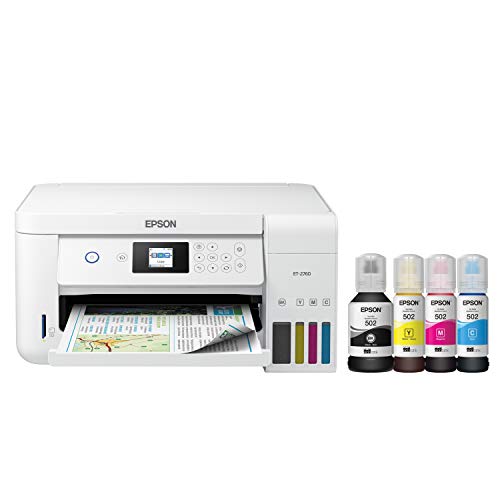
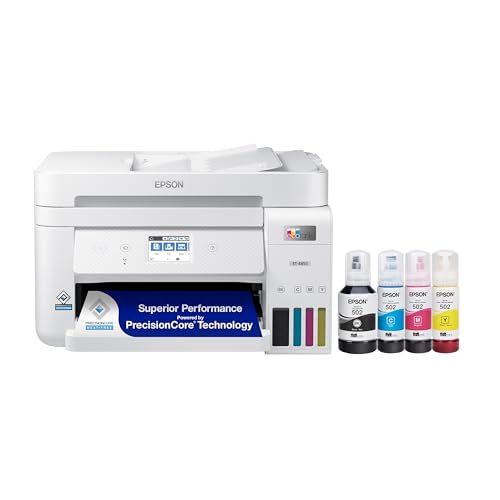
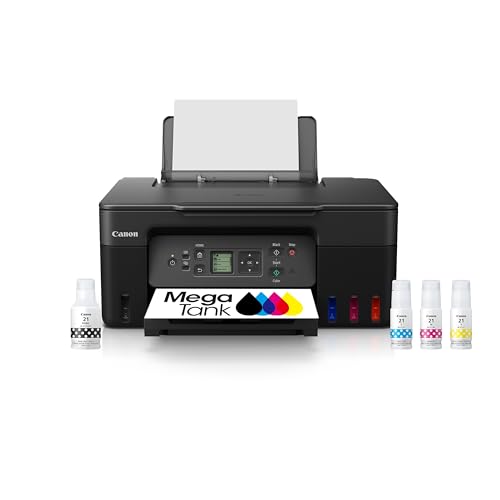
CISS stands for continuous ink supply system. Instead of small cartridges, you get large refillable ink tanks that you top up from bottles. That design can cut ink costs dramatically, but only if the rest of the printer matches your workload. Use the comparison table below to see how tank sizes and features line up as you read.


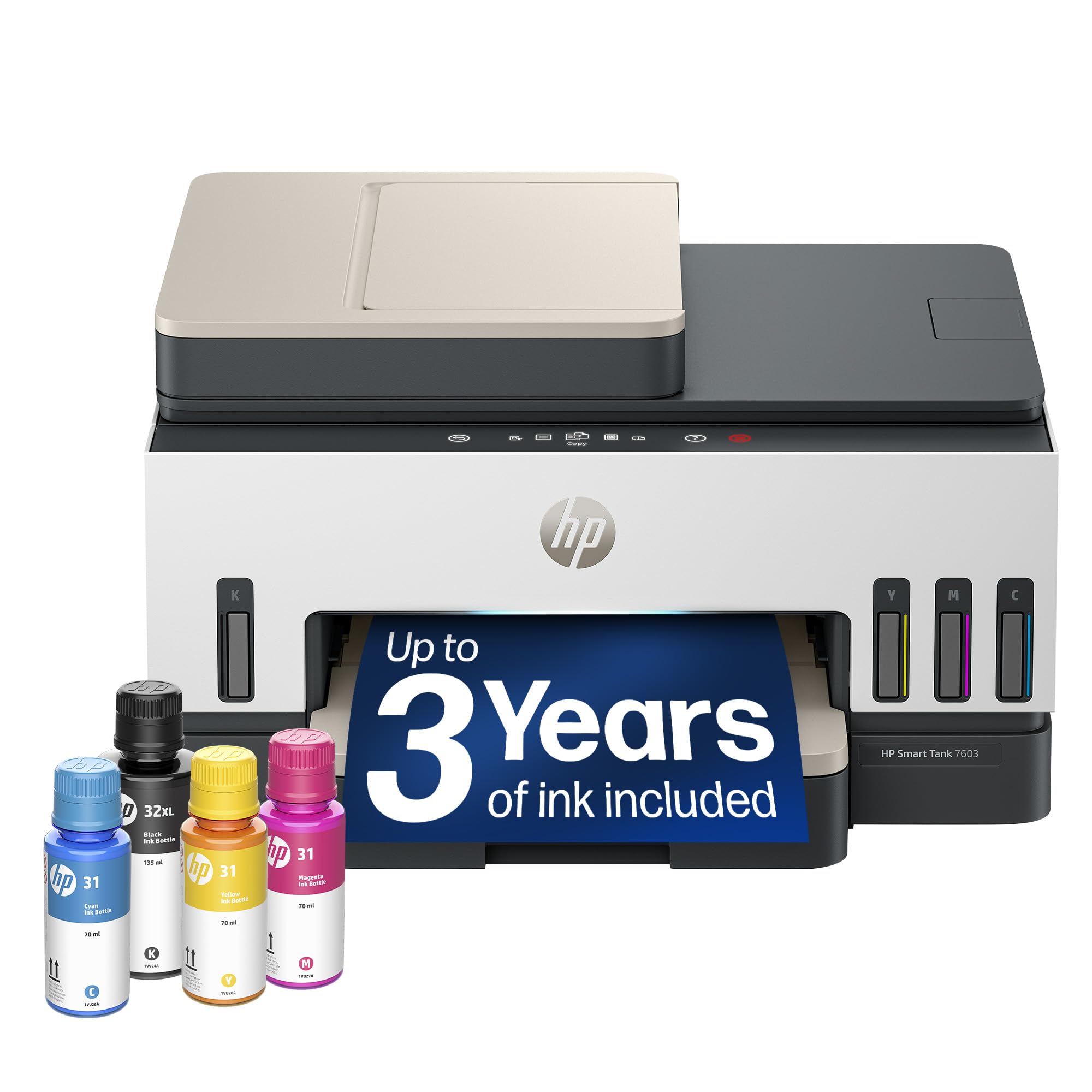
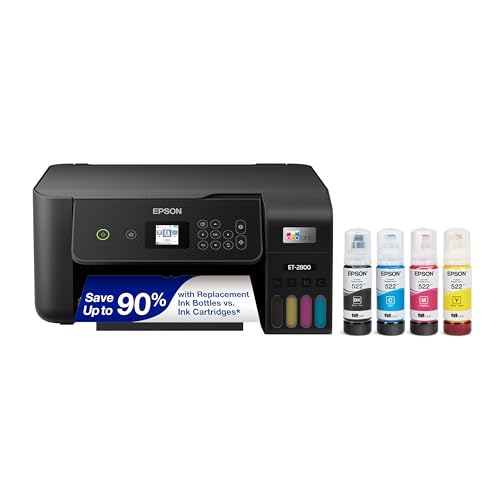

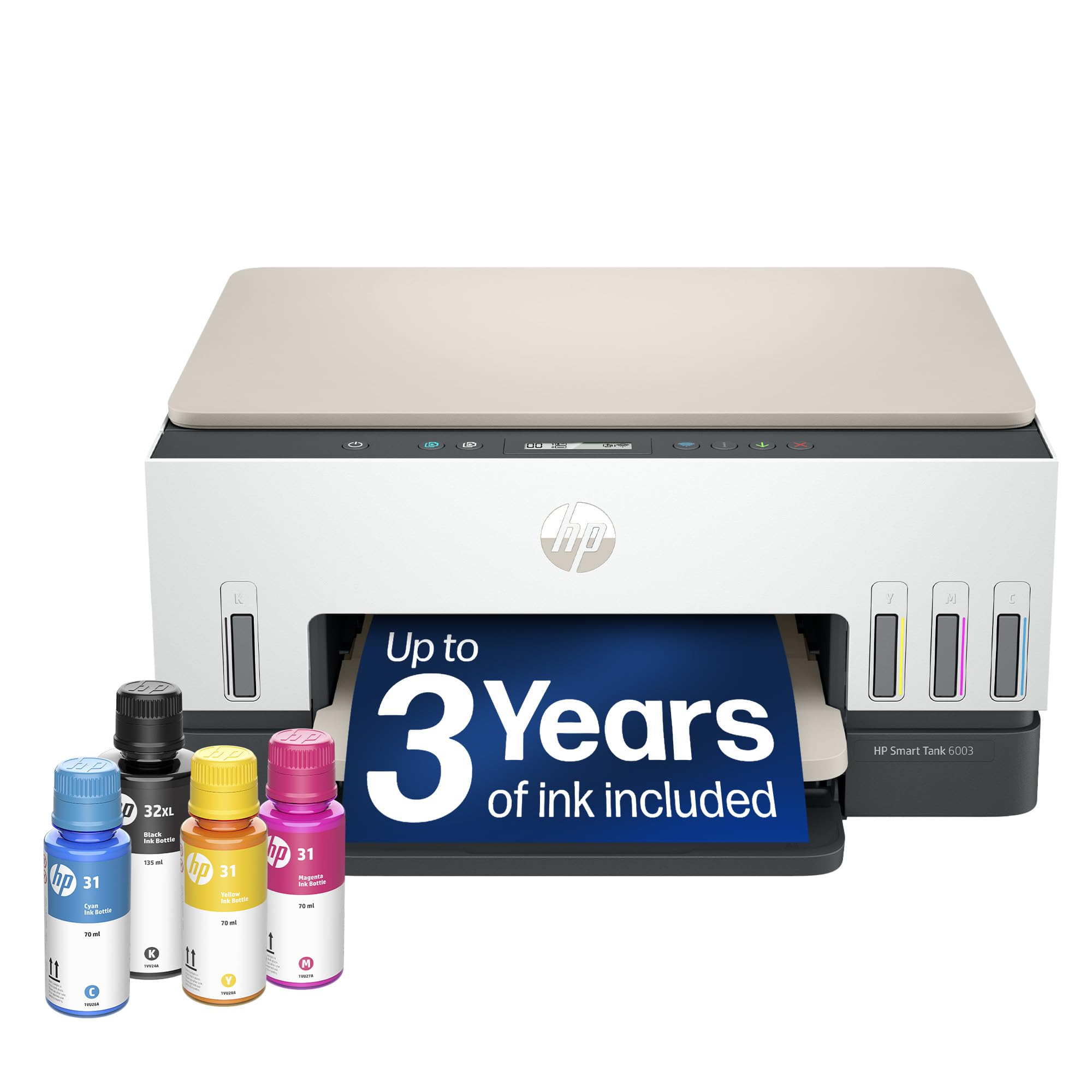
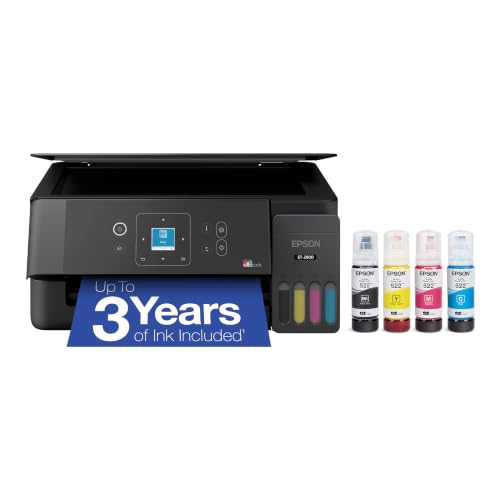
Who Should Buy Which CISS Printers?
Start by placing yourself in one of the groups below. Your weekly page count and the mix of documents and photos you print matter more than any single headline specification.
For People Who Move Often
If you move between apartments, dorm rooms, or work sites, size and weight deserve your attention first. Tank printers are usually bulkier than basic cartridge models because the reservoirs take up real space, so measure your shelf or desk before you order. Look for tanks with secure caps and a locking design that reduces spill risk during a move. A compact footprint, a handle friendly shape, and simple WiFi setup help you get printing again quickly after each relocation without extra cables or tools.
For High Volume Home Printing
Heavy users print in bursts and in volume, from club flyers and school packets to small business invoices and shipping paperwork. Prioritize print speed measured in pages per minute, a generous monthly duty cycle, and the largest tanks you can fit. A printer that slows down or needs constant refills during a long run will frustrate you fast. Also check the paper tray capacity, because loading paper every twenty pages interrupts long jobs. Strong cooling and a sturdy paper path matter more here than photo extras.
For Remote Workers and Creators
Remote workers need scanning and copying as much as printing, so an automatic document feeder and a flatbed scanner save real time each week. Creators who print proofs or photos should care about resolution measured in DPI and about color handling on glossy paper. If most of your work starts on a phone or tablet, AirPrint and a reliable companion app make daily use far easier. Many readers in this group also compare options in our guide to the best computer printers for home to balance office features against home friendly size.
For Students and Everyday Users
Students print essays, reading packets, and the occasional color project, often in uneven bursts around deadlines. Your priority is a low cost per page with ink that will not dry out between busy weeks. Choose a model with clear ink level windows so you can see a refill coming before a deadline hits. Simple controls, dependable WiFi, and affordable bottle refills matter more than top speed. A smaller tank is fine at this volume, as long as replacement ink stays easy to find and reasonably priced.
Key Features to Compare
The features below decide what you pay over the life of the printer and how much effort each print job takes. Read them in order if you are new to tank printing.
Reliability and Support
A tank printer is a long term purchase, so driver support and firmware updates matter as much as hardware. Check that the maker still supports your operating system and offers clear refill and cleaning guidance. Print heads on ink tank models can clog or wear, so confirm that replacement parts and service options exist in your country. Warranty length and the cost of an extended plan are worth comparing, and readers who value build quality above all can also see our guide to the best quality printers for a broader view.
Printer Type
CISS technology belongs to inkjet printing, because liquid ink flows from the tanks to the print head on demand. That makes these printers strong for color documents and photos. Laser printers use toner instead and suit people who print mostly sharp black text at high volume with long gaps between jobs. Traditional cartridge inkjets cost less up front but far more per page. If you print photos often, compare your shortlist with our guide to the best printers for pictures to check color expectations before you commit.
Connectivity and Mobile Printing
Most current models include WiFi, and many add Ethernet for a stable office connection. AirPrint lets you print from an iPhone or iPad without extra software, while maker apps add scanning to your phone and ink level alerts. Think about who will print in your household. If several people share the printer from different rooms, dual band WiFi and a clear display reduce setup headaches. USB only models still work for a single desk setup, but they limit where you can place the printer and who can reach it.
Cost per Page and Ink Costs
Cost per page is the purchase price of ink divided by the number of pages that ink can print. Tank bottles hold far more ink for the money than cartridges, so black pages often cost a fraction of a cent to a few cents, and color pages cost only a little more. Check the yield printed on refill bottles and confirm that all four colors are sold separately, so you replace only the color you use up. Avoid judging by the starter ink in the box, because included volumes vary widely between brands.
Paper Handling and Duplex
Paper handling shapes your daily routine. A rear feed slot helps with thick photo paper and envelopes, while a large main tray suits plain document work. Automatic duplex printing turns pages over for you and can cut paper use nearly in half for reports and handouts. Check the maximum paper size and weight the printer accepts, especially if you print card stock or labels. An automatic document feeder on the scanner lid is a separate feature, and it is the one that speeds up copying stacks of pages.
Common Mistakes to Avoid When Buying CISS Printers
- Judging by purchase price alone. A cheap printer with costly refill bottles can cost more within a year than a pricier model with generous yields.
- Ignoring print head care. Tank printers need regular light use. If you print nothing for months, budget time for cleaning cycles and possible wasted ink.
- Overbuying capacity. The largest tanks and fastest engines add cost and size that light users never benefit from.
- Skipping warranty details. Some warranties require registration or the use of the maker ink. Read the terms before your first refill.
- Forgetting placement. Tanks need a stable, level surface and a little clearance for the scanner lid. Measure first.
How to Make Your CISS Printer Last Longer
Print a short color page at least once a week, because moving ink through the nozzles is the simplest way to prevent clogs. Keep the printer on a level surface away from direct sunlight and dust, and close the paper tray when you are not printing. Use genuine ink or a reputable refill brand that matches your model, since poor quality ink can damage the print head and void coverage. When you move the printer, keep it upright, lock the tanks if your model allows it, and never tip it on its side with full reservoirs.
CISS Printers: Your Questions Answered
For a CISS printer, is inkjet or laser cheaper in the long term?
Inkjet with a tank system is usually cheaper for mixed color and document printing, because bottle ink costs so little per page. Laser wins for very high volumes of black text with long idle gaps, since toner never dries out. Add the cost of a possible print head replacement to your inkjet estimate, and add drum costs to a laser estimate, for a fair comparison over three years.
Are ink tank printers worth it?
Yes, if you print at least a few hundred pages a year, because the savings on ink repay the higher purchase price surprisingly fast. They are less worthwhile if you print only a few pages each month, since idle inkjets need maintenance prints that waste some ink. A practical check is to add up your cartridge spending last year. If it passed about $80 to $100, a tank model will likely save you money.
Which type of CISS printer is easiest for beginners?
The easiest models have front facing tanks with visible levels, keyed refill bottles that only fit the correct color, and a simple setup wizard in the app. Avoid systems that require you to pour ink into open reservoirs without a nozzle guide, because spills are the most common beginner complaint. A small color display also helps, since it shows plain language prompts for loading paper, refilling, and clearing jams.
What does cost per page mean?
Cost per page is your total ink cost divided by the total pages that ink produces. For example, a bottle that costs about $15 and yields about 6,000 pages works out to a fraction of a cent per page before paper. Makers calculate yields with standard sample pages that use light coverage, so photo heavy printing raises your real cost. Treat published yields as a comparison tool between models rather than a promise.
Our Verdict
The right choice comes down to three things: your monthly page volume, your need for color and photo quality, and whether you will print often enough to keep an inkjet healthy. Match the tank size and paper handling to those needs, confirm refill bottles are affordable and easy to find, and then compare your finalists in the product table above. Chosen that way, the best ciss printers reward you with years of low cost, low stress printing.