Best Chinese TVs Made Simple: A Clear Buying Guide for 2026
Disclosure: We may earn a commission when you buy through links on this page, at no extra cost to you. As an Amazon Associate I earn from qualifying purchases. Learn more

New to buying chinese tvs? Our simple guide to the best chinese tvs explains the basics, key specs, and smart tips so your first purchase is the right one.
Buying your first TV from a Chinese brand can feel like reading a foreign language, with panel types, refresh rates, and format logos covering every box. The good news is that Chinese makers now build genuinely capable 4K sets at prices that used to buy only small, dim screens. You do not need to master every term, only the handful that change what you see each night.
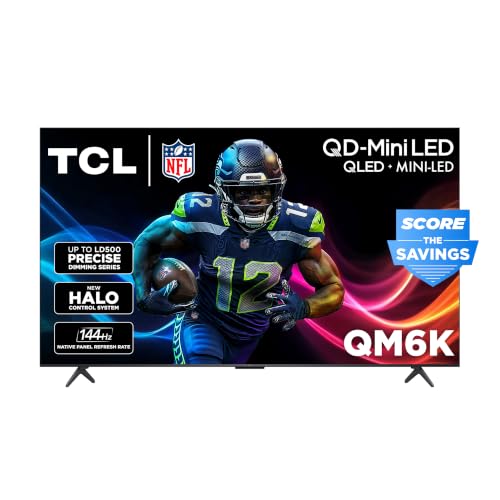
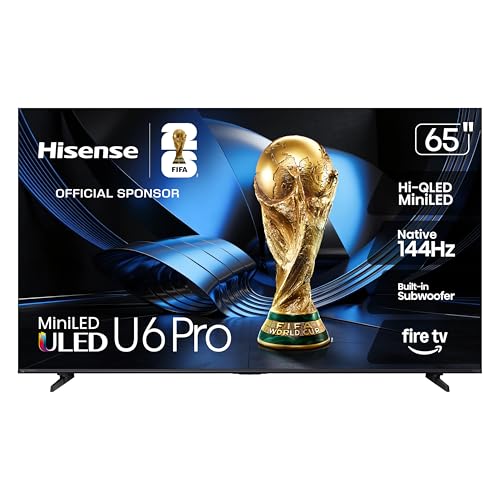
This beginner friendly walk through the best chinese tvs starts with the basics, explains each key spec in plain English, and flags the rookie mistakes that waste money. Browse the comparison table below first, then return here to check size, panel, and gaming features against your room.
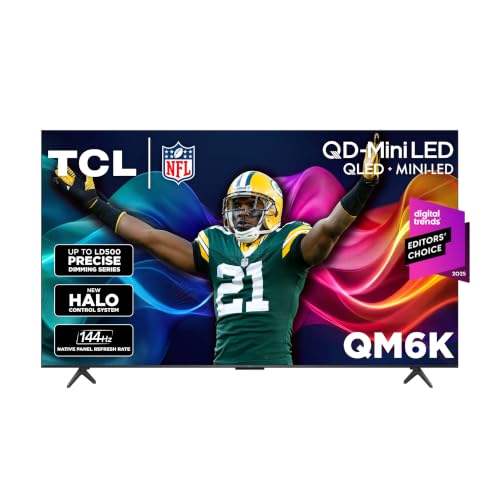
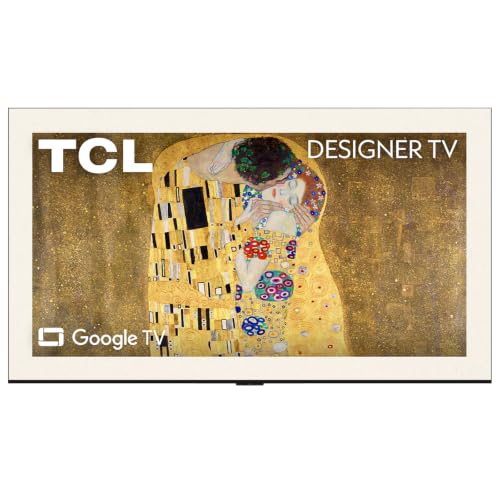
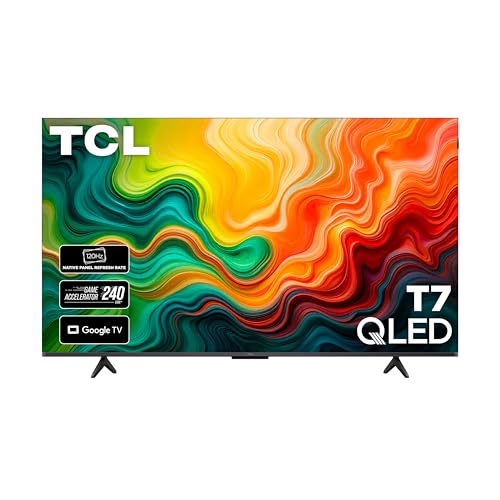
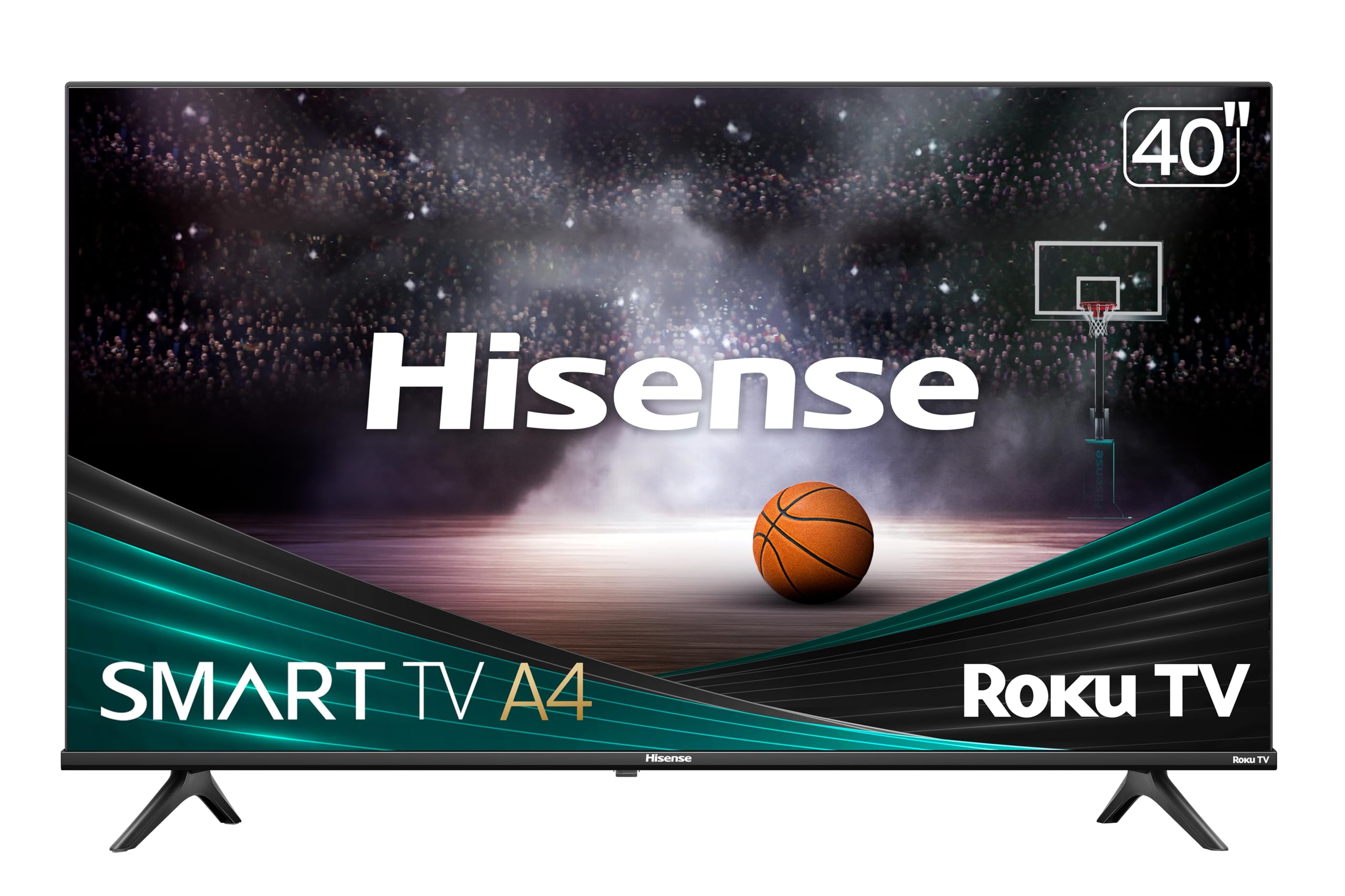

Chinese TVs 101: The Basics
A modern TV is a panel, a backlight or self lighting pixels, a processor that cleans up the picture, and a smart platform that runs your streaming apps. Chinese brands supply panels and sets across the whole market, and their own name sets tend to compete on value, offering larger sizes and more gaming features per dollar than long established brands. The panel type shapes contrast and viewing angles, the processor shapes motion and upscaling of older shows, and the platform shapes how pleasant the menus feel every day.
Three terms unlock most listings. HDR, short for high dynamic range, means the set can show brighter highlights and deeper shadows when the content supports it. Refresh rate, measured in Hz, describes how many times per second the picture updates. A smart platform is simply the built in software, such as Google TV or Roku, that holds your apps and sign ins. Everything else in this guide builds on those three ideas.
Key Specs Explained in Plain English
Panel Technology
Panel type is the biggest picture decision you will make. IPS panels keep colors accurate when you sit off to the side, which suits wide sofas, but their blacks look gray in a dark room. VA panels give much stronger contrast and deeper blacks for movie nights, though colors fade a little at wide angles. OLED panels light each pixel on its own, delivering perfect blacks and instant response, with a small risk of burn in if a static image sits for many hours daily.
Mini LED is a backlight upgrade rather than a panel type, pairing many small dimming zones with a VA or IPS panel for bright HDR and strong contrast at a lower price than OLED. For a bright living room and mixed sports and movies, Mini LED or VA is the safe default. For a dark room movie setup, OLED earns its premium.
Adaptive Sync and Gaming Features
Gaming features decide how smooth a console or PC looks on the screen. HDMI 2.1 ports carry 4K signals at 120 Hz from current consoles, so count the ports, because some sets offer it on only one or two inputs. VRR, or variable refresh rate, lets the TV match the game frame rate moment by moment, which removes tearing and stutter. ALLM switches the TV into its low lag game mode automatically when a console starts.
Adaptive sync brand names such as G Sync and FreeSync come from the PC world, and on TVs the same job is handled by HDMI VRR, so do not pay extra for a logo your console cannot use. Input lag under about 10 milliseconds at your gaming resolution feels responsive for all but the most competitive players.
Resolution and Screen Size
Resolution is the pixel count, and 4K is the sensible standard for any set 43 inches or larger. A 1080p set still makes sense for a small bedroom screen viewed from far away, while 1440p belongs to monitors rather than TVs. Upscaling quality matters more than the last few pixels, because most broadcast and older streaming content arrives below 4K and the TV must rebuild it cleanly.
Size follows viewing distance. A rough guide is a 55 inch set for viewing from about 6 to 8 feet, and a 65 inch set for about 8 to 10 feet. Measure your wall and your stand before falling for a larger size, and remember that a bigger screen shows the flaws of low quality cable feeds more clearly. Readers weighing the value end of the market can compare notes in our guide to the best inexpensive tvs, which uses the same distance rules.
Smart Platform and Sound
The smart platform is the remote and menu system you will live with daily. Google TV gathers many services into one home screen, Roku keeps things simple with a huge app library, and other systems vary in speed and ad load. Check that your must have apps are present and that the remote includes voice search, which saves endless letter by letter typing.
Built in TV sound is the weakest part of almost every slim set, fine for news and dialogue at modest volume but thin for movies. Budget for a soundbar early rather than as an afterthought, and our guide to the best soundbars tv explains the connection options in plain terms. A single HDMI ARC or eARC cable is all most soundbars need.
Refresh Rate and Response Time
Native refresh rate is the honest number, so look for 60 Hz or 120 Hz in the specifications and ignore inflated motion marketing names. A native 120 Hz panel smooths sports and enables full quality console gaming, while 60 Hz serves movies and casual viewing perfectly well. Response time describes how fast pixels change, and lower values reduce blur behind fast moving objects.
Motion processing settings can add smoothness to sports but often make movies look unnaturally slick, an effect many viewers dislike. Plan to turn that setting down or off for films on your first night. Non gamers gain little from chasing the highest rates, a point the FAQ below covers in more depth.
Rookie Mistakes to Avoid
- Buying by size alone: a huge screen with a weak panel and dim HDR looks worse than a smaller, better set at the same price.
- Trusting showroom settings: floor models run in vivid mode with brightness maxed, which tells you little about home viewing.
- Ignoring port counts: two HDMI ports disappear fast once a console, a streaming stick, and a soundbar move in.
- Forgetting the stand width: many sets have feet near the corners, so measure your furniture, or plan a VESA wall mount instead.
- Skipping the return window: panel uniformity varies by unit, so buy where returns are easy and check dark scenes during the first week.
Getting Started: Setup and First Use
Start with placement and connections. Leave ventilation space behind the set, connect the soundbar or receiver to the HDMI port labeled ARC or eARC, and plug consoles into the HDMI 2.1 ports if your set has them. Update the firmware before judging the picture, since early updates often improve motion and app stability.
Next, calibrate picture settings with a few simple moves. Turn off vivid mode and choose the movie or filmmaker style preset, which is usually the most accurate out of the box. Lower sharpness until text edges look natural, and set motion smoothing low for films and higher only if sports blur bothers you. On OLED sets, run the built in pixel refresh when the TV prompts you and avoid pausing static images for hours. Finish by checking a dark movie scene and a bright sports clip, the two extremes that reveal most problems inside a return window.
Placement beyond the living room raises extra questions about weather and glare, and readers planning a patio setup should read our guide to the best tvs for outside before moving any indoor set outdoors.
FAQs
How long do Chinese TVs last?
Most modern LED and OLED TVs last about seven to ten years of typical home use before brightness or electronics begin to fade. Backlights dim gradually rather than failing overnight, so a set rarely dies without warning. Keeping brightness below maximum for daily viewing and ensuring airflow behind the panel both extend that span. The smart platform may feel slow before the panel wears out, and a low cost streaming stick refreshes it.
Is 4K worth it on a Chinese TV?
Yes, 4K is worth it at the sizes most people buy, because streaming services now deliver their best quality, including HDR, mainly in 4K. The difference over 1080p is clearest on sets 50 inches and larger at normal sofa distances. On a small bedroom set viewed from across the room, the gain shrinks and your money works harder on brightness and sound. Either way, good upscaling matters more than the resolution label alone.
Does refresh rate matter for non gamers?
Only a little, because movies and shows are filmed at low frame rates that a 60 Hz panel displays correctly. Sports fans gain smoother motion from a native 120 Hz panel, especially in fast pans across a field. What matters more for everyday viewing is how the TV handles motion processing, and most people prefer those features reduced. Spend the difference on panel quality or a soundbar first.
IPS vs OLED: which is better for a family room?
OLED is better for picture quality, with perfect blacks and fast response, while IPS is better for wide seating and bright rooms at a lower price. Families with seating spread across a wide sofa often see IPS colors hold up more evenly from every seat. OLED owners should vary content and avoid static news tickers for hours to limit burn in risk. For mixed family use in a bright room, a good Mini LED set splits the difference well.
What size Chinese TV should I get for my room or desk?
Match size to viewing distance first: about 43 to 50 inches suits 4 to 6 feet, 55 inches suits 6 to 8 feet, and 65 inches suits 8 to 10 feet. For a desk, 43 inches is the practical ceiling, and many people prefer a monitor instead. Leave a few inches of clearance on each side of the stand or mount. When two sizes both fit your distance range, choose based on content, with movies favoring the larger screen.
The Bottom Line
For a first purchase, decide in this order: panel type for your room lighting, size for your viewing distance, and then gaming features only if a console will plug in. Shoppers cross shopping established brands can see how the same specs are priced in our guide to the best samsung tvs, which makes the value case for Chinese brands easy to judge. History buffs comparing across eras may also enjoy our look at the best tvs of all time for context on how far panels have come.
The best chinese tvs for your home are the ones whose panel, size, and platform fit your room and your habits, not the set with the longest logo list. Shortlist two or three finalists in the product table above, verify the port count and stand width, and buy where the return window gives you a calm first week of checking.