Amazon Fire TV Omni Mini-LED Review: Honest Pros, Cons & Who It's For (2026)
Disclosure: We may earn a commission when you buy through links on this page, at no extra cost to you. As an Amazon Associate I earn from qualifying purchases. Learn more
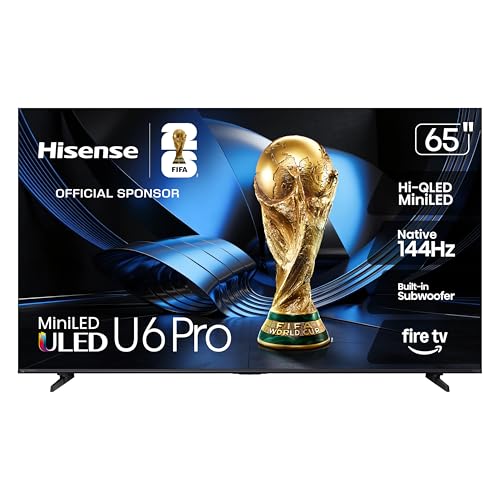
Thinking about the Amazon Fire TV Omni Mini-LED? Our honest Amazon Fire TV Omni Mini-LED review covers everyday pros and cons, who it suits.
This amazon fire tv omni mini-led review looks at the set as a shared family TV for a living room, bedroom, or home office, not as a spec sheet contest. The Omni line sits at the top of the Fire TV range, and this model pairs a Mini LED backlight with quantum dot color and the full Fire TV platform built in. Below, you will find what that means for movies, sport, and daily streaming.
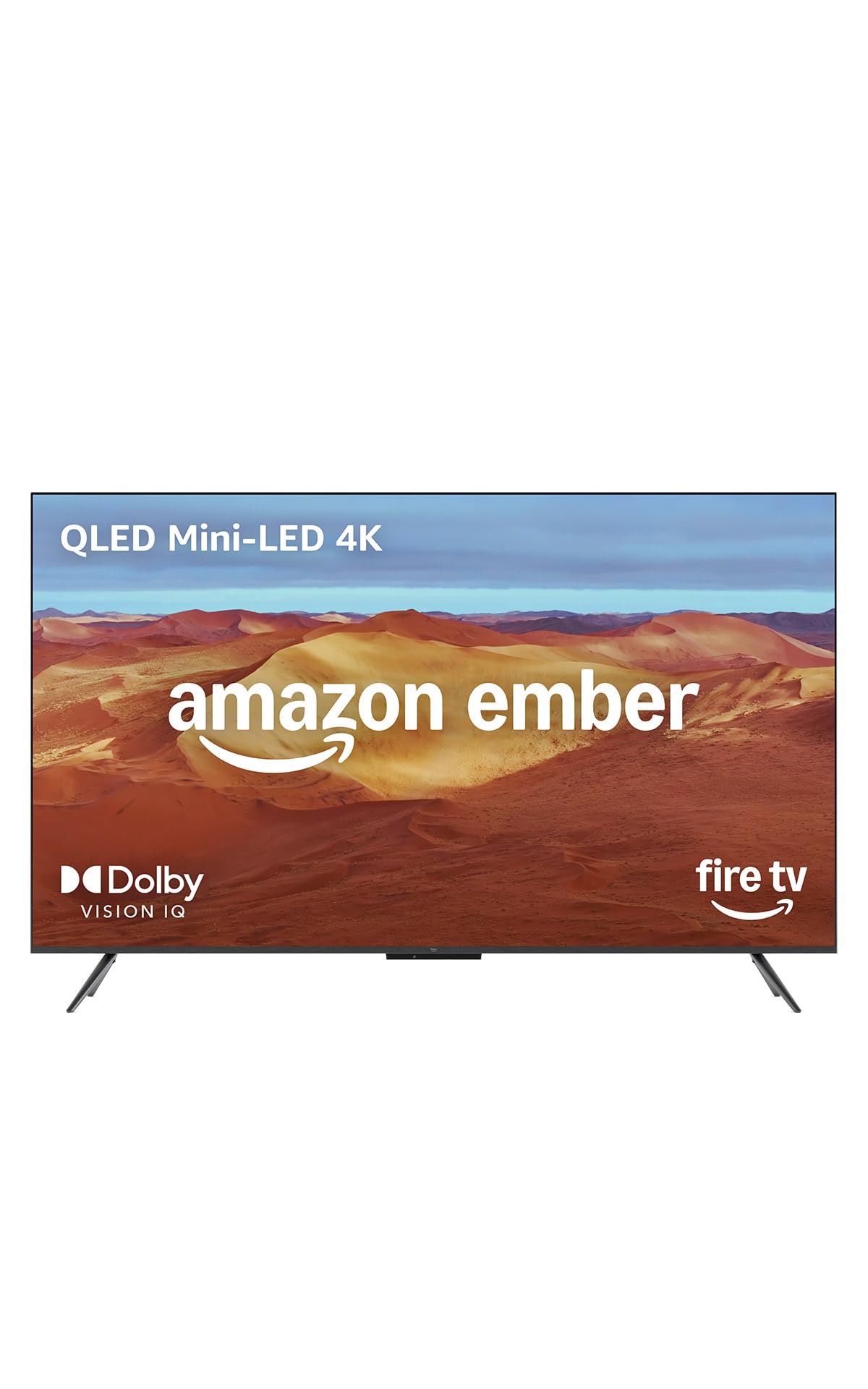
We cover picture quality, sound, the smart platform, running costs, and the drawbacks that matter once the novelty fades. The comparison table below sums up the key points, and our guide to the best tv options gives wider market context.
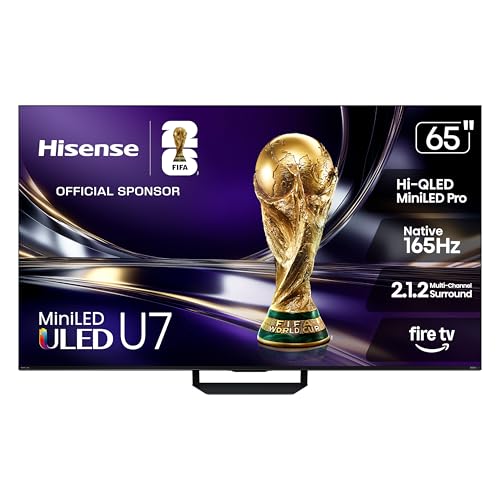
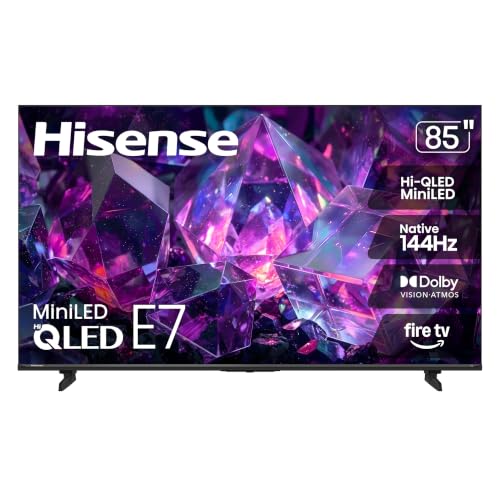
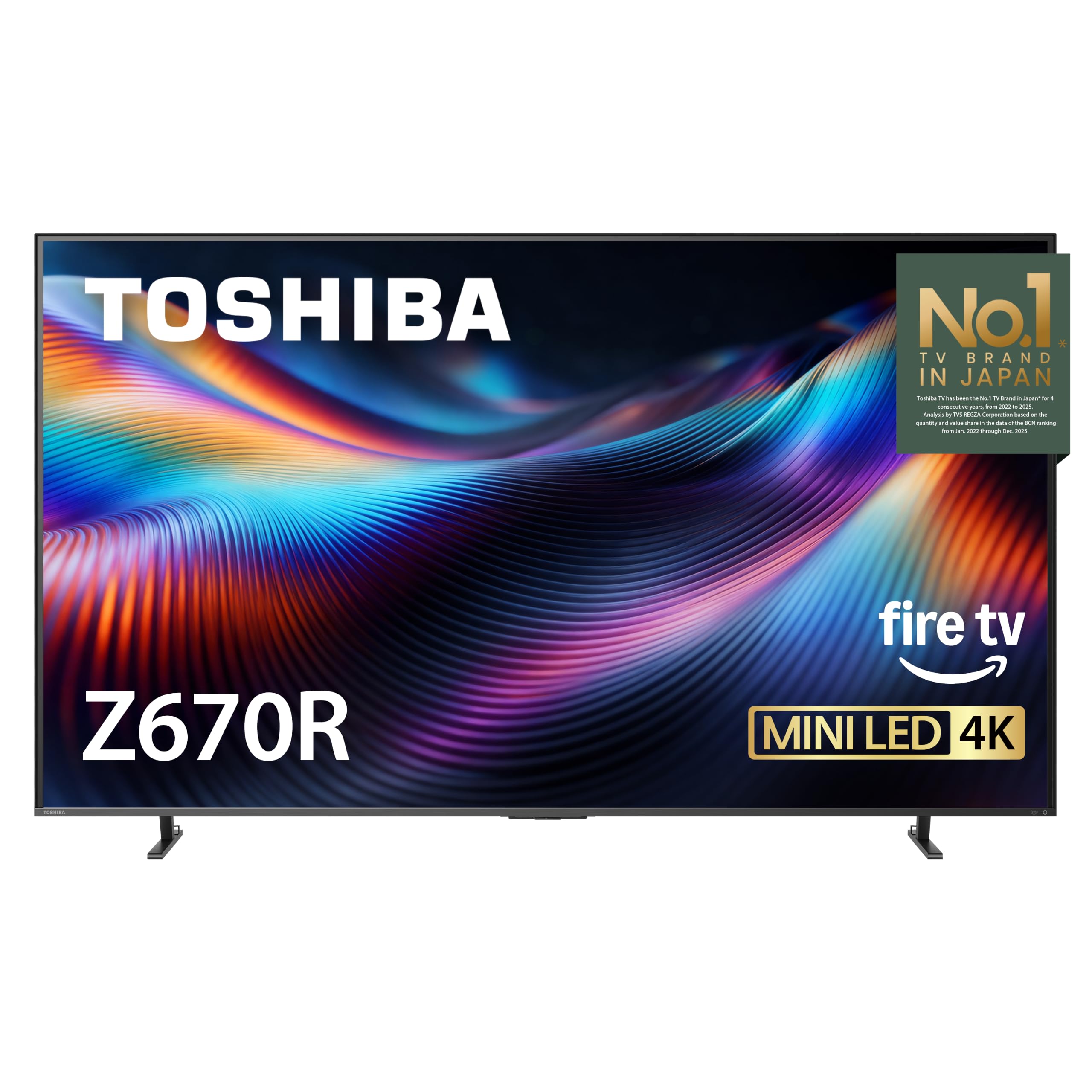
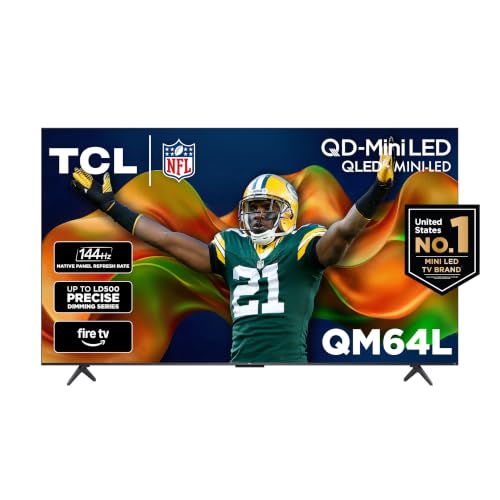
Quick Verdict
The Omni Mini LED is the Fire TV to consider if your room gets real daylight and your household streams almost everything. Its backlight control and color are a clear step up from basic LED sets, and hands free Alexa makes it easy for everyone to use. Skip it if you dislike the Fire TV home screen layout, plan to use a separate streaming box anyway, or mostly watch in a dark room.
Key Specs at a Glance
The range comes in 55, 65, 75, and 85 inch sizes, all with 4K resolution and a quantum dot panel lit by many small LEDs grouped into dimming zones. Support includes Dolby Vision IQ and HDR10 Plus Adaptive, and a 144 Hz gaming mode. Amazon lists a limited warranty with the set, and the exact terms vary by region, so check the product page for your area before ordering.
First Impressions and Build
The design is plain in a good way. Slim bezels keep attention on the picture, the panel feels sturdy for its size class, and the finish blends into most living rooms without drawing the eye. The feet are set wide on the larger sizes, so measure your stand width before you assume it will fit, because a soundbar also needs room between or in front of them.
The remote is compact, with voice search and shortcut buttons for popular apps. Around the back you get several HDMI ports plus USB and an antenna input, though the exact port list varies by size. Cable routing is basic, so a few cable ties help keep a wall mounted setup tidy.
How It Performs in Everyday Home Use
Most families will judge this TV on ordinary evenings, not test patterns. This is how the main areas hold up with the mix of streaming, broadcast, and casual gaming that fills a normal week.
Picture Quality
Quantum dot color gives animated films and nature shows a rich look without tipping into cartoonish saturation on the standard settings. Local dimming keeps dark scenes looking deep for an LED set, and subtitles in letterboxed films stay readable against black bars. Viewing angles are decent for a panel of this type, though viewers seated far to the side will see some loss of contrast, so center the main seats where you can.
Brightness and HDR
Brightness is the headline strength. The backlight pushes bright highlights in HDR content and holds up well against windows and ceiling lights during daytime sport. Dolby Vision IQ and HDR10 Plus Adaptive adjust the picture using scene data and room light, which helps when the same TV serves a bright afternoon and a dim evening. If your room is very sunny, sit the screen so windows fall to the side rather than directly opposite it.
Smart Platform and Apps
Fire TV is the whole experience here, with profiles for each household member, a watchlist, and recommendations pulled from your services. The major streaming apps are present, and Alexa voice control can search across them, open apps, and control smart home gear such as lights and thermostats. The trade off is a home screen that promotes content and Amazon services heavily. If you prefer a quiet, app only layout, that promotion may wear on you over time.
Sound
The built in speakers are fuller than the thin sound you get from many flat panels, with dialogue that stays clear at normal living room volume. Support for Dolby Atmos content helps with a sense of space in films, within the limits of speakers inside a slim cabinet. For film nights or a large room, adding a soundbar is still the single biggest upgrade you can make, and the TV hands over audio cleanly once that setting is enabled.
Features You Will Actually Use
A few features earn their keep fast. The Ambient Experience turns the idle screen into artwork, photos, or glanceable widgets such as weather and calendars, which suits a living room where a big black rectangle would otherwise dominate the wall. Adaptive brightness adjusts the picture as room light changes through the day, so you are not digging into menus at sunset.
Gamers in the household get automatic low latency mode and variable refresh rate support, which keep console play feeling responsive without manual switching. Hands free voice control matters more than it sounds, because a lost remote stops being a crisis when you can ask the TV itself to pause, search, or switch inputs.
Living With It: Setup, Cleaning and Upkeep
Setup is a two person job on the larger sizes, mostly due to bulk rather than weight. The guided start asks you to sign in to Amazon, connect to WiFi or Ethernet, scan for antenna channels if you use one, and pick your apps. Most households will be watching within about half an hour. Wall mounting uses standard VESA patterns, but confirm the bolt size and bracket rating for your size.
For upkeep, dust the screen gently with a dry microfiber cloth and keep the rear vents clear so heat can escape. Software updates arrive through the settings menu and are worth accepting, because they carry app fixes and security patches as well as new features.
What We Like and What We Do Not
- Like: Strong brightness that suits bright, shared rooms.
- Like: Good backlight control and rich, pleasing color.
- Like: Hands free Alexa and family profiles built in.
- Like: Solid gaming support for console households.
- Do not like: A home screen that pushes promoted content.
- Do not like: Wide feet that demand a wide stand.
- Do not like: Sound that still benefits from a soundbar for films.
Is This TV Right for Your Household?
It fits families who stream from several services and want one remote and one interface for everyone, including guests who can simply talk to the TV. It also suits bright living rooms and home offices where the screen doubles as a daytime display for sport, news, and video calls on a big canvas. Households deep in another smart platform, or viewers who want the absolute deepest blacks for a dedicated cinema room, may be happier looking elsewhere, because the platform and the LED panel are the two defining choices here.
How It Compares With Close Rivals
The closest comparisons come from TCL, which competes hard on Mini LED value. Reading a detailed tcl qm6k review will show a rival that often undercuts this set on price while offering a different smart platform. Stepping up, the tcl qm7k review covers a model aimed at buyers who want stronger brightness and gaming features for more money. Against both, the Omni counters with Alexa built into the TV itself, the Ambient Experience, and tight integration with Amazon accounts and smart home routines.
Price, Deals and Warranty
Expect to pay about $550 to $2,300 depending on size, with the smaller sizes often discounted well below list price during big sale events. Prices and availability can change, so check the product page before ordering, and watch seasonal events if your purchase can wait a few weeks. Amazon sells extended protection plans at checkout for an added cost, and the standard limited warranty covers parts and labor for a stated period that you should confirm for your region before relying on it.
Common Buying Mistakes to Avoid
- Choosing a size before measuring: Check both the viewing distance and the stand width, not just the wall space.
- Paying for size you cannot feed: A huge screen shows every flaw in low quality streams and old broadcast channels.
- Ignoring the platform: You will see the Fire TV home screen daily, so be sure its layout and ads sit well with you.
- Forgetting the extras budget: A bracket, a soundbar, and longer cables can add a real amount to the total cost.
Cost of Ownership and Care
Running costs are modest. LED sets of this size typically draw well under a dollar of electricity per long evening of viewing at normal brightness, and using the adaptive brightness and sleep timer trims that further. There are no consumables to replace. Your likely added costs are optional ones, such as a wall bracket, a soundbar, or a protection plan. Keep the original box if you have storage space, because it makes any future house move far safer for the panel.
Your Questions, Answered
How do you clean the Amazon Fire TV Omni Mini LED screen safely?
Turn the TV off and let the panel cool, then wipe with a dry microfiber cloth using light, straight strokes. For stubborn fingerprints, barely dampen the cloth with plain water. Never spray liquid directly on the screen and never use glass cleaner or paper towels, because coatings on modern panels can mark or haze. Clean the remote with a slightly damp cloth too, and keep drinks away from the stand, since spills near the bottom edge can creep into the bezel.
What is a cheaper alternative to the Amazon Fire TV Omni Mini LED?
The simplest saving is size, because dropping one size class usually cuts the price more than any feature trade. If you want to stay with a big screen, the standard Omni and other Fire TV LED models from Amazon cost less, though you give up the Mini LED backlight and some brightness. Another route is waiting for a major sale event rather than switching models, since this range is discounted often and the gap to cheaper sets can shrink a lot.
How long does the Amazon Fire TV Omni Mini LED last?
LED panels generally fade very gradually, so picture wear is rarely what ends the life of a TV. More often it is the smart platform slowing down, an app dropping support, or a board failure after many years of use. You can extend useful life by keeping vents clear, using a surge protector, and, if the interface ever feels tired, adding an external streaming stick later rather than replacing the whole screen while its picture still pleases you.
What are common Amazon Fire TV Omni Mini LED problems?
Owners most often report software niggles rather than panel faults, such as apps needing a restart, WiFi dropping until the router is rebooted, or the remote losing its pairing. A power cycle at the wall clears many of these, and a factory reset is the usual last step before contacting support. Also check that the microphone switch on the TV is on if hands free Alexa stops responding, because it is easy to slide off while dusting.
Is the Amazon Fire TV Omni Mini LED worth it?
It is worth it when the features match your room and habits, namely a bright space, heavy streaming, and a household that will use Alexa and profiles daily. A quick test helps. Measure your viewing distance, and if you sit roughly one and a half times the screen width away, the size will feel immersive without overwhelming. If your room is dark and your viewing is mostly films, the value case weakens, because you would pay for brightness you rarely need.
Final Thoughts
Judged as a family living room TV rather than a spec contest, the amazon fire tv omni mini-led review picture is a favorable one. The product table above pulls the main points together, and the honest summary is this. Buy it for bright rooms, easy voice control, and strong all round streaming performance. Pass on it if the Fire TV interface or wide feet do not fit your home, because those are the compromises you will notice every single day.