
Best Charging Station for Apple: Complete Buying Guide for 2026
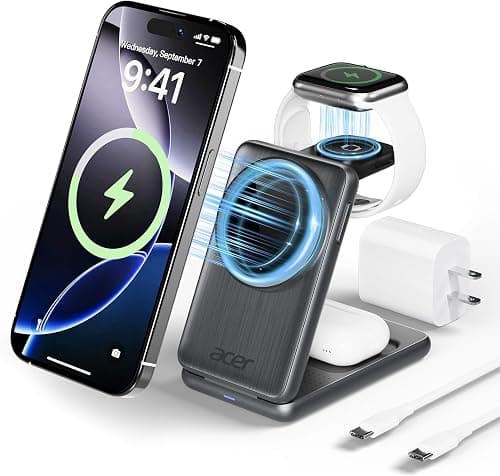
If you own an iPhone, an Apple Watch, and a pair of AirPods, you already know the daily hassle of juggling three different cables. Finding the best charging station for Apple devices is one of the most searched topics among Apple users in the United States, and for good reason. A single, well-designed charging station can replace a cluttered nightstand full of cords with one clean, organized setup that powers your entire Apple ecosystem overnight.
This guide breaks down everything you need to know before buying an Apple charging station in 2026, including the technology behind it, the features that actually matter, and how to match a station to your specific lifestyle. Whether you are shopping for a bedroom nightstand, a home office desk, or a travel-friendly charger, this article will help you understand what separates a great charging station from an average one.
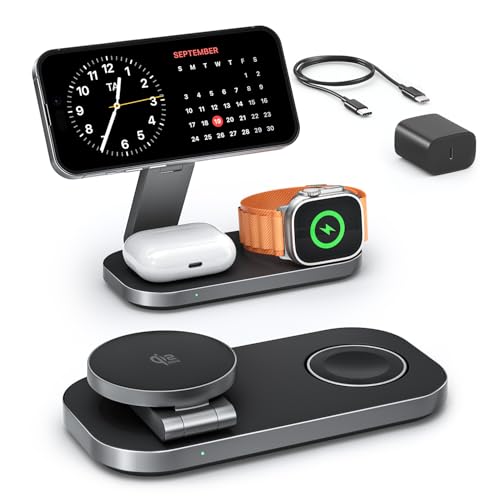
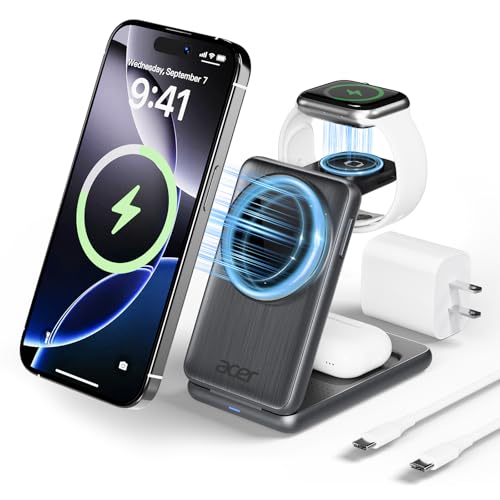
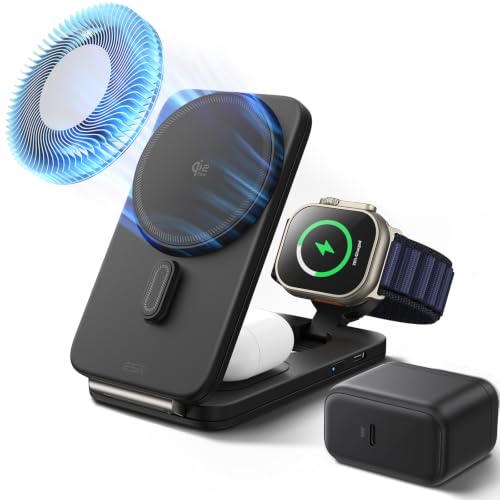
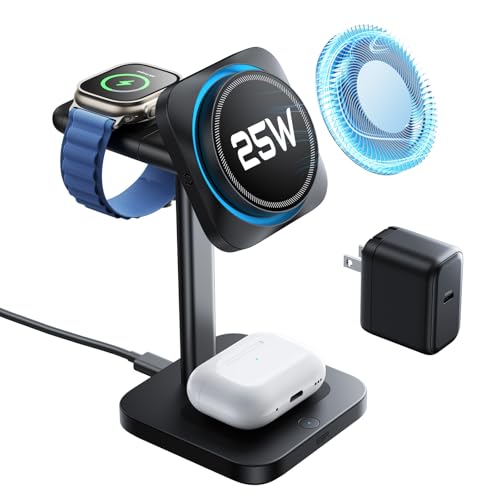
What Is an Apple Charging Station and Why You Need One
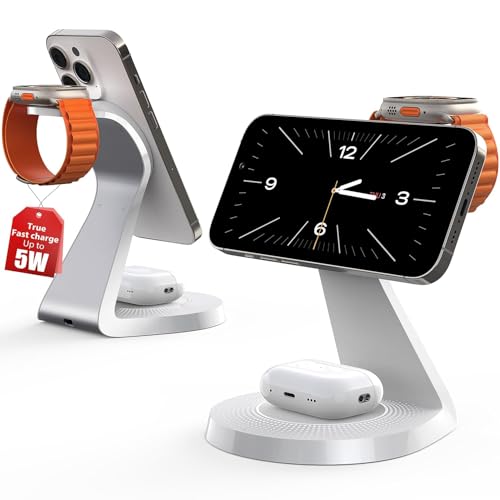
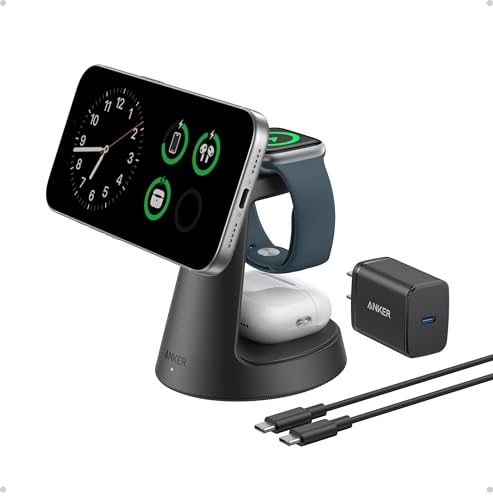
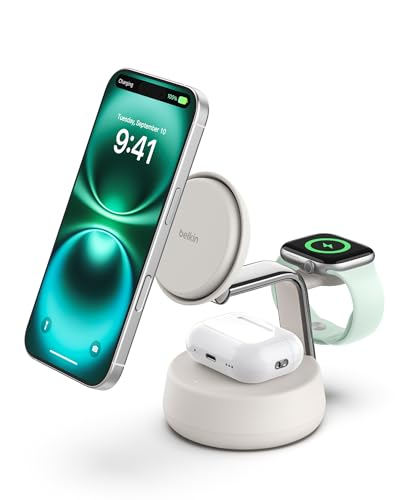
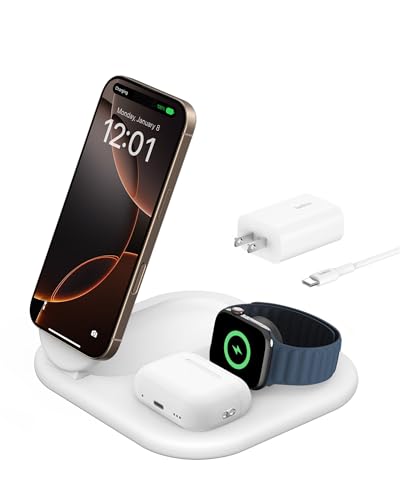
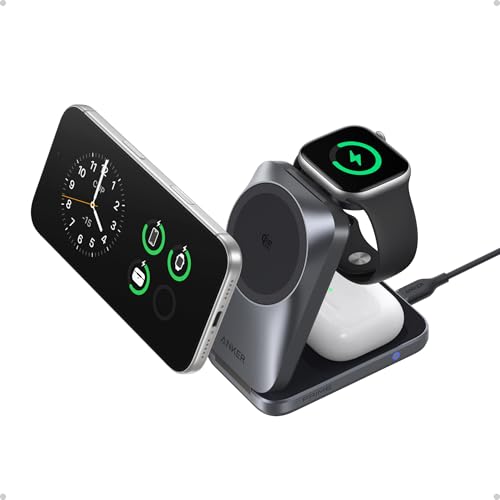
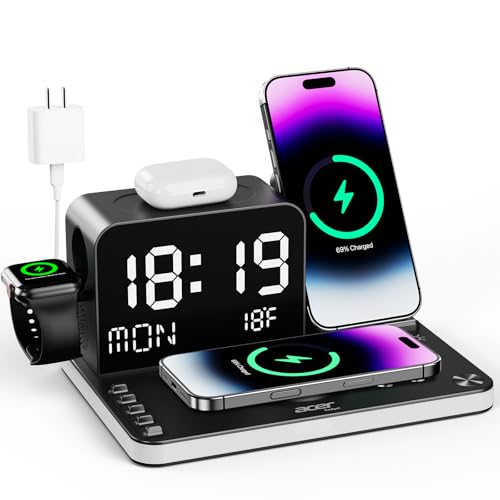
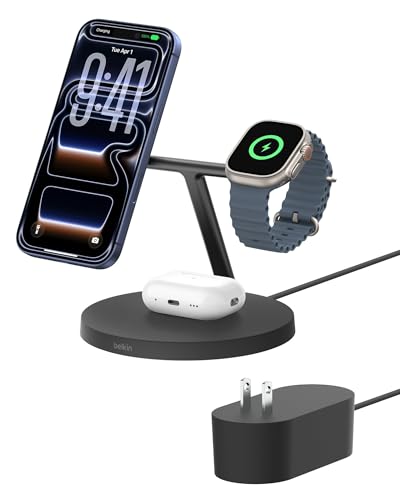
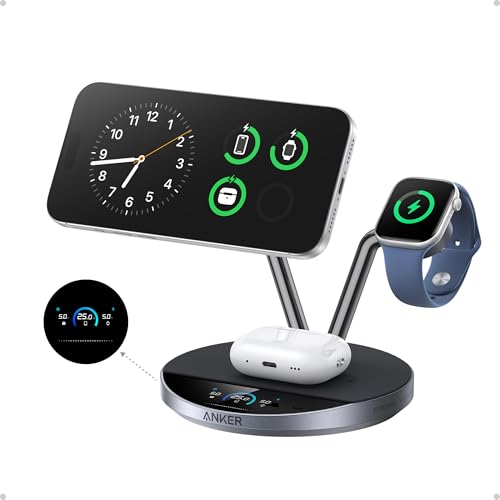
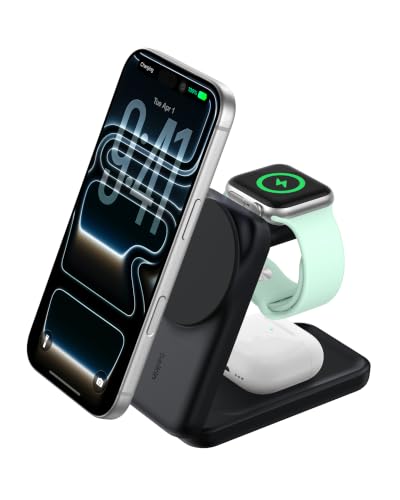
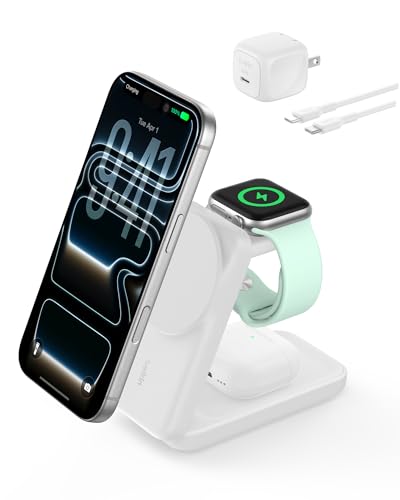
An Apple charging station, sometimes called a multi-device wireless charger or a MagSafe charging dock, is a single unit designed to charge two or three Apple devices at the same time. Most stations on the market today are built around three core devices: the iPhone, the Apple Watch, and AirPods. Instead of plugging in three separate cables and chargers, you simply place your devices on designated charging spots and let the station handle the rest.
The appeal of a wireless charging station goes beyond convenience. A dedicated charging station keeps your nightstand or desk free of tangled wires, protects your devices from being dropped or scratched by loose cables, and creates a consistent nightly routine where your iPhone, Apple Watch, and AirPods are always fully charged and ready when you wake up. For households with multiple Apple users, a shared charging station also reduces the need for individual chargers scattered across the home.
Core Charging Technologies You Should Understand
Before comparing charging stations, it helps to understand the underlying wireless charging technology, since this directly affects charging speed and device compatibility.
MagSafe is Apple's proprietary magnetic charging standard. It uses a ring of magnets inside the charger that align perfectly with magnets built into the back of iPhone 12 and newer models. This magnetic alignment ensures the phone snaps into the optimal charging position every time, which improves charging efficiency and prevents the slow or interrupted charging that can happen with standard wireless pads.
Qi2 is the newer industry-wide wireless charging standard that incorporates the same magnetic alignment technology found in MagSafe, but is supported by a broader range of accessory makers, not just Apple. Qi2 chargers can deliver up to 15W of power to compatible iPhones, while some advanced Qi2.2 certified chargers now support up to 25W charging speeds for the latest iPhone models running current iOS versions. If you see a product labeled "MagSafe compatible" rather than "MagSafe certified," it typically means the charger supports magnetic alignment but may charge at a reduced speed, often capped at around 7.5W.
For Apple Watch charging, most charging stations use Apple's proprietary magnetic charging puck technology, which typically delivers around 5W of power. Fast charging support for the Apple Watch depends on both the charging station and the watch model, so it is worth checking compatibility before buying. AirPods charging pads generally use standard Qi wireless charging at around 5W, since AirPods do not require the high-speed charging that phones do.
Key Features to Look for When Choosing a Charging Station
When comparing different charging stations, a few key factors consistently separate the better options from the rest.
Charging speed and certification matter most for iPhone charging. Look for Qi2 or Qi2.2 certification if you want the fastest possible wireless charging speeds for newer iPhone models. MFW certification, which stands for Made for Watch, indicates that a charging puck is officially certified to properly fast charge your Apple Watch.
Device compatibility is essential since not every charging station supports every Apple Watch model or every iPhone generation. A station advertised as 3 in 1 should clearly state which iPhone models, which Apple Watch series, and which AirPods cases it supports. Always confirm compatibility with your specific devices before purchasing, especially if you own an Apple Watch Ultra or an older iPhone model that may only support lower wireless charging speeds.
Build quality and materials affect both durability and how the charging station looks in your home. Premium materials like aluminum, wood, or vegan leather tend to last longer and look more refined on a nightstand or desk compared to basic plastic housings. Since a charging station is often a permanent fixture in a visible part of your home, many buyers treat it as a functional piece of decor rather than a purely technical accessory.
Thermal management is an increasingly important feature, especially for higher wattage chargers. Wireless charging naturally generates heat, and excessive heat can degrade battery health over time. Some advanced charging stations now include built-in cooling fans or passive heat dissipation technology to keep temperatures stable during extended charging sessions, which helps protect long-term battery performance.
Footprint and portability matter depending on where and how you plan to use the station. A stationary nightstand charger can prioritize a larger, more decorative design, while a travel charging station should fold flat, weigh very little, and fit easily inside a backpack or laptop sleeve.
Choosing the Right Charging Station for Your Lifestyle
Different users have different charging needs, so it helps to think about your daily routine before deciding which type of station fits best.
For everyday home use, most Apple users want a station that charges their core trio overnight: iPhone, Apple Watch, and AirPods. A compact 3-in-1 charging station with dedicated spots for each device is typically the most efficient and tidy solution for a nightstand or bedside table, since it consolidates three chargers into one outlet and one footprint.
For a home office or desk setup, an upright or stand-style charging station can be more practical than a flat pad design. An upright design allows you to continue using your iPhone for video calls or glancing at notifications while it charges, since the screen remains visible and accessible rather than lying face down on a table.
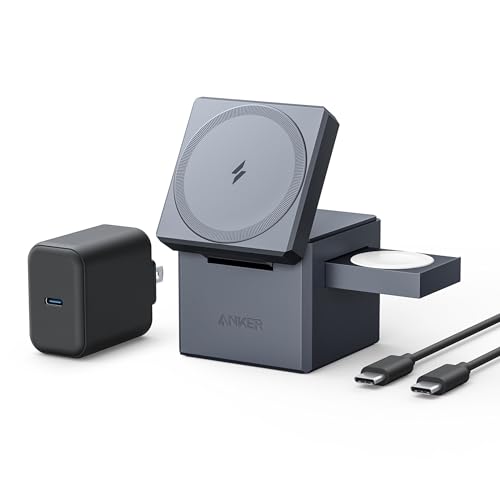
For frequent travelers, a foldable charging station is the better choice. These compact designs typically fold down to a size that fits in the palm of your hand, making them easy to pack without adding significant weight or bulk to a carry-on bag. Many travel-friendly stations also include a built-in USB-C wall adapter, sometimes with interchangeable international plug attachments, which eliminates the need to pack a separate power brick.
For shared households or families with multiple Apple users, a station with extra charging spots, or multiple individual stations placed in different rooms, can prevent the daily competition for a single charger. Some households find it more practical to use one larger capacity station in a central location like a kitchen counter or entryway table, where everyone can charge their devices throughout the day.
Common Compatibility Issues to Watch For
A frequent point of confusion for Apple charging station buyers involves phone cases and accessories that interfere with wireless charging. Thick phone cases, especially those with built-in card holders or battery packs, can prevent the iPhone from getting close enough to the charging coil for MagSafe or Qi2 to work properly. For the best charging experience, use a thin, MagSafe-compatible case, or remove the case entirely while charging.
Popular phone grips and mounts can also cause charging problems. Standard grip accessories are often too thick to allow proper wireless charging contact, and magnetic accessories like car mounts or metal rings can interfere with the magnetic alignment that MagSafe and Qi2 rely on. If you regularly use these accessories, look for versions specifically designed to be magnetic charging compatible, often with a removable base that detaches before charging.
It is also worth noting that older iPhone models, generally iPhone 11 and earlier, do not support MagSafe and will rely on standard Qi wireless charging at slower speeds, if supported at all. Always check your specific iPhone model's wireless charging capabilities before assuming a MagSafe charging station will work at full speed.
Is a Wireless Charging Station Worth the Investment
Many shoppers wonder whether spending fifty to one hundred and fifty dollars on a dedicated Apple charging station is worthwhile compared to simply using the individual chargers that came with each device. For users who own multiple Apple products and charge them daily, a multi-device station offers genuine practical value. Beyond convenience, consolidating three chargers and three cables into a single station can reduce desk or nightstand clutter significantly, while also reducing wear on charging ports caused by repeatedly plugging and unplugging cables.
From a long-term perspective, a quality charging station also tends to be more durable than loose cables, which are one of the most common accessories to wear out or fray over time. For anyone who values a clean, organized space and a consistent nightly charging routine, a dedicated charging station is generally considered a worthwhile investment.
Final Thoughts on Choosing the Best Apple Charging Station
The right charging station depends entirely on your specific devices, your daily habits, and where you plan to use it. Before making a purchase decision, take a moment to confirm three things: that the station supports your exact iPhone, Apple Watch, and AirPods models, that it delivers the charging speeds you actually need, and that its size and design fit the space where you intend to use it.
Whether you are setting up a nightstand charging routine, building a productive desk setup, or preparing a travel-friendly charging kit, understanding the technology behind MagSafe, Qi2, and Apple Watch fast charging will help you make a confident, informed decision. A well-chosen charging station does more than power your devices; it simplifies your daily routine and keeps your Apple ecosystem running smoothly every single day.

