
Best Chairs to Work from Home for 2026: A Clear Buying Guide
Disclosure: We may earn a commission when you buy through links on this page, at no extra cost to you. As an Amazon Associate I earn from qualifying purchases. Learn more

A first time buyer guide to the best chairs to work from home: seat height, lower back support, armrests, cushioning and desk fit.
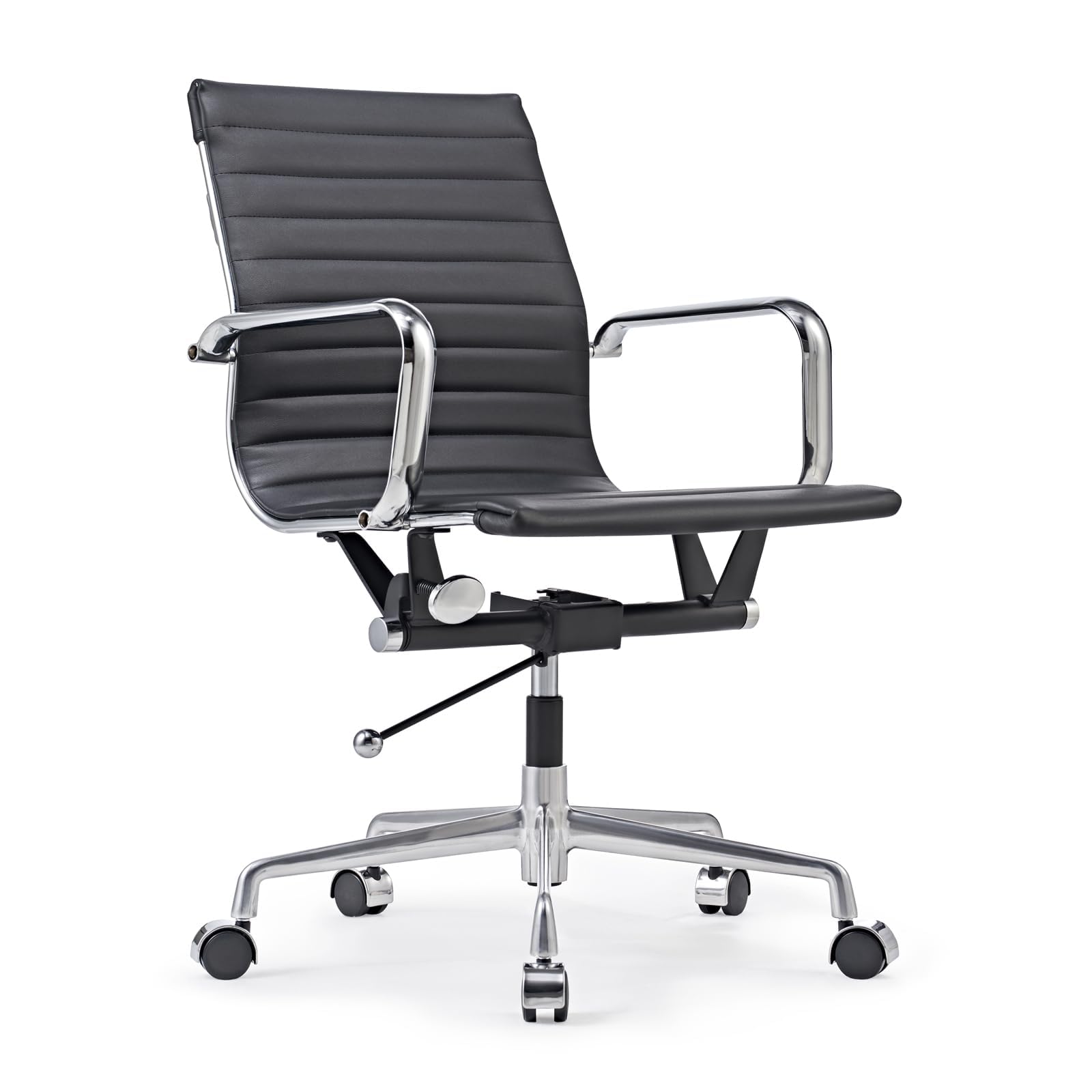
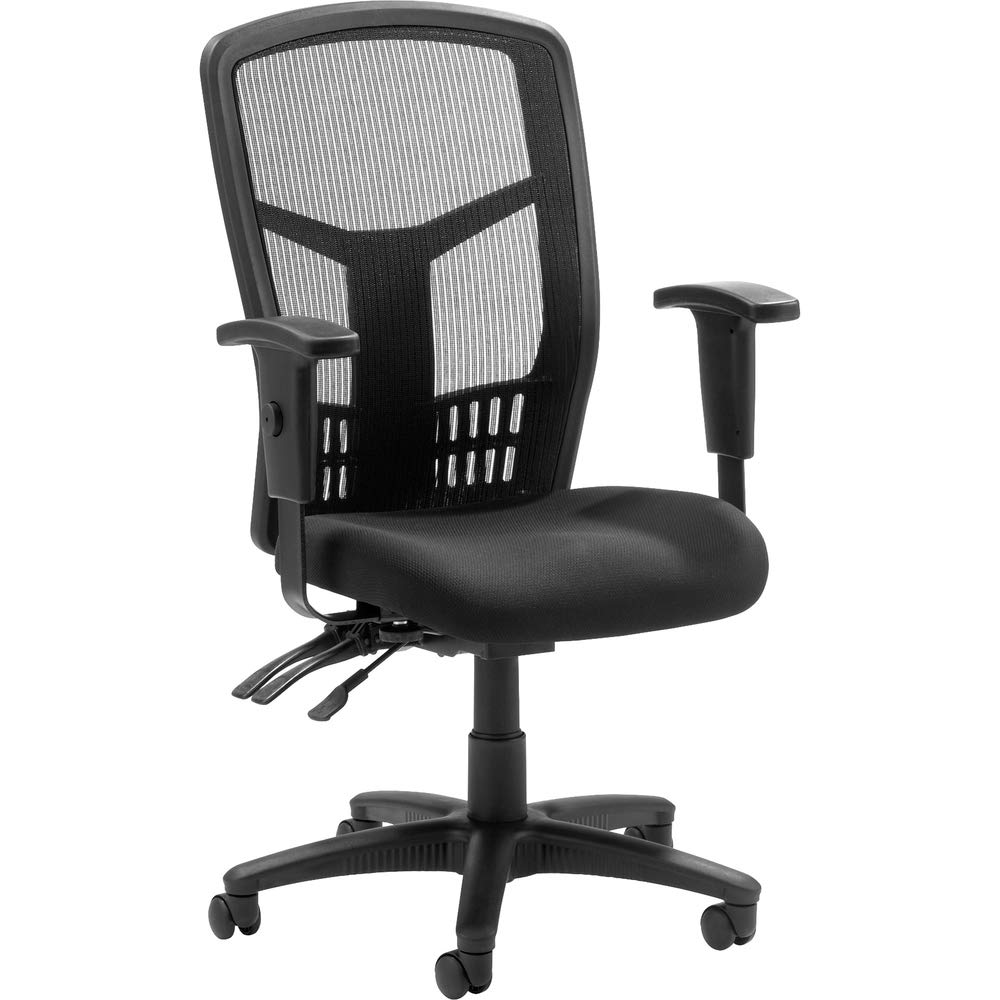
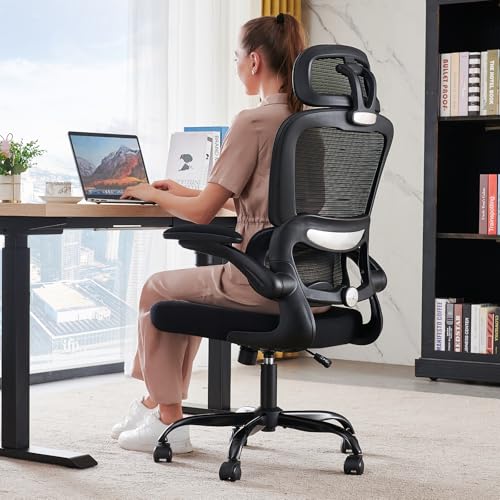
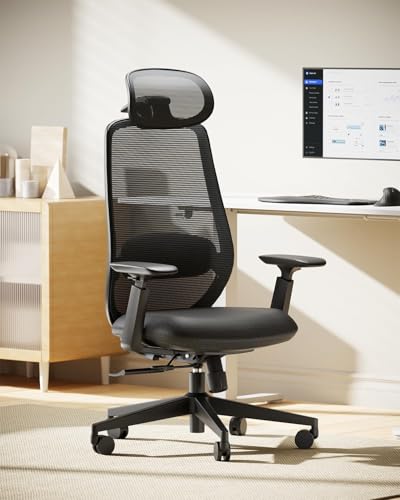
Shopping for best chairs to work from home for the first time can feel overwhelming, because every chair claims to be ergonomic yet few explain what that means for your desk, your height, and your daily routine. This guide explains the basics in plain language, so you can compare seat height, back support, and cushioning with confidence. The comparison table below gives you a quick side by side view before you read the details.
You do not need the most expensive chair to work comfortably at home. You need a chair that lets your feet rest flat, supports your lower back, fits under your desk, and stays comfortable through a full workday. The sections that follow walk through those choices step by step, so a first time buyer can narrow the options without guessing. If you are also comparing desk setups, see our guide to the best work from home desk chairs for related sizing notes.





Chairs to Work from Home 101: The Basics
A home work chair is a seat built for long hours at a desk, not a dining chair borrowed for the day. Most designs use a padded or mesh seat, a backrest with some form of lower back support, and a base with casters for easy movement. Height adjustment is the feature that ties the whole setup together, because it sets the relationship between your feet, your knees, and your desk surface.
The terms that matter most are seat height, lumbar support, armrests, tilt, and weight capacity. Lumbar support is the curve or pad that supports the natural inward curve of your lower back.
Tilt controls how far the back leans when you shift position, and a tilt lock holds it in place. Armrests support your forearms while typing, and weight capacity tells you whether the chair suits the people who will use it most. Keep those five terms in mind as you compare options.
Key Specs Explained in Plain English
Spec sheets can look technical, but most numbers answer simple questions. How tall are you? How high is your desk?
How many hours a day will you sit? Will the chair stay in one room or move between spaces? Read each factor below with your own desk, floor, and work routine in mind, and use it to compare the best chairs to work from home.
Ergonomics and Adjustability
Good ergonomics start with adjustability rather than with a single magic shape. Look for seat height adjustment that lets your feet rest flat with your knees at a comfortable angle, plus a backrest that supports your lower back without pushing you forward. Adjustable armrests help when your desk height differs from the chair height, and a tilt function lets you change posture through the day. If several people share the chair, easy to reach levers matter more than a long list of fine tuning options.
Build Quality and Frame
A sturdy frame and base keep a work chair feeling steady after months of daily use. Check the base material, the casters, and the gas lift that controls height, and look for smooth movement without wobble when you lean back. A five point base spreads weight evenly on hard floors and rugs, while a well built frame resists creaking as you shift position. A solid build matters more than a stylish finish, since a chair that rocks or sinks slowly becomes a daily distraction.
Size, Dimensions, and Weight Capacity
Measure your desk height, your legroom, and the floor space around your desk before you buy. The chair should slide under the desk or sit close enough that you are not reaching forward to type, and the seat width should suit your body without squeezing your hips. Compare the stated weight capacity with the largest regular user, and check the overall footprint if your work area is small. A chair that feels roomy in a showroom can feel cramped once a desk, a monitor stand, and a filing cabinet share the same corner.
Style and Room Fit
Your home office may be a spare room, a bedroom corner, or a shared living space, and the chair should fit that setting. Mesh backs suit warm rooms and give a lighter visual feel, while padded backs look more formal and add warmth. Dark fabrics hide everyday marks better than pale ones, and a compact design helps in a small flat. Think about noise too: smooth casters protect hard floors and keep the chair quiet during calls.
Comfort and Cushioning
Cushioning decides how the chair feels at the end of the day, not just in the first ten minutes. High density foam holds its shape longer than soft foam that flattens quickly, while a mesh seat breathes better in warm weather but offers less padding. Seat depth matters as well: you should be able to sit back fully while leaving a small gap behind your knees. If you often work long stretches, a slightly firmer seat with good lower back support is usually more comfortable than a very soft seat that lets you sink.
Rookie Mistakes to Avoid
- Buying by looks alone and ignoring seat height, desk height, and weight capacity.
- Choosing a chair that cannot slide under your desk, which forces you to reach forward all day.
- Skipping lumbar support, then blaming the chair when long sessions feel tiring.
- Picking very soft cushioning that flattens quickly instead of firmer foam that holds its shape.
- Forgetting floor type, since the wrong casters can mark hard floors or drag on thick rugs.
Getting Started: Setup and First Use
When your chair arrives, assemble it on a clear floor and check every bolt before your first workday. Adjust seat height so feet rest flat on the floor, then set the backrest so your lower back feels supported without pressure. Position the armrests so your shoulders stay relaxed while typing, and test the tilt before you settle into a long session.
Give yourself a few days to fine tune the setup, since small changes in height or tilt can make a big difference. Tighten bolts every few months, because new joints can settle with daily use, and clean the seat and back according to the maker guidance. If pain persists or worsens, talk with a clinician about your seating and posture rather than trying to fix it with a new chair alone. For a broader office setup view, see our guide to the best work from home office chairs and how they pair with desk height.
Frequently Asked Questions
What features matter most for long hours of home work?
Adjustable seat height, lower back support, and stable cushioning matter most for long hours. Height adjustment keeps your feet flat and your knees comfortable, while lumbar support helps you sit upright without strain.
A seat that holds its shape prevents the slow sinking feeling that leads to fidgeting. Armrests that match your desk height also help, since they take weight off your shoulders. Together, those features matter more than extra padding or a stylish silhouette, and they are worth checking before price.
Is an expensive chair for home work worth it?
A higher price is worth it when it buys a stronger frame, smoother adjustment, and cushioning that keeps its shape, but it does not guarantee comfort for your body. Mid range chairs often offer the best balance for everyday home work, while people who sit all day may benefit from wider adjustment ranges and sturdier bases. Compare weight capacity, adjustment range, and seat material before you compare price tags. A chair that fits your desk and your height is a better buy than a costly chair that cannot slide under your desk.
How long should a good chair for home work last?
A well made home work chair can last several years with basic care, while a poorly built one may wobble or sink within months. Frame quality, caster quality, and cushion density matter more than price alone. Chairs used daily benefit from regular bolt checks and cleaning, and a worn gas lift or torn seat cover is a sign to replace rather than repair. If you share the chair between household members, choose a higher weight capacity and a simpler adjustment system to reduce wear.
How do I choose the right size chair for my desk?
Start by measuring your desk height and the clearance beneath it, then check the chair seat height range against those numbers. Your feet should rest flat while your forearms sit level with the desk surface.
Check seat width and depth too, since a seat that is too deep can press behind your knees. If your desk is fixed height, a chair with a wide height range gives you more room to get the fit right. A quick tape measure check before ordering prevents the most common sizing mistake.
Do I need armrests on a chair for working from home?
Armrests help many home workers, but they are not essential for everyone. They support your forearms during typing and give you a stable push point when standing up, which matters if you sit for long stretches.
However, armrests that are too high or too wide can block you from sliding close to your desk. If your desk has a keyboard tray or you prefer to type with your arms free, a chair without armrests or with removable ones may suit you better. Try both positions if you can before deciding.
Wrapping Up
Choose a chair that fits your desk height, supports your lower back, and stays comfortable through a full workday. Check seat height, cushioning, armrests, and weight capacity before you buy, and give yourself a few days to fine tune the setup. The best work from home chairs for back pain guide can offer extra notes on support features, but remember that general fit guidance is not medical advice.
When you weigh those points together, best chairs to work from home shopping becomes a simple matching exercise rather than a gamble. Pick the size and support level that suit your desk and your routine, follow the maker guidance on assembly and care, and talk with a clinician if pain persists or worsens. The product table above can help you compare the shortlist one last time before you order, and the best work from home keyboards guide can help with the rest of your desk setup.

