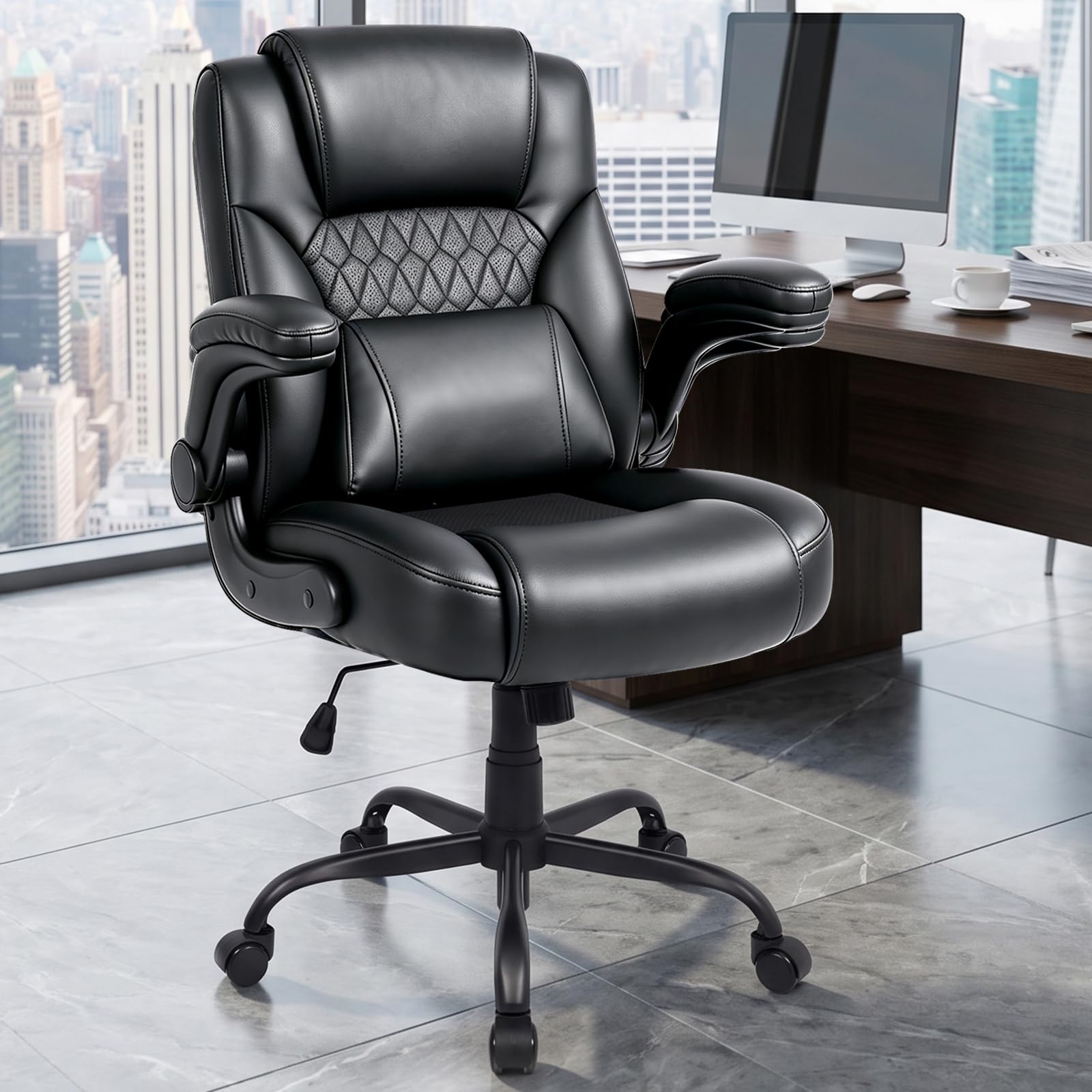
Best Home Office Chairs: Which One Fits the Way You Work?
Disclosure: We may earn a commission when you buy through links on this page, at no extra cost to you. As an Amazon Associate I earn from qualifying purchases. Learn more

The best home office chairs for your workday: first chairs, gifts, ergonomic performance and value picks.
If you work from home, your office chair may be the piece of furniture you use most after your bed. A good chair keeps you comfortable through long calls and deep focus sessions, while a poor one leaves you shifting, slouching and stiff by mid afternoon. Home office chairs range from about $40 compact task chairs to $350 fully adjustable ergonomic designs. This guide to the best home office chairs matches chair types to the way you actually work, so you can choose with confidence.
We group chairs by type of buyer, explain the features to compare, list common mistakes and share setup tips. Every chair in the table above is sold new on Amazon US. If you have ongoing back, neck or hip pain, talk to your doctor or a physical therapist about your seating needs.


Who Should Buy Which Home Office Chairs?
First time buyers do best with an adjustable mesh task chair with lumbar support, gift shoppers with compact, attractive chairs, performance seekers with fully adjustable ergonomic chairs and value seekers with simple, well built chairs that cover the basics. Here is how each group differs.
Before you shop, note how many hours you sit each day, your height and weight, your desk height and whether your room runs warm. Those four details point you to the right group below.
For First Time Buyers
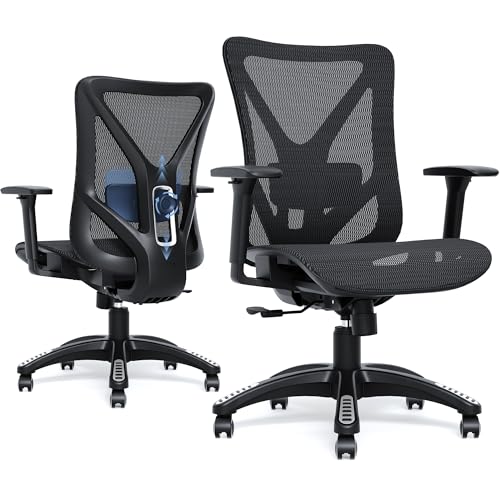
If this is your first proper office chair, choose an adjustable mesh task chair with lumbar support. The TRALT office chair, at around $103, combines a breathable mesh back, adjustable lumbar depth, a high resilience molded foam seat and a BIFMA certified gas cylinder, with a 330 pound capacity and a 19.7 inch wide seat according to TRALT.
Mesh backs keep you cool, and adjustable lumbar support helps you sit upright without effort. Start with seat height and lumbar adjustments, which make the biggest difference for most people.
Avoid chairs that only adjust height, since you will likely outgrow them quickly once you notice back fatigue.
Assembly is usually simple, with the base, cylinder, seat and back connecting in 15 to 30 minutes. Read instructions carefully and tighten screws again after the first week, since they can loosen as the chair settles.
For Gift Shoppers
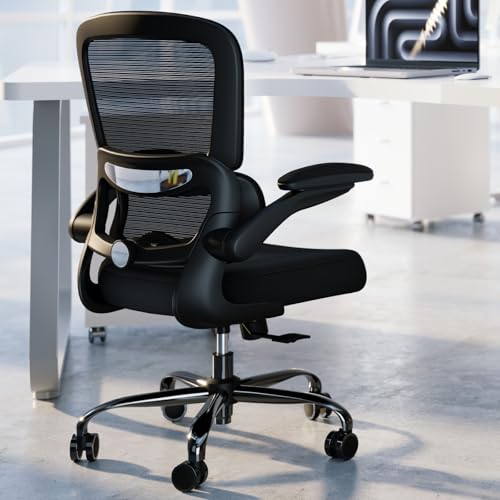
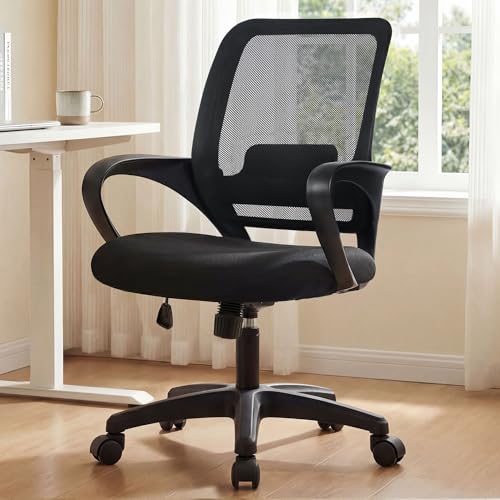
Chairs are tricky gifts because fit is personal, but compact, attractive chairs work well for students, teens and small home offices. The DUMOS small desk chair, at around $40, is compact with lumbar support, and the DUMOS criss cross chair suits people who like to sit cross legged.
If you buy a chair as a gift, confirm the recipient's height and desk height, and choose a seller with an easy return policy.
For students, a compact chair with lumbar support and quiet casters suits dorm rooms and bedroom desks. Pair it with a chair mat if the floor is hardwood, to protect the floor and help the chair roll smoothly.
For People Who Want the Best Performance
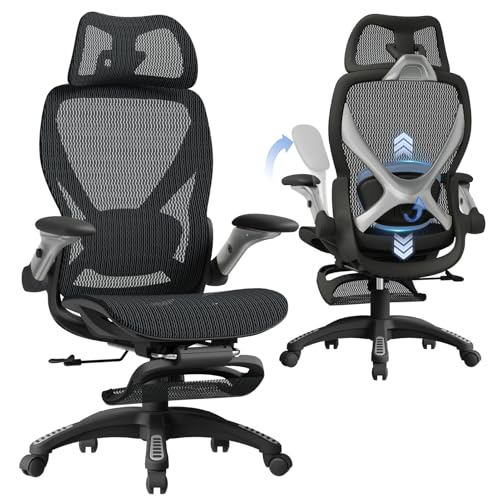
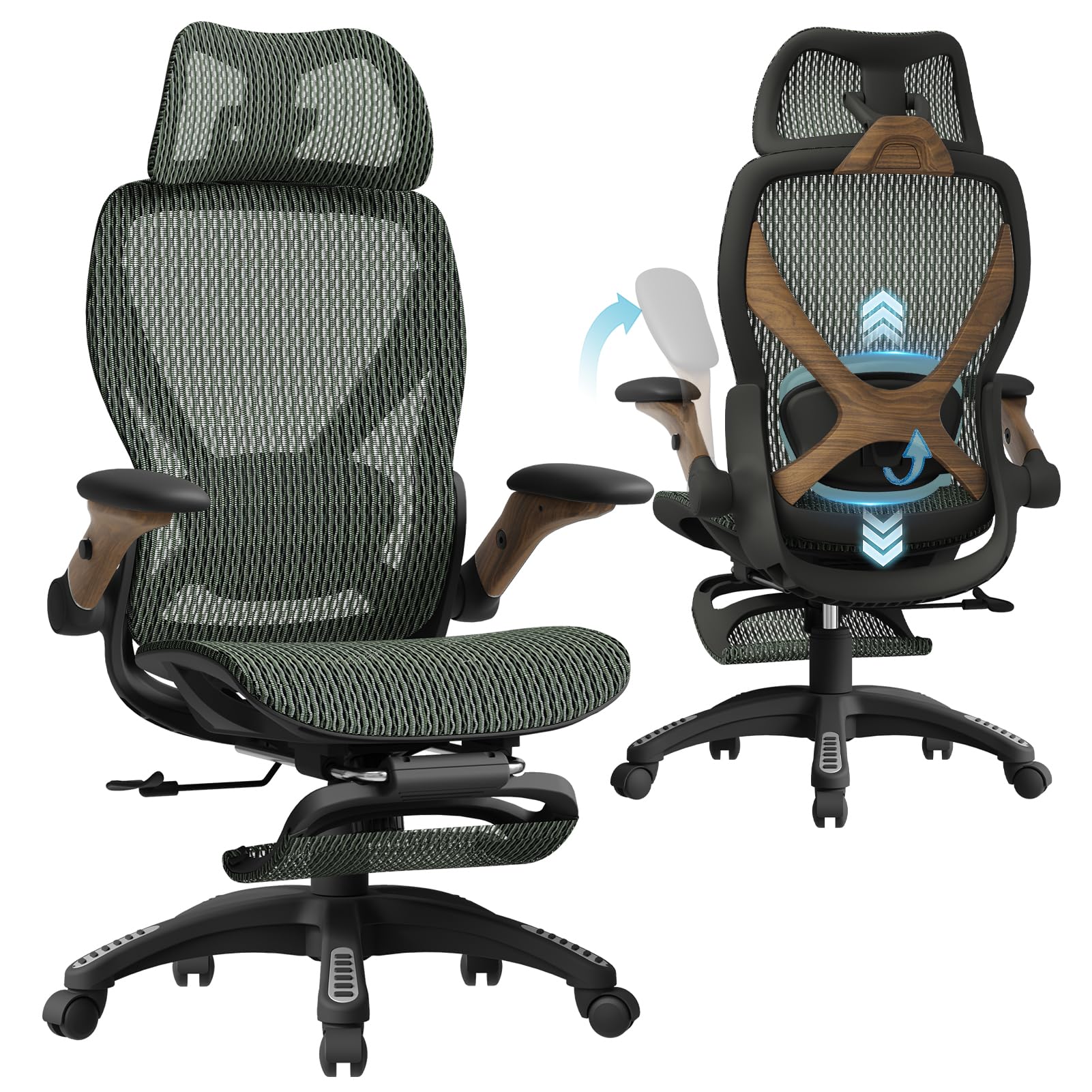
If you sit eight or more hours a day, a fully adjustable ergonomic chair pays off. The ELABEST ergonomic mesh chair, at around $240, is BIFMA 5.1 certified and offers adjustable lumbar support, 3D armrests that adjust height, width and angle, a synchro tilt with three lockable positions and a full mesh seat. ELABEST lists a seat height range of 19.6 to 23.6 inches and a seat depth of 17.7 inches.
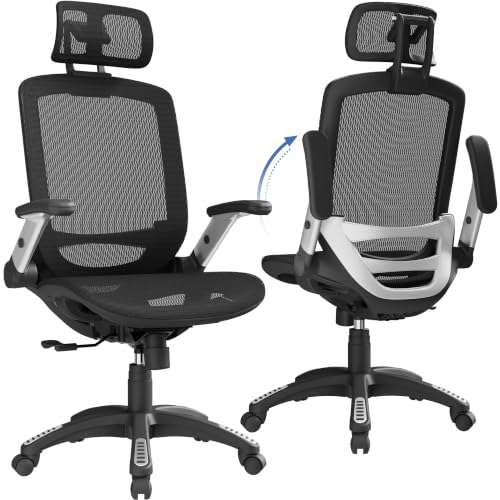
Other performance options include the GABRYLLY ergonomic chair with headrest and flip up arms, the MOLENTS BIFMA certified mesh chair and the ELABEST X100 with footrest and 5D flip up arms for reclining breaks.
Performance chairs reward time spent adjusting them. Set seat height first, then seat depth, lumbar support, armrests and tilt tension. Small changes over a few days usually produce the most comfortable result.
For Value Seekers
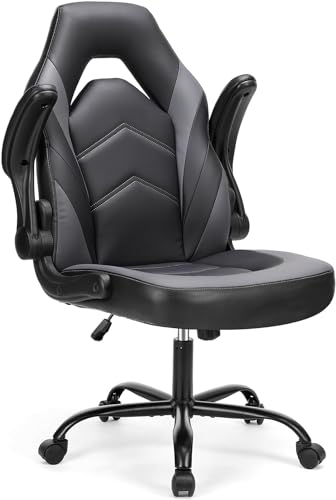
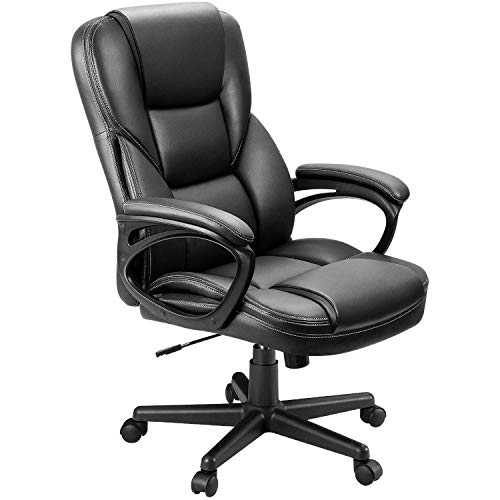
Value seekers can find well built chairs that cover the basics. The NEO CHAIR ergonomic mesh chair, at around $40, offers mesh and lumbar support, while the Sweetcrispy computer chair and Furmax executive chair add padded cushions and PU leather at moderate prices.
Budget chairs work well for part time use. Check weight capacity, warranty and whether the gas cylinder is certified, since cheap cylinders can sink over time.
Value chairs often save money on armrest adjustments and headrests rather than core support. If you can only have one premium feature at a low price, choose adjustable lumbar support over a headrest.
Read the warranty on budget chairs closely; some cover the frame for years but the cylinder and casters for only one year.
Key Features to Compare in the Best Home Office Chairs
Build quality, upholstery, adjustability, size and cushioning matter most. Here is how each affects comfort over long workdays.
Build Quality and Frame
A sturdy base, quality casters and a certified gas cylinder are the foundation of a good chair. BIFMA certification indicates a chair was built to commercial durability standards. TRALT uses a reinforced nylon base with a metal core and a Class 3 BIFMA certified gas lift.
Wobbly bases, thin plastic and uncertified cylinders are common failure points in cheap chairs.
Casters matter for floors. Hard plastic casters suit carpet, while rubber or polyurethane casters, like those on the YFO chair, roll quietly on hardwood and tile without scratching.
Materials and Upholstery
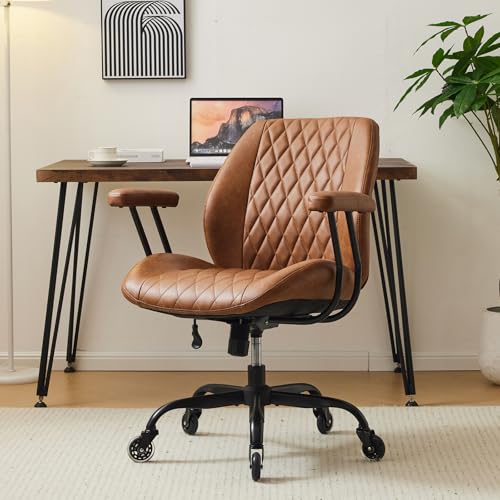
Mesh is breathable and supportive, ideal for warm rooms and long hours. PU leather looks polished and wipes clean but can feel warm and may peel over years. Fabric upholstery feels soft and breathes moderately but stains more easily.
Choose mesh if you run warm, PU leather for an executive look and easy cleaning, and fabric for a cozy, home like feel.
For homes with pets, mesh can snag on claws, while PU leather resists hair and is easy to wipe. Tightly woven fabric is a middle ground that hides hair less well but feels warm and soft.
Upholstery color matters too. Dark mesh and leather hide wear and stains, while light colors brighten a room but show marks sooner.
Ergonomics and Adjustability
Key adjustments include seat height, seat depth, lumbar support, armrest height and width, backrest tilt and tilt tension. More adjustments let you fine tune the chair to your body and desk. Adjustable lumbar support, like TRALT's depth adjustment, helps support the natural curve of the lower back.
Headrests help when reclining but are not essential for upright typing.
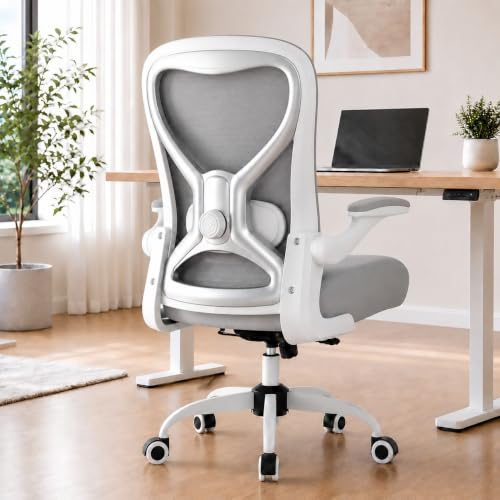
Armrests should let your shoulders relax with elbows near 90 degrees while typing. Flip up arms, found on several chairs in the table, let you slide closer to the desk or sit cross legged.
Seat depth adjustment, often a sliding seat pan, helps people with longer or shorter thighs get proper support. It is common on higher end ergonomic chairs and worth looking for if you are especially tall or short.
Size, Dimensions, and Weight Capacity
Seat width, seat depth and height range should fit your body. A seat depth that leaves two to four fingers of space behind your knees supports thighs without cutting off circulation. Weight capacity typically ranges from about 250 to 400 pounds; big and tall chairs, like the BLISNEST and WAILOR models, support more.
Measure your desk height to confirm armrests fit underneath.
Petite users may struggle with standard chairs, since even the lowest seat height can leave feet dangling. Look for chairs with low minimum seat heights, shorter seat depths or use a footrest. Big and tall users should choose wider seats, higher weight ratings and heavy duty bases.
Comfort and Cushioning
Seat cushions should be firm enough to support you without bottoming out. High density, molded foam lasts longer than low density foam, which flattens within months. Waterfall seat edges reduce pressure behind the knees.
Massage and heat chairs, like the HESL model, add comfort features, but core support matters more for long workdays.
A seat that is too soft can feel great for an hour but lead to slouching later. A firmer, supportive seat often feels better at the end of a long day.
Common Mistakes to Avoid When Buying Home Office Chairs
- Buying by looks alone. A stylish chair without adjustments can cause discomfort.
- Ignoring seat depth. Too deep presses behind your knees; too shallow leaves thighs unsupported.
- Skipping lumbar support. Lower back support matters most for long sitting.
- Forgetting desk height. Armrests that hit the desk prevent you from sitting close enough.
- Overlooking weight capacity. Choose a chair rated comfortably above your weight.
Another mistake is ignoring the rest of the workspace. A great chair paired with a desk that is too high or a laptop screen far below eye level still leads to strain. Consider a monitor stand or laptop riser and an external keyboard if you work on a laptop.
Tips to Get the Most From Your Home Office Chair
Adjust seat height so your feet rest flat on the floor and your knees are roughly level with your hips. Set lumbar support at the curve of your lower back, and adjust armrests so your shoulders relax while typing. Keep your monitor at eye level about an arm's length away. Stand up and move every 30 to 60 minutes, since even the best chair cannot replace regular movement.
Revisit your adjustments every few weeks, especially if you change desks, add a monitor or notice new aches. Small changes to seat height or lumbar position can make a noticeable difference.
Keep the chair clean by vacuuming mesh and fabric regularly and wiping PU leather with a damp cloth. Check bolts every few months and tighten any that loosen to prevent wobble.
Frequently Asked Questions
How long should a good home office chair last?
A quality home office chair often lasts five to ten years with daily use, while budget chairs may last two to three years. Look for certified gas cylinders, sturdy bases and warranties. Replacing worn casters or cylinders can extend a chair's life.
Warranty length is a good clue to expected life; many quality chairs carry multi year warranties on frames and cylinders.
How do I choose the right size?
Choose a chair whose seat height lets your feet rest flat with knees near hip level, and whose seat depth leaves two to four fingers behind your knees. Check weight capacity and seat width, and compare dimensions with your desk height.
Taller users should check the maximum seat height and backrest height, while shorter users should check the minimum seat height; a footrest helps if your feet do not reach the floor.
Sitting in a similar chair at an office or store, if possible, helps you learn which seat width and depth feel right before ordering online.
Is an expensive home office chair worth it?
An expensive chair is worth it if you sit for long hours daily, since better adjustability, materials and durability improve comfort over years. For part time use, a well built midrange chair offers good value.
Consider how many hours you sit: spread over years of daily use, even a pricier chair costs only cents per working hour.
What features matter most for long hours?
Adjustable lumbar support, seat height and depth, breathable materials, supportive cushioning and adjustable armrests matter most. A tilt mechanism with lock lets you change posture during the day.
For very long days, a reclining backrest and footrest, like on the ELABEST X100, let you change positions and rest without leaving your desk.
Our Verdict
The best home office chairs fit your body, your desk and how long you sit. The TRALT mesh chair is a great first choice, compact DUMOS chairs suit small spaces and gifts, the ELABEST BIFMA certified chair offers top adjustability and NEO CHAIR and Sweetcrispy deliver value. Focus on lumbar support, adjustability and build quality.
For more home office guides, see the best ergonomic office chair, the best office chairs under 100, the best reclining office chairs and the best desk chairs for home office. Then compare current prices in the product table above.