
Best Chairs for Lumbar Back Support: A First Time Buyer's Guide for 2026
Disclosure: We may earn a commission when you buy through links on this page, at no extra cost to you. As an Amazon Associate I earn from qualifying purchases. Learn more

Learn where lumbar support should meet your back and which adjustments matter in the best chairs for lumbar back support.
Buying your first desk chair can feel confusing when every listing talks about curves, foam and tilt settings. The best chairs for lumbar back support solve a simple problem: they hold the inward curve of your lower back so you can sit upright with less strain and less fidgeting. This guide starts with the basics and shows you how to read the comparison table below with confidence.
You need a backrest that meets your lower back in the right place, a seat that fits your legs, and adjustments you will actually use each day.
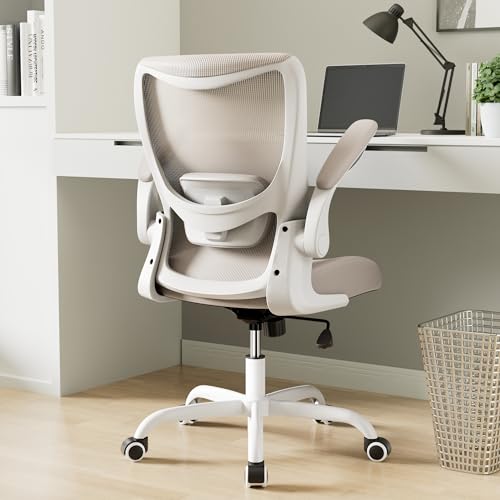

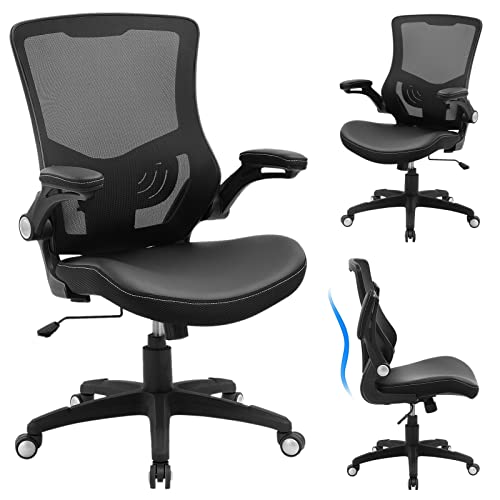
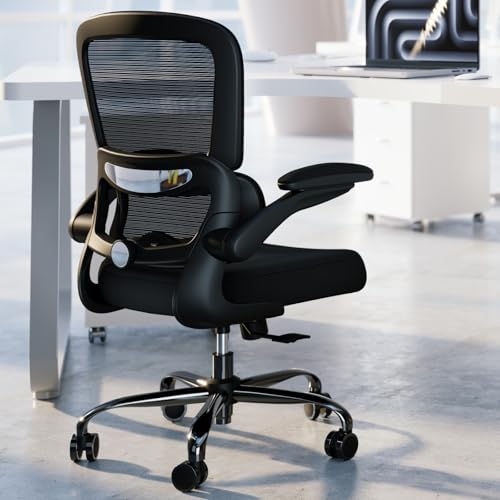
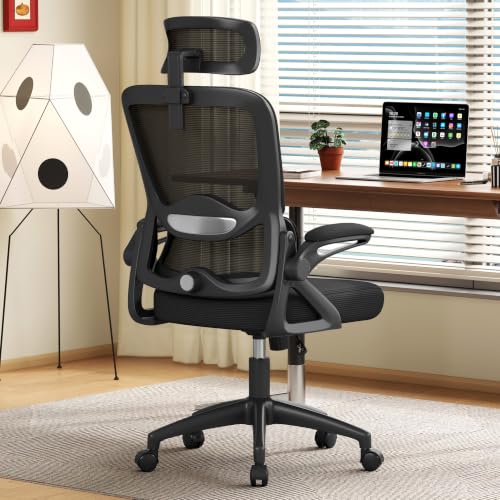
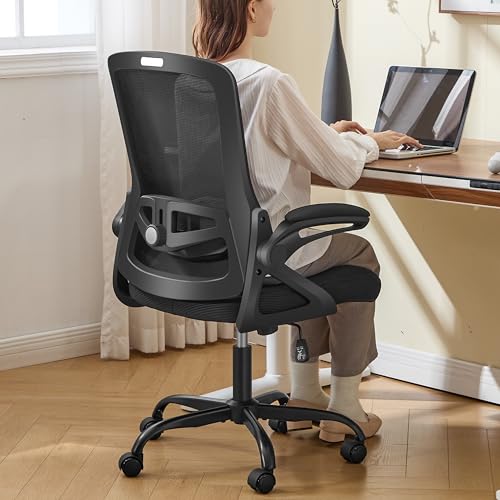
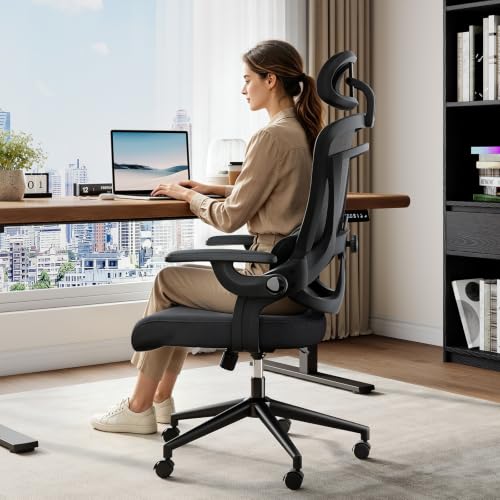
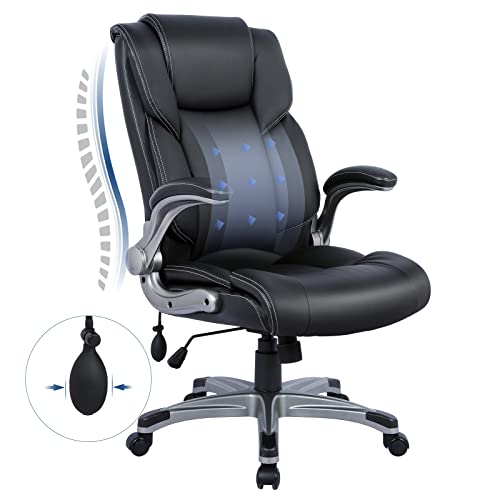
Chairs 101: The Basics for First Time Buyers
A chair built for lumbar support is a desk or task chair designed around its backrest. The lower part of the backrest holds a firm curve or a pad that fills the small gap near your belt line. That contact helps your pelvis stay upright as you work.
Most models fall into three broad groups, and basic task chairs use a fixed curve molded into the backrest and cost about $100 to $200. Mid priced ergonomic models add adjustable lumbar height or depth for about $200 to $400. Premium and executive models add dynamic support that moves with you for about $400 and up. For a narrower shortlist, see our guide to the best chairs for lumbar support.
Who Should Buy Chairs for Lumbar Back Support?
Your work pattern and body size matter more than brand names. Find the group below that sounds most like your day, then carry those priorities into the sections below.
Full Time Desk Workers Who Sit Six Hours or More
You spend most of the day at a screen, so small fit errors repeat for hours. Put adjustable lumbar depth first, because a fixed curve rarely lands in the right spot all day. Add a tilt lock so you can change angle between tasks. If your role is office based, see our guide to the best office chairs for back support.
Home Office Buyers Setting Up a First Workspace
You may be replacing a dining chair in a small room. Put seat size and a compact footprint first, and choose a mesh back if the room runs warm. A simple chair with height adjustable lumbar support beats a large executive chair that crowds your desk and leaves no room for your legs.
Taller or Heavier Buyers Who Need a Stronger Fit
You need a higher backrest, a wider seat and a higher weight capacity than standard models offer. Check the rated capacity with a margin for everyday use, and look for a metal base if you sit near the top of the range.
Read Every Spec as a Fit Question
Read each spec as a fit question, not a marketing claim. The best chairs for lumbar back support share one trait: each adjustment moves support toward your body instead of asking your body to adapt.
Features That Matter for Lumbar Back Support
Lumbar support comes in three forms: a fixed curve molded into the backrest, an adjustable pad that moves up and down and in and out, and a dynamic panel that responds as you shift. A fixed curve suits only backs that land exactly on it, while adjustable depth gives steady support to far more bodies. Choose adjustable depth if you can, because depth is what most first time buyers find missing in a basic chair. A chair is a comfort aid, not a medical treatment, and numbness, tingling, weakness, sharp pain, pain that travels down one leg, or pain that keeps worsening needs a doctor promptly, so talk with your clinician about your personal needs.
Ergonomics and Adjustability
Seat height should let your feet rest flat with your knees near a right angle, and most chairs adjust from about 17 to 21 inches. Tilt lock holds the backrest at a set angle, while tilt tension controls how hard you must lean to recline. A slight recline can ease pressure while reading, while an upright lock suits typing.
Materials and Upholstery
A mesh back flexes with your spine and lets air pass, which helps in warm rooms. Fabric over foam feels softer and grips clothing so you slide less, but it holds heat and stains more easily. PU leather wipes clean and looks formal, yet it can feel warm and may crack sooner in dry rooms. Look for a steel or reinforced frame and a metal or strong nylon base.
Assembly and Delivery
Most chairs arrive in one large box with the parts packed separately. Assembly usually takes about 20 to 40 minutes with the included tool, and the common order is wheels into the base, lift into the base, then seat and backrest bolts. Keep bolts slightly loose until every hole lines up, then tighten them in turn.
Comfort and Cushioning
Seat foam matters as much as back support. High density foam holds its shape and spreads pressure across your thighs, while soft low density foam can bottom out within months. A seat depth of about 18 to 20 inches suits most adults, and a waterfall front edge reduces pressure behind your knees.
Size, Dimensions, and Weight Capacity
Measure your floor space and desk height before you order. Standard seats are about 19 to 21 inches wide and hold about 250 to 300 pounds, while wide models hold 350 pounds or more. The space under your desk needs room for the armrests, or the chair will not slide in. For closer guidance on desk fit, see our guide to the best desk chairs for back support.
Unboxing, Assembly and First Fit Adjustments
Unbox the chair on a clear floor and check every part against the parts list before you throw packaging away. Build the chair, then set the seat height so your feet rest flat and your elbows sit near desk height. Move the lumbar pad until you feel even contact across your lower back, with no hard edge pressing in one spot.
Next, set the armrests so your forearms rest lightly without lifting your shoulders, and set tilt tension to match your weight. Use the chair for a full workday before judging it, and make one small change at a time.
Rookie Mistakes to Avoid
First time buyers tend to repeat the same few errors.
- Buying by looks alone leaves you with a backrest curve that misses your lower back and support you never feel.
- Setting the seat too high leaves your feet dangling and adds pressure behind your thighs for the whole day.
- Ignoring weight capacity makes the lift and base wear faster and can leave the chair wobbling within a year.
- Choosing a seat that is too deep pushes you to slouch forward so your feet can reach the floor.
- Skipping the bolt recheck after assembly lets small movements grow into squeaks, tilt and uneven wear.
Care and Maintenance for Lumbar Support Chairs
Vacuum fabric and mesh with a soft brush each week so dust does not grind into the fibers as you move. Wipe PU leather with a damp cloth and mild soap, then dry it fully, because strong solvents can dry the surface and start cracks. Keep the chair out of long direct sun, where heat fades covers.
Every few months, tighten base and arm bolts, clear hair and grit from the wheels, and check that the lift still holds height overnight. Replace worn wheels early, because a dragging wheel twists the base as you roll. If the foam seat stays compressed after a night of rest, the cushion is near the end of its life.
Chairs: Your Questions Answered
What features matter most in chairs for lumbar back support for first time buyers?
Adjustable lumbar depth matters most, because it decides whether support touches your back at all. After that, seat height range and a waterfall seat edge shape your daily comfort. First time buyers often overlook the return window, so choose a seller that gives you a few weeks at your own desk, since a brief showroom sit cannot predict a full workday.
How long should a chair for lumbar back support last with daily desk use?
A chair for lumbar back support should last about five to seven years with daily desk use. Foam and the gas lift usually wear first, while a metal base and frame often last longer. New creaks often point to a loose joint you can fix with a quick bolt check.
What features matter most for long hours in a lumbar support chair?
For long hours, a lumbar support chair needs a backrest you can unlock and a seat that stays firm late in the day. Small posture changes matter more as hours pass, so a tension control you can reach while seated helps you shift without standing. A breathable back also counts more over eight hours, because heat buildup makes people perch and slouch.
How do you choose the right size chair for lumbar back support?
You choose the right size chair for lumbar back support by matching three measures to your body. Your lower leg length sets seat height, your hip width sets seat width with a little spare room, and your torso length sets where the lumbar pad must reach. Bring those numbers when you shop, since size labels vary across brands.
Is an expensive chair for lumbar back support worth the cost for beginners?
An expensive chair for lumbar back support is worth the cost for beginners only when the extra money buys fit you can feel. Pay more for adjustable lumbar depth, a stronger base and a longer warranty, not for styling or padding you cannot adjust. If two chairs fit you equally well, the lower priced one is the smarter first buy.
The Bottom Line
Start with fit, not features. The lumbar pad must reach your lower back with adjustable depth, the seat must match your legs and hips, and the frame must be rated for your weight with room to spare. Match those three points first, then use the product table above to compare price, materials and arm control.
When you judge the best chairs for lumbar back support by fit instead of looks, your first purchase is far more likely to stay comfortable for years. Take your measurements and adjust slowly until upright sitting feels natural.


