
Best Chairs to Improve Posture Made Simple in 2026: A Clear Buying Guide
Disclosure: We may earn a commission when you buy through links on this page, at no extra cost to you. As an Amazon Associate I earn from qualifying purchases. Learn more

A plain guide to the best chairs to improve posture, covering seat height, lumbar support, armrests, materials and build quality for desk sitting.
Shopping for best chairs to improve posture can feel confusing when every listing uses the same comfort words. This guide starts with the basics, explains the main settings in plain language, and helps you match a chair to the way you actually sit each day. You will find the comparison table below, and the sections that follow explain what to check before you spend.
A good chair for this purpose is not the chair with the most features. It is the chair that lets you sit upright without strain, keeps your feet flat, and supports your lower back during a normal work session. If a chair forces you into one fixed shape, it will feel less useful over time, even if it looks impressive at first.
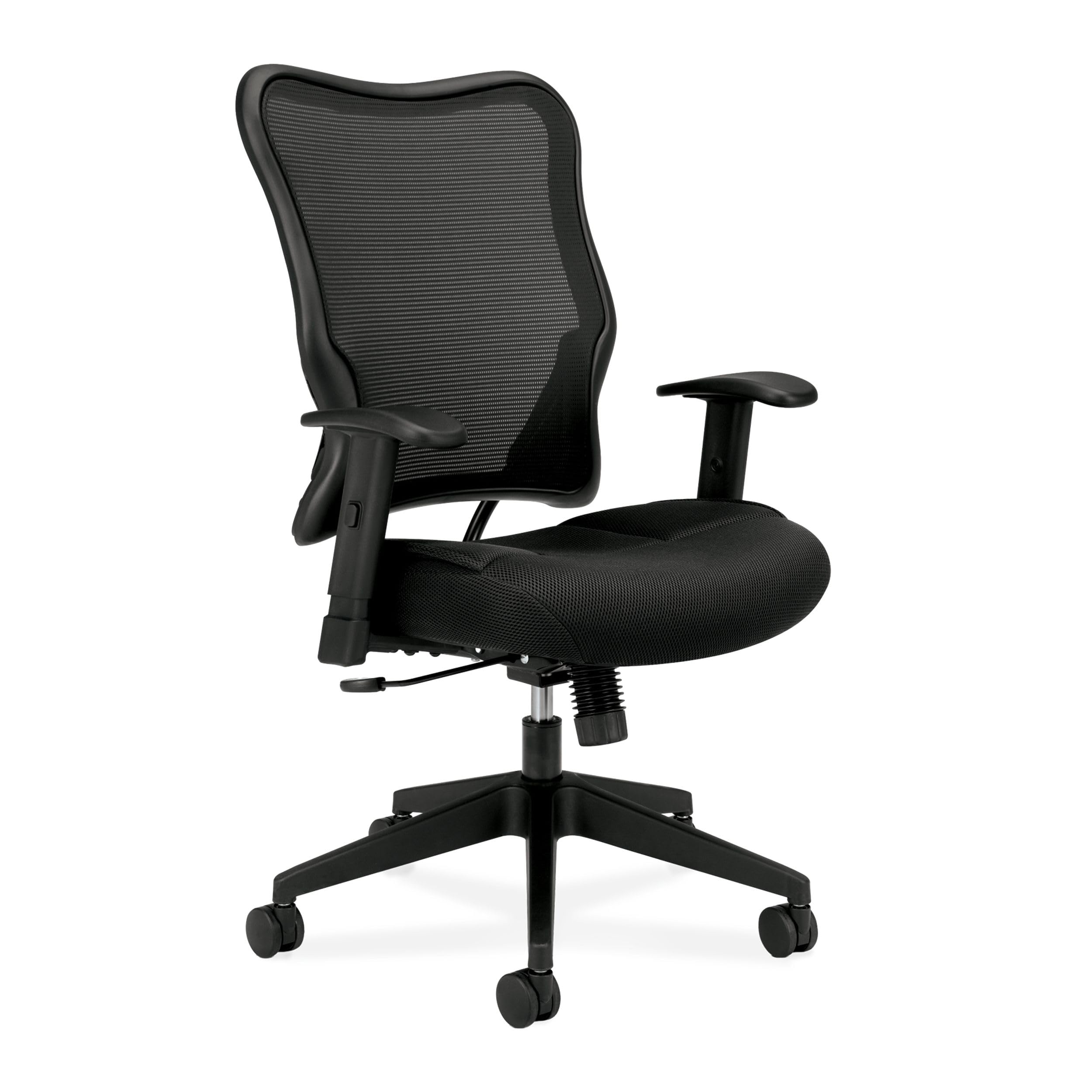

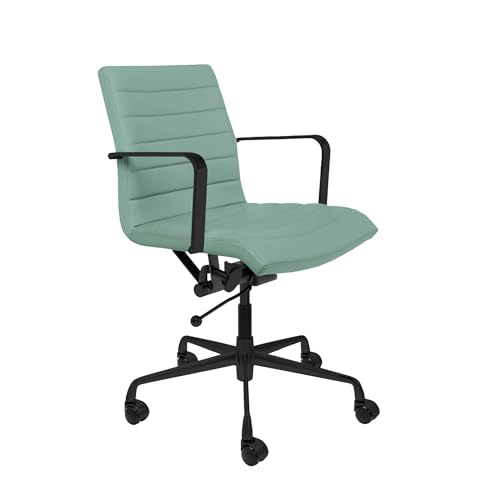
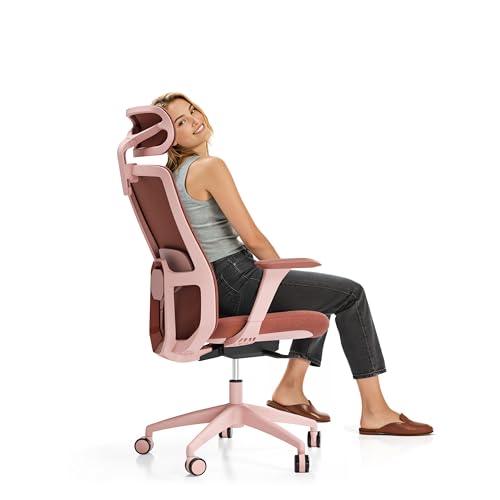

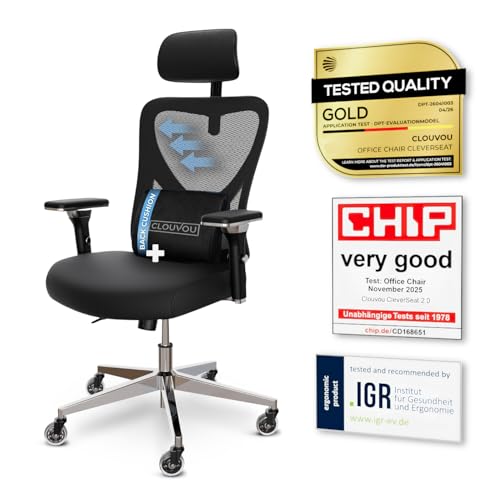


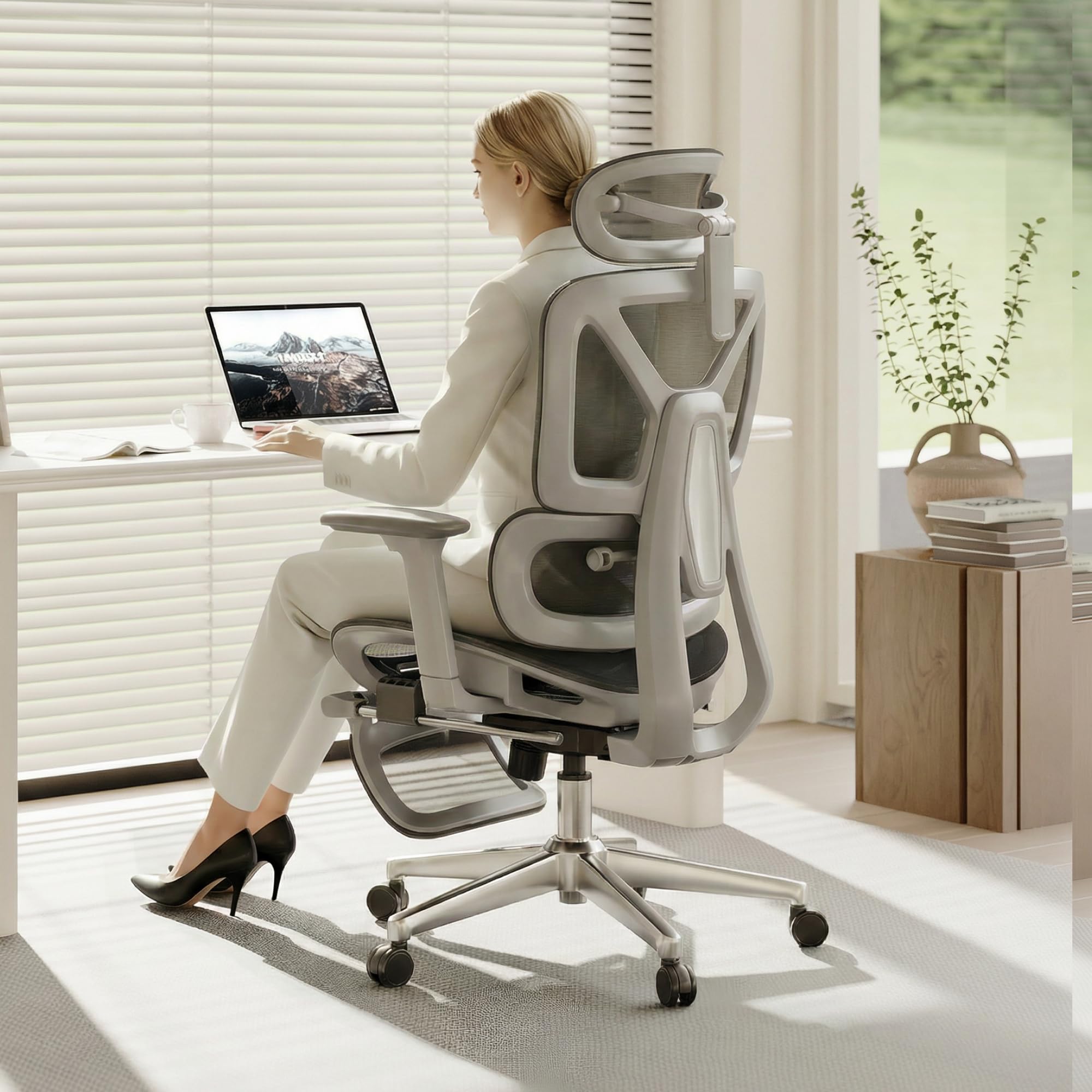
Chairs for Upright Sitting 101: The Basics
A chair in this category is a desk chair shaped to support an upright seated position. The seat, backrest, armrests, and tilt controls work together, so changing one setting can change how the others feel. When the seat height is right, your knees sit near a right angle and your feet rest flat. When the backrest fits your spine, your lower back feels supported instead of hollow or pushed forward.
Beginners often focus on padding first, but support and adjustment matter more for long sessions. Thick padding can feel soft for a short visit and still leave your shoulders rounded after an hour. A firmer seat that holds its shape, a backrest that follows your natural curve, and armrests that keep your elbows relaxed are usually more useful. Think of comfort as a balance between support, movement, and fit, not as softness alone.
Three terms appear in almost every listing. Lumbar support means support for the curve of your lower back. Tilt lock means the backrest can be locked at a chosen angle instead of rocking freely. Seat depth means the distance from the front edge of the seat to the backrest, and it affects whether the backrest can reach you without pressure behind your knees.
Learning these three terms makes the rest of the guide much easier to follow. For a broader overview, see our guide to the best chairs for posture.
Key Specs Explained in Plain English
The specs below cover the points that change daily comfort most. Read them as a checklist, not as a race to buy the longest feature list. A chair that fits your body and your desk will serve you better than a chair with settings you never use.
Ergonomics and Adjustability
Seat height should let your feet rest flat while your thighs stay level. Lumbar support should meet your lower back without pushing you forward or leaving a gap. Armrests that move up, down, forward, and back help you keep your elbows near your sides and your shoulders relaxed while you type. Tilt lock lets you choose a slightly reclined rest angle or an upright work angle, and a tension control helps the recline feel smooth rather than sudden.
Check that each control is easy to reach while seated, because a setting you cannot reach will rarely be used. For desk setups, see our guide to the best computer chairs for posture.
Materials and Upholstery
Mesh backs allow air to move and can feel cooler during long sessions, but the mesh must stay taut and supportive rather than sagging. Fabric seats often feel warmer and grip slightly, which can help you stay in place. Smooth synthetic leather wipes clean easily, yet it can feel warm in a heated room.
Real wood appears mainly in frames or accents, while engineered wood panels are lighter and more common in budget frames. Choose the surface that suits your room temperature, your cleaning routine, and how long you sit without a break.
Warranty and Return Policy
A warranty tells you how long the maker stands behind the frame, the gas lift, and the moving parts. Frame coverage is often longer than coverage for armrests, casters, or upholstery, so read the split carefully. A gas lift warranty matters because a sinking seat is one of the most common chair faults. Return terms matter just as much, since a chair can feel different after a full workday than it does during a quick test.
Note the return window, whether return shipping is covered, and whether the chair must be returned in its original box.
Assembly and Delivery
Most desk chairs arrive partly assembled and need the base, gas lift, seat, backrest, and armrests joined. Allow about 30 to 60 minutes for a careful first assembly, and keep the instructions nearby until every bolt is checked. Clear diagrams, labelled parts, and pre fitted hardware make the job easier, while vague steps can turn a simple build into a frustrating evening.
Check the box size and weight before delivery if you must carry it upstairs or through a narrow doorway. Keep the packaging until you have sat in the chair for a few days, in case a return is needed.
Build Quality and Frame
A steel frame and a sturdy five point base usually feel more stable than a light plastic frame, especially when you lean or shift. A class 4 gas lift is a common standard for everyday office use and supports a wide range of body weights. Casters should roll smoothly on your floor type without catching on rugs or scratching hard floors.
Joints should feel tight, with no wobble when you rock gently side to side. Build quality shows up in small details too, such as smooth adjustment levers, even stitching, and a backrest that does not flex in an odd direction.
| Chair type | Best for | Watch for |
|---|---|---|
| Mesh back task chair | Long sessions in a warm room | Mesh that sags or feels too firm |
| Fabric desk chair | Everyday home office use | Seat padding that flattens quickly |
| High back executive style chair | Readers who want head and shoulder support | A backrest that is too tall for a short torso |
Choosing a Chair for Your Situation
Your situation shapes the right choice more than any single spec. A home worker who sits for most of the day needs easy adjustment and lasting seat support. A student who shares a desk may need a smaller footprint and a simple set of controls. A reader who alternates between typing and reading may value a recline lock and a headrest.
When you look at the best chairs to improve posture, start from your longest daily session, then choose the features that support that session. For desk specific options, see our guide to the best desk chairs for posture.
Best Office Chairs to Improve Posture
The phrase best office chairs to improve posture points to chairs made for desk work rather than dining or lounge use. Office use adds three needs: a seat height range that matches a standard desk, armrests that slide under the desk edge, and a backrest that supports upright typing without forcing you to lean back.
Look for a lumbar shape that meets your lower back at desk height, a seat depth that leaves a small gap behind your knees, and casters suited to your office floor. If you share the chair, quick height and armrest adjustment becomes even more valuable. For work focused options, see our guide to the best work chairs for posture.
Rookie Mistakes to Avoid
- Buying by padding alone, because soft padding can hide weak back support and flatten within months.
- Ignoring seat depth, because a seat that is too deep keeps your back from reaching the backrest.
- Setting the chair once and never adjusting it, because your posture needs change with tasks, shoes, and desk height.
- Choosing armrests that push your shoulders up, because raised shoulders can leave your neck and upper back tense.
- Skipping the return window check, because a chair that feels fine for ten minutes can feel wrong after a full day.
Another common mistake is copying a friend's settings. Two people with different heights, leg lengths, and desk heights need different seat heights and lumbar positions, even when they buy the same chair. Use the guide settings as a starting point, then adjust in small steps over a few days.
Getting Started: Setup and First Use
Start by placing the chair on a flat surface and checking that all casters touch the floor. Raise or lower the seat until your feet rest flat and your thighs feel level. Move the backrest until the lumbar curve meets your lower back, then set the tilt lock at a comfortable upright angle. Adjust the armrests so your elbows rest near your sides without lifting your shoulders.
Take short breaks to stand, stretch, and walk during long sessions, because even a well fitted chair is not a substitute for movement. Tighten bolts every few months, following the maker guidance, and check casters for hair or debris that can slow rolling. If you notice persistent or worsening pain, numbness, or weakness, talk with a doctor about your sitting setup and any underlying issue rather than trying to fix it with a chair alone. A chair can support comfortable sitting, but it cannot diagnose or treat a health condition.
Chairs for Upright Sitting: Your Questions Answered
How long should a good posture chair last?
A well built desk chair often lasts about five to ten years in home use, depending on daily hours and care. The seat foam usually shows wear first, followed by casters and armrest pads. A sturdy frame and a reliable gas lift help the chair stay stable as those softer parts age. Keep the receipt and warranty details, and replace worn casters or pads early so small faults do not change how you sit.
What features matter most for long hours?
For long hours, seat height range, lumbar fit, seat depth, and armrest adjustment matter most. These four settings decide whether you can sit upright without sliding forward or raising your shoulders. Breathable upholstery and a smooth tilt control add comfort during extended sessions. A headrest helps some readers, but it is less important than a backrest that fits your lower back correctly.
Is an expensive posture chair worth it?
A higher price can be worth it when it buys a stronger frame, a longer warranty, and a wider adjustment range that fits your body. It is not worth it when the extra cost only adds styling or settings you will never change. Compare the adjustment range and warranty first, then decide whether the remaining features match your daily use. A mid priced chair that fits well often serves a home worker better than a costly chair that does not.
How do I choose the right size?
Start with your height, leg length, and desk height rather than a generic size label. Check the seat height range, seat width, seat depth, and stated weight capacity against your own measurements. Sit with your feet flat and check for a small gap behind your knees when your back touches the backrest. If you sit between sizes, choose the size that gives you more adjustment room, and use the return window for a full day test.
Can a posture chair replace movement breaks?
No, a chair cannot replace movement breaks, even when it fits well. Standing, walking, and changing position during the day help your muscles and joints in ways that sitting cannot. Use the chair to make sitting more comfortable, and use breaks to reset your position. If you sit for many hours without moving, no adjustment setting will fully make up for that pattern.
The Bottom Line
Focus on three checks: a seat height that lets your feet rest flat, a lumbar shape that meets your lower back, and armrests that keep your shoulders relaxed. Add build quality and a fair return window to that short list, and you will avoid most disappointing buys. Use the product table above to compare types side by side, then test your shortlist for a full workday when possible.
For most first time buyers, a chair with a solid frame, a clear adjustment range, and breathable upholstery is a sensible starting point. If you have persistent or worsening pain, numbness, or weakness, talk with a doctor about your needs before choosing. The right choice is the best chairs to improve posture for your body, your desk, and your daily routine, not the chair with the longest feature list.


