Best Chairs for Gaming and Working in 2026: Which One Fits the Way You Use It?
Disclosure: We may earn a commission when you buy through links on this page, at no extra cost to you. As an Amazon Associate I earn from qualifying purchases. Learn more

One chair for work and play has to fit two routines. Learn how the best chairs for gaming and working differ in recline, seat fit, cushioning, and price.
One desk often hosts two different days. The morning asks for an upright seat that keeps you close to the keyboard, while the evening asks for a chair that lets you settle back with a controller. Shoppers looking for the best chairs for gaming and working are really shopping for one chair that can change roles without a fight.
There is no single model that suits every routine, so this guide starts with how you actually sit. Read the routine groups first, then compare the features that matter for both jobs in the comparison table below.
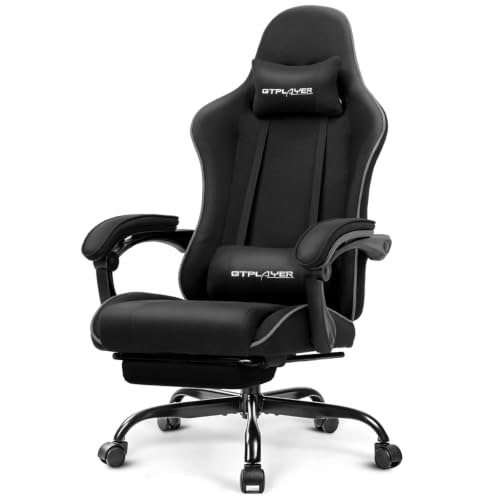
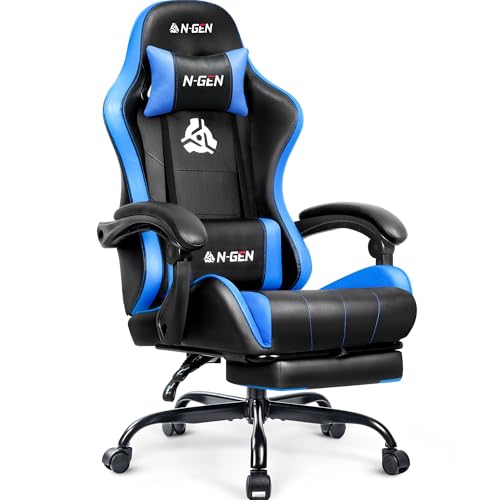
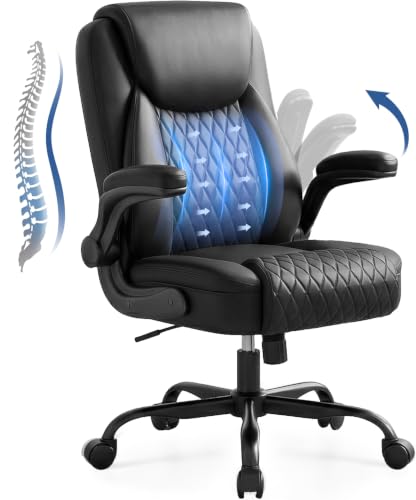


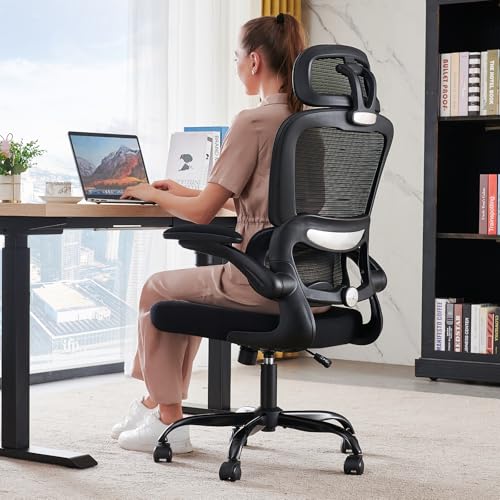

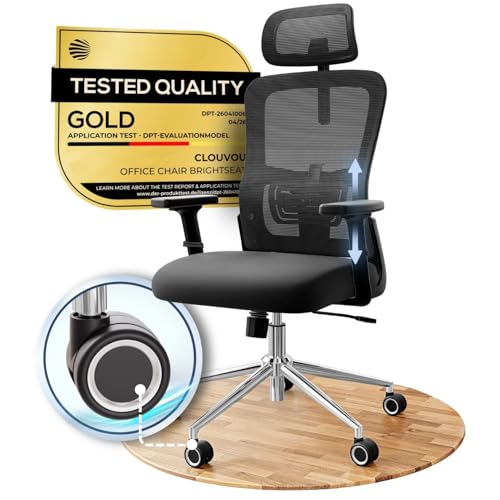
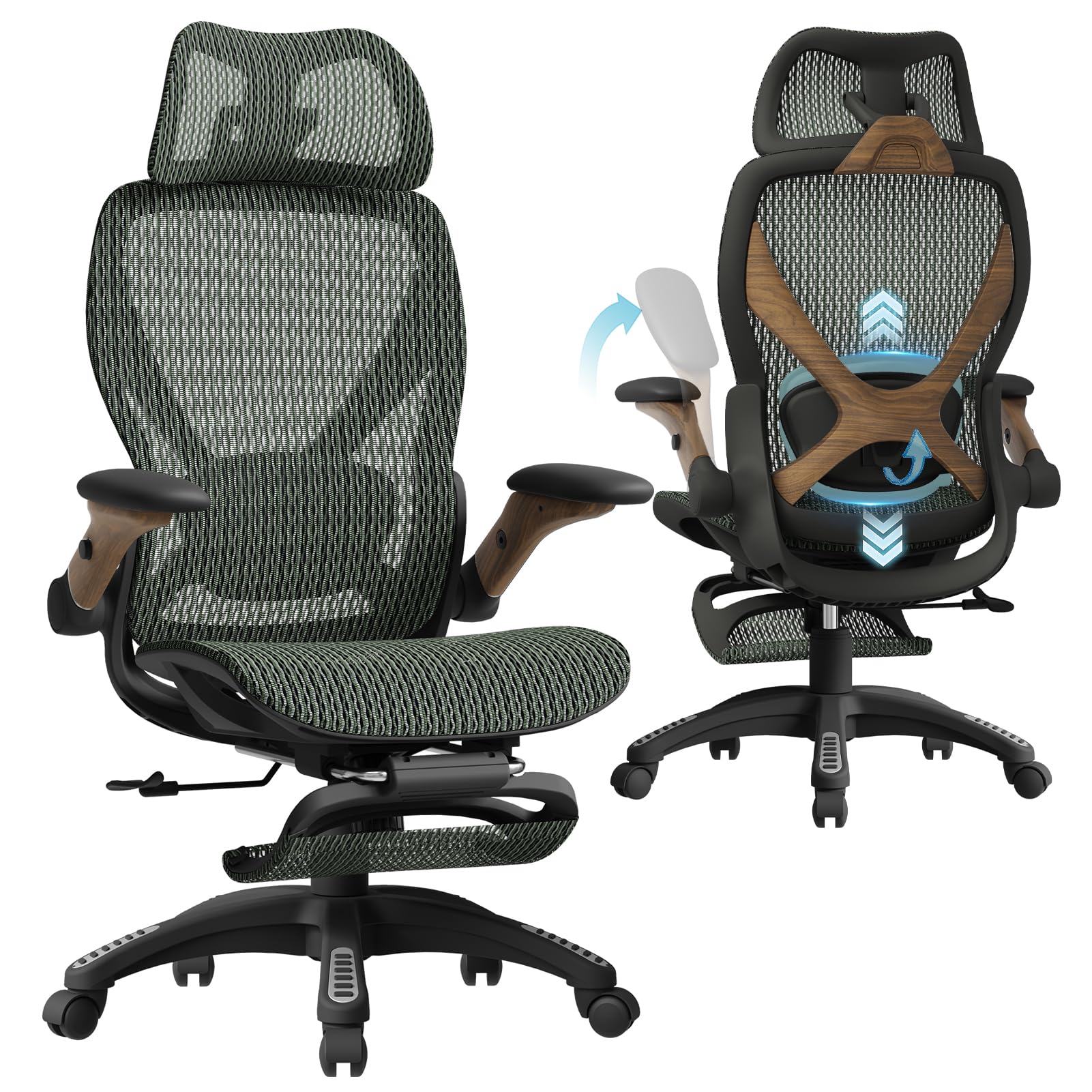

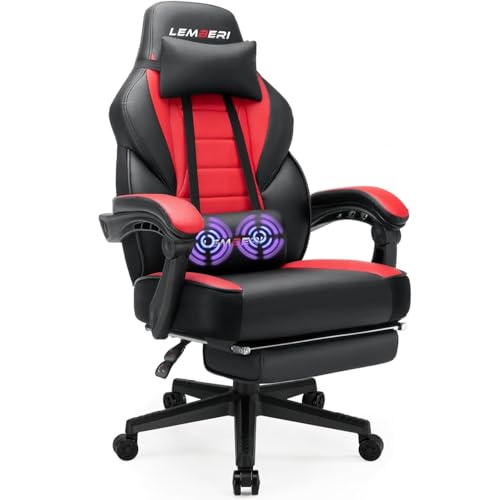
Who Should Buy Which Chairs?
Start with the split of your day. The right dual use chair depends on how many hours go to work, how many go to play, and how your body likes to sit during each one.
For People Who Work All Day and Game in the Evening
Your chair has to feel businesslike at nine and relaxed at nine at night. Prioritize a backrest that locks upright for typing and still reclines when work ends, plus armrests that move out of the way of a controller. A mid priced dual use model with a tilt lock and adjustable lumbar support covers this routine well, and our guide to best gaming chairs for working from home looks at this exact split in more depth.
For Players Who Lean Back Between Matches
If your gaming style is relaxed, with cut scenes, streams, and chat breaks, the recline range matters more than sharp upright support. Look for a backrest that leans back to about 135 degrees, a headrest that meets your head at that angle, and a footrest if you like to stretch out. A taller backrest also helps if you are over six feet tall, since a short back leaves your shoulders unsupported.
For Buyers Who Want One Chair to Do Both Jobs Well
Some buyers simply want the strongest build they can afford, because one chair doing two jobs wears faster than a chair doing one. At the premium end you pay for denser foam, smoother recline mechanisms, and longer frame warranties. Shoppers comparing build quality across brands can start with our roundup of best quality gaming chairs and then check that the same standards appear in dual use models.
Key Features to Compare
A chair can support the position you sit in, and it can make that position easier to hold for hours. It cannot correct your posture or treat back pain, so treat comfort claims with care and talk with a clinician if pain keeps coming back. The screen and desk complete the setup, and our guide to best gaming monitors covers the viewing side of the same desk.
Two Sessions, Two Positions
A work session and a game session ask two different positions of one chair. Work usually means sitting upright at about 95 to 105 degrees, feet flat, eyes level with the screen. Play often means leaning back, hands lower, and weight shifted into the backrest. A dual use chair earns its name when it supports both positions well instead of forcing one compromise angle all day.
Recline and Armrests Govern the Switch
The recline mechanism is what lets you switch between those two positions without standing up and starting over. A tilt lock that holds several angles, not just upright and fully back, makes the change smooth. Armrests matter just as much: height adjustable arms support your elbows at the desk, then drop or swing away so a controller or a relaxed arm angle feels natural during play.
Seat Width and Depth for Long Days
Fit decides whether a long day feels fine or leaves you shifting every ten minutes. Seat height should adjust across about 18 to 22 inches so your feet rest flat with your knees near a right angle. Seat depth of about 18 to 21 inches supports your thighs without pressing behind your knees, and a seat width of about 20 to 22 inches suits most adults, with wider models near 24 inches for broader frames.
Comfort and Cushioning
Cushioning has to survive both a workday and an evening session, so foam density matters more than softness on day one. High density foam holds its shape under daily load, while thin foam feels plush in the store and flattens within months. A waterfall front edge reduces pressure behind your knees, which helps when you sit forward to type and then settle back to play.
Materials and Upholstery
Mesh backs breathe well through long work hours and suit warm rooms, but they offer less padding for lean back gaming. Fabric feels soft and grips clothing, though it holds spills and needs more cleaning. PU leather wipes clean and looks sharp on camera, yet it can feel warm and may crack sooner in dry rooms. Pick the material that matches your room temperature and how much care you will actually do.
Common Mistakes to Avoid When Buying Chairs
- Buying for looks alone, then finding the seat depth fights your legs during work hours.
- Skipping the tilt lock, so the chair holds only one angle and serves neither job well.
- Ignoring seat width and depth numbers, which decide fit more than the style of the backrest.
- Assuming a racing style shell guarantees comfort, when many such shells have fixed side bolsters that pinch broader shoulders.
- Forgetting the warranty, even though a dual use chair racks up hours twice as fast as a single use chair.
Care and Maintenance Tips
Set the seat height so your feet rest flat and your screen sits at eye level, then save the recline tension at a level that supports your weight without pushing you forward. Tighten the bolts under the seat every few months, because daily switching between positions works hardware loose over time. Vacuum fabric and mesh weekly, wipe PU leather with a damp cloth, and keep the chair out of direct sun so the upholstery does not fade or crack. A separate guide covers best officer chairs, an executive styled neighbor class that is built for a formal office look rather than for dual use sessions like these.
Frequently Asked Questions
What features matter most in a chair used for both gaming and working?
A lockable recline matters most, because it lets one chair hold an upright typing angle and a relaxed play angle. Adjustable armrests come next, since your elbows sit higher at a keyboard than with a controller in your lap. After that, check seat depth and lumbar support. Buyers who split the day evenly should weight work comfort slightly higher, because work hours usually outnumber gaming hours each week.
How do I choose the right chair size for a desk used for work and play?
Measure your desk height first, then pick a chair whose seat height range lets your elbows rest near desk level with your feet flat. Leave about two to three inches between the seat edge and the back of your knees. Taller users should also check backrest height, since support that ends below the shoulder blades feels fine for an hour and tiring by hour six of a combined day.
How long should a good dual use chair last?
A well built dual use chair usually lasts about five to eight years, and heavy daily use shortens that range. The gas lift and the recline mechanism wear first, so a warranty that covers parts for at least two years is a useful sign. Foam that stays firm after the first year is another good sign. Rotating the chair away from direct heat vents also slows wear on the upholstery and the lift.
Is an expensive chair worth it for someone who works and games at one desk?
It can be, because the hours add up fast when one chair covers a job and a hobby. Premium models tend to offer denser foam, smoother recline parts, and stronger frames, which all matter at ten or more hours a day. The jump in comfort is smaller above about $600, though, so mid priced models around $250 to $450 suit many people. Spend first on fit and recline, not on styling extras.
Can one chair really support good posture during both work and gaming?
One chair can support a comfortable position in both uses, but no chair corrects posture on its own. Your habits do most of the work: feet flat, screen at eye level, and a short stand and stretch break each hour. Lumbar support helps you keep a natural lower back curve while you sit. If back or neck pain persists even with a careful setup, a clinician can check for causes a chair cannot fix.
Final Thoughts
Match the chair to your routine first: how you sit at work, how you sit at play, and how easily the chair moves between the two. The product table above pulls the main options together so you can compare recline range, seat fit, and price side by side. Readers still weighing the two styles can also compare best gaming and office chairs directly. Chosen well, the best chairs for gaming and working disappear under you, which is exactly what a long day needs.