
Best Chairs for Ergonomics in 2026: Which Type Is Right for You?
Disclosure: We may earn a commission when you buy through links on this page, at no extra cost to you. As an Amazon Associate I earn from qualifying purchases. Learn more
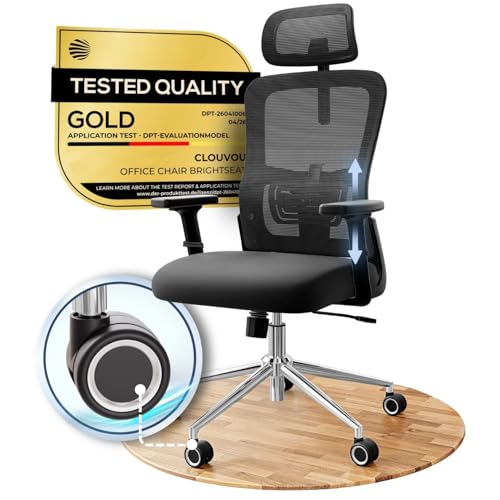
Compare the best chairs for ergonomics by type, from adjustable task chairs to saddle seats, with adjustment ranges, honest trade offs, and plain prices.
Shopping for a desk chair usually starts with a sore back and a wall of listings that all claim the same thing. A mesh task chair, a kneeling stool, and a padded executive model can all carry the word ergonomic, yet they hold your body in completely different positions. This guide compares the best chairs for ergonomics by type first, because the frame design decides how a chair can fit you long before fabric, color, or branding enters the picture.
The comparison table below lines the main types up side by side with their strengths, honest trade offs, and typical prices. After the types, this guide covers what the ergonomic label can and cannot promise, which type suits which kind of sitter, and the adjustment numbers that separate a chair that fits from a chair that almost fits.


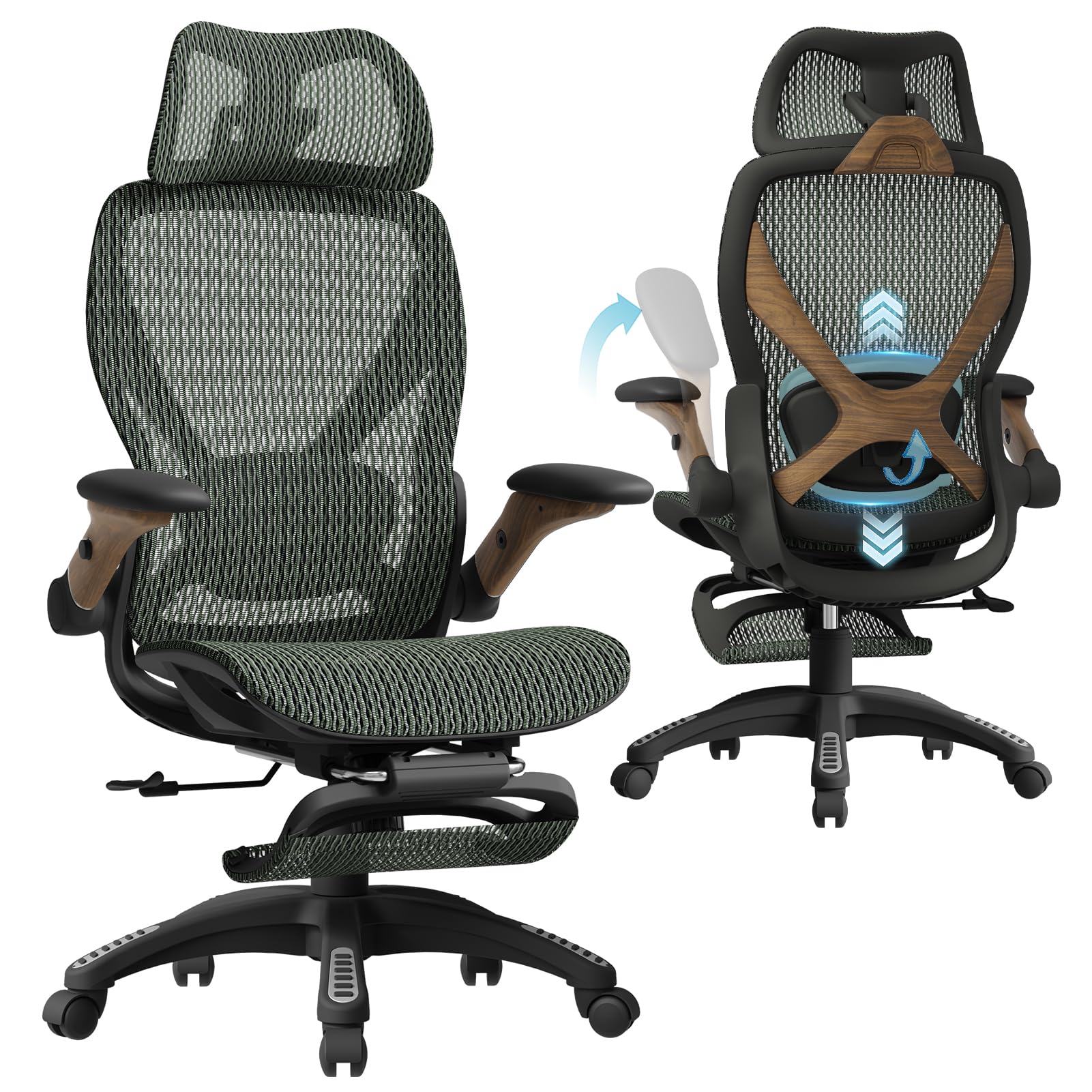
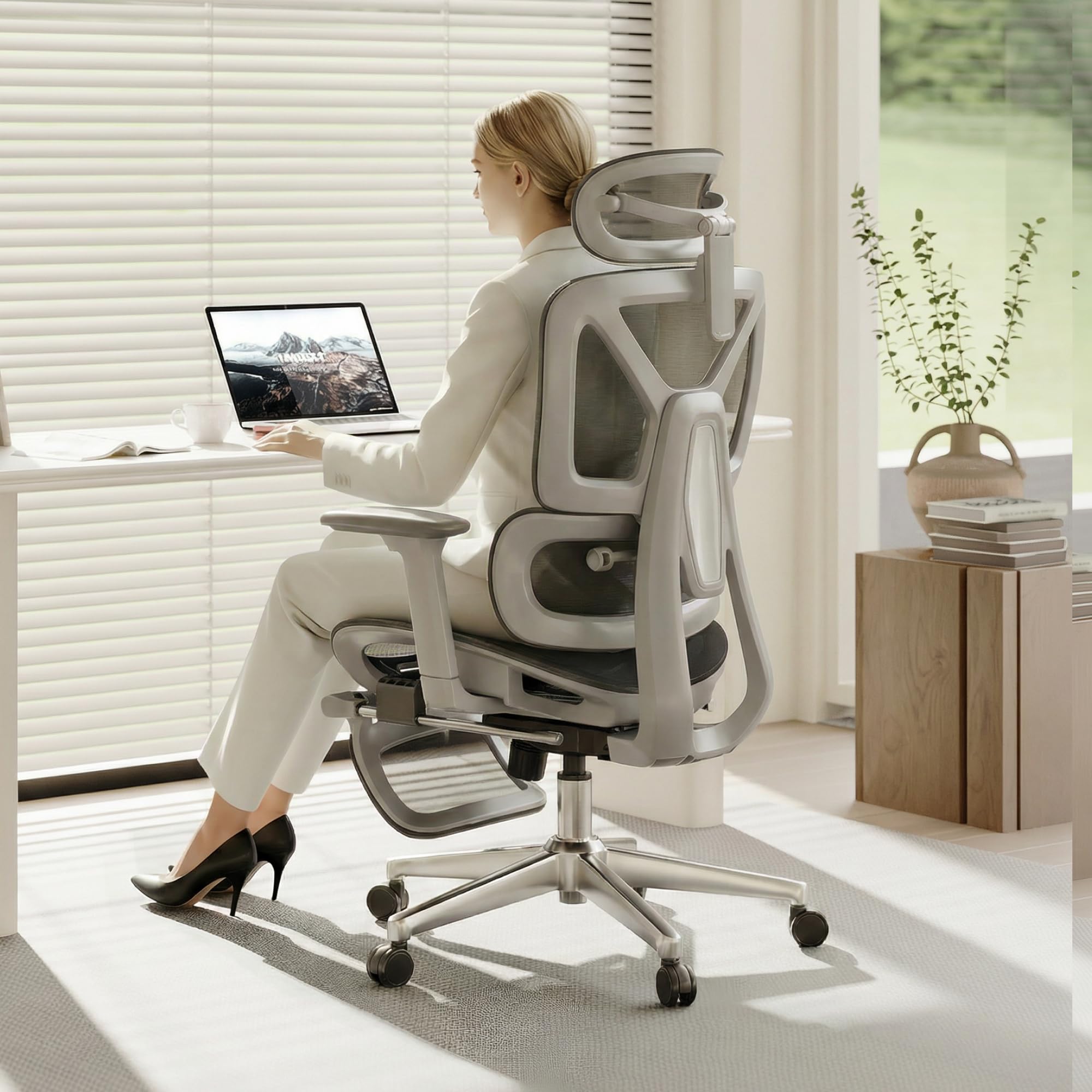
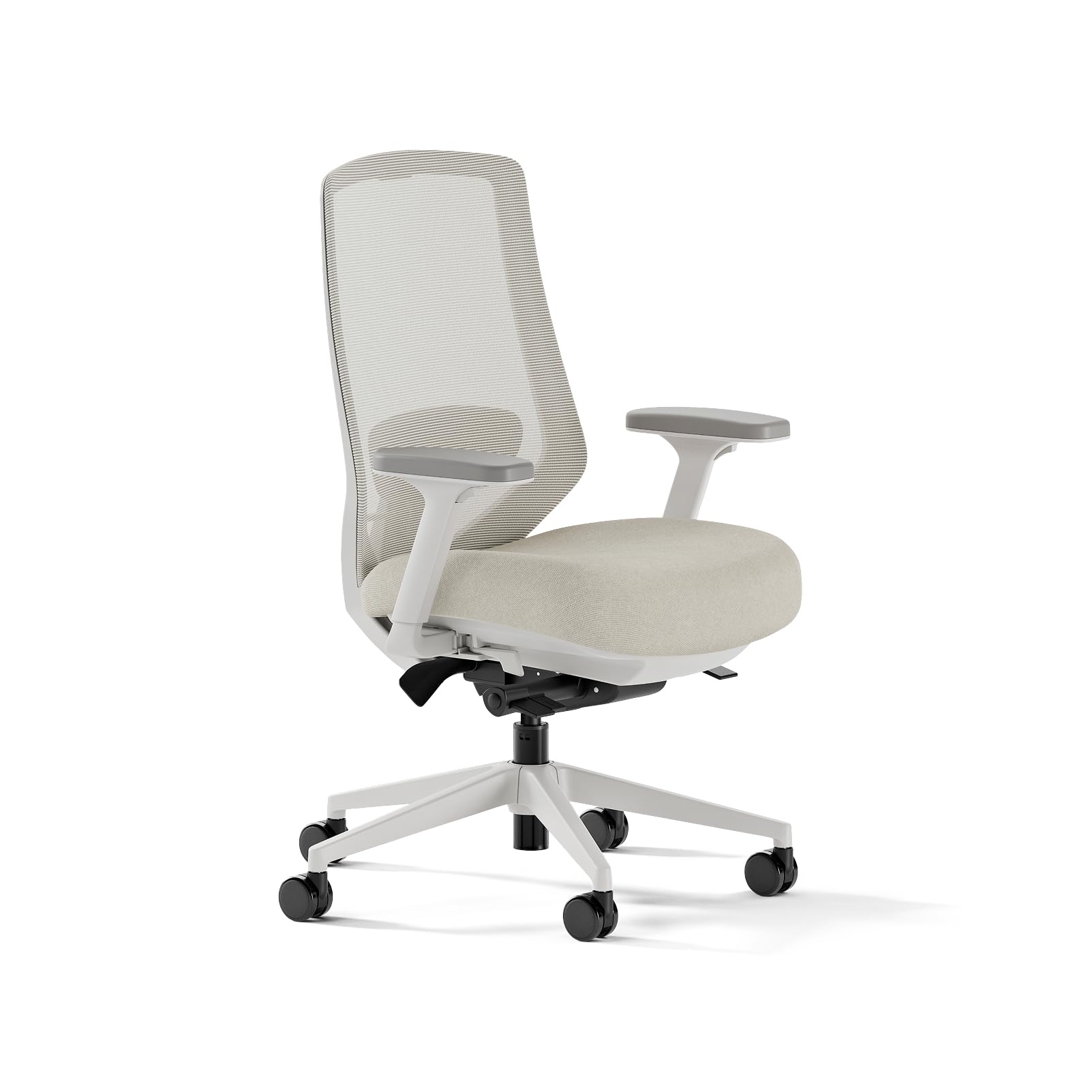
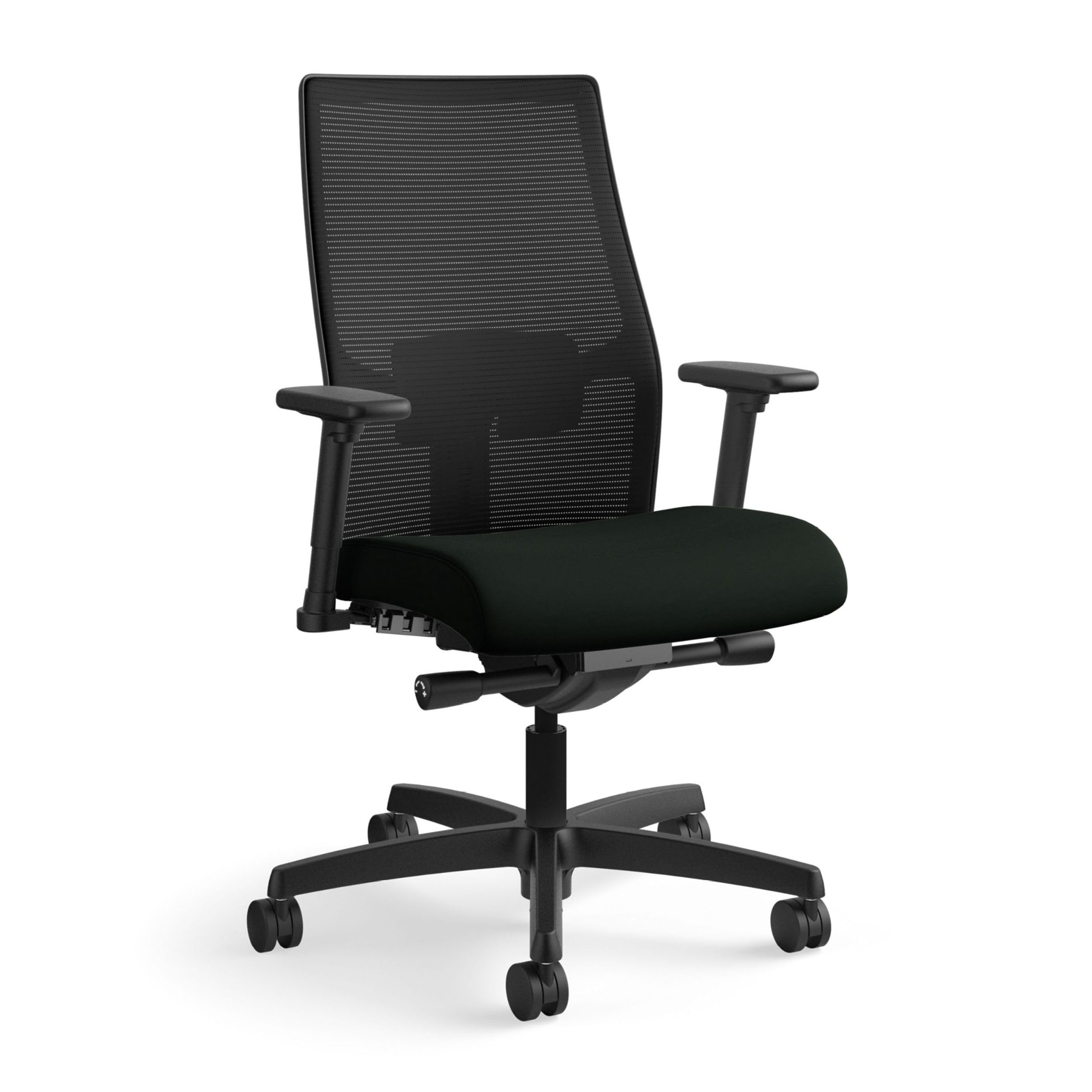
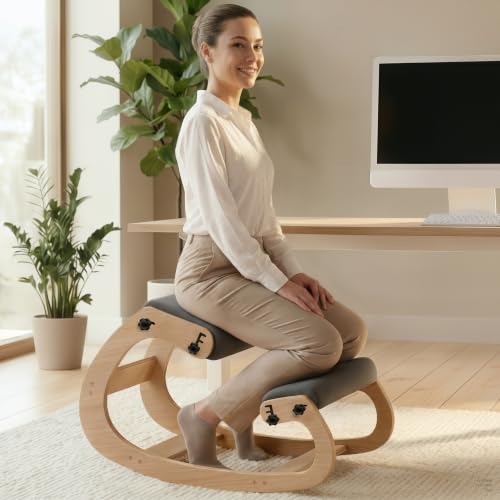
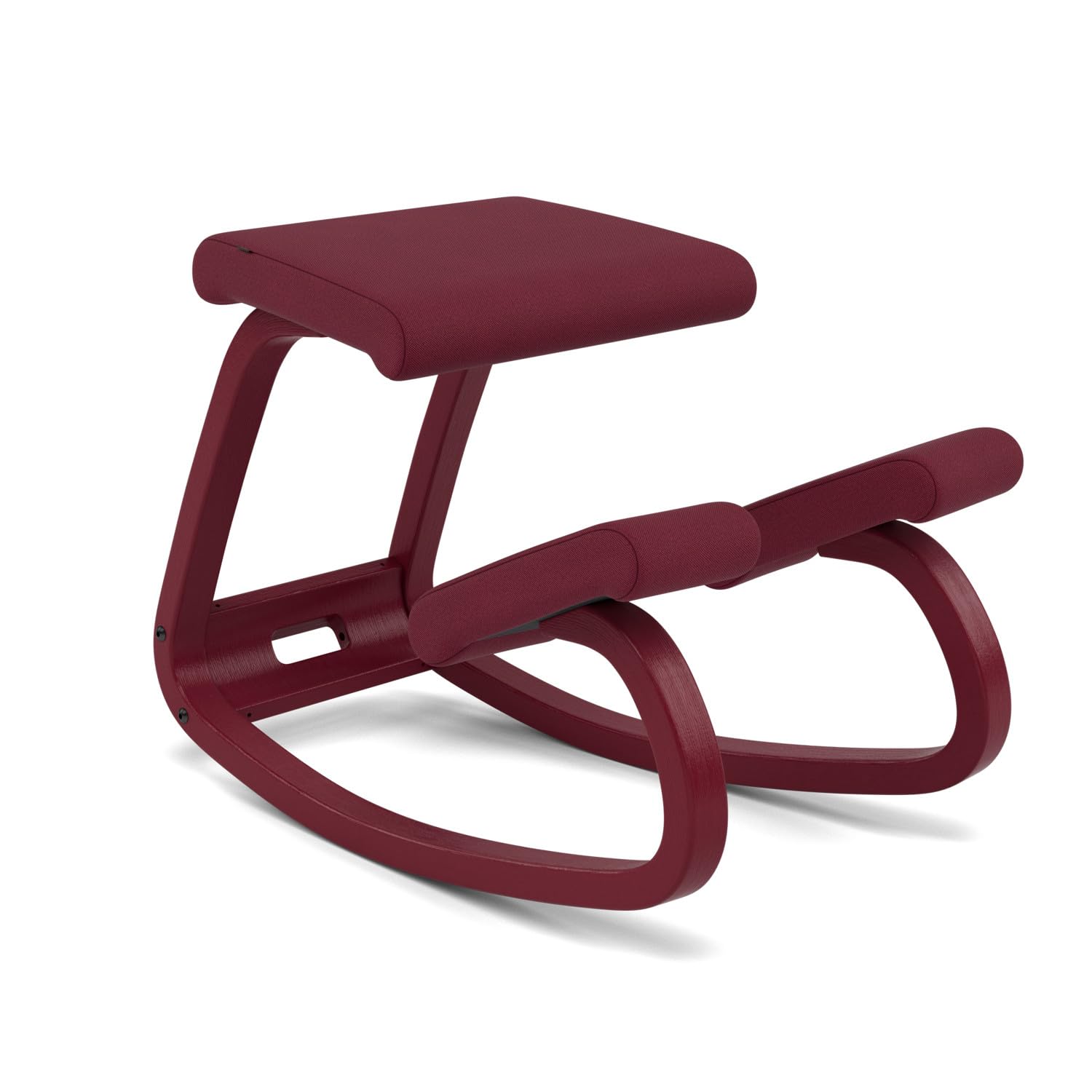

The Main Chair Types, Side by Side
Nearly every chair sold for desk comfort belongs to one of six designs. The differences that matter are how much the chair can adjust, whether it has a back at all, and how it expects you to sit, and those differences show up in the first week of use rather than the first hour in the showroom.
| Chair Type | Best For | Main Strength | Honest Trade Off | Typical Price |
|---|---|---|---|---|
| Adjustable task chair | Most full time desk workers | Widest range of seat, back, and arm adjustments | Quality varies a lot at the low end | about $150 to $400 |
| Mesh backed chair | Warm rooms and long sitting days | Airflow keeps the back cooler than foam | Mesh feels firm and offers less cushion | about $200 to $500 |
| Executive padded chair | People who prefer a soft, upright seat | Thick foam and a tall back feel plush at first | Foam compresses with age and adjustments are often limited | about $250 to $700 |
| Kneeling chair | Short focused sessions at a desk | Shifts weight onto the shins and opens the hip angle | Knees and shins tire, so it suits few people all day | about $100 to $250 |
| Saddle seat | Perching, drafting, and tall desk work | Keeps the hips open and makes standing up easy | Needs a taller desk and a real adjustment period | about $150 to $350 |
| Active sitting stool | People who move and change position often | A rounded base invites small constant movement | No back support at all, so it is a part time seat | about $100 to $300 |
Adjustable Task Chairs: The Reference Design
A standard task chair has a seat, a backrest, armrests, and a gas lift under the seat, and it earns its place as the reference design because nearly every part can move. Seat height, back angle, and arm position adjust on their own, so one frame can fit a wide range of bodies and desks. Guides to the best ergonomic task chairs go deeper on this category, and it is the safest starting point for a full time desk worker who has never bought an adjustable chair before. The weakness is spread: at low prices the adjustments exist on paper but feel loose, and the foam seat is usually the first part to tire.
Mesh Backed Chairs for Warm Rooms and Long Days
A mesh back replaces foam and fabric with a tensioned membrane that lets air pass through, which is why these chairs are common in warm offices and home setups without cooling. The trade is feel: mesh gives even support but no cushion, and people who like to lean back into something soft often find it firm. Better designs let you move the lumbar area of the mesh itself rather than relying on one fixed curve that may land in the wrong place on your back. For a closer look at this style in desk setups, see the best ergonomic desk chairs guide.
Kneeling Chairs and Saddle Seats: Two Honest Niches
A kneeling chair removes the backrest and rests part of your weight on a padded shin support, opening the angle between thigh and torso. Some people find that position eases pressure for an hour or two, but the knees and shins carry load they are not built to carry all day, so treat it as a part time seat. A saddle seat works in a different way: a raised, narrow seat keeps the hips open and suits perching at a tall desk or a drafting table. It demands a higher work surface and a week or two of getting used to, and it is a poor match for a standard fixed desk.
Active Sitting Stools as a Second Seat
An active stool has a rounded or flexible base and usually no back, so small shifts in balance become part of sitting. Fans use one as a second seat, rotating it in for calls or focused work and returning to a backed chair for the rest of the day. Used that way, it adds movement without asking your body to balance for eight hours. Used as an only chair, it asks a lot of your core and offers nothing to rest against, which is why honest listings sell it as a companion seat rather than a full replacement for a chair with a back.
Compact, Premium, and Budget Versions of Each Type
Every design above also comes in three rough price classes, and the class changes the details more than the shape. Compact models shrink the seat and drop some arm adjustments to fit small rooms and shared spaces. Premium versions, including the executive styles covered in the best ergonomic office chair guide, add finer adjustments, denser foam, and longer frame warranties, along with prices to match. Budget versions keep the outline of the type but cut the gas lift class, the armrest movement, and the warranty first, so a cheap task chair often adjusts less than a mid priced stool.
What the Word Ergonomic Can and Cannot Promise
Start with the honest limit: a chair is a piece of furniture. No chair can treat, prevent, or fix back pain, neck pain, or any medical condition, and any listing that implies otherwise is selling rather than informing. The word ergonomic on a product page is a design claim made by the seller. There is no single certification a home office chair must earn before it can use the word, so the label by itself tells you almost nothing about how the chair will treat your body.
What a well chosen chair can do is remove bad fit from your day. The strongest comfort factors are an adjustment range that matches your body, regular movement and short breaks away from the desk, and the setup around the chair. Your screen should sit high enough that you are not looking down all day, your keyboard low enough that your shoulders stay relaxed, and your feet flat on the floor or resting on a footrest rather than dangling. A good chair at a bad desk still produces a bad working day.
Some signs should never be answered with a purchase. See a doctor about back or neck pain that persists or keeps getting worse, pain that follows an injury or a fall, numbness or weakness in an arm or a leg, or a fever that arrives together with back pain. Any change in bladder or bowel control alongside back pain is urgent and needs medical care the same day. A clinician can tell you whether seating plays any role at all in what you are feeling, and that answer should come before any money is spent.
Who Should Choose Which Type
Full time desk workers who sit six hours or more should start with an adjustable task chair or a mesh backed model, since both support long sessions and let you fine tune the fit over the first weeks. If your day is spent at a monitor, the guide to the best ergonomic computer chairs compares models shaped around screens, keyboards, and long stretches of focused work.
Shorter and petite sitters should shop by numbers rather than by type, because the lowest seat height and the seat depth decide comfort more than the frame style does. Compact task chairs exist for exactly this reason. Taller sitters face the mirror problem and should look for deeper seats and taller backs, which usually means the larger task and executive frames.
People who dislike sitting still often do best with two seats: a backed chair for most of the day and an active stool or a saddle for short stretches of work. Anyone whose pain already has a name or a diagnosis should choose differently and bring in a clinician or a physical therapist before spending, because the right answer for them may not be a chair at all.
How to Choose: Compare Adjustment Ranges, Not Labels
Once a type fits your day, compare models inside that type by measurement. The product table above gives the shortlist its shape, and the checks below tell you whether a given frame can actually be set to your body. This is where the best chairs for ergonomics separate themselves from chairs that merely borrow the word.
Seat Height and Seat Depth
Most task chairs adjust seat height across a range of about 16 to 21 inches, and your setting should leave your feet flat with your knees at roughly a right angle. Seat depth matters just as much: sit fully back and check that you can fit two or three fingers between the front edge of the seat and the back of your knees. A fixed deep seat pushes shorter users forward into a perch, and no lumbar feature can undo that. Measure the underside of your desk too, since a standard desk sits at about 29 inches and the armrests have to fit your setup, not fight it.
Lumbar Support That Actually Moves
A curve built into the backrest fits only the backs that happen to match it, and everyone else gets pressure in the wrong place. Look for lumbar support that moves up and down to meet the small of your back, or that changes depth so you can set how firm it feels. On mesh chairs, check whether the lumbar zone has its own tension or position control. A separate clip on cushion is the weakest fix, because it shortens the seat depth you just measured and tends to slide out of place during the day.
Armrests and Recline
Armrests should let your shoulders hang relaxed with your elbows near a right angle, and height adjustment is the minimum worth paying for. Width and pivot movement help when you switch between typing and writing, and armrests that drop low or swing away matter if the chair must slide close to the desk. For the backrest, tilt tension should match your body weight so reclining takes gentle pressure rather than a push, and a tilt lock helps for upright tasks. A deep recline is a break feature, not a working position, so do not pay extra for it if you type all day.
Materials and Upholstery
Mesh breathes and holds its shape for years, but it feels firm and can collect dust deep in the weave. Foam cushions feel softer at first, and high density foam slows the flattening that makes cheap seats feel like boards within a year or two.
Fabric grips clothing slightly, which some people like and others find warm. Leather look surfaces made from polyurethane wipe clean and suit shared spaces, yet they commonly peel within a few years of daily use. Match the material to your room temperature and how long you sit, not to the showroom photo.
Frame, Gas Lift, Weight Capacity, and Warranty
A steel base outlasts a nylon one, and the gas lift is the part most likely to fail, so its class matters: class 4 lifts are the common heavy duty rating and are worth having. Check the stated weight capacity and choose a rating comfortably above your own weight, especially for a chair that several people will use. Workplaces buying for shared desks should compare the best ergonomic work chairs, which are built and rated for that harder use.
Warranties usually split by part, with the frame and lift covered longest and foam and mesh covered for less time, so read the split before you buy. A fair return window matters just as much, because a chair can only be judged after several full days of work.
Keeping a Chair Comfortable for Years
Chairs rarely fail all at once; they loosen, flatten, and collect grit one small step at a time. A few habits slow that down:
- Retighten the bolts on the arms and the back every few months, since slow loosening is the main source of new wobbles and squeaks.
- Vacuum fabric and mesh with a soft brush attachment, and wipe foam covers with a damp cloth so grit does not grind into the material.
- Pull hair and thread out of the caster wheels so the chair keeps rolling instead of dragging across the floor.
- Reset the seat height and lumbar position after anyone else uses the chair, because shared settings are a quiet cause of bad posture days.
- Keep the chair out of strong direct sunlight, which fades fabric and makes leather look surfaces crack sooner.
Chairs for Ergonomics: Your Questions Answered
What features matter most in a chair bought for ergonomics?
Seat height adjustment and a lumbar support that moves matter most, because together they decide whether the chair meets your body or you adapt yourself to the chair. One point many buyers miss is seat depth: a seat that runs too deep presses behind the knees and quietly pushes you into a slouch within the hour. If a listing hides its adjustment ranges and prints only overall dimensions, treat that silence as information and keep shopping.
Is an expensive ergonomic chair worth the money?
Sometimes, but the extra money buys adjustment range and warranty length more than it buys comfort on the first day. A fair way to judge is cost per year: a chair at about $400 that serves eight years costs less per year than a chair at about $150 that needs replacing in two. Higher prices earn their keep for people who sit all day or who fall outside average sizes, while light users rarely feel the difference.
How do I choose the right chair size for my body?
Measure two things before ordering: the height from the floor to the crease behind your knee while you sit, and the clear height under your desk. The first number should fall inside the seat height range of the chair, and the second decides whether the armrests will slide under the desk or strand you too far from your keyboard. Listing photos hide scale on purpose, so trust your tape measure over the pictures every time.
How long should a good desk chair last?
A sound frame and gas lift commonly last about seven to ten years of daily use, while foam seats soften noticeably sooner than that. Mesh usually outlasts foam because there is nothing in it to compress. When a chair begins to sink slowly during the day, the gas lift is failing, and on better chairs the lift on its own can be replaced for far less than the price of a whole new chair.
Can an ergonomic chair fix my back pain?
No. A chair can remove a poor fit as one contributor to discomfort, but it cannot diagnose or treat pain, and sellers who suggest otherwise are promising more than furniture can deliver. If your pain is new, severe, getting worse, or paired with numbness, weakness, or fever, skip the shopping step and see a doctor first. Once a clinician has ruled out anything serious, better fit and regular movement breaks are the sensible next steps.
Final Thoughts
The type comes first: choose the design that matches how you sit, then compare adjustment ranges inside that type, and let a fair return window settle what the numbers cannot. Judged that way, the best chairs for ergonomics are rarely the most expensive ones on the page; they are the ones that can be set to your measurements and still feel right after a full week of work. Use the product table above to narrow the field, check the seat height range against your desk, and give your final choice several full workdays before you decide to keep it.
