Best Chair for Console Gaming: A First Time Buyer's Guide for 2026
Disclosure: We may earn a commission when you buy through links on this page, at no extra cost to you. As an Amazon Associate I earn from qualifying purchases. Learn more

Seat size, lumbar support, recline and room fit explained to help you find the best chair for console gaming.
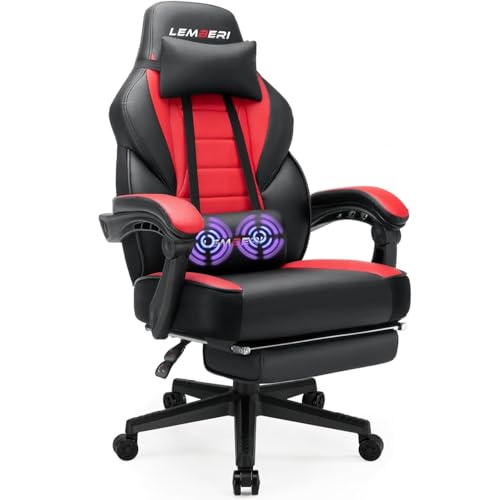
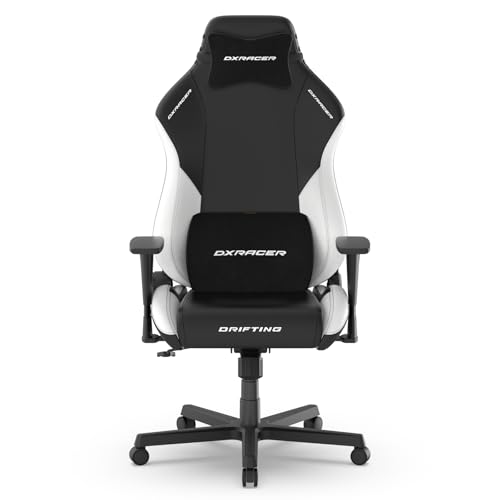
Shopping for the best chair for console gaming for the first time can feel confusing, because chairs look similar in photos but feel very different after an hour of play. The right chair supports your back, fits your body and your room, and lets you reach the controller without hunching toward the screen. The comparison table below gives a quick side by side view, and this guide explains each choice in plain language.
You do not need to learn every spec before buying. Start with size, seat comfort, and back support, then check armrests, recline, and build quality. A chair that fits well and stays comfortable during long sessions is worth more than a flashy design that leaves your shoulders sore.



Chairs 101: The Basics
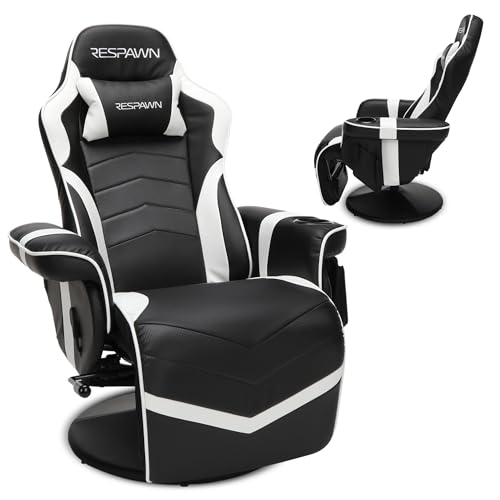
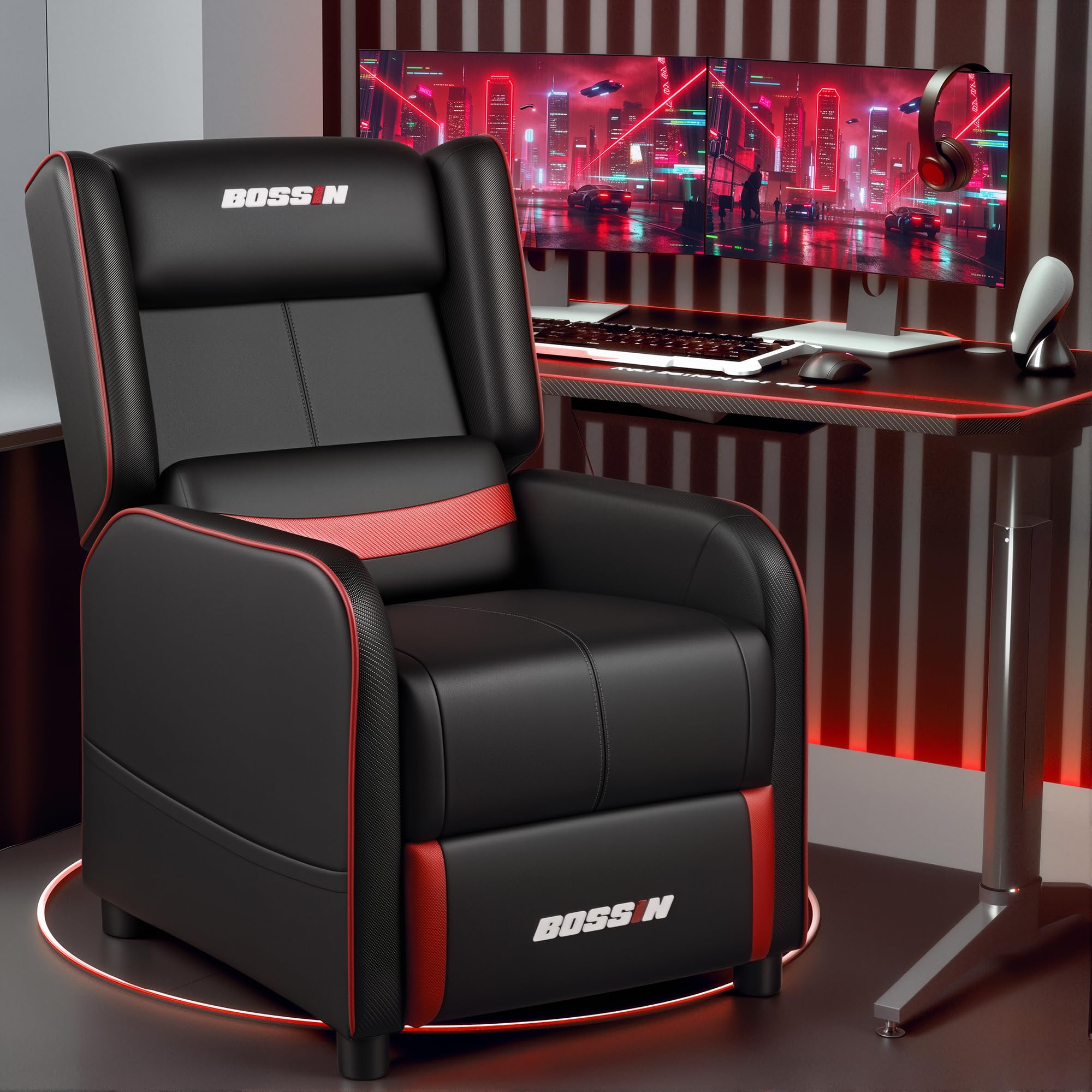
A console gaming chair is a seat built for relaxed play in front of a television, rather than upright work at a desk. Most designs offer a padded seat, a tall back, armrests, and some recline, so you can lean back during cut scenes and sit forward during fast play. The frame, foam, and cover decide how the chair feels over time, while wheels or a fixed base decide how it moves in your room. Before comparing models, measure your space, note how far you sit from the screen, and think about whether you play on carpet, hard floors, or a rug.
Console play also differs from desk play in posture. You often sit lower, lean back more, and hold a controller in your lap, so lumbar support and seat depth matter more than a tall desk chair back alone. A good chair keeps your feet flat, your lower back supported, and your arms relaxed, even when a session runs long. If a chair forces you to perch on the edge or slide forward, it is the wrong size, no matter how good it looks.
Key Specs Explained in Plain English
The specs below sound technical, but each one maps to a simple comfort question. Work through them in order, and you will avoid the most common first time buyer regrets.
Features That Matter for Console Gaming
Console gaming asks for relaxed recline, easy turning toward the screen, and support that stays comfortable when you lean back. Look for a recline range that suits your play style, a base that turns smoothly without tipping, and a seat that does not slope you forward. A headrest or neck pillow helps during long story sessions, while a rocking or tilt feature suits players who shift position often. Skip features you will not use, and put the budget toward fit and foam quality instead.
Ergonomics and Adjustability
Ergonomics means the chair adjusts to your body, not the other way around. Seat height should let your feet rest flat, lumbar support should fill the curve of your lower back, and armrests should sit at a height where your shoulders stay relaxed. Tilt lock holds a recline angle in place, which helps during long sessions, while adjustable armrests help shorter and taller players alike. If you cannot adjust seat height and back angle, even a soft chair can feel wrong after an hour.
Warranty and Return Policy
A warranty tells you what the maker will fix if a part fails, so read it before you buy. Frame and gas lift coverage matter most, because those parts carry your weight every day, while cover and foam coverage often differs. Check how long each part is covered, whether the maker ships replacement parts, and what counts as normal wear. A clear return policy matters too, since comfort is hard to judge from photos, and a short trial at home can prevent a costly mistake.
Style and Room Fit
Style covers color, shape, and how the chair looks beside your television setup. A bold racing style suits some rooms, while a plain fabric chair blends into a living room shared with family. Room fit is just as important, so measure doorways, floor space, and the distance to the screen before ordering. A chair that blocks a walkway or crowds a small room will annoy you daily, even if it feels great for the first week.
Size, Dimensions, and Weight Capacity
Size decides comfort more than any other single spec. Seat width should fit your hips with a little room to shift, seat depth should leave a small gap behind your knees, and back height should support your shoulders without pushing your head forward. Weight capacity is a safety and durability guide, so choose a chair rated comfortably above your weight, not exactly at it. Measure your height and weight first, then compare those numbers to the maker size chart, rather than guessing from photos.
| Chair Type | Best For | Strength | Trade Off |
|---|---|---|---|
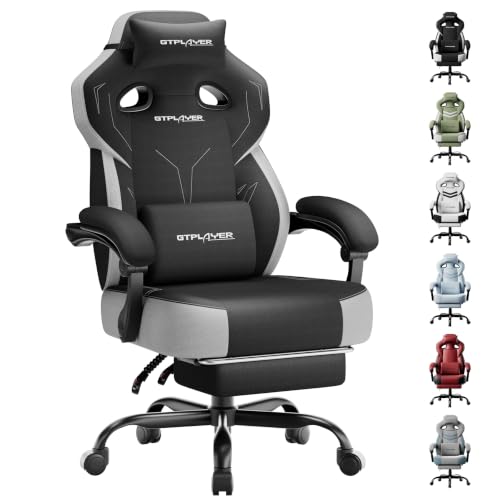
| Upright gaming chair | Competitive play | Firm support and easy movement | Less relaxed recline |
| Recliner style chair | Long story sessions | Deep recline and relaxed posture | Larger floor footprint |
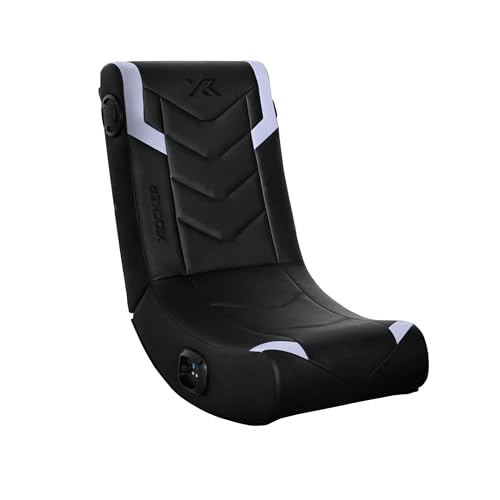
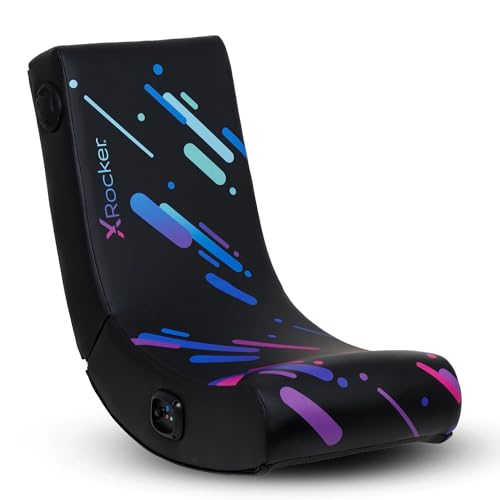
| Compact floor chair | Small rooms | Low profile and easy storage | Less back and arm support |
Rookie Mistakes to Avoid
- Buying by looks alone, which can hide a poor seat size or weak lumbar support.
- Ignoring weight capacity, which shortens chair life and can make the seat feel unstable.
- Skipping room measurements, so the chair blocks a walkway or sits too close to the screen.
- Choosing the softest foam, which may flatten quickly and leave your back unsupported.
- Forgetting to check recline and tilt lock, which matter most during long sessions.
Players who want a closer look at console focused designs can compare options in our guide to the best gaming chairs for console players, which covers the same comfort questions from a player first angle. Another useful comparison is our guide to the best gaming chairs for console gamers, which weighs recline and room fit in more detail. For build quality questions, see our guide to the best quality gaming chairs before you judge a chair by price alone.
Getting Started: Setup and First Use
Start by clearing floor space and laying out parts before assembly, so small bolts do not roll away. Follow the maker steps in order, tighten bolts firmly but without forcing them, and check that the base sits level before you sit down. Adjust seat height so your feet rest flat on the floor, set lumbar support against your lower back, and test recline and tilt lock slowly.
Tighten bolts every few months, wipe the cover with a damp cloth as the maker directs, and keep the chair out of direct sun to slow fading. If a part feels loose or a wheel sticks, stop and check the maker guidance before forcing it. A short test session in the first week also reveals small fit problems early, while returns and part swaps are still simple.
Before you settle on a design, check viewing distance as well as seat comfort. Sitting too close to a large television strains your eyes and neck, while sitting too far away makes small on screen text hard to read. Measure from your usual seat to the screen, compare that distance to the maker guidance for your television size, and place the chair where the whole screen fits in view without turning your head. Small shifts in chair position often fix neck strain faster than a new cushion, so test two or three spots before you decide the chair itself is at fault.
Frequently Asked Questions
What features matter most in chairs for console gaming?
Seat size, lumbar support, recline, and stable movement matter most in chairs for console gaming. A seat that fits your hips and leg length keeps you from sliding forward, while lumbar support fills the lower back curve during long sessions. Recline lets you relax between matches, and a stable base keeps the chair from tipping when you lean. Armrest height matters too, but it should support relaxed shoulders, not push them upward, so judge these four features before color or extra padding when you compare console gaming chairs.
What features matter most for long hours of console gaming?
For long hours, breathable cover material, firm but forgiving foam, and adjustable lumbar support matter most. Breathable fabric reduces heat buildup, while foam that holds shape prevents the seat from flattening by the second hour. Adjustable support lets you shift position without losing back contact, which helps during story heavy sessions. A headrest also helps, since it supports your neck when you lean back, and you should still take short breaks, stand, and stretch, and see a doctor if back pain persists or worsens.
How do I choose the right size chair for console gaming?
Measure your height, weight, hip width, and leg length, then compare those numbers to the maker size chart. Seat width should fit your hips with room to shift, seat depth should leave a small gap behind your knees, and seat height should let your feet rest flat. Back height should reach your shoulders without forcing your head forward. If you fall between sizes, choose the larger seat when you like to shift position, and the smaller one when you prefer a snug, upright feel.
Is an expensive console gaming chair worth it?
An expensive chair is worth it when the extra cost buys better foam, a stronger frame, and a longer warranty, not just a bolder design. Mid range chairs often cover size, support, and recline well, while budget chairs may cut foam density or base strength. Premium chairs can last longer under daily use, but only if the size fits you. Compare frame material, foam density, and warranty length side by side, and spend more only when those three points clearly improve.
How long should a good console gaming chair last?
A good chair should last about three to five years of regular play, with foam and cover wear appearing first. Daily use, body weight, and sun exposure all affect lifespan, so a chair in a sunny room may fade faster than one kept shaded. Tightening bolts, cleaning the cover as directed, and avoiding standing on the seat all extend its life. If the gas lift sinks, the frame creaks under normal weight, or lumbar support collapses, it is time to replace the chair rather than keep adjusting around the fault.
Final Thoughts
Fit comes first, support comes second, and style comes last. Measure your body and your room, compare seat size and lumbar support, and check warranty coverage before you fall for a design. Use the product table above to narrow the type that suits your space, then choose the chair that keeps you comfortable through a full session. The best chair for console gaming for you is the one that fits your body, suits your room, and still feels good at the end of a long night of play.